Latest Insights On

GenAI, Tech, and Digital Transformation 

Stay updated with expert insights, success stories, and real-world applications of cutting-edge technology.

AI Knowledge Base Development cost

Every organization depends on quick access to accurate business information, yet many still struggle with scattered documents and disconnected systems. Understanding the Enterprise AI knowledge base cost is becoming a priority as companies invest in AI solutions that improve knowledge access, increase productivity, and support better decision-making across every department.

Key Takeaways

  • 01
    Enterprise AI knowledge bases centralize business information, improving productivity and organization-wide decision-making.
  • 02
    Development costs depend on data quality, system integrations, security requirements, and AI capabilities.
  • 03
    Clean, well-structured data improves AI accuracy, response quality, and implementation success.
  • 04
    Starting with a focused, high-impact use case helps reduce implementation costs and project risks.
  • 05
    Continuous optimization, maintenance, and scalable AI architecture maximize long-term business value and ROI.

An enterprise AI knowledge base does much more than store documents. It uses artificial intelligence to understand user questions, retrieve relevant information from multiple sources, and deliver reliable answers within seconds. As businesses continue adopting AI, knowing the factors that influence development costs helps them plan the right investment and avoid unexpected expenses. In this blog, we’ll break down the key cost factors, typical pricing, and practical ways to build an enterprise AI knowledge base within your budget.

Looking to improve your enterprise AI knowledge base with a custom RAG solution? At Mindpath, we offer RAG Development Services to create AI systems that retrieve reliable information and generate accurate business insights.

What Is an Enterprise AI Knowledge Base and Why Do Businesses Need One?

An enterprise AI knowledge base is an intelligent platform that stores, organizes, and retrieves business information using artificial intelligence. Unlike traditional knowledge repositories, it understands natural language queries and provides relevant answers from trusted company data. Many organizations also use a RAG knowledge base to improve response accuracy with real-time business information.

As organizations create more documents, policies, customer records, and operational data, finding the right information becomes increasingly difficult. An enterprise AI knowledge base solves this challenge by making knowledge instantly accessible, reducing manual searches, and helping teams work more efficiently. It also creates a single source of truth that supports consistent decision-making across the business.

Businesses need an enterprise AI knowledge base because it helps them:

  • Reduce the time employees spend searching for information.
  • Improve productivity by providing instant access to business knowledge.
  • Deliver faster and more consistent responses to customer queries.
  • Centralize information from multiple systems into one trusted source.
  • Support informed decision-making with accurate and up-to-date knowledge.
  • Scale knowledge management without increasing manual effort.

Advantages of Enterprise AI Knowledge Base

As businesses continue building a knowledge base in artificial intelligence, they gain more than faster information access. An enterprise AI knowledge base improves operational efficiency, supports better decisions, and enables teams to work with accurate, up-to-date knowledge across the organization.

  • Faster Information Retrieval: Employees can find relevant answers in seconds instead of searching through multiple systems.
  • Higher Employee Productivity: Teams spend less time looking for information and more time completing valuable work.
  • Consistent Knowledge Access: Everyone receives the same accurate and up-to-date information from a centralized source.
  • Better Decision-Making: Quick access to reliable business knowledge helps leaders and employees make informed decisions.
  • Reduced Operational Costs: Automating knowledge retrieval lowers manual effort and reduces support and training costs.
  • Scalable Knowledge Management: The system grows with your business while managing increasing volumes of information efficiently.

Drawbacks at a Glance

  • High Initial Investment: Development, integration, and infrastructure can require a significant upfront budget before delivering long-term value.
  • Data Quality Challenges: AI can only provide accurate answers when the underlying business data is complete, organized, and regularly updated.
  • Complex Implementation: Integrating AI with existing business systems and workflows often requires specialized technical expertise.
  • Ongoing Maintenance Requirements: The knowledge base must be continuously updated, monitored, and optimized to keep responses accurate and relevant.
  • Security and Compliance Risks: Sensitive business information requires strong access controls, encryption, and governance to meet regulatory requirements.
  • User Adoption Takes Time: Employees may need training and change management before fully trusting and using the AI knowledge base in their daily work.

What Factors Affect the Enterprise AI Knowledge Base Cost?

The cost of an enterprise knowledge management system depends on multiple technical and business factors. Understanding these helps businesses estimate the right budget for AI knowledge base projects and plan their investment more effectively.

1. Business Requirements

The project scope directly impacts the overall cost. More use cases and advanced features require greater development effort.

2. Data Quality

AI needs clean, organized, and updated data to deliver accurate results. Preparing business data often adds to implementation costs.

3. Knowledge Base Size

Larger knowledge bases require more storage and processing resources. This increases infrastructure and maintenance expenses.

4. AI Model Selection

The choice of AI model affects both development and operating costs. Advanced models generally require a higher investment.

5. System Integrations

Connecting the knowledge base with CRM, ERP, or other business applications increases implementation complexity. More integrations usually mean higher costs.

6. Security and Compliance

Enterprises often need encryption, access controls, and regulatory compliance. These requirements add to the overall development cost.

7. Maintenance and Support

Regular updates, monitoring, and performance improvements are essential after deployment. Ongoing maintenance should always be included in the project budget.

Enterprise AI Knowledge Base Cost Breakdown

The cost of an enterprise AI knowledge base depends on factors such as project complexity, data volume, integrations, and security requirements. Whether you’re building a traditional AI solution or an LLM knowledge base, understanding these cost components helps businesses estimate the required investment and plan their implementation more effectively.

Component Description Estimated Cost
Basic AI Knowledge Base 10–50 documents, managed cloud setup $8,000 – $18,000
Mid-Market Solution Multi-source data with custom interface $25,000 – $80,000
Enterprise AI Knowledge Base 10,000+ documents, deep integrations, compliance $100,000 – $300,000+
Offshore Development Custom enterprise implementation $30,000 – $80,000
SaaS Subscription Pre-built AI knowledge platform ~$30/user/month
Cloud Infrastructure Hosting, storage, vector database $50 – $300+/month
LLM API Usage AI model token consumption Usage-based
Annual Maintenance Updates, monitoring, optimization 15%–30% of build cost/year
Security & Compliance Encryption, audit logs, regulatory compliance Up to 7% extra budget

How to Reduce the Cost of Building an AI Knowledge Base Without Compromising Quality?

Reducing Enterprise AI knowledge base cost does not mean sacrificing performance or scalability. The right strategy and technology choices can help businesses maximize value while keeping development and operational expenses under control.

1. Start with a High-Impact Use Case

Begin with one department or business process instead of building an enterprise-wide solution. This reduces upfront costs and allows you to scale based on proven results.

2. Improve Data Before Implementation

Remove duplicate, outdated, and irrelevant content before training the system. Clean data improves AI accuracy and reduces implementation effort.

3. Use Existing Cloud AI Services

Leverage managed AI platforms instead of building infrastructure from scratch. This lowers deployment time and reduces infrastructure costs.

4. Choose the Right Knowledge System Building Tools in AI

Select tools that support integrations, scalability, and automation out of the box. The right knowledge system building tools in AI minimize custom development and long-term maintenance costs.

5. Integrate with Existing Business Systems

Connect the AI knowledge base with current CRM, ERP, and document management platforms. Reusing existing systems avoids unnecessary redevelopment expenses.

6. Monitor and Optimize Continuously

Track AI performance, user feedback, and operational costs after deployment. Regular optimization improves accuracy while preventing unnecessary spending over time.

Is an Enterprise AI Knowledge Base Worth the Investment?

Businesses looking at how to build an AI knowledge base should evaluate both the upfront investment and the long-term value it delivers. When implemented correctly, it becomes a strategic asset that improves efficiency, knowledge sharing, and decision-making.

  • Reduces the time employees spend searching for information, leading to higher productivity.
  • Delivers faster and more accurate responses by providing access to trusted business knowledge.
  • Improves collaboration by creating a single source of truth across teams and departments.
  • Scales easily as business data, users, and operational requirements continue to grow.
  • The implementation cost of AI knowledge base is often offset over time through lower operational costs, improved efficiency, and better customer experiences.
  • Provides long-term business value by supporting informed decisions and enabling AI-driven workflows across the organization.

Ready to Optimize Your Enterprise AI Knowledge Base Cost?

Building an enterprise AI knowledge base is a strategic investment that improves knowledge accessibility, operational efficiency, and business decision-making. The final cost depends on your data, integrations, security requirements, and AI capabilities, making careful planning essential for maximizing long-term value and return on investment.

At Mindpath, we design secure, scalable, and customized AI knowledge base solutions tailored to your business goals. From AI strategy and RAG implementation to enterprise integrations and ongoing optimization, our experts help you build reliable solutions that deliver measurable business outcomes while optimizing your investment.

Frequently Asked Questions

AI Agent for CRM & ERP

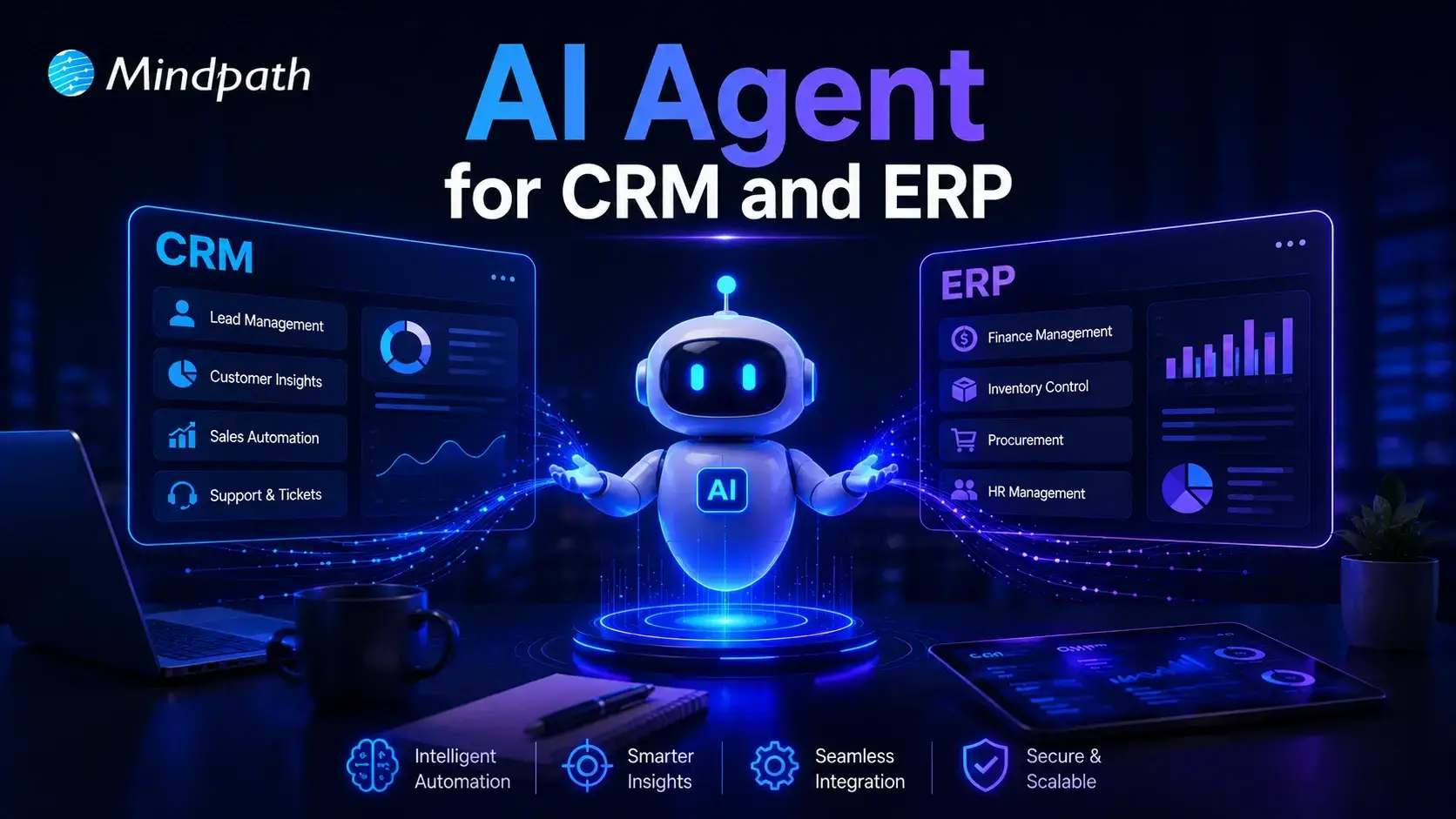
Artificial intelligence is changing how organizations manage everyday operations. AI agents for CRM and ERP help businesses connect systems, automate workflows, and reduce manual effort. They improve data accuracy, support faster decisions, and keep teams working with consistent information across departments.

Key Takeaways

  • 01
    AI agents connect CRM, ERP, and enterprise systems to create a unified business ecosystem.
  • 02
    They automate repetitive workflows while improving speed, efficiency, and accuracy.
  • 03
    Real-time synchronization enables faster business decisions and better collaboration.
  • 04
    Businesses can automate sales, inventory, invoicing, forecasting, and customer service.
  • 05
    A phased implementation ensures secure integration, scalability, and long-term value.

Yet many organizations still struggle with disconnected software, scattered data, and inefficient processes. What makes AI agents different from traditional automation, and why are enterprises adopting them rapidly? In this blog, we’ll explore how AI agents connect CRM, ERP, and business systems to improve efficiency and drive smarter operations.

Ready to build AI agents that seamlessly connect your CRM, ERP, and business systems? At Mindpath, we offer AI Agent Development Services to create intelligent, scalable AI agents tailored to your business needs.

Why Do Businesses Need AI Agents Across CRM, ERP, and Enterprise Systems?

In today’s enterprises, connected systems are essential for efficient operations. AI agents eliminate disconnected workflows, automate routine tasks, and enable intelligent decision-making across departments.

1. Eliminating Data Silos

AI agents connect CRM, ERP, and other enterprise applications into a single source of truth. This removes duplicate records and ensures every department works with accurate, real-time information.

2. Synchronizing Cross-System Data

Customer records, inventory updates, purchase orders, and financial transactions remain synchronized across multiple platforms. Employees no longer need to manually transfer information, reducing delays and human errors.

3. Automating End-to-End Workflows

AI agents execute complete business processes automatically from processing customer requests to validating invoices and updating ERP records—reducing repetitive work and accelerating operations.

4. Managing Exceptions Proactively

Instead of waiting for employees to identify issues, AI agents monitor workflows continuously. They detect shipment delays, invoice mismatches, approval bottlenecks, and vendor issues before they impact operations.

5. Improving Predictive Decision-Making

By analyzing historical and real-time business data, AI agents forecast customer demand, optimize inventory, improve cash flow planning, and reduce operational risks.

6. Supporting Faster Business Decisions

Business leaders receive real-time insights gathered from multiple enterprise systems in one place, enabling quicker responses to customer needs, financial performance, and supply chain changes.

How Do AI Agents Connect CRM, ERP, and Other Business Applications?

Modern organizations rely on enterprise software integration to keep information flowing seamlessly. AI agents act as intelligent connectors that automate data exchange and coordinate workflows.

1. Connecting Through APIs

AI agents securely exchange data between CRM, ERP, and other business applications using APIs, eliminating manual transfers.

2. Synchronizing Business Data

Customer information, inventory records, financial data, and sales information stay consistent across all connected systems.

3. Automating Cross-System Workflows

AI agents coordinate tasks involving multiple business applications from start to finish, reducing manual work and improving operational speed.

4. Triggering Intelligent Actions

When predefined business events occur, AI agents automatically create tasks, update records, notify teams, or initiate the next workflow.

5. Providing Real-Time Insights

AI agents collect data from different platforms and present a unified business view, helping decision-makers access actionable insights quickly.

6. Maintaining Secure Data Exchange

AI agents follow enterprise security policies and access controls while transferring business information, ensuring secure and reliable integration.

Real Business Use Cases of AI Agents for CRM and ERP Integration

Understanding how AI agents connect CRM and ERP becomes easier by looking at real-world business applications. These intelligent agents streamline operations, improve data accuracy, and automate workflows across multiple departments with minimal human intervention.

1. Sales Order Processing

AI agents capture customer orders directly from the CRM and instantly update the ERP system. This reduces manual data entry, speeds up order fulfillment, and minimizes processing errors.

2. Inventory Management

By combining real-time ERP inventory data with CRM sales information, AI agents monitor stock levels, predict demand, and help businesses avoid stock shortages or overstocking.

3. Customer Service Automation

Support teams gain instant access to complete customer histories by combining CRM and ERP data. This enables faster issue resolution and delivers a more personalized customer experience.

4. Invoice and Payment Management

AI agents automatically generate invoices after verifying completed orders and delivery status. They also synchronize payment updates with financial records to improve accounting accuracy.

5. Sales Forecasting and Planning

AI agents analyze CRM sales pipelines together with ERP financial and operational data to generate more accurate forecasts for budgeting, resource planning, and business growth.

6. Procurement and Vendor Coordination

AI agents monitor inventory thresholds and automatically initiate procurement workflows. They update vendor records, track purchase orders, and ensure timely replenishment of inventory.

Key Benefits of AI Agents for Enterprise Workflow Automation

AI agents help organizations automate complex business processes while improving operational efficiency, reducing manual work, and enabling intelligent decision-making.

1. Autonomous Task Execution

AI agents execute multi-step workflows without continuous human intervention. From order processing to invoice approvals, they complete tasks consistently and accurately.

2. Seamless Cross-System Integration

AI agents connect CRM, ERP, finance, HR, and other enterprise applications, eliminating information silos and enabling smooth data flow across departments.

3. Greater Accuracy and Fewer Errors

Before updating enterprise systems, AI agents validate information automatically, reducing manual errors and ensuring high-quality business data.

4. Improved Scalability

As business operations grow, AI agents handle increasing workloads without requiring additional employees, allowing organizations to scale efficiently.

5. Faster Business Operations

By automating repetitive administrative work, AI agents reduce processing times from hours to minutes, helping businesses respond faster to customer and market demands.

6. Intelligent Decision Support

AI agents analyze enterprise data from multiple systems and generate real-time insights, enabling business leaders to make informed strategic decisions.

7. Adaptive Problem Resolution

When workflow exceptions occur, AI agents identify issues automatically, recommend corrective actions, and keep business operations running with minimal disruption.

8. Higher Workforce Productivity

By taking over repetitive operational tasks, AI agents allow employees to focus on innovation, strategic planning, customer relationships, and higher-value business activities.

How to Successfully Implement AI Agents Across Your Business Systems

A structured implementation strategy helps businesses maximize the value of AI agents while minimizing deployment risks. By focusing on the right processes, systems, and governance, organizations can achieve long-term success.

1. Identify High-Impact Workflows

Start by identifying repetitive, time-consuming business processes that provide the greatest opportunity for automation. Prioritize workflows that deliver measurable business value.

2. Connect Enterprise Systems

Integrate AI agents with CRM, ERP, HR, finance, and other core business applications using secure APIs. Seamless connectivity ensures consistent data across every system.

3. Establish Data Governance

Ensure high-quality data, strong security policies, role-based access controls, and compliance standards before deploying AI agents across enterprise systems.

4. Monitor and Optimize Performance

Continuously track workflow accuracy, automation efficiency, business KPIs, and user adoption. Regular optimization helps AI agents deliver greater long-term value.

5. Scale Gradually

Begin with a pilot project, validate business results, and expand AI agents to additional departments and workflows as confidence grows.

Ready to Implement AI Agents for CRM and ERP?

AI agents are transforming enterprise operations by connecting systems, automating workflows, and enabling smarter business decisions. Organizations that embrace AI-powered automation can eliminate manual processes, improve operational efficiency, and create a connected digital ecosystem that supports sustainable growth.

If you’re looking for reliable AI agents for business automation, Mindpath delivers customized AI agent development and enterprise integration solutions. Our experts design, develop, and optimize AI agents that seamlessly connect CRM, ERP, and enterprise applications to accelerate digital transformation and drive measurable business outcomes.

Frequently Asked Questions

multiagent ai systems

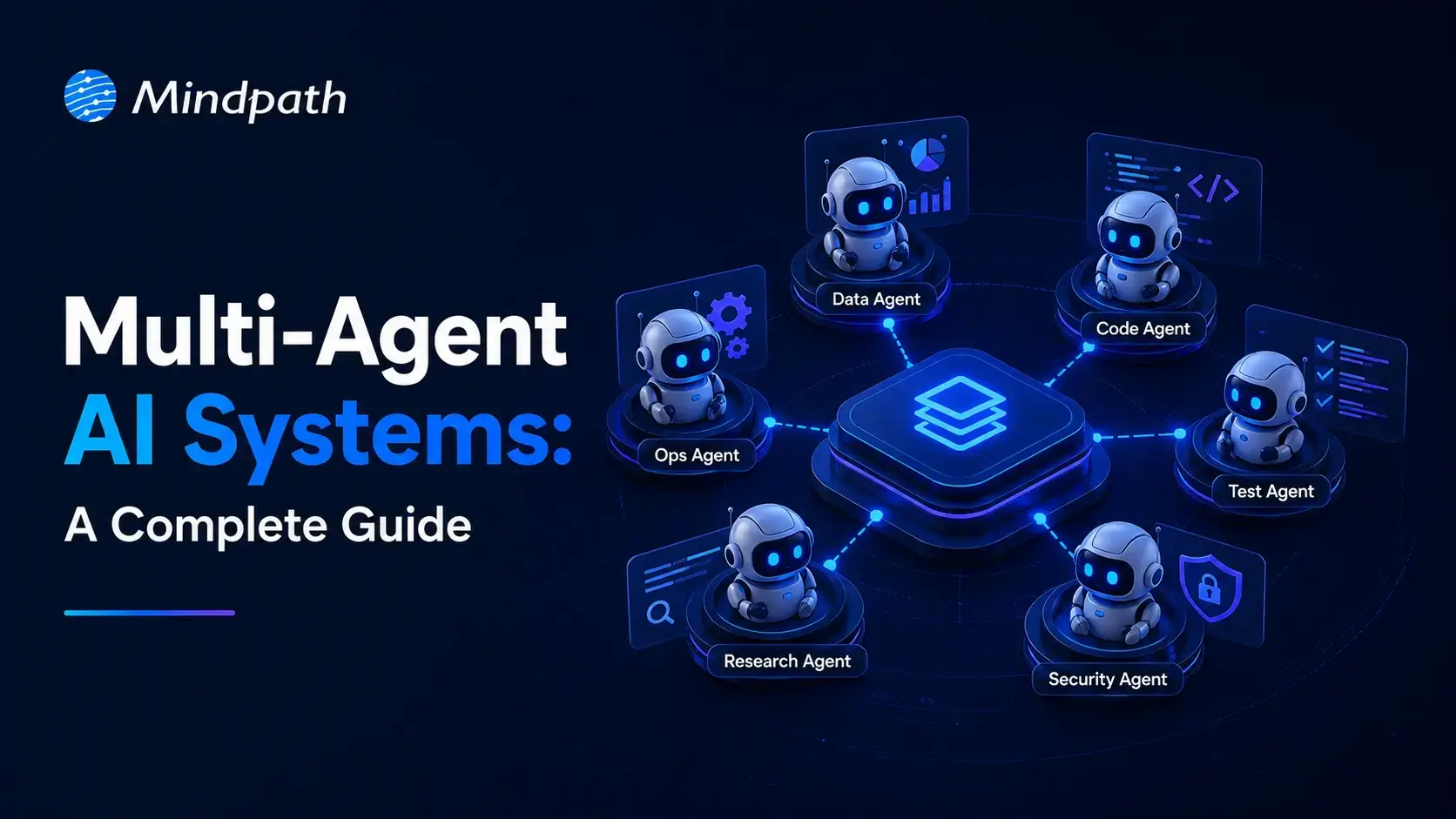
Businesses are entering a new phase where intelligent software handles complex decisions instead of completing isolated tasks. Multi-Agent AI Systems are leading this transformation by allowing multiple AI agents to collaborate, communicate, and solve business challenges with greater speed and accuracy. This shift is helping organizations automate entire workflows while improving operational efficiency across different departments.

Key Takeaways

  • 01
    Multi-agent AI systems simplify complex business workflows through intelligent collaboration.
  • 02
    Specialized AI agents improve speed, accuracy, and operational efficiency.
  • 03
    Businesses gain scalable automation with coordinated AI decision making.
  • 04
    Strong architecture ensures reliable communication between multiple AI agents.
  • 05
    Careful implementation maximizes long-term business value and performance.

As organizations expand their AI capabilities, they require solutions that can coordinate multiple tasks without constant human intervention. That is where intelligent collaboration between AI agents becomes valuable for modern enterprises. In this blog, we are going to explore what multi-agent AI systems are, their benefits, architecture, working process, use cases, implementation approach, and why businesses are adopting them in 2026.

Looking to deploy intelligent AI agents that collaborate seamlessly across your business? Explore our multi-agent AI system development services to build scalable, secure, and high-performing AI solutions tailored to your needs.

What are Multi-Agent AI Systems?

A multi-agent AI system is an artificial intelligence environment where several independent AI agents work together toward shared or individual objectives. Each agent performs specialized responsibilities while exchanging information and coordinating decisions to achieve efficient business outcomes.

Instead of relying on one intelligent model for every responsibility, these systems distribute tasks across multiple specialized agents. This collaborative approach improves decision quality, reduces processing delays, and enables businesses to automate increasingly complex operational processes.

How Do Multi-Agent AI Systems Work?

Multi-agent AI systems follow a structured workflow where specialized agents collaborate to complete complex business tasks efficiently.

1. Task Distribution: The system divides a business request into smaller tasks and assigns them to specialized AI agents.

2. Independent Processing: Each agent performs its assigned task using its own knowledge, tools, and reasoning capabilities.

3. Agent Communication: Agents exchange updates through AI agent orchestration to stay aligned throughout the workflow.

4. Decision Coordination: The system combines outputs from multiple agents to generate a unified and accurate response.

5. Continuous Learning: Feedback and performance data help agents improve accuracy and efficiency over time.

Benefits of Multi-Agent AI Systems

Organizations are increasingly investing in this approach because it delivers measurable improvements across business operations.

1. Improved Task Specialization

Each AI agent focuses on a specific responsibility instead of managing every business function simultaneously. This specialization improves response quality while reducing errors during complex business processes.

2. Better Scalability

Additional agents can be introduced whenever business requirements continue expanding across departments or operational functions. Organizations can therefore increase automation without rebuilding existing AI infrastructure.

3. Faster Decision Making

Multiple agents process different tasks simultaneously while continuously sharing relevant information with one another. Parallel execution significantly reduces delays across time-sensitive business workflows.

4. Greater Operational Reliability

If one agent experiences temporary issues, other agents continue performing their assigned responsibilities without interruption. This distributed structure minimizes operational downtime while improving business continuity.

5. Flexible Business Automation

Organizations can customize different agents for finance, customer service, logistics, sales, or internal operations independently. This flexibility allows businesses to automate diverse workflows using the same intelligent ecosystem.

Multi-Agent AI System Architecture

A well-designed architecture enables multiple AI agents to communicate, collaborate, and complete business objectives efficiently.

1. User Interface

The user interface acts as the entry point where users submit requests or business queries. It collects inputs and forwards them to the system for further processing.

2. Orchestrator

The orchestrator manages task allocation and coordinates communication between different AI agents throughout the workflow. It ensures every agent receives appropriate responsibilities and works toward the desired outcome.

3. Specialized AI Agents

Each agent is designed for a specific responsibility, such as research, planning, data analysis, customer support, or content generation. This specialization improves both efficiency and response quality across business operations.

4. Shared Knowledge Base

A centralized knowledge base stores documents, business rules, databases, and historical information for all agents. Access to shared information helps maintain consistency and supports better decision-making.

5. Communication Layer

The communication layer enables agents to exchange updates, share results, and coordinate their activities efficiently. This multi-agent AI framework ensures smooth collaboration without creating duplicated efforts.

6. Monitoring and Feedback System

The monitoring layer tracks agent performance, workflow progress, and system health in real time. Business feedback is also collected to improve future accuracy and overall system performance.

Real-World Use Cases of Multi-Agent AI Systems

Businesses across industries are adopting intelligent agent collaboration to automate complex workflows and improve operational efficiency.

1. Customer Support Automation

Different agents handle customer identification, issue analysis, response generation, and ticket resolution simultaneously. This approach delivers faster responses while improving customer satisfaction across multiple communication channels.

2. Supply Chain Management

Multiple agents monitor inventory levels, forecast demand, optimize transportation, and identify potential supply disruptions. Businesses gain better visibility while reducing operational delays and unnecessary costs.

3. Healthcare Operations

AI agents coordinate appointment scheduling, patient record management, clinical documentation, and insurance verification together. Medical professionals spend less time on administrative work and more time providing patient care.

4. Financial Services

Agents analyze transactions, detect fraudulent activities, generate compliance reports, and assess financial risks continuously. Financial institutions improve security while making faster and more informed business decisions.

5. Software Development

Different agents assist with requirement analysis, coding, testing, documentation, and deployment activities during software development. These collaborative AI agents accelerate development cycles while improving software quality.

6. Business Intelligence

AI agents collect information from different business systems before generating dashboards and strategic insights. Decision makers receive accurate recommendations without manually combining information from multiple sources.

How to Build a Multi-Agent AI System?

Organizations should follow a structured approach when planning how to build a multi agent AI system for business automation.

1. Identify Business Objectives

Begin by defining the workflows that require automation and measurable business improvements. Clear objectives help determine the required agent capabilities.

2. Design Agent Responsibilities

Assign specific responsibilities to every agent instead of expecting one model to perform every task. Specialized roles improve efficiency and simplify future maintenance.

3. Select the Right Technology Stack

Choose appropriate AI models, databases, APIs, cloud infrastructure, and development frameworks before implementation begins. Technology decisions directly influence scalability and long-term performance.

4. Develop Communication Workflows

Create standardized communication methods that allow agents to exchange information accurately and efficiently. Well-defined workflows improve collaboration across the complete system.

5. Test and Optimize

Validate system performance using real business scenarios before deploying it into production environments. Continuous testing improves reliability and supports successful multi-agent AI implementation.

Challenges of Multi-Agent AI Systems

Businesses should understand these common challenges before implementing multi-agent AI systems across critical operations.

1. Communication Complexity: Poor coordination between agents can reduce efficiency and create inconsistent outcomes.

2. Data Security: Protecting sensitive business data remains essential when multiple agents access shared information.

3. Integration Challenges: Connecting AI agents with existing legacy systems may require careful planning and development.

4. Performance Monitoring: Continuous monitoring helps maintain accuracy, reliability, and overall system performance.

5. Higher Implementation Costs: Initial development and deployment can require significant investment in technology and expertise.

6. Scalability Management: Managing a growing network of AI agents becomes more complex as business operations expand.

Ready to Build Smarter AI Systems for Your Business?

Businesses are rapidly moving toward intelligent automation that manages complete workflows instead of isolated tasks. Multi-Agent AI Systems provide the flexibility, scalability, and intelligence needed to improve operational efficiency, accelerate decision making, and support long-term digital transformation across industries.

At Mindpath, we help organizations design, develop, and deploy custom AI Development Services that solve real business challenges and support long-term growth. Our team builds secure, scalable, and future-ready AI agent solutions that integrate seamlessly with your existing systems while delivering measurable business value.

Frequently Asked Questions

affordable ai solutions

Artificial intelligence is no longer reserved for large enterprises with massive technology budgets. Today, affordable AI solutions help small businesses automate routine work, improve customer experiences, and make smarter decisions without significant upfront investment. As AI becomes more accessible, business owners are discovering practical ways to compete more effectively while keeping operational costs under control.

Key Takeaways

  • 01
    Affordable AI solutions help businesses automate operations without increasing overall costs.
  • 02
    Choosing AI software depends on business goals, workflows, and future scalability needs.
  • 03
    Starting with one high-impact AI use case reduces implementation risks significantly.
  • 04
    Integration, security, and usability are essential when selecting AI business software.
  • 05
    Custom AI solutions deliver greater value as business operations become more complex.

Choosing the right AI solution can feel challenging because countless tools promise faster growth and better efficiency. The real value comes from selecting technologies that solve genuine business problems and support long-term success. In this blog, explore 10 affordable AI solutions for small businesses. So, let’s keep reading further!

Looking to automate complex business processes with AI? At Mindpath, Mindpath offers Agentic AI Development Services to create custom AI agents that boost efficiency.

Why Small Businesses are Investing in Affordable AI Solutions?

Small businesses are embracing AI because it delivers practical results without requiring large investments or complex technology teams. From improving productivity to enhancing customer experiences, modern AI tools help businesses operate more efficiently and grow with confidence. These benefits also make AI solutions for startups an attractive choice for building a strong competitive advantage.

1. Automating Repetitive Tasks

AI handles repetitive work that consumes valuable business hours. Teams can focus on strategic activities instead of routine administration. Productivity improves without increasing operational costs.

2. Delivering Better Customer Service

Customers expect quick responses throughout the day. AI-powered support helps businesses answer common questions anytime. This creates faster service and better customer satisfaction.

3. Improving Marketing Efficiency

Creating quality marketing content requires significant time and effort. AI simplifies content creation and campaign planning. Small businesses can maintain consistent marketing with fewer resources.

4. Making Smarter Business Decisions

Business data becomes more valuable when it is easy to understand. AI analyzes trends and highlights meaningful insights. Better decisions become faster and more confident.

5. Strengthening Business Security

Cyber threats continue to affect businesses of every size. AI identifies unusual activities before they become serious problems. This improves security without expensive infrastructure.

How to Choose the Right AI Software for Your Small Business?

Selecting the right AI software for small businesses depends on your goals, budget, and daily operations. A solution that aligns with your workflows delivers greater efficiency, faster adoption, and long-term business value.

1. Identify Your Biggest Challenge

Start by identifying the tasks that consume the most time and reduce productivity. Choosing low-cost AI solutions for specific challenges delivers faster results and better value.

2. Check Software Integration

Select AI software that integrates seamlessly with your existing business applications. Smooth integration reduces manual work and improves overall operational efficiency.

3. Evaluate Ease of Use

Choose software with a simple interface that your team can learn quickly. Easy-to-use tools encourage faster adoption and improve daily productivity.

4. Assess Overall Costs

Compare subscription fees, implementation expenses, and future scaling costs before making a decision. Free trials can help you evaluate value before investing.

5. Prioritize Security and Compliance

Ensure the AI platform follows strong security standards and protects sensitive business data. A secure solution helps maintain customer trust and regulatory compliance.

10 Affordable AI Solutions for Small Businesses

The right AI solution can help small businesses improve productivity, reduce costs, and deliver better customer experiences. Many of the best AI tools for startups are now affordable, making AI adoption easier than ever.

1. ChatGPT

ChatGPT is a conversational AI assistant that helps businesses create content, analyze information, automate workflows, and improve productivity. It supports everyday business tasks with natural language interactions, making AI accessible for teams of any size.

ChatGPT

Best for: Content creation, research, customer support, and everyday business productivity.

Key Features:

  • Generates blogs, emails, and marketing copy
  • Summarizes documents and meeting notes
  • Assists with customer support responses
  • Analyzes data and extracts insights
  • Supports custom GPTs for business workflows

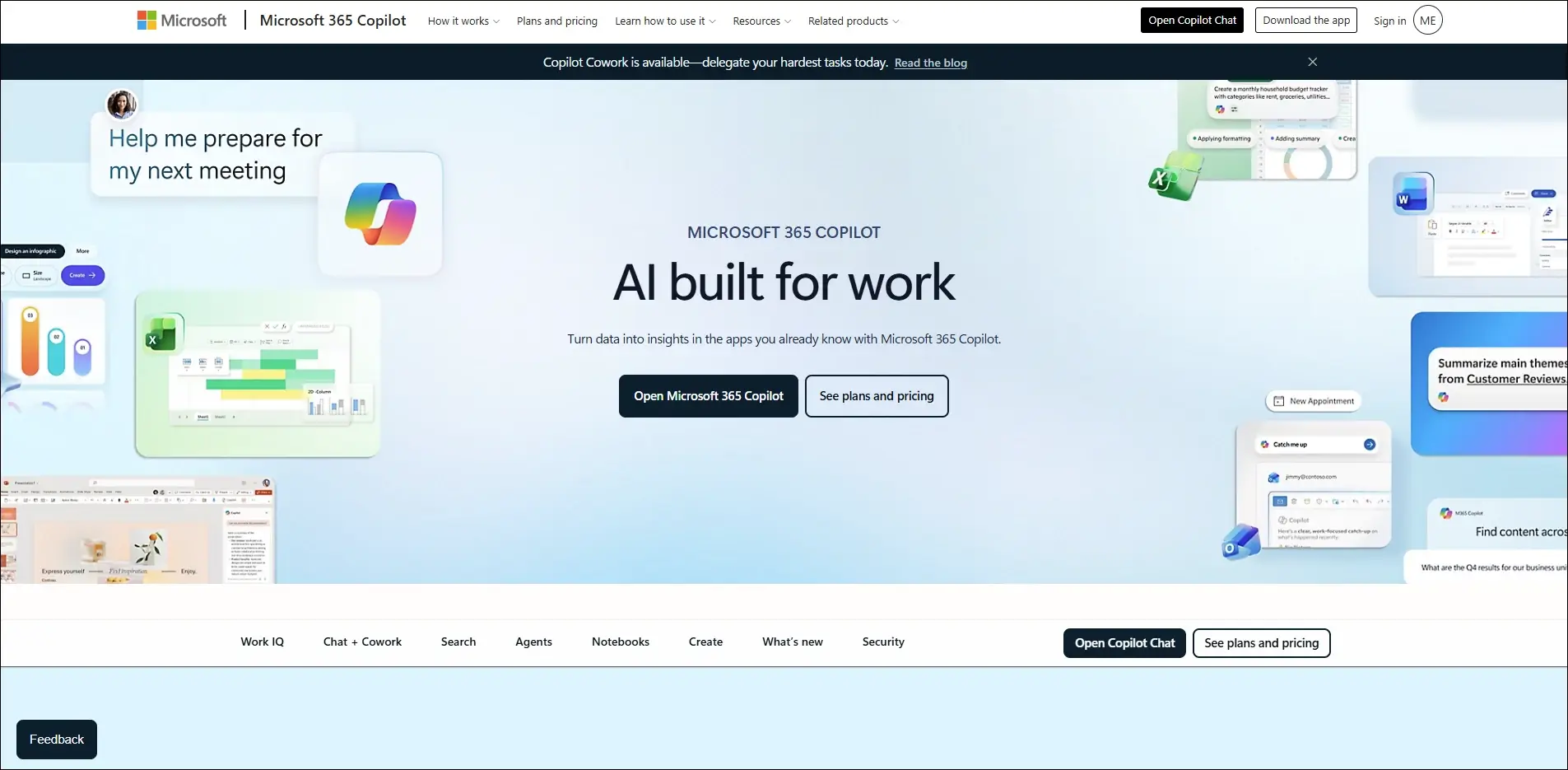
2. Microsoft 365 Copilot

Microsoft 365 Copilot brings AI directly into Word, Excel, Outlook, Teams, and PowerPoint. It helps businesses complete daily work faster while improving collaboration and decision-making.
Microsoft 365 Copilot

Best for: Automating daily office tasks across Microsoft 365 applications.

Key Features:

  • Draft documents and emails
  • Creates PowerPoint presentations
  • Analyzes Excel data
  • Summarizes Teams meetings
  • Automates repetitive office tasks

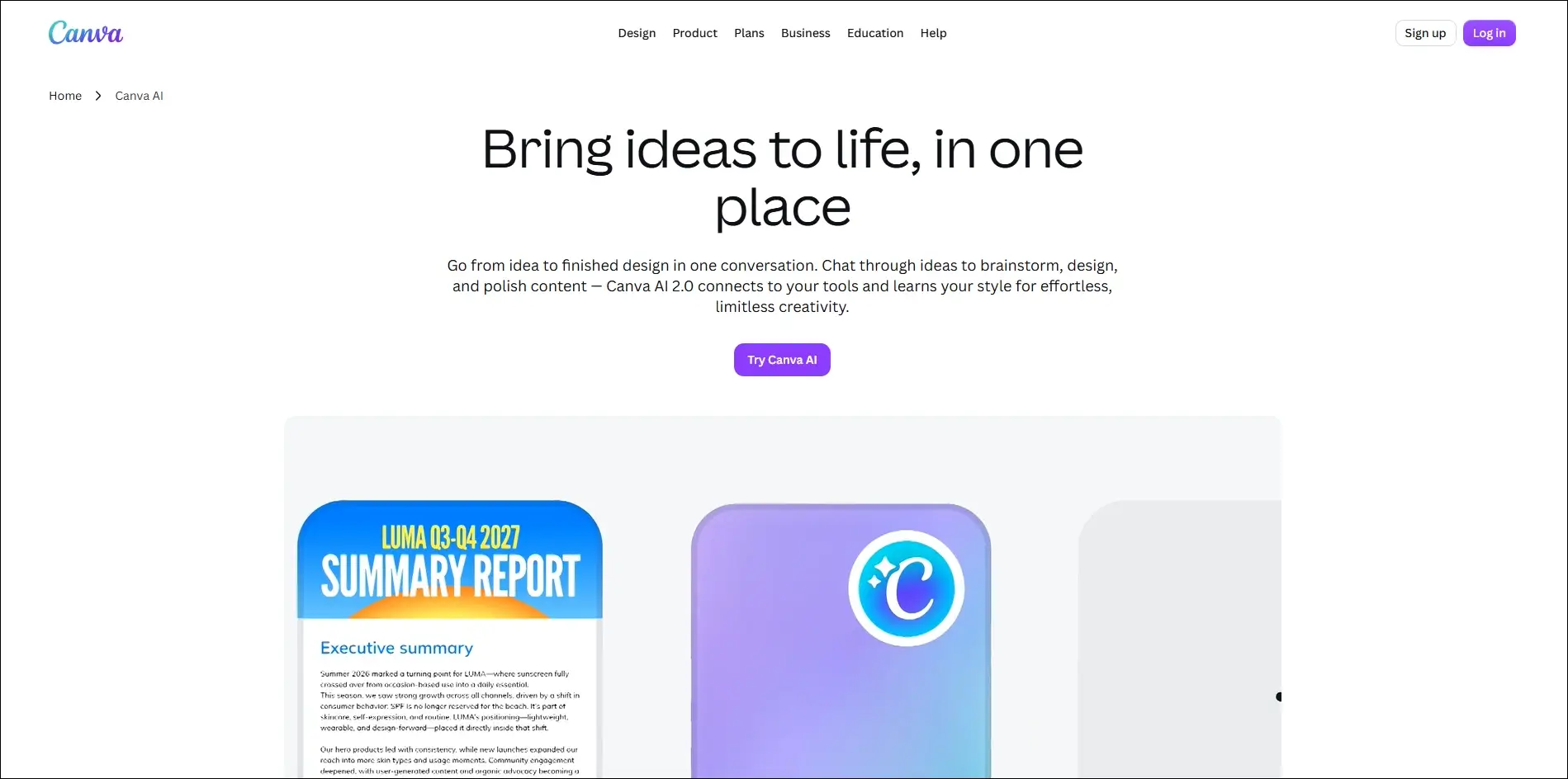
3. Canva AI

Canva AI simplifies graphic design by generating professional visuals, presentations, and marketing assets within minutes. It enables small businesses to produce high-quality creative content without advanced design skills.
Canva AI

Best for: Creating professional marketing designs, presentations, and social media graphics.

Key Features:

  • AI image generation
  • Magic Design templates
  • Background removal
  • AI-powered presentation creation
  • One-click content resizing

4. GitHub Copilot

GitHub Copilot is an AI coding assistant that helps developers write, complete, and optimize code faster. It improves software development productivity while reducing repetitive programming tasks.
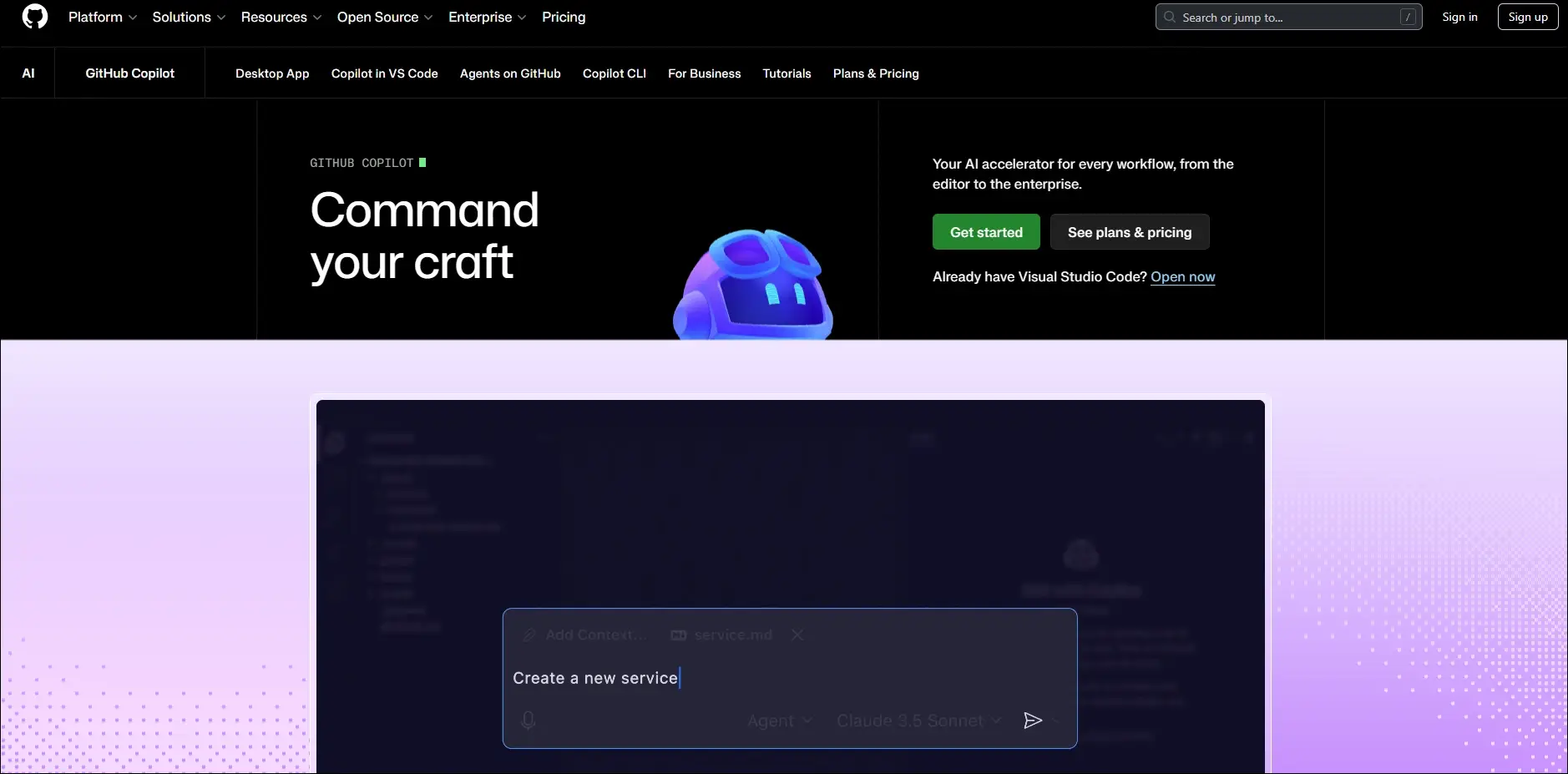
GitHub Copilot

Best for: Accelerating software development with AI-powered coding assistance.

Key Features:

  • Real-time code suggestions
  • Generates complete functions
  • Explains complex code
  • Supports multiple programming languages
  • Integrates with popular IDEs

5. HubSpot AI

HubSpot AI helps businesses automate marketing, sales, and customer relationship management from a single platform. It improves customer engagement while reducing manual work.
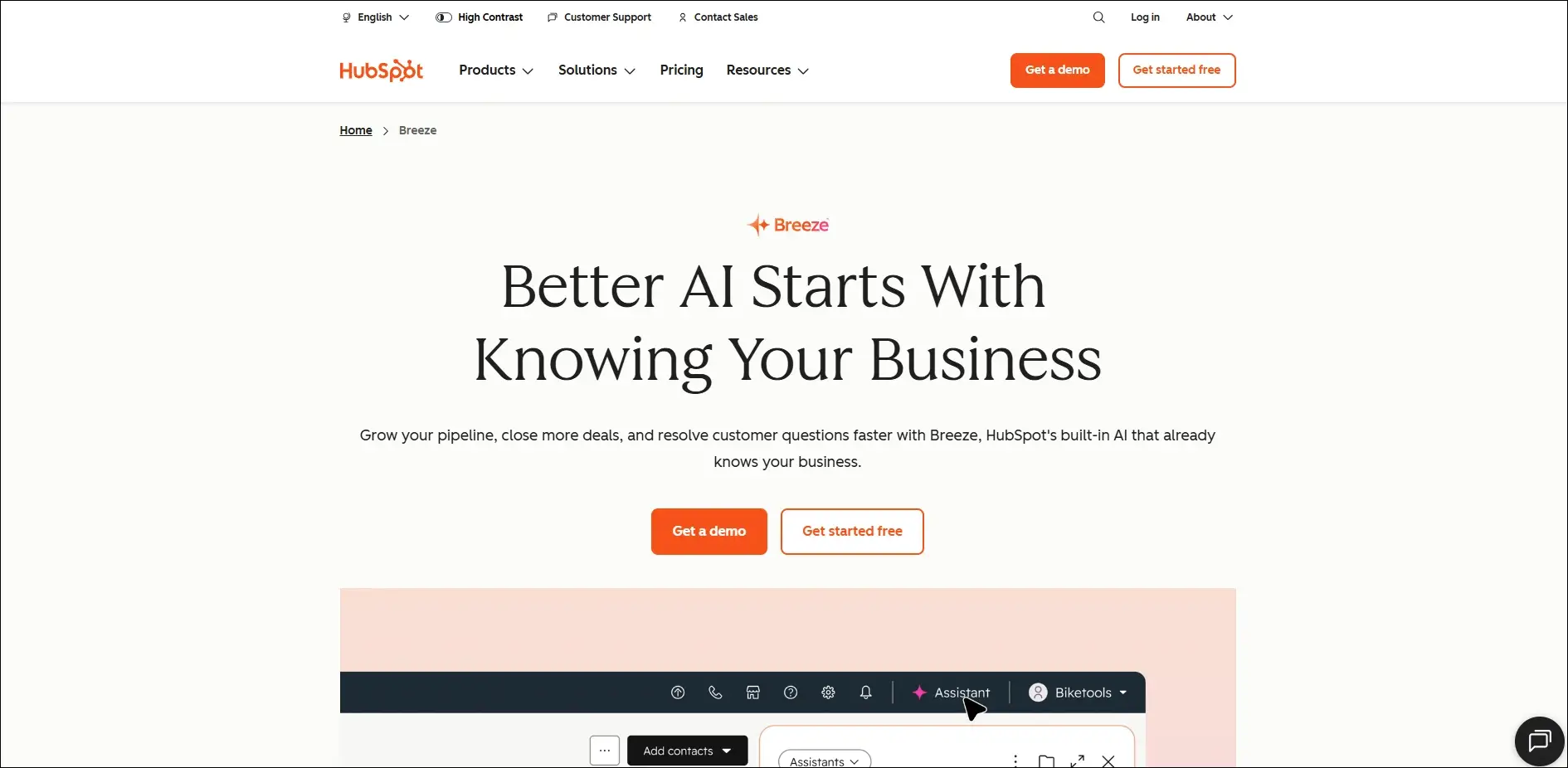
Hubspot AI

Best for: Managing sales, marketing, and customer relationships with AI automation.

Key Features:

  • AI email generation
  • Lead scoring
  • Marketing content creation
  • CRM automation
  • Sales forecasting

6. Zapier AI

Zapier AI connects different business applications and automates repetitive workflows without requiring coding skills. It helps businesses save time by eliminating manual processes.
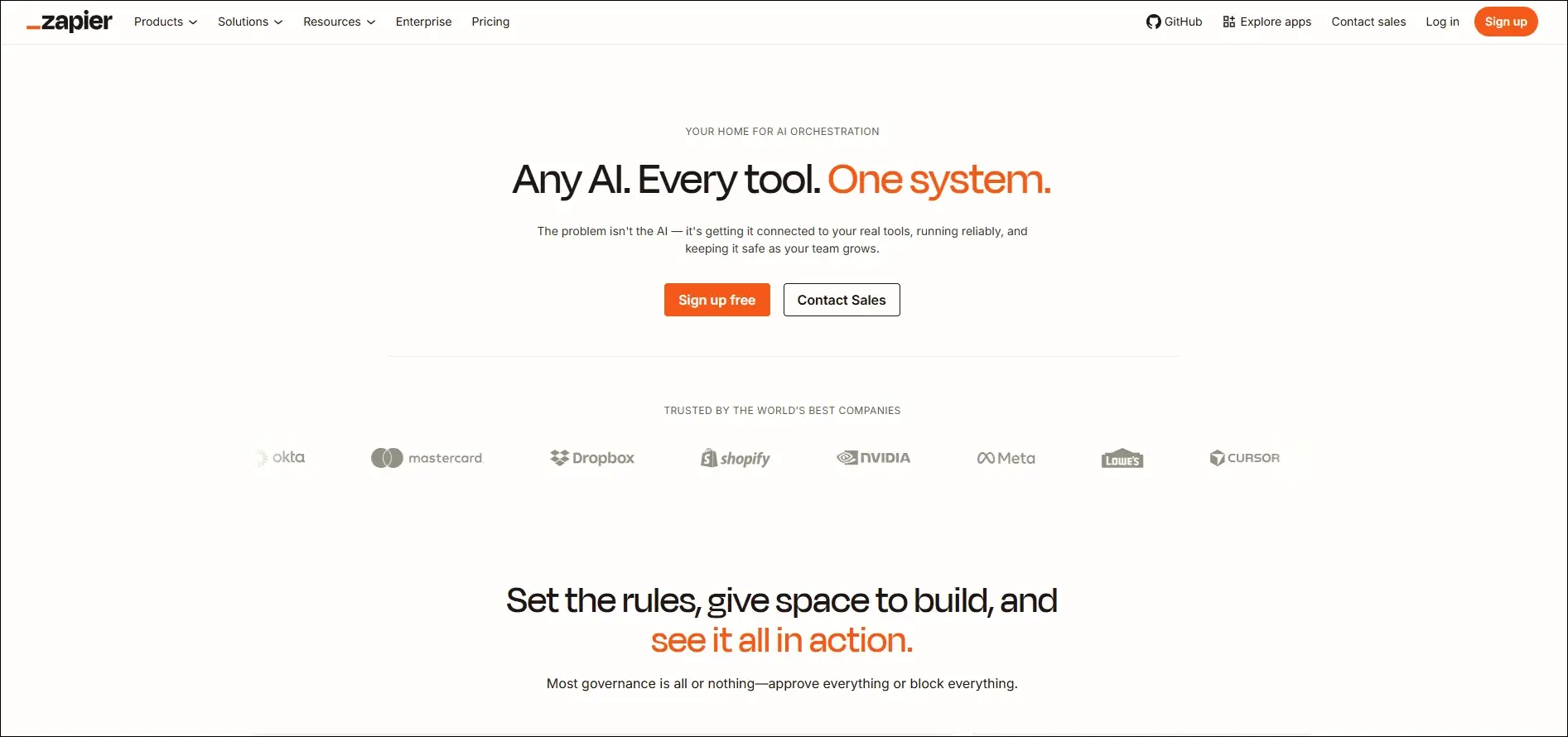
Zapier AI

Best for: Automating workflows between business applications without writing code.

Key Features:

  • Connects thousands of apps
  • AI workflow builder
  • Automated task execution
  • No-code automation
  • Multi-step workflow creation

7. Cursor

Cursor AI is an AI-powered code editor designed to help developers build software more efficiently. It understands project context and assists with coding, debugging, and code generation.
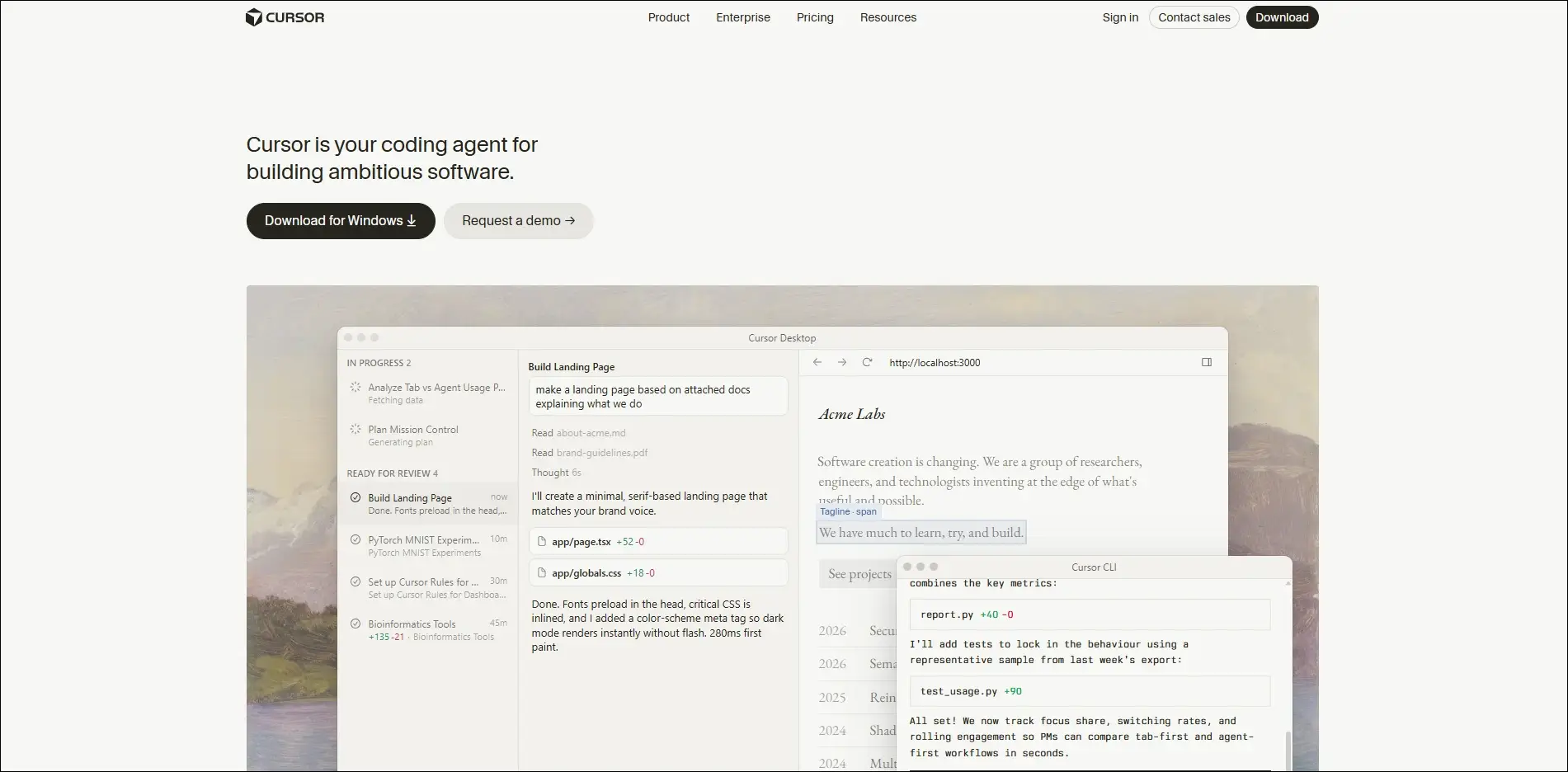
Cursor AI

Best for: Building, editing, and debugging software projects with AI assistance.

Key Features:

  • Context-aware coding
  • AI code generation
  • Intelligent debugging
  • Codebase understanding
  • Natural language editing

8. Notion

Notion AI enhances team collaboration by generating content, summarizing information, and organizing business knowledge. It keeps documentation accurate and easily searchable.
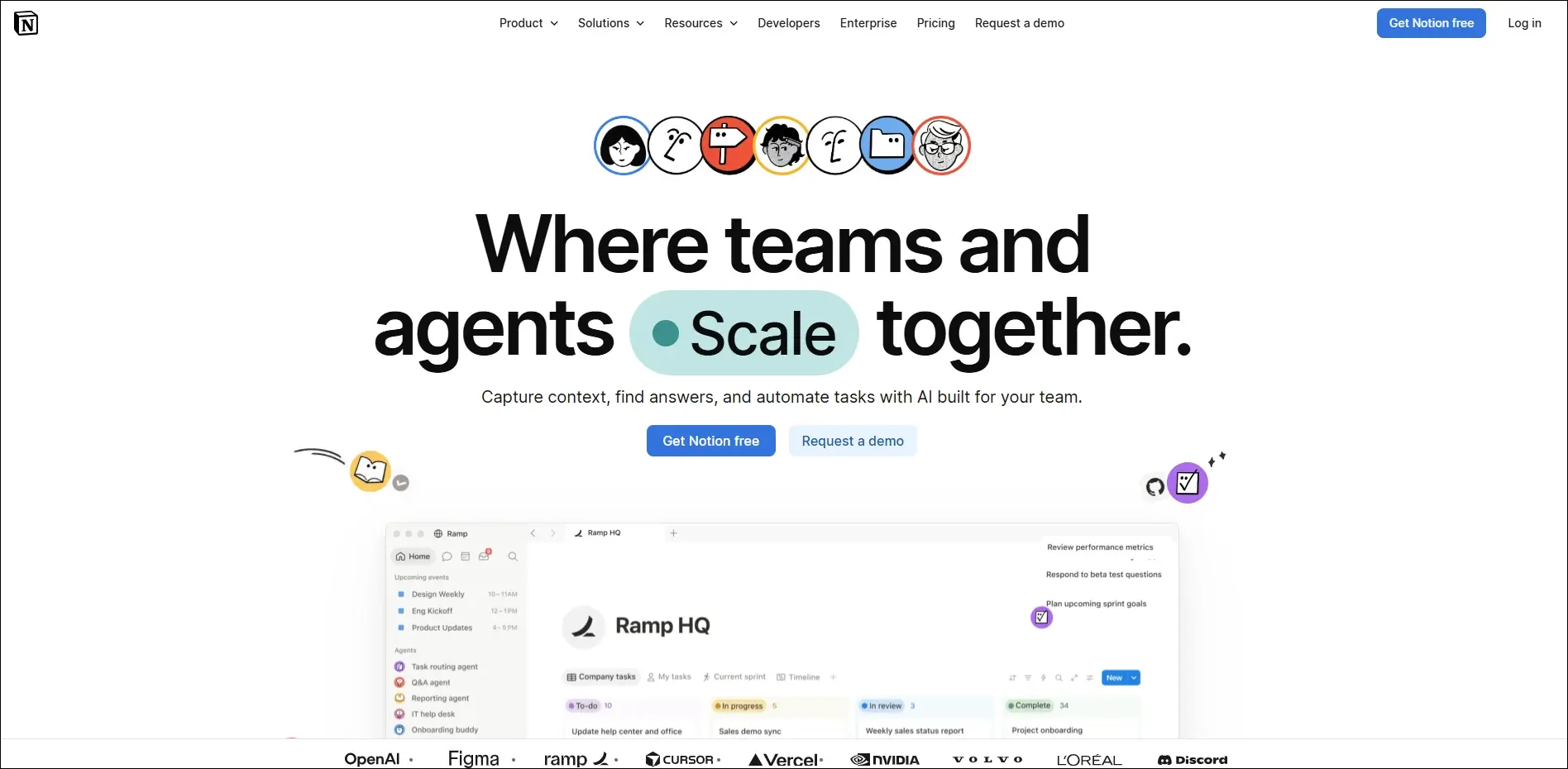
Notion AI

Best for: Organizing business knowledge, documentation, and collaborative project planning.

Key Features:

  • AI writing assistance
  • Document summaries
  • Meeting notes generation
  • Knowledge management
  • Project planning support

9. Fireflies AI

Fireflies.ai automatically records, transcribes, and summarizes business meetings using artificial intelligence. It helps teams capture important discussions without manual note-taking.
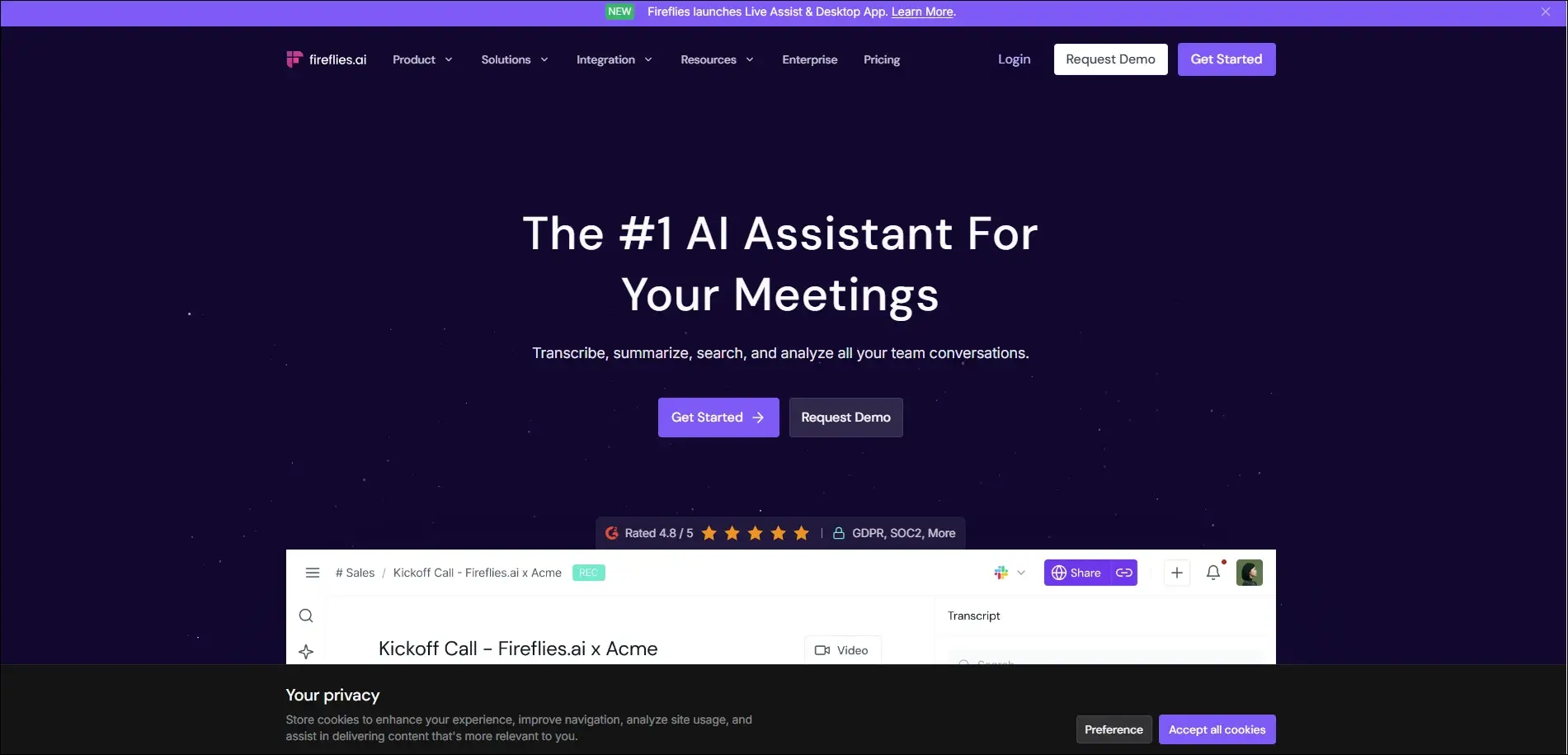
Fireflies AI

Best for: Recording, transcribing, and summarizing virtual business meetings automatically.

Key Features:

  • Automatic meeting transcription
  • AI meeting summaries
  • Action item detection
  • Searchable meeting history
  • CRM integration

10. Claude AI

Claude is an advanced AI assistant built for business writing, research, document analysis, and strategic thinking. It handles long documents while providing detailed and reliable responses.

Anthropic Claude

Best for: Analyzing business documents, research, and complex enterprise workflows.

Key Features:

  • Long document analysis
  • High-quality business writing
  • Research assistance
  • Data summarization
  • Secure enterprise capabilities

Common Mistakes Small Businesses Should Avoid

  • 01
    Implementing AI without clear business goals leads to poor adoption and limited return on investment.
  • 02
    Trying to automate every process at once often creates unnecessary complexity and disrupts daily operations.
  • 03
    Ignoring data quality and security can reduce AI accuracy and expose sensitive business information.
  • 04
    Choosing AI tools that lack integrations results in disconnected workflows and increased manual work.
  • 05
    Skipping employee training and performance monitoring prevents teams from using AI effectively and achieving long-term success.

Ready to Build AI Solutions That Grow with Your Business?

Adopting AI does not have to be expensive or complicated. By understanding how to use AI in small business and choosing the right solutions, you can automate routine tasks, improve customer experiences, and make smarter business decisions. Start with one business challenge, measure the impact, and scale your AI initiatives as your needs evolve.

As your business grows, off-the-shelf tools may no longer meet your unique requirements. Mindpath’s AI development services help businesses design and build custom AI solutions that integrate seamlessly with existing systems, automate complex workflows, and deliver measurable results.

Frequently Asked Questions
RAG vs fine-tuning

Large language models are transforming how businesses automate decisions, customer support, and daily operations. As organizations compare RAG vs fine-tuning, choosing the right approach becomes a critical business decision. Both methods improve AI performance, yet they solve different challenges and deliver very different outcomes. Understanding these differences helps businesses build smarter, more reliable AI applications.

Key Takeaways

  • 01
    RAG delivers current knowledge through external data without modifying the underlying language model.
  • 02
    Fine-tuning improves specialized performance, consistency, and domain-specific AI behavior for businesses.
  • 03
    Each approach addresses different business challenges rather than competing with each other.
  • 04
    Cost depends on implementation complexity, maintenance, infrastructure, and long-term business objectives.
  • 05
    Choosing the right approach improves AI accuracy, scalability, and overall business value.

The right strategy depends on your goals, data, budget, and long-term AI roadmap. Selecting the wrong method can increase costs while limiting your model’s accuracy and flexibility. In this blog, you’ll learn the difference between RAG and fine-tuning, when to use each approach, their costs, key benefits, and how to choose the right solution for your business. So, let’s keep reading!

Want to improve your AI with reliable, real-time business knowledge? At Mindpath, we offer RAG Development Services that enhance AI accuracy with intelligent data retrieval.

What is RAG in Large Language Models?

Retrieval Augmented Generation (RAG) is an AI framework that connects large language models (LLMs) with external knowledge sources. Instead of relying only on training data, it retrieves relevant information from business documents or databases to generate accurate, context-aware, and up-to-date responses.

RAG works by retrieving relevant information from connected knowledge sources before the LLM generates a response. It searches indexed content, adds the retrieved context to the user’s query, and produces accurate answers using current business information without retraining the underlying model.

Key Benefits of RAG

  • Reduces Hallucinations: Grounds responses using verified business information.
  • Uses Current Data: Retrieves updated knowledge without retraining the model.
  • Source Transparency: Links responses to trusted documents for verification.
  • Lower Costs: Avoids expensive model retraining for knowledge updates.
  • Protects Data: Keeps sensitive business information within secure systems.
  • Easy Scalability: Expands knowledge by indexing new business documents.

Drawbacks at a Glance

  • Depends on Data Quality: Poor knowledge sources reduce response accuracy.
  • Retrieval Errors: Incorrect document retrieval leads to inaccurate responses.
  • Misses Complex Context: Struggles to connect information across multiple documents.
  • Higher Response Time: Retrieval processes can slow answer generation.
  • Infrastructure Costs: Storage, indexing, and maintenance increase implementation expenses.

What is Fine-Tuning?

Fine-tuning adapts a pre-trained large language model using a smaller, task-specific dataset. In discussions around RAG vs fine-tuning, this approach improves the model’s knowledge, response style, and performance for specialized business tasks without building an entirely new model.

Fine-tuning works by training an existing LLM on carefully prepared examples that reflect specific business requirements. It is commonly used to improve domain expertise, maintain consistent response quality, follow brand guidelines, and perform specialized tasks with greater accuracy.

Key Benefits of Fine Tuning

  • Improves Accuracy: Delivers better performance for specialized business tasks.
  • Maintains Brand Voice: Produces responses with consistent tone and style.
  • Faster Responses: Requires shorter prompts for efficient output generation.
  • Reduces Token Costs: Uses fewer tokens during each interaction.
  • Supports Compliance: Follows defined rules and business requirements.
  • Enhances Privacy: Minimizes sensitive information in user prompts.

Drawbacks at a Glance

  • Higher Training Costs: Requires significant computing resources and investment.
  • Needs Regular Retraining: New data requires repeated model updates.
  • Reduced Flexibility: Performs best only for specialized tasks.
  • Risk of Bias: Poor training data affects response quality.
  • Can Forget Knowledge: New training may reduce existing capabilities.

RAG vs Fine-Tuning LLM: Key Differences

Understanding the difference between RAG and fine-tuning helps businesses choose the right AI strategy. While both improve LLM performance, they differ in how they access knowledge, learn information, and solve business challenges.

Feature RAG Fine-Tuning
Primary Purpose Retrieves external knowledge Improves model behavior and expertise
Knowledge Source External documents and databases Learned during model training
Information Updates Instant through knowledge base updates Requires retraining with new data
Response Style Uses the base model’s default style Customizes tone, format, and behavior
Source Transparency Can cite retrieved sources Cannot reference learned sources
Implementation Cost Lower initial training costs Higher training and maintenance costs
Best Use Cases Enterprise search, chatbots, knowledge assistants Industry-specific tasks, brand voice, structured outputs
Maintenance Update documents only Retrain the model as data evolves

Is RAG better than Fine-Tuning?

Choosing between RAG and fine-tuning depends on your business needs and AI objectives. Understanding where each approach fits helps you make a more informed decision. Let us have a look at when to use RAG vs fine-tuning:

1. When to Use RAG?

  • Frequently Updated Data: Ideal when business information changes regularly.
  • Large Knowledge Bases: Best for searching extensive documents and databases.
  • Source Verification: Use when responses must include reliable document references.
  • Private Business Data: Suitable for securely accessing internal company knowledge.
  • Faster AI Deployment: Choose RAG for quicker implementation without retraining.

2. When to Use Fine-Tuning?

  • Custom AI Behavior: Ideal for consistent tone, style, and responses.
  • Structured Outputs: Best for fixed formats like JSON or templates.
  • Stable Knowledge: Suitable when business information rarely changes.
  • Faster Responses: Generates answers without retrieving external information.
  • Specialized Tasks: Improves performance for domain-specific business applications.

Cost of Fine-Tuning vs RAG

The cost of fine-tuning vs RAG depends on your implementation goals and long-term AI strategy. Understanding the major cost factors helps businesses plan budgets more effectively before investing.

Cost Factor RAG Fine-Tuning
Initial Implementation $15,000 – $80,000 $20,000 – $150,000+
Monthly Operating Cost $300 – $5,000/month $500 – $10,000+/month
Knowledge Updates Low cost, update documents High cost, retrain model
Infrastructure Vector database, embeddings, APIs GPUs, model hosting, storage
Deployment Time 2–8 weeks 4–12+ weeks
Best for Budget Frequently changing business data Stable, specialized AI tasks

Verdict: There is no one-size-fits-all answer because the right investment depends on your business goals, data complexity, update frequency, and long-term AI strategy.

Ready to Choose the Right AI Approach for Your Business?

Choosing between RAG vs fine-tuning depends on your business objectives, data requirements, and desired AI outcomes. While RAG helps access external knowledge, fine-tuning enables businesses to customize AI models for specific tasks, improve accuracy, and deliver consistent responses. Selecting the right approach helps organizations create reliable and scalable AI applications.

At Mindpath, we help businesses develop customized AI solutions with advanced fine-tuning capabilities. Our AI development services help organizations optimize LLM performance, build domain-specific applications, and create intelligent solutions that align with their unique business requirements and growth goals.

Frequently Asked Questions

AI Model Fine Tuning

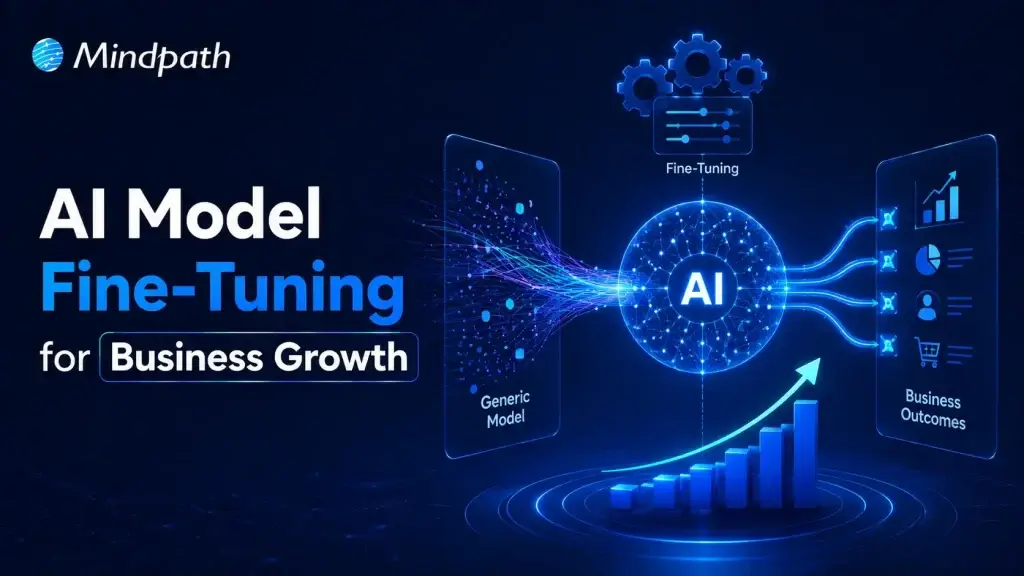
Artificial intelligence is reshaping modern businesses across every industry. Yet generic models often fail to understand company-specific knowledge and business processes. To fine-tune AI model performance, organizations need a focused customization strategy. This approach improves accuracy, consistency, and relevance for real business applications.

Key Takeaways

  • 01
    Fine-tuning transforms general AI models into specialized business solutions with greater accuracy.
  • 02
    High-quality training data directly impacts model performance, consistency, and long-term reliability.
  • 03
    Fine-tuning delivers faster implementation and lower costs than building models from scratch.
  • 04
    Continuous evaluation and optimization keep AI models accurate, scalable, and business-ready.
  • 05
    The right customization strategy helps businesses maximize long-term value from AI investments.

Fine-tuning allows businesses to adapt AI without building an entirely new model. It also helps improve performance for specialized tasks and enterprise workflows. In this blog, you’ll learn what fine-tuning is, when businesses should use it, how the process works, and the best practices for building reliable enterprise AI solutions. So, let’s keep reading further!

Looking for a customized AI model that delivers better results? Discover Mindpath’s AI Model Fine-Tuning Services to optimize model accuracy, efficiency, and domain-specific performance.

What Does It Mean to Fine-Tune an AI Model?

Fine tuning large language models helps businesses adapt pre-trained AI for specific tasks and industry needs. Instead of creating a model from the beginning, organizations refine an existing one using relevant business data. This process improves response quality, accuracy, and consistency across specialized use cases.

Pre-trained models understand general language but often miss company context and domain knowledge. Fine-tuning teaches the model using carefully prepared business datasets and real examples. As a result, it delivers more relevant responses, follows organizational standards, and performs better in practical business environments.

Core Components At a Glance

  • 01
    Foundation Model: Select a pre-trained model suited to your business objectives.
  • 02
    Domain-Specific Data: Train using clean, accurate, and relevant business datasets.
  • 03
    Supervised Fine-Tuning: Refine model behavior with labeled examples and expected outputs.
  • 04
    Parameter-Efficient Fine-Tuning: Reduce training costs by updating only selected model parameters.
  • 05
    Training Hyperparameters: Configure learning settings to improve model performance and stability.
  • 06
    Evaluation and Validation: Test accuracy and prevent overfitting before production deployment.

Fine-Tuning vs Training an AI Model from Scratch

Businesses often compare building a new AI model with choosing to fine-tune AI model performance. Both approaches improve AI capabilities, but they differ significantly in cost, time, resources, and business outcomes.

Understanding these differences helps organizations choose the right strategy for their goals. The right decision depends on data availability, project complexity, budget, and long-term scalability.

Category Training an AI Model from Scratch Fine-Tuning an AI Model
Definition Builds a completely new AI model using large-scale datasets. Customizes a pre-trained model for specific business requirements.
Data Requirements Requires enormous volumes of diverse training data. Uses smaller, high-quality, domain-specific datasets.
Development Time Typically takes several months or longer. Usually completes within days or a few weeks.
Development Cost Involves substantial investment in infrastructure and AI expertise. Significantly lowers development and operational costs.
Computing Resources Requires powerful GPU clusters and extensive computing capacity. Needs fewer computational resources for efficient training.
Customization Offers complete control but demands significant development effort. Delivers targeted customization with faster implementation.
Business Use Cases Suitable for creating entirely new AI models or research projects. Best for industry-specific applications, enterprise workflows, and AI assistants.
Best Choice Large enterprises with extensive budgets, proprietary data, and research teams. Businesses seeking faster deployment, lower costs, and measurable business value.

When Should Your Business Fine-Tune an AI Model?

Not every business needs to customize an AI model from the beginning. AI model customization for enterprise becomes valuable when generic models cannot meet specific business requirements or performance expectations.

1. Specialized Business Knowledge: Fine-tune AI model capabilities for industry-specific tasks and terminology.

2. Consistent Brand Responses: Ensure outputs match your company’s tone, style, and standards.

3. Complex Business Workflows: Handle specialized processes beyond basic prompt-based instructions.

4. High-Quality Training Data: Use curated datasets to improve accuracy and task performance.

5. Lower Operational Costs: Reduce prompt complexity while improving response efficiency and consistency.

How to Fine-Tune an LLM: Step-by-Step Process?

Understanding how to fine tune an LLM helps businesses build AI solutions that deliver better results. A structured process improves model accuracy, reliability, and long-term performance.

Step 1: Select Base Model

Choose a pre-trained model that aligns with your business objectives and use case. Selecting the right foundation improves AI model optimization and overall model performance.

Step 2: Prepare Training Data

Collect clean, relevant, and high-quality datasets for your specific business requirements. Well-structured data helps the model learn accurate patterns and produce reliable outputs.

Step 3: Process Data

Convert the dataset into a format the model can understand during training. Proper preprocessing improves learning efficiency and reduces errors throughout the fine-tuning process.

Step 4: Configure Model

Load the base model and define settings based on your intended task. Correct configuration ensures the model learns effectively from your specialized business data.

Step 5: Validate Performance

Measure model accuracy using evaluation datasets before final deployment. Regular testing identifies weaknesses and helps improve response quality and reliability.

Step 6: Train and Deploy

Train the model with optimized parameters and monitor its performance continuously. Deploy only after verifying consistent, accurate, and business-ready results.

What are the Best Practices to Fine-Tune AI Model?

Successful fine-tuning depends on more than selecting the right model and dataset. Knowing how to train an AI model using proven practices improves performance, reduces errors, and delivers better business outcomes.

1. Clean Training Data

Remove duplicate, outdated, and incorrect records. Clean data improves learning accuracy and consistency.

2. Prevent Overfitting

Reserve unseen data for performance evaluation. Test generalization before deploying the fine-tuned model.

3. Start with Small Datasets

Begin training using limited sample data. Verify results before scaling the complete dataset.

4. Optimize Learning Rate

Choose balanced training settings for stable learning. Avoid values that reduce model performance.

5. Use Efficient Training Methods

Apply lightweight techniques like LoRA whenever possible. Reduce computational costs without sacrificing model quality.

Common Challenges to Watch for

  • 01
    Poor Data Quality: Inaccurate datasets reduce model performance and response reliability.
  • 02
    Overfitting: Excessive learning limits performance on new, unseen business scenarios.
  • 03
    Knowledge Retention: Fine-tuning may reduce previously learned general model capabilities.
  • 04
    High Computing Costs: Training large models requires significant computational resources and infrastructure.
  • 05
    Performance Evaluation: Measuring response quality consistently remains challenging across complex business tasks.

Ready to Fine-Tune Your AI for Better Business Results?

Fine-tuning helps businesses transform general AI models into solutions built for their unique goals and workflows. With the right strategy, quality data, and continuous optimization, organizations can improve accuracy, deliver more relevant responses, and maximize the value of their AI investments.

At Mindpath, we provide end-to-end AI development services, including AI model fine-tuning, to help businesses build AI solutions that align with their unique requirements. Our team works closely with you to create scalable, reliable, and business-focused AI applications that

Frequently Asked Questions

Business task automation

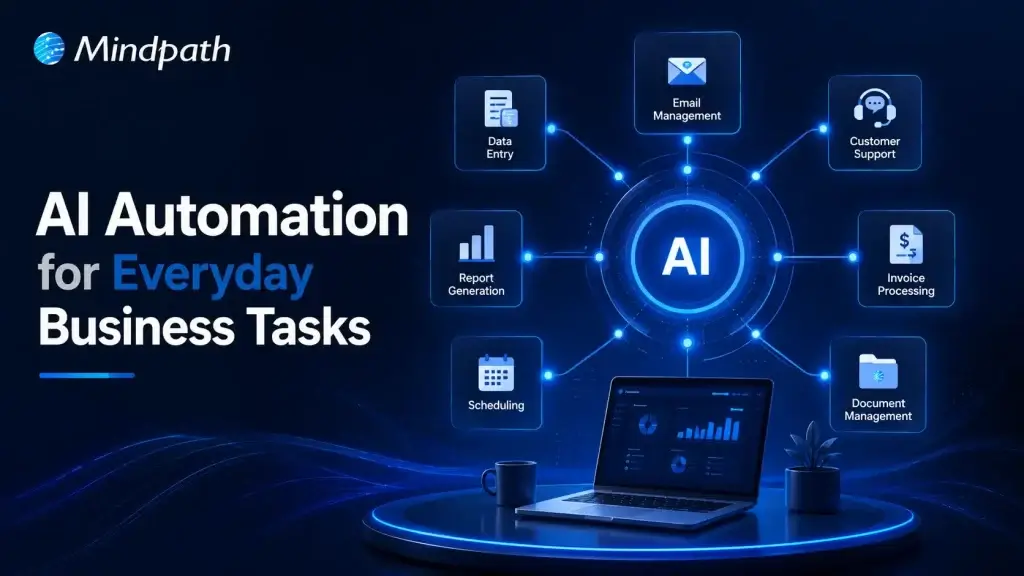
Business process automation is changing how companies manage routine work without adding unnecessary complexity. Many daily activities still consume valuable time, even though AI can now complete them faster and with greater accuracy. Businesses adopting intelligent automation are creating more space for innovation, better customer experiences, and sustainable growth.

Key Takeaways

  • 01
    Business process automation eliminates repetitive work while improving efficiency across everyday operations.
  • 02
    AI enables smarter automation by handling decisions, language, and unstructured business data.
  • 03
    Prioritizing high-impact workflows delivers faster results and a stronger return on investment.
  • 04
    Successful automation requires secure integration, employee training, and continuous performance monitoring.
  • 05
    Custom AI solutions create scalable automation tailored to evolving business goals and processes.

Choosing the right tasks to automate often delivers greater value than simply adopting new technology. Understanding where AI fits within existing workflows helps organizations improve efficiency without disrupting essential operations. In this blog, you’ll discover ten everyday business tasks that can be automated with AI. So, let’s keep reading!

Want to automate more than just everyday business tasks? Explore Mindpath’s AI Development Services to build custom AI solutions that streamline operations, improve productivity, and support long-term business growth.

What is Business Process Automation?

Business process automation refers to the use of technology to streamline repetitive workflows and reduce manual effort across business operations. It automates routine tasks using predefined rules, helping organizations improve efficiency, maintain consistency, reduce errors, and complete everyday processes faster while allowing teams to focus on more valuable work.

Today, AI is making business process automation more intelligent by handling tasks that require analysis, language understanding, and decision-making. Instead of following fixed rules alone, AI learns from data and adapts to changing situations. This shift is driving smarter business task automation across departments and industries.

Key Benefits At a Glance

  • 01
    Reduces Manual Errors: Standardized workflows improve accuracy and minimize mistakes in everyday business operations.
  • 02
    Improves Operational Efficiency: Automated processes complete routine tasks faster with minimal human intervention.
  • 03
    Optimizes Employee Productivity: Teams spend less time on repetitive work and more on strategic priorities.
  • 04
    Lowers Business Costs: Automation reduces operational expenses by minimizing manual effort and repetitive workloads.

Why Businesses are Prioritizing AI Automation?

Businesses are accelerating AI adoption as automation becomes a competitive advantage rather than a future investment. According to Gartner, 80% of CEOs expect AI to significantly reshape their operational capabilities, reflecting a shift toward smarter and more autonomous business operations. As organizations look to automate repetitive tasks, AI is helping them improve efficiency, agility, and long-term business value.

1. Improved Productivity

AI completes repetitive work quickly and operates without interruptions. This allows employees to focus on strategic and creative responsibilities.

2. Better Customer Experience

AI-powered assistants respond instantly and provide support throughout the day. Faster responses help improve customer satisfaction and engagement.

3. Smarter Decision Making

AI analyzes large volumes of business data within minutes. These insights help leaders make faster and more informed decisions.

4. Reduced Operational Costs

Automating routine workflows lowers administrative effort and operating expenses. It also minimizes costly manual errors across business processes.

5. Higher Accuracy

AI follows consistent rules when processing information and completing tasks. This improves data quality and reduces the chances of human mistakes.

6. Easier Business Growth

AI for business operations helps organizations handle increasing workloads efficiently. Businesses can scale processes without expanding teams at the same pace.

10 Everyday Business Tasks You Can Automate with AI Today

Business process automation helps organizations eliminate repetitive work and improve everyday efficiency with AI. Here are ten common business tasks that businesses can automate today to save time, reduce errors, and support sustainable growth.

1. Customer Support

AI chatbots answer common customer questions instantly and provide support around the clock. This reduces response times and allows support teams to handle more complex issues.

2. Email Management

AI organizes inboxes, prioritizes important messages, and drafts professional replies. Teams spend less time managing emails and more time on meaningful work.

3. Meeting Summaries

AI records conversations, creates concise meeting notes, and highlights action items. Everyone stays aligned without manually documenting every discussion.

4. Lead Management

AI captures new leads, qualifies prospects, and updates CRM records automatically. This helps sales teams respond faster and improve conversion opportunities.

5. Invoice and Expense Processing

AI generates invoices, categorizes expenses, and tracks payment reminders efficiently. Business task automation reduces manual effort while improving financial accuracy.

6. Social Media Content

AI creates captions, suggests content ideas, and repurposes existing materials. Marketing teams can maintain consistent posting with less manual work.

7. Document Review

AI summarizes lengthy documents and identifies important information within seconds. It speeds up reviews while helping teams make informed decisions.

8. Data Reporting

AI analyzes business data and generates dashboards with meaningful insights. Leaders can monitor performance without spending hours preparing reports.

9. Inventory Management

AI tracks inventory levels and predicts future demand using historical trends. Businesses can avoid stock shortages and improve supply planning.

10. Internal Knowledge Support

AI assistants help employees quickly find policies, documents, and training resources. These are among the most valuable business tasks that can be automated to improve workplace productivity.

How to Decide Which Business Tasks to Automate First?

Knowing how to automate business tasks starts with identifying processes that consume the most time and resources. Focusing on the right workflows first helps businesses achieve faster results and long-term operational improvements.

  • Identify Repetitive Tasks: Automate activities performed every day across business workflows. Business task automation saves valuable time and improves overall productivity.
  • Choose Rule-Based Processes: Select workflows with simple and consistent decision-making. These processes are easier to automate with reliable accuracy.
  • Reduce Manual Errors: Prioritize tasks where human mistakes happen frequently. Automation improves consistency and minimizes costly operational errors.
  • Start with Quick Wins: Focus on processes delivering immediate measurable business improvements. Early success builds confidence for broader automation initiatives.
  • Improve Employee Experience: Automate routine administrative work that slows daily productivity. Employees can concentrate on higher value and strategic responsibilities.

Best Practices for Successful Business Process Automation

Successful automation begins with clear goals and well-defined business processes. Choosing the right AI automation tools helps organizations improve efficiency while achieving consistent and scalable results.

  • Start with One Process: Automate a single workflow before expanding across the organization.
  • Integrate Existing Systems: Connect AI with everyday business applications for smoother workflows.
  • Review AI Outputs: Verify AI-generated results before using them in critical business tasks.
  • Protect Sensitive Information: Choose secure AI platforms that safeguard business and customer data.
  • Train Employees Effectively: Equip teams with practical AI skills for successful adoption.

Ready to Transform Your Business with AI Automation?

Business process automation is no longer limited to large enterprises. Organizations of every size can automate routine workflows, improve operational efficiency, and reduce manual effort with the right AI strategy. Starting with high impact tasks allows businesses to achieve measurable results while building a strong foundation for long term growth and innovation.

At Mindpath, we develop custom AI solutions that align with your business goals and existing workflows. From intelligent automation and AI agents to enterprise AI applications, our experts help organizations streamline operations, improve productivity, and accelerate digital transformation with scalable AI development services.

Frequently Asked Questions

in-house vs outsourcing AI development

Businesses increasingly adopt AI to improve operations, customer experiences, and decision-making across industries. Many leaders now hire AI development company partners to access specialized expertise, reduce implementation risks, and accelerate AI projects without lengthy recruitment or infrastructure investments.

Key Takeaways

  • 01
    Evaluate business goals before choosing in-house or outsourced AI development approaches.
  • 02
    AI development companies accelerate delivery while reducing hiring and infrastructure challenges.
  • 03
    In-house AI teams offer stronger control, ownership, and long-term organizational expertise.
  • 04
    Compare total ownership costs instead of focusing only on initial development expenses.
  • 05
    Select the approach that best supports scalability, innovation, and measurable business outcomes.

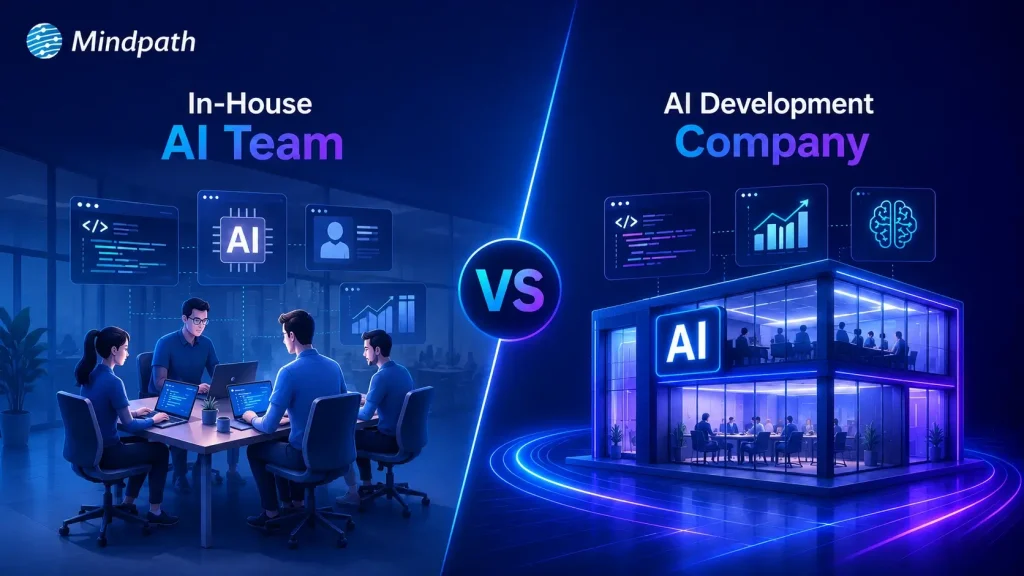
Choosing between in-house vs outsourcing AI development depends on your budget, technical expertise, project complexity, and long-term goals. Each approach offers distinct advantages for different business needs. In this blog, we compare both options, explain their key differences, and help you choose the right approach for your business. So, let’s keep reading further!

Need a reliable partner to accelerate your AI initiatives? At Mindpath, we offer AI Development Services to design, develop, and deploy scalable AI solutions.

What Does an In-House AI Team Mean?

An in-house AI team consists of full-time professionals who design, develop, and maintain AI solutions within your organization. Companies that build in-house AI team capabilities gain direct control over development, workflows, and long-term technology planning.

These teams typically include machine learning engineers, data scientists, AI developers, and product managers with specialized expertise. They collaborate closely with internal departments, understand business objectives, and continuously improve AI systems as organizational needs evolve.

Here are the core benefits of in-house AI team:

1. Strategic Alignment

Internal teams understand business goals and operational priorities. AI initiatives support long-term company growth strategies.

2. Ownership of Intellectual Property

Your organization retains complete control over AI assets. Proprietary models remain protected from external competitors.

3. High Customization and Control

Teams adjust solutions for unique business workflows. You control timelines, priorities, and implementation decisions.

4. Stronger Data Security

Sensitive information stays within company infrastructure securely. Compliance requirements become easier to manage internally.

5. Long-Term Capability Building

Internal expertise grows stronger with every AI project. Knowledge remains within the organization for future innovation.

Challenges at a Glance

1. Talent Shortages

Finding experienced AI professionals remains difficult in a highly competitive market.

2. High Operational Costs

Infrastructure, hiring, and retention significantly increase long-term AI expenses.

3. Data Readiness Issues

Poor data quality delays development and reduces AI model accuracy.

4. Legacy System Integration

Older systems complicate AI deployment and slow implementation timelines.

5. Security and Compliance

Managing privacy, governance, and regulations requires continuous internal oversight.

What Does It Mean to Hire an AI Development Company?

Businesses hire AI development company experts to design, develop, and deploy custom AI solutions for specific operational needs. These companies provide specialized technical expertise, proven development processes, and experienced professionals without requiring businesses to build large internal AI teams.

AI development companies create tailored solutions such as intelligent automation, predictive analytics, machine learning models, and computer vision applications. They align every solution with business goals, accelerate project delivery, and provide ongoing support to ensure long-term performance and scalability.

Here are the core benefits of hiring an AI development company:

1. Specialized Expertise

Access experienced AI professionals with specialized technical knowledge. Solve complex challenges using proven development expertise.

2. Cost Efficiency

Avoid expensive hiring and infrastructure investments. Reduce overall AI development costs significantly.

3. Accelerated Time to Market

Launch AI solutions faster with experienced teams. Streamlined processes shorten overall development timelines.

4. Process Automation

Automate repetitive tasks using intelligent AI solutions. Improve productivity while reducing operational effort.

5. Enhanced Customer Experience

Deliver personalized interactions across customer touchpoints. Increase engagement through AI-powered experiences.

Challenges at a Glance

1. Data Quality Challenges

Poor-quality data reduces AI accuracy and overall project performance.

2. Limited AI Expertise

Inexperienced teams may struggle with complex AI development requirements.

3. Legacy System Integration

Older systems delay seamless AI deployment and business scalability.

4. Cost Overruns

Unexpected infrastructure and maintenance expenses increase total project costs.

5. Business Alignment Issues

Unclear objectives reduce AI effectiveness and expected business value.

In-House vs Outsourcing AI Development: Key Differences

Every AI development approach offers different advantages depending on your business requirements and available resources. The comparison below highlights the key differences across cost, expertise, scalability, security, and long-term management.

1. Cost and Initial Investment

In-House AI Team: Building an internal AI team requires significant hiring and infrastructure investments. Ongoing salaries, training, and technology expenses increase long-term costs.

Hiring an AI Development Company: AI development outsourcing reduces upfront hiring and infrastructure expenses. Businesses pay for specialized expertise without maintaining a permanent AI workforce.

2. AI Expertise and Talent

In-House AI Team: Internal teams develop deep knowledge of company processes and goals. However, hiring experienced AI professionals can take considerable time.

Hiring an AI Development Company: Development companies provide immediate access to experienced AI specialists. Their teams bring expertise from delivering diverse AI projects.

3. Development Speed

In-House AI Team: Building the team and setting up infrastructure extends project timelines. Initial development often progresses slower during the hiring phase.

Hiring an AI Development Company: Experienced teams begin development quickly using established workflows. Faster execution helps businesses launch AI solutions sooner.

4. Scalability and Flexibility

In-House AI Team: Expanding internal teams requires additional recruitment and training efforts. Scaling projects often increases operational complexity and costs.

Hiring an AI Development Company: External teams scale resources according to changing project requirements. Businesses can quickly increase or reduce development capacity.

5. Data Security and Control

In-House AI Team: Organizations maintain direct control over sensitive business information. Internal governance simplifies compliance with company security policies.

Hiring an AI Development Company: Trusted partners implement secure development practices and compliance measures. Clear agreements help protect business data throughout development.

6. Long-Term Maintenance and Support

In-House AI Team: Internal teams continuously monitor, improve, and maintain AI systems. Long-term ownership supports ongoing innovation and optimization.

Hiring an AI Development Company: Development companies provide continuous maintenance and technical support services. Regular updates help keep AI solutions reliable and scalable.

In-House AI Team vs Hiring an AI Development Company: Quick Comparison

Here’s a quick comparison of an in-house AI team and hiring an AI development company. This table highlights the major differences to help you compare both approaches at a glance.

Factor In-House AI Team Hiring an AI Development Company
Initial Cost High upfront investment required. Lower initial project costs.
Time to Start Longer hiring and setup. Faster project onboarding.
AI Expertise Depends on hired talent. Access to experienced AI specialists.
Development Speed Slower initial development cycle. Faster delivery with proven processes.
Scalability Hiring required for scaling. Easily scale development resources.
Technology Access Requires separate infrastructure investments. Ready access to modern AI tools.
Flexibility Limited by internal capacity. Adapts quickly to project needs.
Maintenance Managed by internal teams. Continuous expert support available.
Business Control Complete internal project control. Shared oversight with expert execution.
Data Security Full internal data control. Strong security with compliance standards.
Best For Long-term internal AI initiatives. Faster, cost-effective AI implementation.

When Should You Build an In-House AI Team?

  • Your business has long-term AI goals.
  • AI supports core business operations.
  • You require complete project control.
  • Sensitive data must remain internal.
  • You have budget for AI hiring.
  • Continuous AI innovation is a priority.

When Should You Hire an AI Development Company?

  • You need faster AI implementation.
  • Specialized AI expertise is unavailable internally.
  • Project budgets require greater flexibility.
  • You want lower upfront investments.
  • Your team needs external AI support.
  • Rapid project scaling is essential.

How to Choose Between In-House and AI Development Outsourcing?

Every business has different AI goals, budgets, and technical capabilities. Use this checklist to identify which approach aligns better with your project requirements and long-term strategy.

Business Requirement Recommended Approach Reason
Need an AI solution within weeks Hire an AI development company Faster project delivery.
Building AI as a long-term capability Build an in-house AI team Greater long-term ownership.
Limited AI expertise internally Hire an AI development company Access specialized AI professionals.
Large budget for hiring and infrastructure Build an in-house AI team Supports permanent AI operations.
Want lower upfront investment Hire an AI development company Avoid hiring and infrastructure costs.
AI workload changes frequently Hire an AI development company Scale teams as needed.
AI is central to daily operations Build an in-house AI team Better internal collaboration.
Need niche AI skills temporarily Hire an AI development company Experts available immediately.
Strict internal governance requirements Build an in-house AI team Maintain direct operational control.
Launching your first AI initiative Hire an AI development company Reduce risks with experienced guidance.

Ready to Choose Between In-House vs Outsourcing AI Development?

Selecting the right approach for in-house vs outsourcing AI development depends on your business objectives, available resources, budget, and implementation timeline. A well-informed decision helps reduce risks, improve efficiency, and create a stronger foundation for long-term AI success.

Mindpath supports businesses with expert AI consulting services and flexible staff augmentation solutions for every stage of AI adoption. Our specialists help you plan, develop, and scale AI initiatives with confidence. Contact us to discuss your business requirements and find the right AI solution.

Frequently Asked Questions

AI Agent Development Cost

Building an AI agent requires careful planning because every project involves different business goals and technical requirements. AI agent development cost depends on features, integrations, AI models, deployment needs, and long-term maintenance. Understanding these factors helps businesses plan realistic budgets and avoid unexpected expenses during development.

Key Takeaways

  • 01
    AI agent costs vary based on complexity, integrations, infrastructure, and deployment requirements.
  • 02
    Project type directly impacts development timelines, implementation effort, and ongoing operational expenses.
  • 03
    Hidden costs like maintenance, monitoring, and security significantly affect long-term AI investments.
  • 04
    Careful budgeting prevents unexpected expenses and supports successful AI agent implementation projects.
  • 05
    Defining clear business goals improves cost estimation and maximizes long-term return on investment.

Many businesses ask how much does it cost to build an AI agent before starting their projects. The answer depends on the agent’s complexity, customization, infrastructure, and ongoing operational needs. In this blog, you will explore pricing ranges, cost factors, development timelines, budgeting tips, and practical ways to estimate your investment. So, let’s keep reading further to know more!

Looking to build an AI agent that fits your budget and business goals? We offer AI Agent Development Services to design and deploy custom AI agents tailored to your needs.

How Much Does It Cost to Build an AI Agent? Breakdown by Project Type

Project scope plays the biggest role in determining development costs because every AI agent serves different business needs. Understanding AI agent pricing by project type helps businesses estimate realistic budgets before starting development.

The following breakdown explains what each project type typically includes, its estimated development cost, expected delivery timeline, and ongoing monthly operating expenses.

1. Prototype or Proof of Concept (PoC)

A prototype focuses on validating one business idea with basic functionality, simple interfaces, and limited security features. Development typically costs $5,000 to $30,000, takes 3 to 6 weeks, and ongoing monthly costs usually range from $20 to $300.

2. Simple Reactive or FAQ Agent

This type of AI agent answers common customer questions, handles simple conversations, and follows predefined decision paths. Development generally costs $10,000 to $50,000, requires 4 to 8 weeks, and monthly operating costs typically range between $500 and $2,000.

3. RAG Knowledge Agent

A Retrieval-Augmented Generation (RAG) agent searches internal documents, knowledge bases, PDFs, and contracts to deliver accurate, context-aware responses. Building this solution usually costs $50,000 to $120,000, takes 3 to 5 months, and ongoing monthly expenses range from $2,000 to $5,000.

4. Workflow or Process Automation Agent

These AI agents connect with business systems such as CRM, ERP, and HR platforms to automate multi-step workflows and repetitive operations. Development generally costs $70,000 to $150,000, requires 3 to 5 months, and monthly operating costs typically fall between $3,000 and $8,000.

5. Enterprise Multi-Agent System

Enterprise solutions combine multiple specialized AI agents that collaborate to plan tasks, review outputs, automate decisions, and maintain security compliance. These advanced systems typically cost $150,000 to $500,000+, require 6 to 12 months to develop, and ongoing monthly costs often exceed $10,000 to $30,000+.

Project Type Core Capabilities Development Cost Delivery Timeline Ongoing Monthly Cost
Prototype / Proof of Concept (PoC) Single use case with basic functionality. $5,000–$30,000 3–6 weeks $20–$300
Simple Reactive / FAQ Agent Answers FAQs with predefined conversation flows. $10,000–$50,000 4–8 weeks $500–$2,000
RAG Knowledge Agent Searches internal knowledge and documents. $50,000–$120,000 3–5 months $2,000–$5,000
Workflow / Process Automation Agent Automates business workflows across systems. $70,000–$150,000 3–5 months $3–$8,000
Enterprise Multi-Agent System Coordinates multiple AI agents for enterprise tasks. $150,000–$500,000+ 6–12 months $10,000–$30,000+

Hidden Costs of AI Agent Development

The initial investment represents only part of the total AI agent development cost. Businesses should also budget for long-term operational, maintenance, and governance expenses.

1. Operation & Infrastructure

Cloud infrastructure and AI inference costs increase as usage grows.

2. Data Integration

Connecting and maintaining business data requires continuous engineering effort.

3. Network & Storage

Data transfer, storage, and logging increase recurring cloud expenses.

4. Maintenance & Quality Assurance

Regular testing keeps AI agents accurate, reliable, and up to date.

5. Human Oversight & Governance

Human supervision ensures safe decisions and regulatory compliance.

6. Security & Compliance

Security controls and audits protect sensitive business and customer data.

7. Change Management

Employee training supports successful AI adoption across business workflows.

What Factors Affect AI Agent Development Cost?

AI agent development prices vary because every project has unique technical and business requirements. Features, integrations, data quality, deployment, and security directly influence the overall development budget.

1. Complexity and Autonomy

More advanced AI capabilities require greater development effort, increasing overall project costs.

2. Architecture and Technology Stack

The chosen AI models and infrastructure significantly influence development and operating expenses.

3. Integrations and Data

Connecting business systems and preparing quality data increases implementation complexity and costs.

4. Compliance and Security

Strict regulations and stronger security requirements demand additional development, testing, and validation.

5. Ongoing Operational Costs

Hosting, monitoring, API usage, and maintenance create recurring expenses after deployment.

Key Tips on Budgeting for AI Agent Development

Planning a realistic budget helps businesses avoid unexpected costs during AI agent development. Understanding AI agent development pricing makes it easier to allocate resources and prioritize essential features.

1. Define your business goal

Start with one clear use case to avoid unnecessary development costs.

2. Prioritize essential features

Build core functionalities first and add advanced capabilities in later phases.

3. Choose the right AI model

Use existing foundation models before investing in custom model development.

4. Plan system integrations

List the business applications your AI agent must connect with.

5. Prepare your data

Clean and organize business data before development to reduce implementation delays.

6. Include infrastructure costs

Budget for cloud hosting, API usage, databases, and monitoring services.

7. Account for maintenance

Reserve funds for updates, performance optimization, security, and model improvements.

8. Request a detailed project estimate

Review development, deployment, and ongoing operational costs before starting.

Ready to Estimate Your AI Agent Development Investment?

Building an AI agent requires balancing business goals, technical requirements, and long-term operational expenses. Understanding the custom AI agent development cost helps businesses set realistic budgets, prioritize essential features, and choose the right development approach for sustainable business growth.

At Mindpath, we build custom AI agent solutions tailored to your business goals, workflows, and scalability needs. Our experienced team delivers end-to-end AI agent development services with transparent planning and reliable execution. Contact us to discuss your project and receive a tailored cost estimate.

Frequently Asked Questions

ai product development cost

Funded founders in 2026 face one critical question before everything else. Where exactly does your budget go when building an AI product? Understanding AI product development cost upfront separates smart founders from those who burn runway fast. Getting this right determines whether your product ships or stalls completely.

Key Takeaways

  • 01
    AI product costs are split across build, operations, and long-term ownership phases. 
  • 02
    Hidden costs like model drift and compliance regularly double initial development budgets. 
  • 03
    Data preparation consumes more budget and time than the actual model development. 
  • 04
    Commercial APIs win early stage, while open-source wins at significant scale. 
  • 05
    Talent remains the single largest and most unpredictable line item in AI budgets. 

Every dollar you spend on AI development needs a clear purpose behind it. The real cost to build an AI product depends on decisions made before writing a single line of code. In this blog, we explore real cost breakdowns and provide honest estimates for your budget. So, let’s keep reading further to know more!

Planning to build an AI product within your budget? We offer AI Development Services to develop scalable, cost-effective AI solutions tailored to your business.

Why Are Businesses Investing in AI Products in 2026?

The numbers make it impossible to ignore what is happening right now. Worldwide spending on AI is forecast to reach $2.59 trillion in 2026, a 47% increase year-over-year, according to Gartner. This is not speculative investment in future technology. Businesses are spending real money to solve real problems today.

McKinsey report states that 88% of organizations now report regular AI use in at least one business function, compared to 78% just a year ago. The shift from experimentation to execution is happening faster than most anticipated. Companies sitting on the sidelines are watching their competitors move ahead quickly.

The reason behind this surge is simple. AI products are delivering real outcomes across every major business function. Here is what businesses are actually gaining:

1. Operational efficiency at scale – Repetitive workflows that once consumed entire teams now run on automation.

2. Faster revenue growth – Marketing, sales, and product development are seeing direct revenue impact from AI integration.

3. Reduced operating costs – AI handles high-volume tasks at a fraction of traditional operational costs.

4. Smarter product development – Teams ship faster, iterate quicker, and reach the market ahead of competition.

5. Better customer experiences – Personalization at scale is no longer limited to companies with massive budgets.

AI Product Development Cost: The Real Numbers in 2026

Every AI product is different, and so is every budget behind it. The type of product you build determines everything from your timeline to your total investment. Here is a realistic AI development cost estimate across every major AI product category.

1. Basic AI / API Integration

Cost: $15,000 – $40,000

Timeline: 4 – 8 Weeks

These are proofs of concept or MVPs that connect into pre-trained models like OpenAI or Anthropic APIs with minimal customization. Best suited for smart search, basic AI chat, or simple task automation.

2. AI Chatbots and Virtual Assistants

Cost: $40,000 – $120,000

Timeline: 2 – 4 Months

These products use RAG (Retrieval-Augmented Generation) so the AI references your specific business data. Includes guardrails, observability dashboards, and multi-channel support.

3. Generative AI Applications

Cost: $100,000 – $250,000+

Timeline: 4 – 10 Months

Custom-trained or heavily fine-tuned models built for domain-specific tasks. Think content generation, legal document analysis, or fully autonomous AI agents.

4. Recommendation Systems and Predictive Analytics

Cost: $80,000 – $250,000

Timeline: 3 – 8 Months

Models that analyze large historical datasets to forecast trends or serve real-time recommendations. Common in e-commerce platforms and financial forecasting products.

5. Computer Vision Solutions

Cost: $100,000 – $300,000+

Timeline: 4 – 9 Months

Covers object detection, OCR, and image classification projects. High costs are driven by massive labeled datasets and heavy GPU training infrastructure requirements.

6. Enterprise AI Platforms

Cost: $250,000 – $1M+

Timeline: 6 – 18+ Months

Complex end-to-end AI systems with on-prem or VPC deployment, MLOps data pipelines, multi-tenant security, and compliance requirements like HIPAA or SOC 2.

Hidden Costs of AI Product Development Nobody Talks About

Most teams budget for development and forget everything that comes after. Understanding these blind spots is what separates a sustainable AI app development cost from one that spirals out of control.

1. Compounding Compute and API Fees

AI has no fixed server cost like traditional software does. Every token, user interaction, and agent loop adds to your monthly bill permanently.

2. The Data Engineering Iceberg

A working model in a notebook is never a finished product. Data cleaning, labeling, and legacy system integrations consume far more budget than most teams anticipate.

3. Model Drift and Continuous Retraining

AI models degrade over time as real-world conditions shift around them. Keeping your model accurate requires a recurring annual budget that most initial plans never account for.

4. The AI-Assisted Coding Trap

Tools like Cursor or GitHub Copilot feel faster but introduce invisible technical debt. Developers spend significant time reviewing logic errors and fixing architectural decay caused by AI-generated code.

5. The Expertise Void

AI absorbs entry-level work and quietly removes junior learning opportunities over time. This creates a long-term dependency on expensive senior engineers to correct AI-generated output.

6. Compliance, Security, and Governance

Every AI system you build expands your security attack surface significantly. The real cost to build an AI product always includes security costs that your initial budget never planned for.

The 5 Core Cost Buckets of AI Product Development

Answering how much does it cost to build an AI product starts with knowing where the money actually goes. Most budgets go wrong because teams treat AI development like traditional software development. It is not the same, and these five buckets prove exactly why.

1. AI Model and API Costs

This is where most teams start, but rarely where most money goes. Choosing between open-source models and commercial APIs directly shapes your monthly spending from day one.

2. Data Acquisition and Preparation

Clean, labeled, and structured data is what separates a working product from an expensive experiment. Poor data quality forces costly rework before a single feature reaches production.

3. Infrastructure and Cloud Compute

Every model you run, every inference you serve, and every user request processed adds to this number. Infrastructure costs grow silently and hit hardest when your product starts scaling.

4. Engineering and AI Talent

Specialized AI engineers, data scientists, and MLOps professionals remain expensive and difficult to hire. Talent consistently becomes the single largest line item on most AI development budgets.

5. Deployment, Maintenance, and Compliance

Shipping the product is not the finish line. Ongoing maintenance, security patching, and compliance requirements in regulated industries add significant costs long after launch.

Full-Spectrum AI Product Development Cost at a Glance

One number never tells the full story in AI development. The AI product development cost splits across three distinct phases that most initial quotes completely ignore. Here is every cost layer mapped clearly across build, operations, and long-term ownership.

Cost Layer Cost Category Estimated Cost (USD)
Build Phase Architecture & Solution Design $10,000 – $50,000
AI Engineering & Development $30,000 – $500,000+
Data Preparation & Labeling $10,000 – $100,000+
Third-Party Integrations $5,000 – $30,000 per integration
Operations Phase Cloud Compute & Model Inference $2,000 – $20,000+/month
MLOps & Monitoring $10,000 – $50,000
Security & Compliance Audits $8,000 – $30,000 per assessment
Regulated Industry Premium +20% – 50% of total project cost
Long-Term Ownership Annual Model Retraining 15% – 25% of initial build cost/year
Maintenance & Support 10% – 25% of initial build cost/year
AI Talent Replacement Cost $80,000 – $200,000 per senior AI hire
Change Management & Training $10,000 – $30,000+

Ready to Build Your AI Product Without Blowing Your Budget?

The real AI development cost goes far beyond what any single quote will show you. Every phase, from build to maintenance, carries weight that compounds over time. Planning each layer correctly from day one is what keeps your product on track.

The true cost to build an AI product becomes predictable when you have the right partner driving every decision. At Mindpath, we deliver end-to-end AI development and SaaS development services that turn your vision into a scalable, production-ready product without surprise costs along the way.

Frequently Asked Questions

ai coding tools

Software teams now face growing pressure to deliver reliable applications within shorter development cycles. AI coding tools help developers write code, solve issues, test features, and manage repetitive tasks. They support faster decisions while allowing teams to focus on complex product requirements and customer expectations.

Key Takeaways

  • 01
    AI coding tools speed development by handling repetitive coding and testing tasks.  
  • 02
    Context-aware assistants improve code suggestions across files, repositories, and workflows.  
  • 03
    AI supports earlier detection of security, performance, and logic issues.  
  • 04
    Businesses should match AI tools with security needs and workflows.  
  • 05
    Human review ensures AI-generated code remains accurate, secure, and reliable.  

Choosing the best AI coding tools requires more than comparing autocomplete features or popular platforms. Teams must assess code quality, security, workflow compatibility, and development goals before adopting them. The right solution can improve productivity while keeping developers responsible for every important decision. In this blog, we will focus on best AI coding tools. So, let’s keep reading further in detail!

Ready to transform your AI ideas into real business outcomes? At MindPath, we offer AI Development Services that help you develop and deploy custom AI applications.

What are AI Coding Tools?

AI coding tools are software applications powered by artificial intelligence, often built on large language models. They help developers write, edit, debug, and test code more efficiently. These tools understand prompts and programming context, which reduces manual effort and improves overall development speed while maintaining structured and readable code output.

These tools change the developer role from writing every line of code manually to guiding and reviewing AI generated suggestions. They improve productivity by handling repetitive tasks and accelerating development workflows. Both beginners and experienced programmers use them to build applications faster while maintaining control over logic, structure, and final output.

Core Capabilities at a Glance

  • Code Generation: Creates functions, scripts, and interfaces from clear instructions.
  • Inline Auto-Completion: Predicts code and suggests relevant next lines instantly.
  • Refactoring and Optimization: Improves code structure, performance, readability, and maintainability.
  • Debugging and Explaining: Finds errors, suggests fixes, and explains complex code logic.
  • Security Scanning: Detects vulnerabilities and compliance concerns before deployment.

How Do AI Coding Assistants Work?

AI coding tools for enterprise use language models to understand code and developer requests. They support faster development while fitting into established engineering workflows.

1. Training and Architecture

AI coding assistants learn from large code datasets using transformer-based language models. They understand programming syntax, logic, common patterns, and code translation across languages.

2. Context Gathering

The tool analyzes open files, selected code, project structure, and diagnostic messages. Advanced tools can also use approved documentation, project wikis, and relevant technical resources.

3. IDE Integration

AI assistants connect with code editors through extensions and development protocols. They provide inline suggestions and chat support for coding, debugging, and code explanations.

4. Advanced Agentic Execution

Modern AI coding tools can plan tasks and complete multiple development actions. They can create files, run tests, fix errors, and improve legacy code with developer oversight.

What Benefits Do Businesses Gain from AI Coding Tools?

AI code generation services help businesses improve development efficiency across everyday engineering tasks. They support faster delivery, better quality control, and stronger use of technical resources.

1. Stronger Code Quality

AI helps developers detect security risks, performance issues, and logic gaps early. Teams can address these concerns before they affect production applications.

2. Better Use of Development Resources

AI handles repetitive coding patterns and reduces time spent on manual tasks. Businesses can lower operational effort and allow teams to focus on higher-value projects.

3. Faster Team Onboarding

AI explains complex code and supports developers working with legacy applications. New team members can understand project structures and contribute more quickly.

4. More Efficient Testing

AI automates unit testing and supports smoother CI/CD workflows across development pipelines. It helps teams identify issues earlier and reduce deployment-related mistakes.

5. Quicker Software Delivery

AI generates boilerplate code, scripts, and common functions within seconds. Developers can review and customize the output instead of writing every component manually.

What are the Best AI Coding Tools in 2026?

Choosing the right AI coding assistant depends on your team’s workflows, security needs, and project complexity. The best AI coding agents support coding, testing, debugging, and collaboration without disrupting existing development practices.

1. Claude Code

A command-line AI coding assistant that helps developers understand, modify, and maintain software projects using natural language instructions.
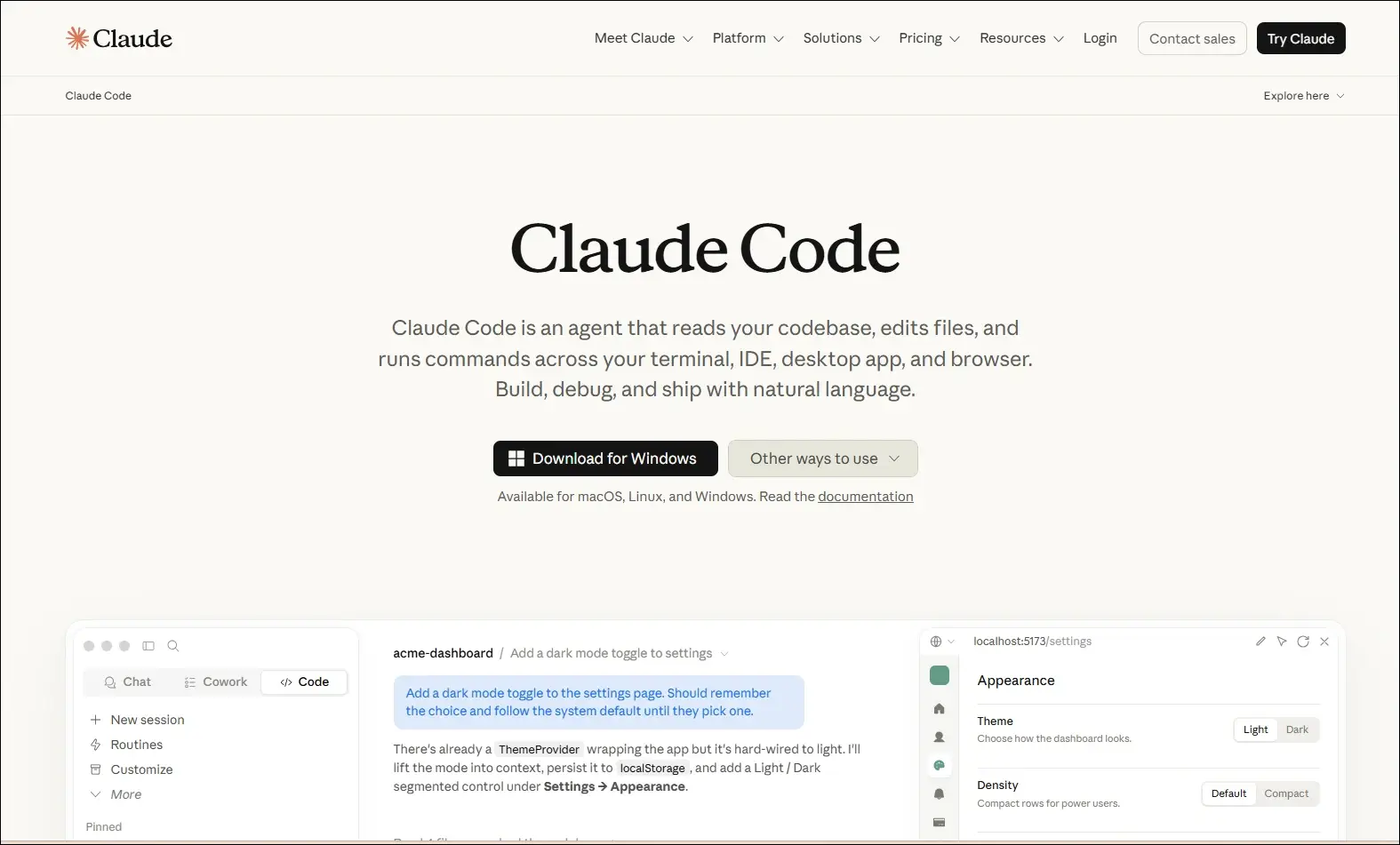
claude code

Ideal for:

  • Backend developers: Work with large codebases directly from the terminal.
  • Engineering teams: Review, refactor, and maintain complex applications more efficiently.

Core Capabilities:

  • Terminal-based workflow: Operates directly from the command line.
  • Codebase understanding: Analyzes repositories to answer development questions.
  • Code editing: Modifies files based on natural language requests.
  • Git integration: Helps review changes and work with Git repositories.
  • Debugging assistance: Identifies issues and suggests possible fixes.
  • Test support: Helps create and update tests while making code changes.

2. ChatGPT

An AI assistant that helps developers with coding, debugging, technical explanations, planning, and software design across multiple programming languages.

Chatgpt

Ideal for:

  • Developers: Solve coding problems, debug issues, and learn new technologies.
  • Software teams: Brainstorm architectures, generate documentation, and improve development workflows.

Core Capabilities:

  • Code generation: Writes code from natural language instructions.
  • Debugging support: Identifies errors and suggests possible fixes.
  • Code explanation: Explains code, algorithms, and technical concepts.
  • Documentation creation: Generates technical documentation and comments.
  • Architecture planning: Assists with system design and software planning.
  • Multi-language support: Supports a wide range of programming languages and frameworks.

3. GitHub Copilot

An AI coding assistant that provides real-time code suggestions, explanations, and development support directly within supported IDEs.
GitHub Copilot

Ideal for:

  • Developers: Write code faster with intelligent autocomplete and code generation.
  • Software teams: Improve productivity through AI-assisted coding and documentation.

Core Capabilities:

  • Inline code completion: Suggests code as you type in supported editors.
  • Copilot Chat: Answers coding questions and explains code within the IDE.
  • Code generation: Creates functions, classes, and boilerplate from prompts.
  • Code explanations: Explains unfamiliar or existing code in natural language.
  • Test generation: Assists with creating unit tests for application code.
  • Pull request support: Helps summarize and review code changes.

4. Cursor

An AI-native code editor that embeds intelligent assistance directly into your development workflow, helping you write, edit, and ship code faster.
Cursor

Ideal for:

  • Developers and engineering teams: Ship features faster across large, complex codebases
  • Beginners and designers: Turn ideas and mockups into working code with AI guidance

Core Capabilities:

  • Multi-file composer: Edits all relevant files in one go.
  • Agent mode: Autonomously plans, edits, and tests changes.
  • Tab autocomplete: Predicts and suggests full code blocks instantly.
  • Project rules: Enforce your conventions across every session.
  • Visual context: Turns UI screenshots into working interface code.
  • Live docs and web: Pulls in real-time framework and security references.

5. Windsurf

An AI-powered development environment that combines code generation, editing, planning, and debugging into a unified workflow through its Cascade AI agent.
Windsurf

Ideal for:

  • Software developers: Build, refactor, and debug applications using AI-assisted workflows.
  • Engineering teams: Collaborate on larger projects with AI support across multiple files.

Core Capabilities:

  • Cascade AI agent: Plans, edits, and executes coding tasks across multiple files.
  • Multi-file editing: Updates related files together while maintaining project context.
  • Terminal integration: Runs commands and understands terminal output within the workflow.
  • Codebase awareness: Uses the entire project as context for more relevant suggestions.
  • Context-aware chat: Answers development questions based on the active codebase.
  • Integrated debugging: Helps identify issues and suggest fixes during development.

6. Replit

A browser-based development platform that combines coding, AI assistance, collaboration, and deployment in one environment.
Replit

Ideal for:

  • Developers: Build and deploy applications without local setup.
  • Students and startups: Quickly prototype and launch software projects.

Core Capabilities:

  • Browser-based IDE: Develop applications entirely in the cloud.
  • AI coding assistant: Generates, explains, and edits code from prompts.
  • Real-time collaboration: Multiple users can work in the same project.
  • Instant deployment: Publish applications directly from the platform.
  • Multi-language support: Develop projects using numerous programming languages.
  • Integrated hosting: Run and manage applications from one workspace.

7. Qodo

An AI-powered code quality platform focused on testing, reviewing, and improving software reliability throughout development.
qodo

Ideal for:

  • Software developers: Improve code quality with AI-assisted testing and reviews.
  • Engineering teams: Maintain reliable codebases through automated quality checks.

Core Capabilities:

  • AI code reviews: Reviews pull requests and suggests improvements.
  • Test generation: Creates unit tests for existing code.
  • Code analysis: Identifies potential issues and quality concerns.
  • IDE integration: Works alongside developers during coding.
  • Pull request assistance: Helps review and validate code changes.
  • Repository awareness: Uses project context to improve recommendations.

8. Amazon Q Developer

An AI assistant for software development that helps developers build, modernize, and operate applications, especially within AWS environments.
Amazon Q Developer

Ideal for:

  • AWS developers: Build and maintain cloud applications more efficiently.
  • Enterprise teams: Modernize applications and automate development tasks.

Core Capabilities:

  • Code generation: Creates code from natural language prompts.
  • AWS expertise: Assists with AWS services and cloud development.
  • Code transformation: Helps modernize existing applications.
  • Security scanning: Detects security issues in application code.
  • IDE integration: Provides AI assistance inside supported development tools.
  • Documentation support: Generates explanations and technical documentation.

9. Tabnine

An AI coding assistant that delivers private, context-aware code completions with options for secure enterprise deployment.
Tabnine

Ideal for:

  • Professional developers: Speed up coding with personalized AI suggestions.
  • Security-focused organizations: Use AI coding assistance with private deployment options.

Core Capabilities:

  • AI code completion: Suggests context-aware code as developers type.
  • Private deployment: Supports self-hosted enterprise environments.
  • Team customization: Learns from organization-specific code patterns.
  • IDE compatibility: Integrates with popular development environments.
  • Natural language generation: Generates code from written instructions.
  • Privacy controls: Offers configuration options for enterprise security needs.

10. v0 by Vercel

An AI-powered interface generation tool that creates React-based user interfaces from natural language prompts.
Ideal for:

  • Frontend developers: Generate UI components more quickly.
  • Product designers: Turn interface ideas into working frontend code.

Core Capabilities:

  • UI generation: Creates React components from text prompts.
  • Design iteration: Refines interfaces through conversational editing.
  • Framework support: Generates components compatible with modern frontend frameworks.
  • Responsive layouts: Produce mobile-friendly interface structures.
  • Code export: Allows generated code to be used in existing projects.
  • Component customization: Updates layouts and styling through prompts.


Look at the table below to get a clear understanding of the best AI coding agents: 

AI Coding Tool  Primary Focus  Best For  Core Strength  What Makes It Different  Development Environment 
Cursor  AI-first code editing  Full-stack developers  Multi-file AI editing  Built as an AI-native editor  Desktop IDE 
Windsurf  Autonomous AI development  Large engineering teams  Cascade AI agent  Plans and executes coding tasks  Desktop IDE 
GitHub Copilot  AI pair programming  Everyday software development  Inline code completion  Deep GitHub integration  IDE extensions 
Claude Code  Terminal-based coding  Backend & DevOps teams  Repository-wide reasoning  Works directly from the CLI  Command line 
Replit  Cloud app development  Students & startups  Build and deploy in browser  No local setup required  Browser-based IDE 
Qodo  Code quality & testing  Engineering teams  AI code reviews  Focuses on testing over code generation  IDE & Git repositories 
Amazon Q Developer  AWS development  Cloud engineers  AWS-aware coding assistance  Built specifically for AWS workflows  AWS & IDEs 
Tabnine  Secure code completion  Enterprise organizations  Private AI suggestions  Self-hosted deployment available  IDE extensions 
v0 by Vercel  Frontend UI generation  Frontend developers  Prompt-to-React components  Creates production-ready UI code  Browser 
ChatGPT  General AI coding assistant  Developers of all levels  Coding, debugging & planning  Broad programming knowledge across languages  Web, desktop & IDE integrations 

How to Integrate AI Into Development Workflow?

Businesses can introduce AI into development workflows in a structured way to improve productivity without compromising code quality or control.

1. Choose Tools That Fit Your Workflow

Select AI coding tools that work smoothly with your IDE, repositories, and development processes. Use different tools for coding, planning, testing, and documentation when required.

2. Divide Work Into Clear Tasks

Give AI small, specific tasks instead of asking it to build entire applications. Clear instructions and relevant context help teams receive more accurate results.

3. Use AI Across Development Stages

Apply best AI coding agents during planning, coding, testing, documentation, and code reviews. This approach helps teams improve consistency and reduce delays across the development lifecycle.

4. Keep Developers in Control

Developers should review, test, and validate every AI-generated output before deployment. Teams must also protect sensitive data and follow security rules when using AI tools.

Ready to Strengthen Your Development Process With AI?

AI coding tools can improve development speed, testing, code quality, and team productivity when businesses implement them with a clear strategy. The right AI development service helps organizations adopt secure, scalable solutions that support their existing systems, workflows, and long-term software goals.

Mindpath helps businesses plan, build, and integrate AI-powered solutions for modern software development. Our experienced team understands your requirements, identifies practical opportunities, and develops solutions that deliver measurable value. Contact Mindpath today to discuss your AI development needs and explore the right approach for your business.

Frequently Asked Questions
AI Agent development time

Building a custom AI solution starts with understanding the expected AI agent development time for your business goals. Every project follows a different schedule because business requirements, system integrations, data quality, testing, and deployment needs directly influence the overall development process. Knowing these factors helps businesses plan realistic implementation timelines and make informed investment decisions.

Key Takeaways

  • 01
    AI agent development time varies based on complexity, integrations, testing, and deployment requirements. 
  • 02
    Clear project planning helps reduce delays and improves overall development efficiency significantly. 
  • 03
    Custom AI agents require multiple development stages before successful production deployment begins. 
  • 04
    Project costs increase with advanced features, enterprise integrations, and autonomous AI capabilities. 
  • 05
    Choosing an experienced development partner accelerates delivery while maintaining quality and security. 

Many businesses also ask how long to build an AI agent before planning budgets and implementation strategies. The answer depends on project scope, customization requirements, existing infrastructure, and deployment readiness rather than a fixed timeline. In this blog, you will learn the typical AI agent development timeline, key factors affecting project duration, and practical ways to accelerate deployment successfully. So, let’s keep reading further!

Want to accelerate your AI agent development without compromising quality? We offer AI Agent Development Services to build reliable, business-ready AI solutions.

What Determines AI Agent Development Time?

The time to deploy AI agent solutions depends on more than writing code or selecting AI models. Every project follows a unique path based on business objectives, technical requirements, and implementation readiness. Understanding these foundations helps businesses set realistic expectations before starting AI agent development.

1. AI Agent Complexity

The type of AI agent has the biggest impact on how long to build an AI agent. Simple agents finish faster, while autonomous and multi-agent systems require additional development, coordination, and testing.

2. System Integrations

AI agents deliver better results when they connect with business tools and applications. Integrating multiple APIs, legacy systems, or custom databases increases development time and technical effort.

3. Security and Approval Controls

Secure AI agents need safeguards before handling business tasks or sensitive information. Teams must build validation checks and approval workflows to ensure reliable and controlled operations.

4. Testing and Performance Validation

Development continues after coding because every AI agent requires thorough testing. Teams evaluate reasoning quality, accuracy, response speed, and reliability before deployment.

5. Development Approach

The chosen development method directly affects project timelines. Pre-built frameworks speed up delivery, while fully custom development takes longer because every feature requires dedicated implementation.

How Long Does It Take to Build an AI Agent?

The AI agent build time depends on project complexity, business goals, and technical requirements. While simple AI agents may take only a few weeks, advanced enterprise solutions require additional development, testing, and deployment. The table below provides a realistic timeline for different types of custom AI agents.

AI Agent Type Typical Use Case Estimated Development Time Estimated Deployment Time Estimated Cost (USD)
Proof of Concept (PoC) AI Agent Validate an idea with limited functionality 2–4 weeks 2–5 days $10,000–$25,000
Simple Task Automation Agent FAQ support, document search, email assistance 4–6 weeks 3–7 days $25,000–$50,000
Business Workflow AI Agent Customer support, HR, sales, internal operations 6–10 weeks 1–2 weeks $50,000–$100,000
Decision Support AI Agent Financial analysis, legal review, business recommendations 8–12 weeks 2–3 weeks $80,000–$150,000
Custom AI Agent with Multiple Integrations CRM, ERP, databases, APIs, enterprise tools 10–16 weeks 2–4 weeks $120,000–$250,000
Autonomous or Multi-Agent Enterprise System End-to-end workflow automation across multiple departments 4–9 months 4–8 weeks $250,000–$1M+

AI Agent Development Timeline: Key Stages Explained

Understanding each development stage helps businesses estimate AI agent development time more accurately. Every phase serves a specific purpose, from planning and development to testing and deployment, ensuring the final AI agent performs reliably and meets business requirements.

1. Define Goals and Project Scope

Every successful AI agent starts with clear business objectives and measurable outcomes. Teams identify the problem, expected results, and project requirements before beginning development.

2. Design the AI Agent Architecture

Developers create the technical foundation by selecting suitable AI models, frameworks, and data structures. This stage ensures the AI agent can handle business tasks efficiently and scale when needed.

3. Build and integrate the AI Agent

Developers create prompts, connect business applications, and integrate external tools and knowledge sources. Secure integrations help the AI agent perform real business tasks with accurate information.

4. Test and Improve Performance

Teams evaluate the AI agent through multiple testing scenarios before production deployment. They refine prompts, fix workflow issues, and improve accuracy to deliver reliable performance.

5. Deploy the AI Agent

After successful testing, the AI agent moves into the production environment with controlled access and security measures. The time to deploy AI agent solutions depends on deployment readiness, governance checks, and rollout strategy.

6. Monitor and Optimize Continuously

Development continues after deployment through regular monitoring and performance improvements. Teams analyze user interactions, update capabilities, and optimize the AI agent for better long-term results.

How to Build an AI Agent Faster Without Compromising Quality?

  • Define clear business goals before starting development.
  • Prioritize high-impact features for the first AI agent release.
  • Prepare clean and organized business data early.
  • Choose the right AI development partner with proven expertise.
  • Use existing systems instead of building everything from scratch.
  • Test continuously throughout development to avoid costly delays.
  • Start with an MVP before expanding advanced capabilities.
  • Review project scope regularly to prevent timeline extensions.

Ready to Build Your Custom AI Agent?

The right AI agent delivers the best results when businesses plan realistic timelines, define clear requirements, and choose the right development approach. Understanding every stage, from planning to deployment, helps reduce delays, control costs, and achieve long-term business value with confidence.

At Mindpath, we deliver custom AI Agent Development Services tailored to your business goals, workflows, and scalability needs. Our experts build secure, high-performing AI agents with faster delivery and reliable implementation. Contact us to discuss your project and find the right AI solution for your business.

Frequently Asked Questions
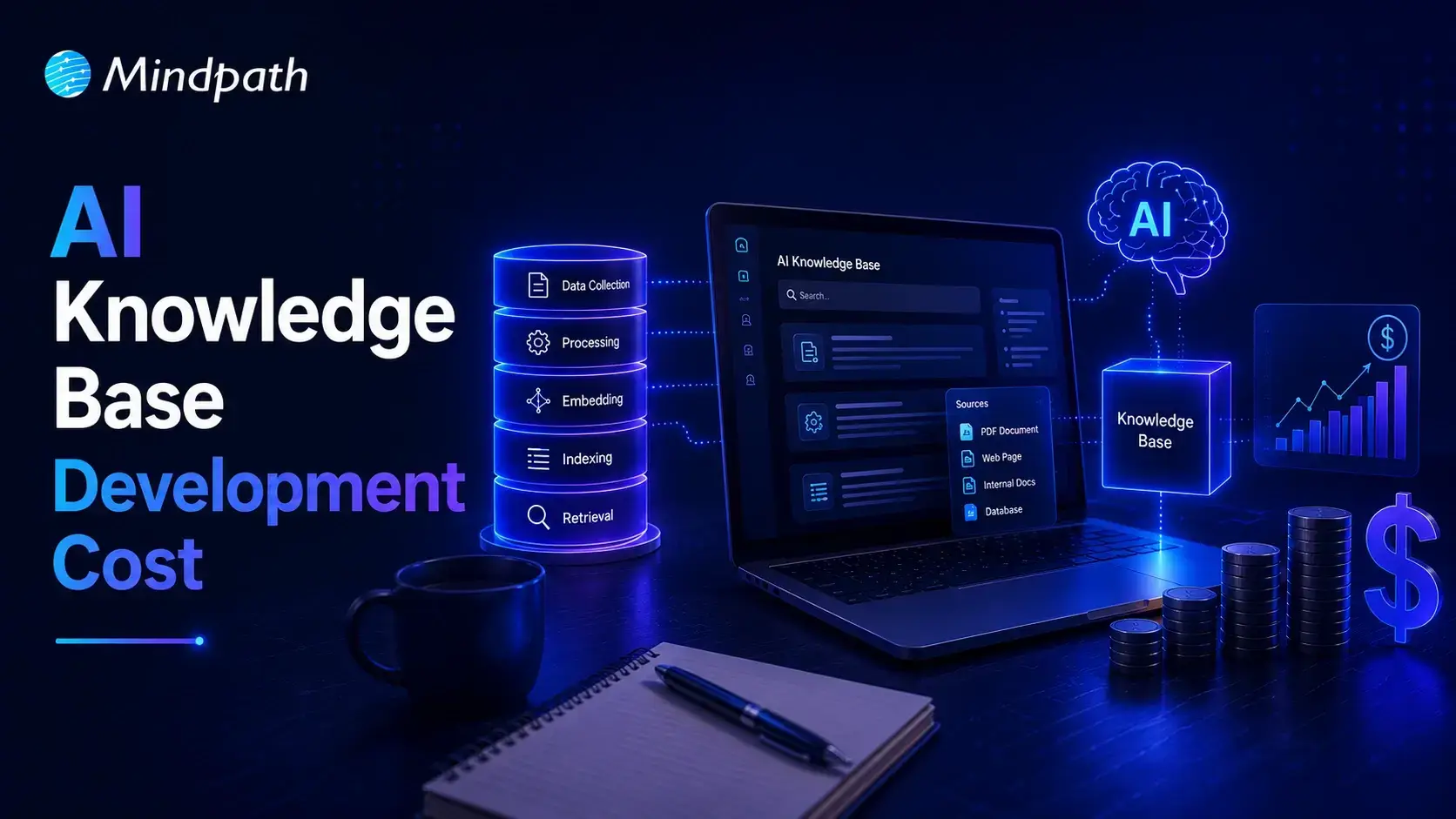
Join our Newsletter!

categories

Join the world's largest training library and unlock new opportunities!

Featured Posts

Turn Insights Into
Real Business Solutions

Exploring trends is only the beginning. Whether you’re planning AI adoption, modernizing legacy systems, or building scalable software, our experts help transform ideas into practical business outcomes.