
Latest Insights On
GenAI, Tech, and Digital Transformation
Stay updated with expert insights, success stories, and real-world applications of cutting-edge technology.
The global workforce went through a seismic shift in the last four to five years, with remote work gaining momentum. Just like many other remote jobs, developers need remote work tools to deliver their best in all tasks. As remote development teams become the norm in many organizations, it is important to know which tools can boost their productivity and efficiency.
Remote work has introduced many opportunities, such as easier access to global talent, cost reduction, and flexibility to work. At the same time, you must also take note of the prominent challenges for remote development teams, such as communication gaps and a lack of transparency. Therefore, remote development teams need reliable tools to achieve better results in their work.
Ready to boost your development capacity with the talented remote experts whom you can trust? At Mindpath, we will match you with skilled developers according to your specific requirements.
Do Remote Developers Need Special Tools?
Yes, every remote developer needs tools that help them improve their productivity. The utility of different tools for remote workers revolves around the fact that they don’t have an office-like infrastructure in their homes. Remote developers have complex responsibilities, which call for attentiveness and focus on strategic tasks. How will developers achieve all this while working in collaboration with other teams? You must look for tools that can help remote workers with different aspects of their work in the comfort of their homes.
Remote developers need different types of tools to boost their productivity in every stage of the development lifecycle. Development teams can use tools for remote work to streamline unwanted complexities in coding and tracking work. The diverse assortment of working from home productivity tools for developers focuses on development environments, collaboration tools, virtual assistants, and complete developer platforms. Developers working from their homes can leverage these tools to boost their productivity and deliver results in alignment with business goals.
Must Read: Benefits of Hiring Remote Developers
Unraveling the Top Remote Work Tools for Developers in 2025
The growing adoption of remote work in almost every organization is a testament to the fact that workers will need tools that fill essential resource gaps. For instance, the top 10 remote working tools for developers will not only allow them to communicate with their teammates but also find spaces for shared programming. An overview of the distinct traits of different tools used for remote work by development teams in 2025 can help you understand their significance.
1. GitHub
You can pick any list of developer tools used worldwide, and there’s no way you wouldn’t find GitHub on it. GitHub is the most popular tool used by developers and offers a comprehensive development experience with access to various tools. It is one of the best tools for remote working as it facilitates the benefits of code collaboration and DevOps in one package.
Development teams can use GitHub Copilot as their AI coding partner to boost their productivity. GitHub also provides cloud-based development environments through Codespaces, thereby reducing resource requirements. On top of it, the features for code scanning, dependency updates, and secret detection help in identifying vulnerabilities before they enter the production stage.
2. Slack
Communication is one of the biggest priorities for any remote development team. Slack is the best tool for remote work in development teams as it centralizes communication for the entire development workflow. For instance, the Huddles feature in Slack allows developers to conduct quick calls without scheduling.
The best thing about Slack is that it manages all conversations across the toolchain on one interface. With Slack, you can know when Jira updates the ticket status or GitHub provides notifications for pull requests. Another crucial feature of Slack is ChatOps, which offers a command-line approach to development operations on a simple chat interface.
3. Visual Studio Live Share
The workflow of remote development teams will be incomplete without screen sharing. Some of the best tools for remote work in the domain of software development are screen sharing apps. Remote developers can use screen sharing to review code or write it together. Virtual Studio Live Share offers a transformative experience in shared programming, which empowers developers with control and flexibility.
VS Live Share is a powerful tool for shared debugging or welcoming new developers to the team. It offers a collaborative debugging feature that helps remote development teams streamline the process. Senior developers can inspect the variables and set important breakpoints that serve as guiding lights for junior developers. On top of it, junior developers can also ask questions in real-time and learn crucial debugging techniques.
4. Zoom
Collaboration through video can be a prominent strength or a setback for remote development teams. Zoom is probably one of the best working from home tools that remote workers rely on for video conferencing. It can help you handle team meetings, client calls and even shared programming sessions. The biggest positive point of Zoom is video quality, which helps remote developers run critical operations without glitches in communication.
One of the prominent features of Zoom that helps developers is the set of robust APIs that help in building custom integrations. In addition, developers can also utilize the SDK options in Zoom for video embedding in the applications they create. The screen sharing feature offers the facility of annotations, which makes it easier for participants to communicate consistently.
5. Figma
The collection of top tools for remote development teams in 2025 also includes Figma, a reliable design and development platform. It is one of the best tools for remote developers to solve one of the most troublesome aspects in product development. Figma helps in managing the transition from design to code with ease by leveraging different features. The real-time collaboration feature of Figma allows multiple users to edit code simultaneously.
When combined with the Dev Mode of Figma, the real-time collaboration feature helps in bridging the gap between creativity and practical solutions. The component-based approach of Figma brings the best of modern development frameworks, thereby making it a must-have for remote developers.
Looking to boost productivity and innovation while working remotely? Explore our blog on the top GenAI Tools driving the future of AI development to understand how these tools are empowering developers beyond traditional remote work platforms.
6. Jira
Thousands of developers vouch for Jira as their first choice for project management, especially in remote teams. It is one of the digital working tools that come with a steep learning curve albeit with undisputed benefits for remote developers. Jira is a formidable software development tool that offers extensive customization options and the value advantages of agile methodologies.
Engineering teams can capitalize on Jira for sprint planning, issue tracking and tracing the entire development lifecycle. With the right configuration and training, remote developers can use Jira to create any workflow model. Furthermore, the Jira Query Language also helps remote development teams extract relevant and productive insights.
7. Confluence
The next top tool for remote development teams is Confluence, a reliable tool for structured documentation. It is a trusted addition in the list of WFH tools that offer a broad set of features and options for better scalability. The support for Jira integration in Confluence streamlines the workflow, starting from ideation and planning to deployment.
Confluence also helps in maintaining comprehensive documentation with the flexibility for arranging information according to project requirements. The most crucial advantage of Confluence is the assurance of access to updated information and extensive search capabilities.
8. Linear
The competition for effective project management tools in remote work is growing continuously, and Linear is a top competitor. It is a promising remote work tool for project management that works effectively for fast-paced development workflows. Linear provides one intuitive platform for tracking issues, team collaboration, and project planning.
Remote development teams can capture, categorize, and resolve bugs in their apps with Linear and access real-time updates for better collaboration. The clear interface and collection of features, such as an issue tracker and team collaboration tools, make it a trusted alternative to popular project management tools.
9. Notion
Can developers find tools that offer an all-in-one workspace? Notion has the answer as it is a trusted remote working platform with the flexibility required by developers. It can help in creating engineering knowledge bases with database links for team members, technical decisions, and projects.
Many remote development teams have adopted Notion for project documentation, combining meeting notes, personal task management, and onboarding guides. On top of it, developers can also leverage Notion AI for generating content and summaries.
10. Miro
The final addition to this list of promising tools for remote development teams is Miro. It is an online whiteboard platform on which developers can collaborate with each other through visual tools. Miro is the top pick among apps for remote workers that make collaboration as easy as possible. The unlimited canvas allows remote developers to organize massive volumes of information while creating a visualization of complex ideas.
Miro can help remote developers in brainstorming with other team members, contributing to the session in real-time. It also facilitates built-in communication tools that allow remote development teams to conduct interactive meetings and workshops.
Wondering how teams can work smarter in remote environments? Explore how AI Consulting helps in enhancing productivity, collaboration, and decision-making by AI-driven strategies.
Ready to Choose the Right Tools for Remote Development Success?
The insights on some of the most commonly used tools by remote development teams reveal that each tool brings something unique to the table. Many teams want to try free remote work tools before taking the subscription, and that holds them back from experiencing the best tools for remote development. Whether it is a workspace or a collaboration tool, remote developers must pick the ideal tools that enhance their productivity without any burden.
At Mindpath, we help businesses build efficient remote development ecosystems by guiding them in selecting and using the right tools. Our experts ensure seamless integration, optimized workflows, and better collaboration so your teams can perform at their best consistently. Contact us today and achieve smarter and more efficient remote development.
The world is experiencing a great advancement in cloud computing, data management, and AI. Here, hybrid cloud is playing a significant role in next-gen IT infrastructure. Further, enterprise-grade businesses are mainly relying on hybrid cloud solutions to run essential workloads from anywhere. As per the recent stat by Grand View Search, the global hybrid cloud market is projected to reach USD 293,721.7 million by 2030.
Looking to improve cloud performance without increasing complexity? At Mindpath, Mindpath offers managed cloud services that simplify operations, enhance security, and enable business growth.
What is Hybrid Cloud in Simple Terms?
To understand its growing popularity, let us first discover what is hybrid cloud. So, it is a computing model that combines private cloud infrastructure with public cloud services. This allows data and applications to move between effectively.
In a hybrid cloud environment, businesses can easily run sensitive workloads in a private setup. On the other hand, you can use the public cloud for high-demand and scalable tasks. This combination allows organizations to get the best control and flexibility at the same time.
Why is Hybrid Cloud Gaining Attention in the Recent Scenario?
The rise of hybrid cloud technologies is actually becoming more essential due to increasing real business requirements. So, companies are no longer picking between public and private clouds. They want both. Here are the reasons behind the increasing adoption.
- Security requirements are increasing among businesses.
- Growing data volumes need scalable storage solutions.
- Businesses are demanding cost-efficient infrastructure.
- Digital changes need flexible deployment models.
Hybrid cloud solutions enable your organization to adopt without overpowering your existing systems. This is why they are becoming the ideal solution for modern businesses.
Hybrid Cloud Benefits for Your Business Operations
There is a series of hybrid cloud benefits that is making the technology more goal-oriented and highly adopted among today’s businesses.
1. Cost-Efficiency
Your company might be at a loss if it maintains a fully private infrastructure. So, hybrid cloud infrastructure can reduce costs by allowing businesses to keep essential workloads in-house. You can use pay-as-you-go public cloud services for multiple requirements. Further, this balance can help you manage your expenses without hampering performance.
2. Flexibility
A hybrid cloud for businesses allows your business to scale workloads effectively. As your demand increases, organizations can get into public cloud resources without investing in any additional hardware. This flexibility ensures seamless operations even during peak usage.
3. Better Performance
You have the ability to place workloads where they perform at their best. So, businesses can optimize speed and efficiency as per their needs. For example, high-computing tasks can offer public cloud power. This workload distribution can encourage overall system performance.
4. Business Continuity
Hybrid cloud applications can support your backup and recovery strategies. Do, if one of your environments fails, your workloads can be shifted to the other one. This ensures minimal downtime. Further, it can make hybrid models reliable for critical operations.
5. Powerful Security
One of the major advantages of hybrid cloud for business is having control over sensitive data. You can easily store confidential data in private environments while using public clouds for less critical operations. This approach can improve your compliance with recent regulations while keeping your company out of risk.
The Importance of Hybrid Cloud Infrastructure
A strong hybrid cloud infrastructure integrates multiple environments within a unified system. Further, it includes on-premise data centers, private cloud platforms, and public cloud providers. The goal remains to ensure seamless communication and data flow across all major components. So, when you implement it correctly, this infrastructure can act as a single environment.
Hybrid Cloud Applications Across Different Industries
The versatility of hybrid cloud applications makes them an incredible choice for organizations across multiple industries. So, by combining flexibility with control, hybrid cloud models can meet your specific operational and regulatory needs without hampering any performance.
1. Finance
Financial organizations completely rely on hybrid cloud infrastructure to maintain compliance while achieving the desired performance. Further, essential data and transactions are handled in secure and private environments, and this is the best hybrid cloud example.
2. Healthcare
Hybrid cloud solutions play an essential role in balancing security and accessibility. So, you can easily store patient data in your private cloud systems while being aware of the regulations. Further, public cloud capabilities provide quick data processing.
3. Retail
Retail businesses can consider a hybrid cloud environment and can easily manage customer needs. During any promotional events or peak seasons, cloud resources can instantly gather and manage increased traffic.
Hybrid cloud for business is enabling organizations to innovate faster and improve efficiency while maintaining greater control over multiple operations.
Challenges You Might Face in Hybrid Cloud Adoption
While adoption is extremely strong, hybrid cloud also introduces new challenges. Some of the major ones have been listed in this section.
1. Misconfiguration Risks
Your hybrid systems can combine legacy infrastructure with advanced platforms. So, such an approach can give rise to errors in configuration that open up to serious security gaps.
2. Monitoring and Security Challenges
Handling consistent security control across private, public, and edge environments can be difficult. So, without centralized assessment, many risks and cloud computing vulnerabilities might go unnoticed.
3. Handling Multiple Environments
A hybrid cloud environment includes operations across private and public systems at the same time. So, this can uplift operational difficulties. So, your IT teams need to monitor performance while maintaining consistency across different platforms.
4. Skill Gaps
Hybrid cloud technologies need specialized knowledge and skills. Further, many organizations face challenges due to a lack of skilled experts who can handle hybrid systems.
Significant Trends in Hybrid Cloud
The hybrid cloud ecosystem is changing effectively due to market requirements. As per the reports, around 90% of organizations will use hybrid models.
- The rise of edge computing means more organizations are pushing computers closer to devices and major users. Further, combining edge computing with hybrid cloud enables real-time applications in retail, manufacturing, and autonomous systems.
- Orchestration and container platforms are ensuring portability and agility across multiple environments.
- Companies are building single governance lifecycle policies to safeguard hybrid environments from data breaches.
- As businesses are adopting IoT and AI, hybrid environments will play a major role in prioritizing these technologies.
Conclusion
The significant rise of hybrid cloud has been changing how businesses operate, innovate, and grow. So, by combining the strengths of private and public environments, you can build cost-efficient and high-performing systems.
If you want to modernize your IT infrastructure, adopting hybrid cloud solutions can be your strategic move toward a future-ready approach. With Mindpath’s cloud managed services, you can seamlessly transition into a hybrid cloud environment while strengthening your position in the digital age.
FAQs
1. When Should a Business Prefer a Hybrid Cloud Infrastructure?
If you handle sensitive data but also experience traffic shifts, a hybrid approach lets you keep critical workloads secure while scaling operations on demand.
2. Is a Hybrid Cloud Expensive to Maintain?
While the initial setup might cost you a bit, it can further reduce your long-term charges.
3. How Does a Hybrid Cloud Differ from Multi-Cloud?
Hybrid cloud includes private and public environments, while multi-cloud uses multiple public cloud providers without necessarily implementing private infrastructure.
4. Is Hybrid Cloud Valuable for Small Organizations?
Hybrid solutions can be tailored for small businesses. Further, it offers flexibility without any heavy upfront charges.
5. What Industries Use Hybrid Cloud the Most?
Industries like retail, finance, and healthcare use hybrid cloud due to their need for security and scalability.
It is undeniable that having a robust online presence is essential for any business these days. That presence can be created with the right web development services and it will yield real results. However, there are still many companies that are facing difficulties in selecting a suitable development type for their objectives. Having a good grasp of the options makes a huge difference.
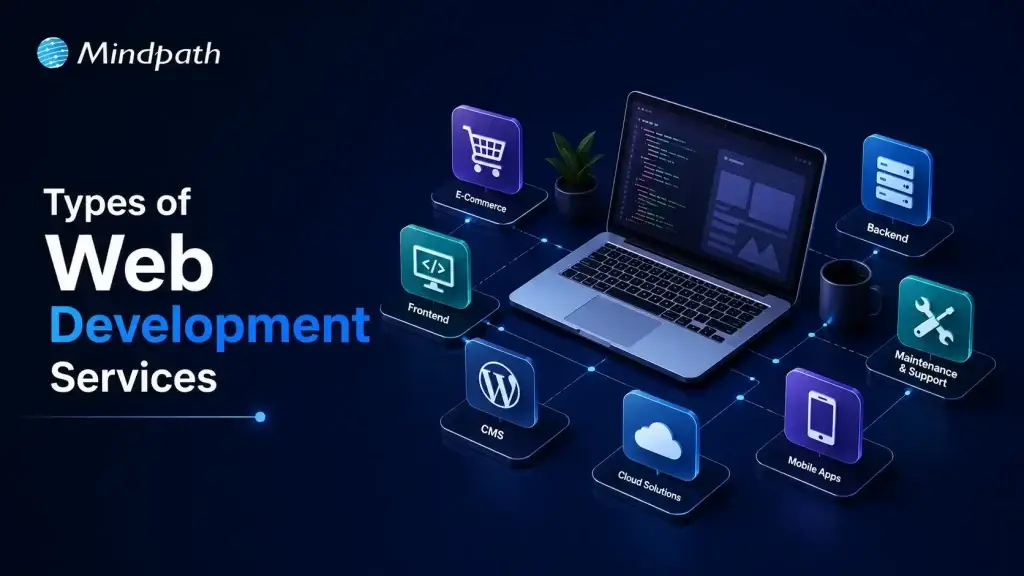
Well, where do you start then? There are many specialties in the field of web development. All perform a different business function. Some emphasize on user experience and design. Others take care of complicated system architecture. Understanding the distinction will help you to invest smarter and grow faster. Let’s dive into this blog to understand 10 major types of web development and their implications for your business. So, keep reading further!
Ready to build a powerful online presence? Explore Mindpath’s web development services and turn your ideas into high-performing digital solutions.
What are Web Development Services? A Quick Glance
Web development services encompasses all aspects of creating a functional website or web app. The developers are responsible for the coding, database design, and bringing it all together. Good development is the process of converting a visual design into actual, working product. It drives all of your clicks, load and interaction online. These services are more than just website development.
These comprise performance tuning, security, updates, and continuous support services. A great web development partner will be able to cover the entire process, from planning to launch. That means your website is not just an online page; it’s a business asset.
What are the Types of Web Development Services?
Web development is a collection of many different specialized services. Each has its own function in making a successful product. Picking the right one brings great benefits: you can save your time, lower the expenses, and get better results at the same time.
However, it’s not that obvious which one to choose without a guide. So, let us show the major types of the website development services your business should be aware of.
1. Front-end Development
Frontend development is the making of the visual and interactive part of a website or a web app. It includes everything a user sees and interacts with, such as page designs, buttons, and even animations. Frontend developers rely on HTML, CSS, and JavaScript, plus frameworks like React and Vue to design interfaces that are not only fast and responsive but also user-friendly.
Key Features of Frontend Development
Let’s dive into the features of front end development that make a website visually compelling and user-friendly.
- A good frontend loads quickly, and does not let folks bounce off the page.
- It provides a pretty appearance that fosters trust on the first impression.
- Users can move easily from one section to another, thanks to the smooth navigation.
- All elements are consistent throughout Chrome, Safari, Firefox and other browsers.
- Performance remains optimized with no lag, no freeze, no slowdowns.
- User data is secured and the interface is protected against threats.
2. Back-end Development
All backend development work powers the processes that are invisible to users of a website. Users don’t see it; however, they can get to the business success that it facilitates practically each day. It deals with the management of servers, databases, and application logic. Python, PHP, and Node.js are the coding languages that are used to perform these activities. A website without a strong backend cannot really operate well.
Key Features of Back-end Development
Let’s look at the essential elements of back-end development that ensure reliable, secure, and efficient web development services.
- Data is stored, managed, and accessed from structured databases in backend systems.
- Core business rules are applied efficiently, by server-side logic.
- APIs join frontend, backend and third-party tools together.
- Data of user is always safe with strong authentication and encryption strength.
- Architecture that can scale, so it won’t slow down with high traffic.
- Payment gateways and other external integrations smoothly connect your platform.
3. Full-Stack Development
Full-stack development refers to working on both the frontend and backend sides of a website or application. They are capable of managing everything, both the user interface and the data processing backend. They represent the generalists among web development services. A single proficient developer or a developer team is often able to build, operate, and deliver a whole product without the help of others.
Key Features of Full-Stack Development
Let’s take a look at the features that make full-stack development a good business option.
- Full stack developers take care of the entire development process all by themselves.
- They have experience in both front end and back end technologies.
- These popular stacks are used to create dynamic, fast web applications such as MERN.
- The less team changeovers, the quicker the delivery, the smoother the flow.
- Better performance and cleaner APIs through deep architectures knowledge.
- Both sides of the app scale and adapt with ease.
4. CMS Development
CMS development involves creating websites based on platforms that allow you to handle content without the need to write any code at all. WordPress, Shopify, and Drupal are well-known instances. It’s among the most sensible web development services for companies who desire to have complete control over their content. Refresh your pages, include blogs, and modify the content whenever you want.
Key Features of CMS Development
Here are the main points that make CMS development efficient and business-friendly.
- Intuitive editors make creating and formatting content quick and simple.
- Everything is stored in one easy to access place.
- Role Based permissions are used to maintain teamwork and smooth content flow.
- Schedule and publish content on different websites and social platforms without hassle.
- Inbuilt Analytics tools enable you to enhance content according to actual data.
- CMS platforms have a seamless interface with CRM and marketing applications.
5. eCommerce Development
E-commerce development refers to the creation of online stores that are capable of managing product display as well as ensuring payment security. Great ecommerce development services are centered on not only quick loading times and hassle-free checkout procedures, but also on robust security measures. The smallest elements are aligned with the main objective converting visitors into buyers.
Key Features of eCommerce Development
Let’s take a look at the essential components that make any ecommerce development project successful.
- Always, sensitive user data and payment information are guarded by robust security.
- The payment gateway integration is seamless, ensuring smooth and reliable transactions.
- Smart inventory tools are useful in keeping the product management organized and accurate.
- Order management logic ensures efficient order fulfillment from click to delivery.
- Scalable architecture helps control traffic surges without impacting performance.
- In-built analytics makes informed business decisions every day.
6. Mobile App Development
Mobile app development means creating software for smartphones and tablets. It includes designing, programming, and testing for Android and iOS environments. Even though it is a bit different from the usual web development, nowadays mobile apps are mainly connected to web-based backends. A good mobile app delivers your business at the fingertips of the customer.
Key Features of Mobile App Development
These are some of the characteristics of a strong mobile application that will be regarded as the defining features of a well-built mobile app.
- Smooth performance and speedy load time stop users from dropping off.
- Offline support allows the app to function without an Internet connection.
- Timely and personalized push notifications to re-engage users.
- User trust comes easily with strong encryption and biometric authentication.
- Every day, AI personalization provides more intelligent and relevant app experiences.
- Real-time analytics monitor behavior and provide ongoing app enhancements.
7. Progressive App Web Development (PWA)
A Progressive Web App works like a native app but runs directly in a browser. It loads fast, works offline, and feels smooth on any device. PWA development is a smart choice within web development services because one codebase works across all platforms. No app store needed, just a great experience every time.
Key Features of PWA Development
Here are the core features that make PWA development a powerful modern choice.
- Service workers enable smooth performance even on slow or no network.
- PWAs deliver native app-like navigation and full-screen experiences seamlessly.
- Users install PWAs directly from their browser onto any device.
- Updates happen automatically without any app store downloads needed.
- Push notifications keep users engaged with real-time personalized messages.
- HTTPS hosting ensures every PWA stays secure and data stays protected.
8. Web Accessibility Development
Web accessibility development makes sure every user can navigate and use your website, including people with visual, auditory, or cognitive disabilities. It follows standards like WCAG to remove digital barriers. Within web development services, accessibility is not optional. It is a responsibility that also improves usability and expands your audience reach.
Key Features of Web Accessibility Development
Here are the key features that make a website truly accessible for every user.
- Alt text helps screen readers describe images to visually impaired users.
- Captions and transcripts make audio and video content fully inclusive.
- High color contrast ratios improve readability for all users significantly.
- Every function works smoothly using a keyboard alone.
- Visible focus indicators show users exactly where they are navigating.
- Skip navigation links let users jump straight to main content.
9. Web Security Development
Web security development builds protection directly into your website from day one. It covers secure coding, data encryption, and regular vulnerability checks. Cyber threats like SQL injection and data breaches are real risks every business faces. A secure website protects your users, your data, and your business reputation effectively.
Key Features of Web Security Development
Here are the core features that keep a website secure and trustworthy.
- Multi-factor authentication ensures only authorized users access sensitive areas.
- SSL/TLS encryption protects data during transit and storage always.
- Secure coding practices block injection attacks and cross-site scripting effectively.
- Content security policies prevent malicious scripts from running on your site.
- Proper session management stops hackers from hijacking active user sessions.
- Web application firewalls filter and monitor all incoming traffic constantly.
10. API Development and Integration
API development and integration connects your software applications so they talk to each other smoothly. It is a core part of modern web development services. Think of it as a digital bridge between your tools, systems, and platforms. Good API development saves time, reduces manual work, and keeps your entire tech ecosystem running together.
Key features of API Development and Integration
Here are the key features that make API development truly effective.
- Multi-layer authentication keeps every API interaction fully secure.
- Cloud-native infrastructure scales smoothly under high traffic.
- Clear documentation makes third-party integration fast and simple.
- Rate limiting protects servers from overload and attacks.
- Versioning ensures updates never break existing integrations.
- Connectors link payment gateways, CRMs, and platforms effortlessly.
Ready to Build a Website That Works for Your Business?
Web development is not one-size-fits-all. Every business has different goals, and the right web development services help you meet them. Whether you need a fast frontend, a secure backend, or a full e-commerce store, picking the right type makes all the difference.
At Mindpath, we are a web development agency that actually listens. We understand your goals and build solutions around them. Contact us; we offer solid, results-driven development that helps your business grow online and stand out from the crowd.
Frequently Asked Questions
1. Which web development service does a small business actually need?
Start with frontend and CMS development. They cover design, content, and basic functionality. As the business scales, backend and e-commerce development naturally follow.
2. How long does a web development project take?
A simple website takes two to four weeks. A full-scale web application with custom integrations can take three to six months depending on complexity.
3. What is the difference between web design and web development services?
Web design focuses on looks and feel. Web development focuses on functionality. Both work together. Great design without solid development delivers nothing, and vice versa.
4. Do businesses need both frontend and backend development?
Yes. Frontend handles what users see. Backend handles data, logic, and security. Skipping either creates gaps in performance and user experience.
5. How does web development impact business growth?
A well-built website attracts visitors, converts them into customers, and builds trust. Fast speed, mobile responsiveness, and security all contribute directly to revenue growth.
You should know what a react developer does in real life before you start hiring. A React developer’s main job is to use JavaScript and the React library to create user interfaces that people can use. They want to know how well front-end apps work and how they do it.
Making UI components, keeping track of the application’s state, integrating APIs, and speeding things up are some of the things they do every day.
Planning to bring your web application idea to life using React? Mindpath offers ReactJS development services designed to deliver smooth performance and great user experience.
A react js developer’s real-life tasks and responsibilities include:
- Creating reusable UI components
- Managing data flow and state
- Optimizing application performance
- Collaborating with backend and DevOps teams
- Maintaining clean and scalable codebases
It’s important to be clear about the job because hiring someone without knowing what it is can lead to problems with expectations.
Also Read: ReactJS Trends
Why Hiring the Right React Developer Matters?
ReactJS development services are in high demand right now because people need web apps that can grow and work well. If you hire the wrong developer, the project could take longer to finish, you could have more technical debt, and the user experience could get worse.
But skilled developers can:
- Deliver clean and maintainable code
- Optimize performance at scale
- Build seamless user interfaces
More and more businesses are hiring Dedicated React developers who can help with long-term product growth instead of just getting things done quickly.
Wondering why businesses are increasingly choosing React for their projects? Discover the key benefits of ReactJS for web development and how it improves performance and scalability.
Core Skills Required for React Developer
The first step in a structured hiring process is to find out what skills you need to have to be a React developer. These skills are more than just being able to write code. They know how to build front-end architecture from the ground up.
1. Strong JavaScript Fundamentals
You need to know ES6+ because React is built on JavaScript. Developers should know about things like closures, async/await, and array methods.
2. React Fundamentals and Architecture
You need to know a lot about JSX, the virtual DOM, the component lifecycle, and how to handle state in order to make apps that work well.
3. State Management Expertise
To deal with complicated states in modern apps, you need to know how to use tools like Redux or the Context API.
4. HTML, CSS, and UI/UX Understanding
React is a framework for building front-end applications. This means that programmers need to know how to make user interfaces that are simple to use and work well.
5. API Integration and Backend Communication
Developers need to know how to connect backend services and use REST APIs.
6. Version Control and Development Tools
To get a job today, you need to know how to use Git, Node.js, and npm.
You should never compromise on these reactjs developer skills because they are the technical foundation.
Looking to understand the step-by-step journey to becoming a successful React developer? Explore detailed ReactJS roadmaps to guide your learning and hiring decisions effectively.
Evaluating Advanced ReactJS Developer Skills
The best developers know more than just the basics. They know advanced skills that affect how well the system works and scales.
1. Performance Optimization
A good developer knows how to make big datasets work better, use lazy loading, and cut down on the number of times they have to render.
2. Testing and Debugging
If you know how to use tools like Jest and debug, you will have fewer problems in production and be able to release things faster.
3. Component-Based Thinking
Since React’s architecture is based on reusable parts, it’s important to know how to make designs that can be used again.
4. Problem-Solving Ability
Developers should be able to quickly find and fix bugs and handle problems that come up in the real world.
These advanced skills are often what make a candidate stand out from the rest when hiring a developer.
Looking to create applications that can grow with your business needs? Discover how building scalable applications with React can help you achieve long-term success.
The Role of React Developer
How much work a modern developer can get done depends a lot on how well they know react developer tools and ecosystem utilities.
These tools are helpful:
- React DevTools for debugging component trees
- Redux DevTools for state inspection
- Build tools like Webpack and Vite
- Testing libraries like Jest and React Testing Library
These tools can help the developer do well in real life, not just in theory.
Soft Skills You Should Not Ignore
When you hire react developers, make sure they have both hard and soft skills.
Here are some important soft skills:
- Communication and teamwork
- Attention to detail
- Adaptability and collaboration
React developers often have to work with people from other departments, so being able to get along with others can make a big difference in how well a project goes.
Want to know how artificial intelligence is shaping modern front-end frameworks? Read how ReactJS and AI are working together to create smarter and more dynamic applications.
Practical Hiring Checklist for React Developers
Based on real-life hiring frameworks, this is a helpful list of things you can do to hire people faster:
1. Define Your Requirements Clearly
Find out if you need a freelancer, a developer who works for you, or a team of React developers who will work on your project full-time.
2. Evaluate Technical Skills
Learn how to use APIs, how to manage state, and the basics of JavaScript and React.
3. Review Portfolio and Past Work
Check out real projects to see how well they code, how easy it is to add new features, and how good their user interface is.
4. Conduct Technical Assessments
Give someone coding tests and put them in real-life situations to see how good they are at solving problems.
5. Assess Communication Skills
Make sure the developer and your team can work well together.
6. Check Adaptability and Learning Ability
React changes a lot, so developers need to stay up to date on new features and how to use them correctly.
This list will help you stay on top of things and organized while you hire people.
Curious about how much it really costs to hire skilled React professionals? Explore the cost of hiring ReactJS developers and what factors influence pricing.
Choosing the Right Hiring Model
When companies need to hire ReactJS developers, they usually choose one of three types of models:
- Freelancers for short-term tasks
- In-house developers for long-term projects
- Outsourced or dedicated teams for scalability
There are good and bad things about each model, but companies that want to grow steadily over time usually hire Dedicated React developers.
Final Thoughts
You can’t just hire someone who knows how to use React; you also need to find people who can build apps that are fast, can grow with your business, and meet your needs. You can greatly lower the risks of hiring by using a structured checklist and focusing on the right skills for a React developer.
One of the best things your business can do in a world where user experience is the most important thing for success is hire the right React people.
In today’s fast-paced digital world, hiring the right backend developers can have a direct effect on how well your product works, how scalable it is, and how successful it will be in the long run. Node.js is the most popular modern backend technology because it has an event-driven architecture, a non-blocking I/O model, and can handle a lot of concurrent workloads quickly.
According to Statista, Node.js is one of the most popular web frameworks because about 42% of developers around the world use it. It’s important to hire NodeJS developers because so many people use it and it’s also a competitive field.
This guide gives you useful, real-world tips on how to hire NodeJS developers that will help you avoid common hiring mistakes and make good decisions.
Looking to simplify your hiring process while ensuring you choose the right developers? Mindpath provides professional services to help you hire expert NodeJS developers with the right skills and experience.
Understanding Why Hiring NodeJS Developers Matters
Why You Should Know Why You Should Hire NodeJS Developers
Before you start looking for a Node.js developer, you should know why they are so important.
Node.js is great for making:
- Apps that work in real time, like chat apps and notifications that pop up right away
- Microservices and RESTful APIs
- Queues of messages in event-driven architectures
- Backend systems that can handle thousands of users at once and grow as needed
You can use JavaScript on both the front end and the back end. This makes development faster and the team more productive.
Start With Clear Project Requirements
One of the most important but often overlooked steps in the guide to hiring NodeJS developers is to be clear about what you need.
You should ask the following before hiring someone:
- Do you need a developer who is just starting out, in the middle of their career, or at the top of their game?
- Are APIs, real-time data, or microservices the building blocks of your project?
- What frameworks do you need, like Express and NestJS?
You will waste time and hire the wrong people if you don’t set these. One of the most common reasons why hiring processes don’t work is that the expectations aren’t clear.
Also, being clear about the scope of your project makes sure that everyone, including candidates, is on the same page.
Identify Core Technical Skills
When hiring expert NodeJS developers, you should look for more than just basic skills.
Must-Have Skills Checklist
A good Node.js developer should have:
- A lot of experience using JavaScript (ES6+)
- Understanding the main ideas behind Node.js and the event loop
- Knowing how to use promises and async/await in code that runs at the same time as other code
- Knowing how to create RESTful APIs
- Connecting to databases such as PostgreSQL and MongoDB
- Authentication systems (JWT, OAuth)
- Git for keeping track of versions
Knowing how to set up the backend and deploy to the cloud is also very useful.
Evaluate Real-World Problem-Solving Skills
One of the best ways to find NodeJS developers is to look for people who can do the job instead of people who know a lot about it.
Instead of asking syntax-based questions:
- Assign real-world coding tasks (under 2 hours)
- Test API development or debugging scenarios
- Evaluate error handling and async logic
Top developers demonstrate:
- Clean code structure
- Efficient async handling
- Scalability thinking
This method helps you tell the difference between regular developers and real backend engineers.
Don’t Confuse Full-Stack With Backend Expertise
A lot of people think that all JavaScript developers are also experts at Node.js, which is not true.
In the real world:
- Full-stack developers often use simple APIs.
- Backend Node.js engineers are experts in performance, architecture, and scalability.
If you don’t get this right, you might make bad decisions about how to design your system later.
Choose the Right Hiring Model
The engagement model is another important thing to think about when hiring NodeJS developers.
Options for Hiring
- Freelancers (affordable and adaptable)
- Developers who work in-house (for long-term stability)
- Agencies (for full service and faster hiring)
There are pros and cons to each model when it comes to cost, control, and scalability.
People are hiring people from farther away because:
- They can hire people from anywhere in the world
- Hiring cycles that go by faster
- Cost-effectiveness
Build an Effective Hiring Process
If you have a well-organized hiring process, you are much more likely to succeed.
Standard Hiring Workflow
- Define job requirements
- Create a compelling job description
- Source candidates (LinkedIn, GitHub, job boards)
- Conduct technical assessments
- Evaluate soft skills and cultural fit
Structured hiring phases make it less likely that a company will hire the wrong person, and their teams work better.
Focus on Both Technical and Soft Skills
You need more than just technical skills.
When you hire Node.js developers, you should also think about the following:
- The ability to speak to people
- The ability to understand things
- Being able to work with others
- Being able to adapt quickly in fast-paced situations
A developer who knows how to talk to people can make a big difference in how well a project goes and how well the team works together.
Assess DevOps and Scalability Knowledge
Developers who know how to deploy and scale modern backend systems are needed.
Look for someone who has worked with:
- Balancing the load
- Putting in more servers
- Environments in the cloud
- CI/CD pipelines
Developers who have been trained in DevOps can fix problems in production more quickly.
Define Budget and Salary Expectations
The cost changes depending on:
- How long you’ve been doing it
- Where it is
- How hard the project is
For instance:
- Developers with a middle level of experience make between $62,000 and $113,000 a year.
- Senior developers make more money because they know a lot about how to build things.
If you clearly say how much money you have, it will be easier to find and hire the right people.
Create a Strong Developer Evaluation Checklist
Make a good list of things to look for when judging developers.
Here are a few quick things to think about when hiring NodeJS developers:
1. Technical Checklist
- The main ideas behind Nodejs
- Learning how to do asynchronous programming well
- Knowing how to create APIs
- Being able to use a database
- Skills for finding and fixing problems
2. Practical Checklist
- Being able to solve problems in the real world
- Knowing how systems can grow
- Knowing how to set up the cloud
3. Behavioral Checklist
- The ability to talk to people
- Being able to work well with others
- Being a good fit for the culture
A structured checklist makes sure that everyone is judged in the same way.
Avoid Common Hiring Mistakes
Even companies that have been around for a while still make mistakes when they hire Node.js developers.
- Job descriptions that aren’t clear
- Not paying attention to async programming skills
- Not doing tests in real life
- Hiring someone too quickly without doing a thorough background check
If you don’t make these mistakes, you’ll have a better chance of hiring the right people.
Take the Next Step: Hire Smarter, Build Better
When you hire Node.js developers, you’re not just filling a job; you’re building a backend team that can grow with your business and do a great job. To make sure everything goes smoothly, it’s very important to do every step of the process, from figuring out what you need to testing your skills in the real world.
You can do the following by following these best practices for hiring NodeJS developers:
- Make hiring less risky
- Make it easier for products to grow
- Build a development team that is ready for what comes next
In a market where there is a lot of competition, the companies that hire smarter, not faster, do better. Contact us
If you’re ready to take the next step in hiring Node.js developers or have any questions, feel free to reach out to us. Our team is here to assist you in finding the right talent that fits your project needs.
WordPress remains a top choice for website development due to its scalability, ease of use, and flexibility. However, to unlock WordPress’s true potential, it is crucial to hire the right developer- an expert who can understand your goals, the technical nuances of WordPress, and your customers. Yet, hiring a WordPress developer is a major investment.
It is not just about finding a professional who can write code; it is a strategic partnership between your business and an expert who can offer you the required solutions. Besides, it involves more than just checking technical skills. This detailed hiring WordPress developer guide will guide you through the hiring process, helping you make an ultimate hiring a WordPress developer checklist.
Are you looking for expert help to build your WordPress site? At Mindpath, you can hire WordPress developers who are highly skilled and dedicated to building high-performing websites that drive measurable results.
Top Reasons for Hiring a WordPress Developer
Before diving into the WordPress developer checklist to ensure a successful hiring, let’s understand why you should hire expert WordPress developer.
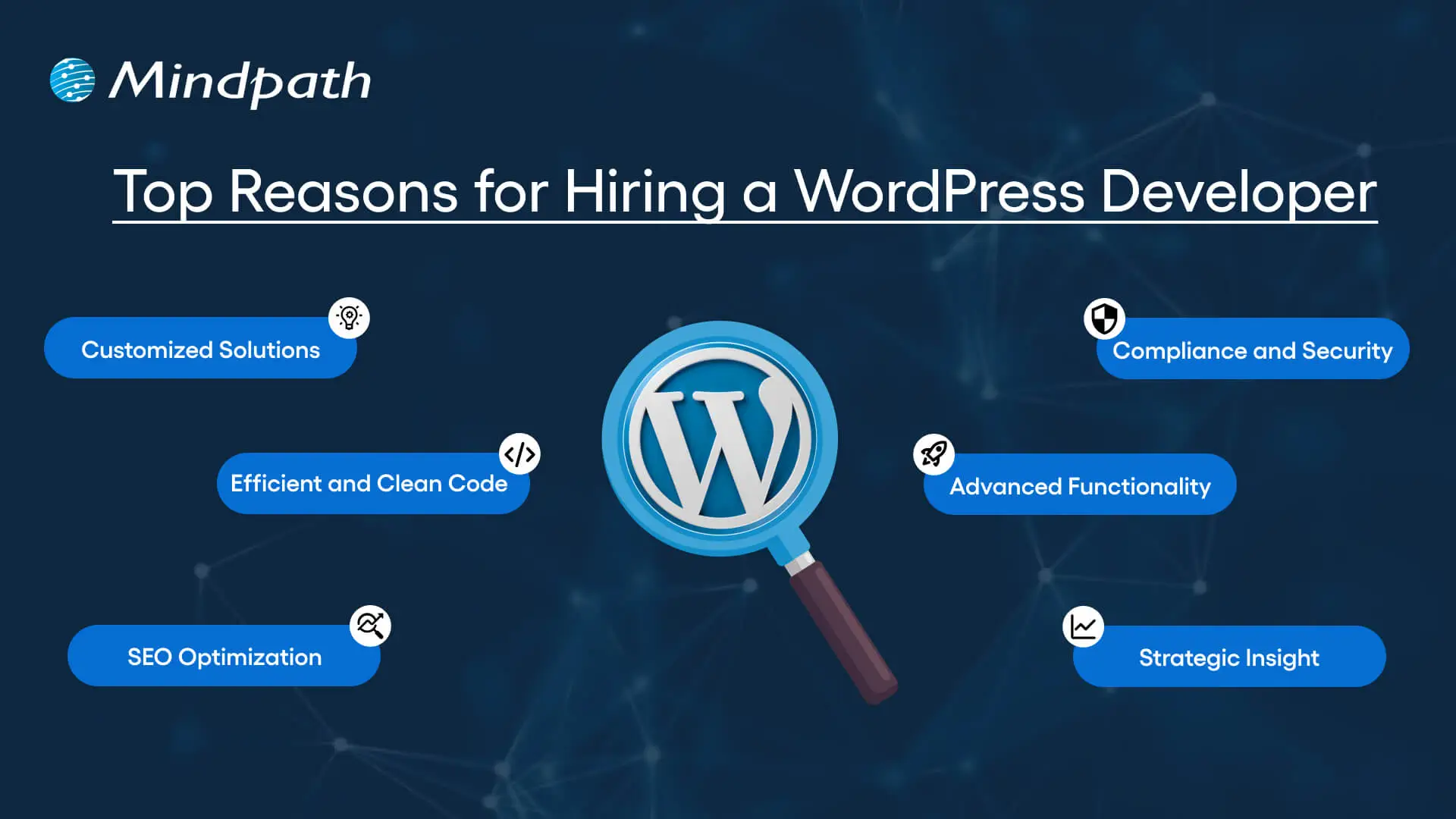
1. Customized Solutions
A professional WordPress developer can provide custom WordPress development for the site to match your unique brand identity, functional requirements, and user experience goals. Pre-built themes or plugins won’t offer you such flexibility.
2. Efficient and Clean Code
Skilled developers always prioritize writing scalable, secure, and optimized code. This ensures better SEO scores, fewer compatibility issues, and faster load times.
3. SEO Optimization
Developers know how to develop a website for search engines. For example, they use schema markup, semantic HTML, image optimization tools, and caching techniques that boost visibility and improve rankings.
4. Compliance and Security
From database protection to SSL configuration and plugin installation, professional WordPress developers deploy best security practices to protect your site from data breaches and malware. Besides, they ensure that all the plugins and elements are updated to the latest versions.
5. Advanced Functionality
Do you need a custom API integration or booking system? Well, a skilled WordPress developer knows how to integrate complex features that align with your user needs and business goals. They can also create custom plugins to expand the features of your site.
6. Strategic Insight
Apart from coding, WordPress developers help businesses to get detailed insight into conversion optimization, user behavior, latest trends, and more. All these things will help businesses in making smarter decisions.
Want to make sure your WordPress site is accessible to everyone? Check out our post on improve WordPress web accessibility to learn practical steps for making your site more inclusive and user-friendly.
Types of WordPress Experts- Which One Should You Hire
Understanding the benefits and value a developer can bring is just the beginning. To make the right decision on hiring a WordPress Developer, it is crucial to learn about the different types of WordPress developers you can hire. Remember that each brings a unique focus area and skill set.
1. Front-End WordPress Developers
These experts specialize in interactive and visual aspects of websites. They manage styling, layouts, and user experience and responsiveness using JavaScript, CSS, page builders, and HTML.
2. Back-End WordPress Developers
They focus on database management, server-side functionality, custom theme development, and plugin development. They work with WordPress core functions, MySQL, PHP, and more to create scalable websites.
3. Full-Stack WordPress Developers
Such experts handle back-end and front-end development tasks. They can create a website from scratch while ensuring seamless integration.
While hiring dedicated WordPress developer, you should choose the right type of developer to ensure your project aligns with the design goals, technical needs, and vision.
Curious about which developer’s role best suits your project? Dive into our article on Front-End vs Back-End vs Full-Stack to understand each role and decide which path aligns with your website’s needs.
WordPress Developer Checklist- Skills to Consider
Your hiring WordPress developer checklist should cover the key skills of WordPress developers. HTML, CSS, PHP, MySQL, and JavaScript rank among the key languages for WordPress development. Most developers are familiar with these languages, but knowledge of these technologies is not enough. Here are some skills that matter the most.
Hard Skills or Technical Capabilities
- Knowledge of using core languages such as jQuery, JS, HTML5, CSS3, PHP, MySQL, React.js, and other languages.
- Clear understanding of plugin architecture and WordPress core.
- Building and customizing themes from scratch, and experience with various page builders like Beaver Builder, Gutenberg, Thrive Architect, Elementor, and Themify Builder.
- Familiarity with REST API.
- Knowledge of various optimization methods like scheme markup, image compression, caching, Core Web Vitals, minifying CSS, use of CDN, and more.
- Understating security issues and applying fixes
Soft Skills
- Ability to explain technical concepts in practical and simple terms.
- Habit of making clear documentation.
- Clarity and responsiveness in replies.
- Ability to collaborate with backend teams and designers.
- Familiarity with various management tools such as Jira, Trello, and Slack.
- Willingness to accept feedback and incorporate it quickly.
Some Bonus Skills that Add Value
These skills are not that important for every project, but they can make a developer more valuable. These skills can include:
- Experience in handling WooCommerce.
- Knowledge about Headless WordPress configurations.
- Use of Git or similar tools to manage collaborative workflows and code.
- Experience in creating responsive and accessible designs to help websites meet the legal requirements of ADA.gov, etc.
- A better understanding of the business’s goals, like lead generation, conversions, etc.
Want a more flexible and user-friendly website than a static HTML page can offer? Explore our blog on converting HTML to WordPress to see how shifting to WordPress can simplify maintenance and boost performance.
Hiring A WordPress Developer: Best Practices
Hiring a skilled WordPress developer can be a challenging process. That’s why utilizing a structured hiring a WordPress developer checklist is vital. A well-defined hiring checklist can help you save time, and you can hire the best talent for your projects. Here is how to begin your process to hire expert WordPress developer using a proven checklist.
1. Understand your Project Requirements and Goals
Before starting to search for a WordPress developer, it would be better for you to understand your project requirements. Do you want to create a new WordPress site from scratch or optimize an existing site? Are you creating a blog site, business website, or eCommerce platform?
Understanding these things will help narrow down the skills required. For instance, if you want to integrate APIs or advanced features into your site, then hiring a developer with skills in JavaScript or PHP would be a great choice.
Avoiding this step can lead to mismatched expectations. The more precise your needs, the easier your hiring a WordPress developer would be.
2. Selecting the Right Hiring Model
While hiring a WordPress developer, selecting the right engagement model is vital to aligning your development project budget, timeline, and scope. In general, WordPress developers come under three key categories these are:
- Freelancers: Ideal for short-term and small projects due to their cost-effectiveness and flexibility.
- Agencies: Offer complete solutions, including website design, development, SEO optimization, and maintenance. Agencies are ideal for large-scale and complex projects.
- In-House Web Developers: They are best for organizations with ongoing development requirements. Businesses will enjoy faster turnaround and full control. However, this model requires businesses to invest in salaries, management overhead, and benefits.
Consider your budget, long-term objectives, and project size to choose the right model.
3. Developer’s Industry Experience
When using a hiring WordPress developer checklist, an important factor to consider is the developer’s industry-specific experience.
Working with a WordPress developer familiar with your business niche can significantly improve the outcomes while reducing costly trial and error. For instance, for creating an eCommerce website, hiring a developer with WooCommerce expertise will be the best option.
On the other hand, for a blog site, you should prefer to hire an expert with deep SEO and performance optimization knowledge.
This approach will accelerate development and boost functionality. And always ask developers whether they have built websites like yours.
4. Check References and Review Portfolios
Start by examining developers’ portfolios for design consistency, quality, and diversity of development projects that match your business niche. Also, check the custom developer tasks completed by developers to get an idea about their technical skills as well as problem-solving skills.
If possible, assess site performance, usability, and responsiveness to understand the developer’s attention to detail. Also, go through client references to confirm the developer’s support quality, professionalism, and reliability.
5. Conduct Technical Tests and Interviews
Don’t just rely on resumes. Conduct thorough practical tests and interviews. Start by creating targeted interview questions. For instance, you can ask, “How do you solve plugin conflicts”? Or “How do you check a site’s responsiveness?”
Practical tests can include fixing a site speed problem or creating a custom feature or post type. Such tests show developers’ technical skills, efficiency, and creativity. Besides, it helps you to know whether they can work under pressure. This step is pivotal for confident hiring decisions.
Stuck deciding whether WordPress or Drupal is a better match for your business? Our WordPress vs Drupal guide breaks down key differences to help you pick the perfect solution.
Common Mistakes to Avoid
Even with a solid WordPress checklist, mistakes can happen. Here are some common mistakes that you should avoid during the hiring process.
1. Don’t hire an expert based on just low rates. Focusing on the cost factor over quality can lead to poor site performance, missed deadlines, and you may end up with a site that may not meet your business goals.
2. Avoid developers who don’t want to sign confidential agreements. After all, keeping your business data, personal information, and intellectual property safe is important, especially when sharing sensitive details and backend access.
3. Don’t overlook maintenance service and ongoing support offered by the developer. Without this, your site may become vulnerable to bugs and security issues, affecting user experience, speed, and scalability.
4. Don’t ignore red flags such as lack of references, unclear communication, or vague answers.
5. Don’t make your hiring process long and complicated. Excessive interview rounds and lengthy assessments can frustrate candidates, and you may lose top talent.
6. Developers can only create and customize your site. They are not content strategist or designers. So, expecting them to handle everything would be a big mistake, leading to missed opportunities and misaligned results.
Hire Smart and Built Better with Mindpath
Hiring a WordPress developer is a major investment that you make in your business. This can greatly influence your business’s digital future. By following this detailed WordPress developer checklist, you can avoid common mistakes and find a WordPress developer who can create a website that will boost your online presence.
If you are searching for a trusted platform to hire an experienced WordPress developer, you may not find a better option than Mindpath. We specialize in providing the industry’s best WordPress developers, who combine creative design skills, deep technical knowledge, and commitment to quality to develop a perfect solution. Your website needs creative vision, thoughtful design, and expert attention that can bring your brand to life. And for this, you can always count on Mindpath.
In the technology-driven world, containerization technology has emerged as a highly promising innovation. In a short period, it has been recognized as a reliable tool that can be used for streamlining DevOps workflows.
According to IBM’s recent report, the global container market is likely to reach USD 3123.42 million in the year 2031. It shows that more organizations are shifting towards containerization to leverage its benefits for modern development. Let’s explore the containerization meaning in detail and look at its key benefits!
Are you ready to take full advantage of containerization for your projects? Contact us, and our experts will guide you on how to implement it effectively in your business, which will boost the overall performance.
What is Containerization?
Containerization refers to a novel software deployment process. It bundles the code of an application with all the libraries and files that are needed to run in any environment. Conventionally, developers could run applications by installing the versions that matched the operating system of their machine.
However, by utilizing containerization tools, developers can create a container or just one software package that is capable of running on diverse kinds of operating systems and devices. A common containerization example involves Netflix since it relies on containers for scaling thousands of microservers for powering its platform.
Curious how containerization impacts your development budget? Check out software development costs to see how to save while going modern.
Why Businesses Need Containerization?
In the present times, many believe that containerization holds the promise to modernize legacy systems. This is possible since it can help create new and scalable cloud-native software applications. Containerization functions by acting as a kind of OS virtualization, where you can easily run apps in isolated user spaces.
In the modern software development context, containers serve as executable software packages. They bundle the application code with all the necessary configuration files, libraries, and other dependencies that are required for it to run. Containerization is needed since it fragments operating systems into smaller sections that can be used by developers in an efficient way. It is believed to be one of the most revolutionary developments in the software development space.
Also Read: Types of Software Development
Top Benefits of Containerization for Modern Software Development
The benefits of containers are of high value for software developers. If you are into software development, it is a must for you to not only familiarise yourself with containerization but also learn about its benefits. Some of the chief containerization advantages are:
1. High Portability
One of the main benefits of containerization is related to high portability. A container is capable of bundling dependencies. Thus, by leveraging the innovative technology, software developers can take their software application almost anywhere without having to rebuild it to suit a new environment. The abstraction that is offered by containerization makes sure that the container works in a similar manner, no matter where it is deployed.
2. High Efficiency
One of the key advantages of containerization you need to be aware of revolves around its efficiency. In fact, it is considered to be one of the most efficient forms of virtualisation that exists in the modern development context. Containers are able to boost the efficiency level in two ways. These ways are the use of all the resources and the minimization of the workload. Isolated containers are able to perform their specific operations without any kind of interference or disruption from other containers.
3. Better Agility
At present, containerization serves as a valuable tool that can be used for streamlining DevOps workflows. Software developers can gain value from the advantages of containers and solve a plethora of DevOps challenges. For instance, when developers need to carry out a task, they can create a container to handle it in a prompt and efficient way. It thus empowers software developers to promptly respond to diverse problems that arise in their path.
4. Improved Scalability
One of the top containerization benefits is related to the scalability dimension. Containers act as extremely lightweight software components that can run in an efficient manner. As a result, software developers are able to effortlessly add multiple containers for diverse apps on one machine. The container cluster is able to utilize computing resources from one shared operating system.
Worried about security slowing down your development process? Learn about DevSecOps and discover how integrating security into DevOps ensures faster, safer software delivery.
5. Greater security
Containerization supports a greater level of security in the software development context. The isolated nature of containers automatically minimizes the level of security risks. Thus, the ability of malicious actors to compromise the security aspects is reduced to a significant extent. Moreover, software developers also have the option to leverage security scanning tools for the purpose of scanning container images and locating known vulnerabilities.
6. Faster delivery of software solutions
Typically, software development teams take a fairly long time to move from the conceptualization stage to implementation. By capitalizing on containerization, it is possible to shorten the gap between these phases. This is because Continuous Integration (CI) acts as a natural extension of containerization. It shortens the software development process and makes it more efficient by automating diverse processes relating to testing as well as creating new code.
7. High degree of flexibility
One of the main advantages of containerization is that it allows software developers to develop apps in a versatile manner. This is because they can flexibly operate their code in diverse environments. Irrespective of the demands of the deployment process, containerization can make sure that all your needs are effectively met in the modern development context.
8. Improved fault tolerance
Many modern software development teams leverage the containerization approach so that they can utilize containers for creating fault-tolerant apps. In fact, developers have the option to utilize a diverse range of containers for running microservers on the cloud. As containerized microservers are capable of operating in an isolated manner, a single faulty container does not have an adverse impact on other containers. As a result, the overall resilience improved in the modern app development space.
Worried about keeping your applications reliable under pressure? Explore the top DevOps trends for 2026 to learn how modern practices improve resilience and fault tolerance.
Challenges of Containerization
It is true that containerization gives rise to a host of benefits for modern software development. However, the technology has certain points that you need to be aware of so that you can optimally leverage the novel technology. Some of the main cons of containerization include:
1. Orchestration
When it comes to virtualization, developers have the option to utilize just one orchestrator. However, if you choose the containerization approach, you have to select from diverse orchestration tools. Some of the common tools that you may consider include Mesos, Swarm, or Kubernetes.
2. Monitoring
When it comes to containerization, it is a must to continuously monitor containers for performance as well as security. Without proper monitoring, concerns relating to security and performance may arise. However, the good news is that several monitoring tools are available that you can utilize for monitoring purposes.
3. Data Storage
In the case of virtualization, the data storage aspect is pretty simple and straightforward. However, that is not the case when it comes to containerization since it involves a high degree of complexity. In the case of persistent container data, developers need to move it to the host system or a location with a persistent file system from the application container. Moreover, the design of containers may lead to data loss since the data present inside may disappear after the container shuts down, if you have not stored the data elsewhere.
Want to ensure your team has the right skills to make the most of containerization? Discover the key qualities of a good software engineer who can implement modern development practices effectively.
Final Words
In the modern software application development realm. The role of containerization is indispensable. The novel approach has been acting as a transformative force and empowering software developers. Some of the main benefits of containerization include high portability, better efficiency, improved agility, better scalability, and greater security.
Businesses can capitalize on the containerization process by partnering with Mindpath. The experts will ensure that your app development process can become efficient, scalable, and secure by leveraging the containerization approach optimally.
Recruiting the right talent is the backbone of every successful digital project. That is why many businesses hire Node.js developers to build fast, scalable, and modern applications. Node.js is so popular right now that it’s powering websites and apps around the world, which is a great sign of how trusted and reliable it has become in the tech marketplace. According to recent report by W3Techs, Node.js powers 4.9% of all known websites that are identifiable as running on a web server. Isn’t it exciting to see how the runtime continues to evolve while we get more adoption and verified efficiencies in performance-centric applications?
The gradual rise in Node.js usage clearly indicates just how much impact it makes in the current web development landscape. The capacity to provide reliable and fast applications while being able to handle high volumes of traffic is a strong source of support for businesses looking to grow sustainably. With the right Node.js developers, organizations can convert ideas into reality and create valuable experiences for users. In this blog, we will explore why this is a meaningful choice.
Want to leverage the power of a fast and scalable web application in your next project? Mindpath’s Node.js development services focus on developing reliable and future-ready applications to acheive considerable business growth.
Why Choose Node.js for Your Dream Project?
Node.js is an open-source, cross-platform JavaScript runtime environment that enables developers to run JavaScript on the server-side. It is extremely fast and efficient, and it is a popular way to build modern applications that require high performance. When companies look to hire Node.js developers, they probably need a scalable, reliable, future-ready solution; one that could meet a growing user base with a fast and seamless digital experience.
Node.js delivers strong benefits through its powerful features. Based on Google’s V8 engine, it can deliver real-time, high-performance applications, such as chats, live updates, and streaming. It offers scalability to allow you to handle large amounts of traffic as well as ease of use so that cross-team members can collaborate using the same language, JavaScript. With npm’s large ecosystem, ease of development, and support for microservices, Node.js services provide plenty of flexibility for companies to enable faster innovation and faster time to market with reliable applications.
Want to take your Node.js application to the next level, but don’t know how? Learn how AI can help you transform your app with our ultimate guide to Node.js Libraries for AI Integration.
Benefits of Hiring Node.js Developers for High-Performance Apps
To build high-performance applications, developers need expertise, and Node.js has emerged as a top choice for today’s development projects for many reasons. Here are some principal reasons why businesses choose to hire dedicated Node.js developers for their projects.
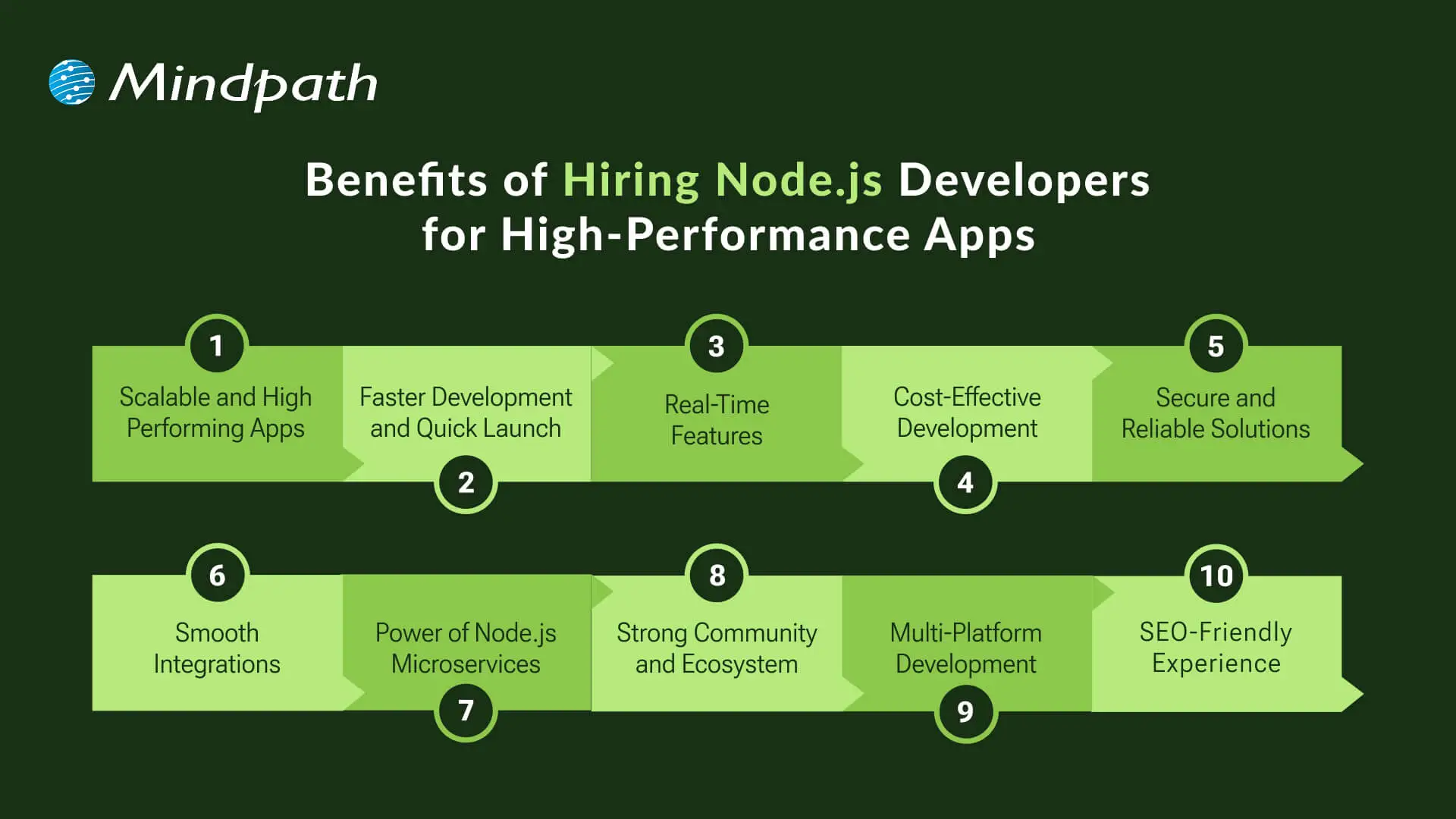
1. Scalable and High-Performing Apps
Node.js is able to process multiple requests at once using an event-driven and non-blocking model. This makes applications fast and reliable, while also ensuring that they can support high traffic without losing speed. Businesses that hire Node.js developers will be able to make sure that their apps can scale with user demand.
2. Faster Development and Quick Launch
The lightweight structure of Node.js gives the programmer the option of using reusable modules, which allows them to code faster. With npm, programmers have access to thousands of open-source libraries ready to use for database, authentication, and security. Companies that hire expert Node.js developers save time and get products to market faster.
3. Real-Time Features
Node.js makes building real-time applications easy, including chat, notifications, and live updates. With WebSockets, developers can create real-time movement of data between users and servers. When businesses bring in Node.js Developers with some real-time experience, they can provide users with more interactive and engaging experiences.
4. Cost-Effective Development
Because Node.js employs JavaScript on both the front end and back end, one developer can support the entire application with relative ease. Since Node.js applications run easily on a single server, there is less reliance on costly infrastructure. Startups and small businesses benefit the most when they hire Node.js developers to build their applications and grow within a budget.
5. Secure and Reliable Solutions
Node.js can provide a strong security practice, encryption, and authentication for applications and safe API functionality. Skilled coders also work to update applications constantly to protect against breaches and unauthorized development. By getting the right group together, a company will be able to sustain and protect applications over time.
6. Smooth Integrations
Node.js integrates seamlessly with databases like MongoDB, MySQL, and PostgreSQL. It can also easily integrate with front-end frameworks such as MongoDB, MySQL, and Postgres. Cloud makes it easy for Node.js to integrate into AWS or Azure. Node.js removes the technical barriers, allowing developers to develop powerful solutions.
7. Power of Node.js Microservices
Node.js is ideal for modular architectures, where a service operates independently from others. Therefore, developers can scale or upgrade a part of their application independently. With a Node.js microservices approach, businesses benefit from speed, flexibility, and easier maintenance. 8
8. Strong Community and Ecosystem
Node.js is a development community that is increasingly active and improving its ecosystem with more updates and tools. Developers can find quick solutions through community-shared libraries, tutorials, and forums. This means that companies that hire Node.js developers are always relevant and evolving according to modern trends and practices.
9. Multi-Platform Development
Node.js is used by developers to build web, desktop, and mobile application projects (from the same codebase). For instance, Electron is a simple and easy-to-use Node.js-based framework that can run the same code in the same runtime performance consistently across web, desktop, and mobile applications.
10. SEO-Friendly Experience
Node.js, through server-side rendering, allows applications to load faster and be searchable. Improvements in load speed improve user experience and increase visibility on the web. Server-side rendering makes it easier for developers to enjoy the performance and increases search visibility for their applications.
Not sure which development partner is right for your project? Explore our expert insights on choosing NodeJS Development Company to make the right decision with confidence.
Ready to Build High-Performance Apps with Node.js?
Node.js is still emerging as a dependable technology for building fast, scalable, and modern applications. Given its strong features, flexibility, and vast ecosystem, Node.js is undoubtedly one of the top choices in the market for companies that want to provide high-performing digital solutions. By hiring professional Node.js developers, companies get the expertise required to enable developers to bring ideas to life while considering user experience and developing sustainable applications.
Partnering with Mindpath gives you access to trusted Node.js development services tailored to your business goals. You can easily hire remote Node.js developer teams who bring proven expertise and adaptability to every project. With the right talent by your side, you gain the power to innovate faster, scale smarter, and deliver applications that perform at every level.
In the prevailing digital economy, business entities cannot rely on outdated or obsolete systems. In fact, such systems can act as major handicaps in their path and impede their ability to achieve their business goals and objectives. This is why it is crucial for contemporary businesses to prioritize legacy system modernization.
In the prevailing business world, the practice relating to modernizing legacy systems has been gaining high momentum. About 72% business executives state that their legacy systems hold them back, leading to lower business productivity. Let us explore how legacy system modernization can create value for modern businesses.
Are you looking to update your outdated systems but unsure how to start? Contact us, and we will help you modernize with the right strategy according to your business needs.
What Is Legacy System Modernization?
Legacy system modernization is the process of upgrading or replacing outdated software, applications, and infrastructure with modern technologies. The objective is to improve performance, security, scalability, and integration while preserving valuable business functionality. Modernizing legacy systems enables organizations to support innovation and respond more quickly to changing business needs.
Understanding Legacy Systems
Before looking at the benefits of modernizing legacy systems to revolutionize their operations, it is essential to get familiar with legacy systems. So it is crucial to know the answer to the question: What are legacy systems? In the computing realm, legacy systems refer to old technologies, methods, or computer systems. So they are basically outdated systems that are still in use regardless of their obsolete nature.
In the fast-paced digital world, the use of such systems gives rise to a host of challenges and bottlenecks for business entities, such as the hindrance of innovation, a rise in costs, and restricted growth of the business. In order to address these challenges, it is a must for businesses to focus on the modernization of legacy systems.
Also Read: Digital Transformation for Businesses
Why Is Modernizing Legacy Systems Important?
Modernizing legacy systems matters for business organizations since it serves as a catalyst and minimizes inefficiencies. The prioritization of legacy modernization is critical for modern organizations. It can serve as the ultimate pathway that can facilitate the scaling and integration of new digital technologies.
In the competitive business landscape, embracing modernization of legacy systems is of high strategic importance. This practice can lead to cost savings for firms. Moreover, it can also improve the operational efficiency of entities and give them an edge over their competitors and rivals. Thus, by modernizing obsolete and old systems, business entities have the opportunity to grow and flourish in the dynamic and competitive business landscape.
Curious how small businesses can leverage the latest tech to grow smarter and faster? Explore emerging technologies for small businesses to discover tools and solutions that can transform your operations and boost efficiency.
Why Businesses Need to Modernize Legacy Systems?
Organizations need to familiarize themselves with the top benefits that can arise on their path by modernizing their legacy systems. This strategic move has the potential to equip businesses across diverse industries to sustainably carry out their operations and excel in their respective domains. If you are wondering, what are the benefits of modernization? The answer is presented below. Some of the key benefits of modernization include:
1. Better Productivity
All businesses intend to operate in a productive and efficient manner. The use of legacy systems may act as a major hurdle in their path, as it may restrict their productivity and efficiency. This is where modernization comes into the picture. Through modernization of legacy systems, businesses have the opportunity to improve their efficiency and effectiveness and streamline their operations. Furthermore, this decision can also enable businesses to optimally use their valuable time and gain a competitive edge in the market.
2. Reduced Cost in the Long-Term
Modernization of legacy systems can help firms reduce their costs in the long run. Regular updating of legacy systems may require a lot of money, and thus, the financial stability of businesses may be adversely affected. A smarter decision that your business can make involves transitioning to new systems through modernization. It can act as a pathway that can help your business save costs. You must remember that modern systems, especially the ones that run on the cloud, are much cheaper for businesses to run.
3. Minimization of IT Complexity
One of the main challenges that arises from using legacy systems revolves around complex IT aspects. As technology or systems become obsolete, it becomes a daunting task to patch loopholes and errors. Every single update may require extra time and additional effort. If businesses replace legacy systems through modernization, they can definitely eliminate such complexity. Moreover, IT teams will be empowered to manage their operations by leveraging new and efficient systems, methods, or technologies.
4. Improved User Experience
Legacy systems not only create challenges for business teams, but they also have a negative impact on the experience of users. Thus, in order to improve the overall experience of users, businesses must focus on modernizing legacy systems. It can certainly have a positive impact on user experience and improve their loyalty towards a business. On the other hand, poor quality of experience can drive users away from businesses.
Looking to elevate your user interactions with smarter solutions? Discover the latest trends in conversational AI chatbots and see how businesses are using them to deliver seamless and engaging customer experiences.
5. Better Quality of Security
In the digital world, security is undoubtedly one of the main priorities of a majority of businesses. The use of legacy systems can increase the vulnerability of businesses in the volatile cyberspace. Malicious actors such as online hackers or cybercriminals may be able to breach the cybersecurity layer in legacy systems due to their obsolete nature.
Thus, it is essential for businesses to focus on modernizing their legacy systems. By doing so, there is an opportunity for businesses to strengthen their cybersecurity resilience as well as their cybersecurity posture. The use of modern and updated systems has the potential to minimize the cybersecurity risks that arise in the path of businesses.
6. Better Integration with Modern Tools and Technology
The modernization of legacy systems enables businesses to adopt new digital technologies in a seamless manner. Legacy systems may give rise to several challenges and obstructions. However, that is not the case when it comes to modern systems. Therefore, there is a possibility to integrate a diverse range of tools such as customer relationship management software, enterprise resource planning systems, payment systems, and many more by modernising the legacy system of your business.
7. Better Flexibility
The modernization of legacy systems promotes flexibility as well as scalability for businesses. As your business expands in the future, you can easily expand modern systems without any trouble. On the other hand, the businesses that rely on legacy systems may face numerous obstacles in their path when their business grows. Due to the obsolete or outdated nature of their systems, they may not be able to handle a larger dataset or a larger number of users. As a result, their efficiency may be affected, and they may not be able to flexibly carry out their business operations.
8. Improved Workflow
Businesses operating in diverse industries and sectors can improve their workflows by modernizing their legacy systems. This practice can allow them to leverage the latest digital technologies and smooth their processes and operations. Moreover, they can be in a position to reduce their costs associated with downtime. Thus, you can surely see the positive change in the processes, practices, and operations of your business.
Want to stay ahead with workflows that leverage modern tools and integrations? Discover the game‑changing SaaS trends helping businesses build flexible, efficient systems that align with workflow modernization.
Final Words
It is a fundamental necessity for contemporary business entities to prioritize the modernization of their legacy systems. This decision can certainly empower your business to thrive in the competitive business arena. Some of the top benefits that may arise in the path of your business include better productivity, lower cost, minimization of IT complexity, improved user experience, and a higher level of security. The other benefits that may also arise for your business include improved integration with modern tools and technology, better flexibility, and improved workflow.
We at Mindpath intend to replace your legacy systems with updated ones through modernization. The experts will ensure that your business can derive optimum value from this transition, and it can reach new heights.
DevOps vs. DevSecOps is a topic that will often arise when companies look for better and faster software delivery. Businesses are looking to release applications and software faster than ever, but they are also mindful of the growing sophistication of security threats. So where can businesses find the balance of speed and safety? This is where the transition from DevOps to DevSecOps comes into play; the need for speed is balanced with more stringent security requirements.
In today’s fast-moving digital age, the speed of development plays an important role, but it’s hardly enough. In addition to wanting systems that develop software quickly, organizations want systems that will also withstand vulnerabilities at each stage. That is why there’s so much interest in DevSecOps. DevSecOps does not replace DevOps; it enhances it by using continuous security assessments and ongoing protection. A clear understanding of these differences allows businesses to make better choices that can balance innovation with resilience. So, keep reading further to know the difference between DevOps and DevSecOps in this blog.
Still unaware of how DevOps benefits your business? Get in touch with us to gain full insight into adopting DevOps services that makes your operations seamless.
What is DevOps?
DevOps is a collaborative software development methodology that unites an organisation’s Development (Dev) and IT Operations (Ops) teams to deliver software faster, more reliably, and at greater scale. Its foundation is automation, continuous integration (CI), and continuous delivery (CD), commonly combined as CI/CD. DevOps helps break down silos between teams, enabling shared goals while reducing risk. It simplifies processes, improves team efficiency, and aligns technology outcomes with both customer and business objectives.
Furthermore, it drives a cultural change that values accountability, empathy, and shared responsibility. With automation, fast iterations, and rapid feedback, businesses are able to deliver secure and reliable software. In addition to this, not only does the process encourage innovation and creativity, but it also gives businesses flexibility and resilience in a competitive marketplace.
Here are some of the benefits of DevOps: 
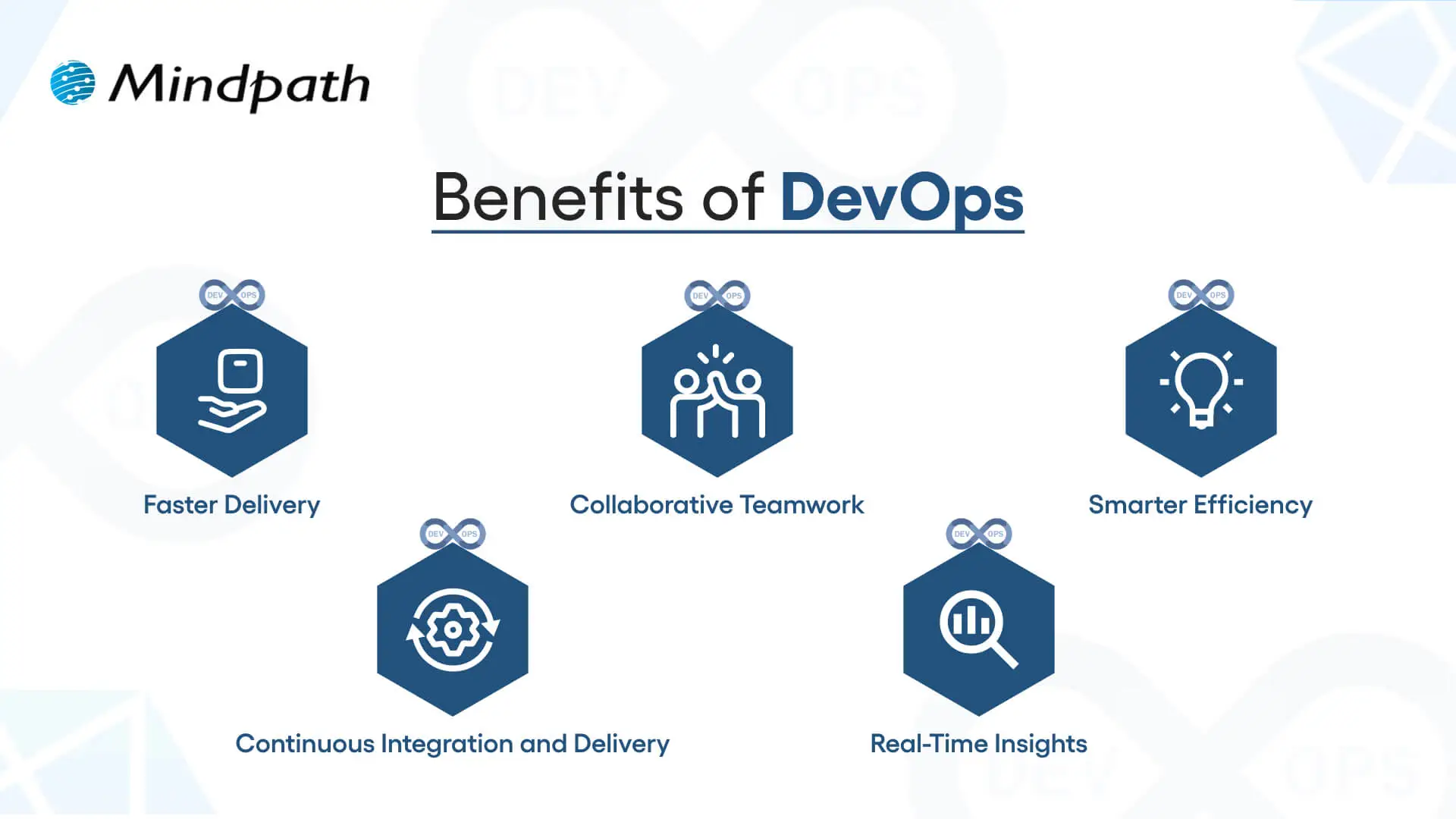
1. Faster Delivery
Development cycles can go a lot quicker with automation and simplified processes. This enhanced delivery allows more frequent releases and decreases time to market.
2. Collaborative Teamwork
Development teams, operations, and other teams are all working toward common goals. Good team collaboration eliminates silos and improves project quality.
3. Smarter Efficiency
Automation eliminates repetitive tasks and optimizes workflows. Teams have the ability to save time and focus on activity that produces value, instead of spending time on manual processes.
4. Continuous Integration and Delivery (CI/CD)
Continuous integration and continuous delivery allow for reliable and consistent deployments. Your users can get new features and fixes fast and seamlessly.
5. Real-Time Insights
Monitoring tools enable instant visibility across the ecosystem. Teams can identify problems early, troubleshoot quickly, and improve performance.
These points explain how DevOps speeds up collaboration and delivery when comparing DevOps vs. DevSecOps, while DevSecOps extends an approach that has been inherently faster approach by adding stronger security practices.
Curious how automation and modern practices can improve your DevOps pipeline? Visit our blog on DevOps Trends to discover actionable insights and emerging innovations.
What is DevSecOps?
DevSecOps (Development, Security, and Operations) is the practice of integrating automated security checks into every phase of the software development lifecycle. It unites development, security, and operations teams so they can plan, build, test, and release applications together, making security a shared responsibility from the start. In return, DevSecOps allows for faster, more reliable processes, ensuring that security is built in from the very beginning rather than added as an afterthought.
To better understand the three pillars of DevSecOps, simply think of collaboration, automation, and continuous security. Collaboration ensures that everyone is sharing the responsibility, automation introduces automated security checks into CI/CD pipelines, and continuous security ensures that monitoring is continuous. With the three pillars of DevSecOps, organizations are able to create dependable applications while implementing continuous security measures to defend them against constantly evolving threats.
Here are the benefits of DevSecOps:
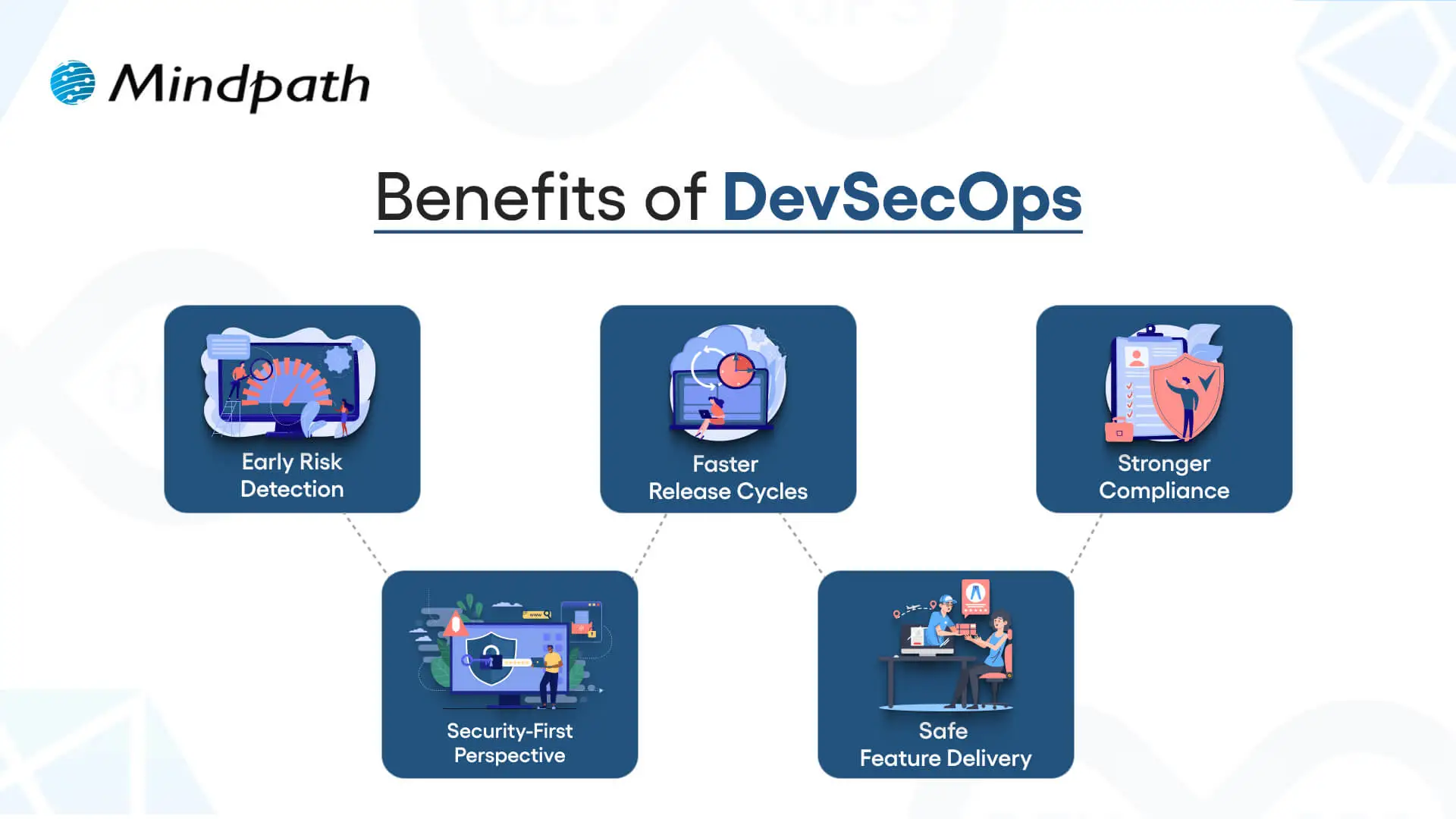
1. Early Risk Detection
DevSecOps allows for the identification of vulnerabilities during the development phase rather than at the end of the development process. Finding and remediating risk early in this way saves time and expense and means that users receive secure applications.
2. Faster Release Cycles
As teams can impact security testing in their workflow, delays are prevented, human error is removed, and developers get new features into the hands of users sooner.
3. Stronger Compliance
DevSecOps processing can assist software teams in meeting compliance obligations with strict regulatory guidelines. Automated checks and secure development practices ensure that data continues to be protected, while developers can be assured that they meet industry standards.
4. Security-First Perspective
Treating security as a shared responsibility, teams practicing DevSecOps have developers, security professionals, and operations staff collaborating to manage risks actively and ensure they minimize incidents throughout the development period.
5. Safe Feature Delivery
With DevSecOps, teams can deliver new functionality faster while also guaranteeing that security practices are undertaken throughout the development period. This can be one of the key differences in terms of DevOps vs. DevSecOps: how features are delivered.
Aiming to enhance operational efficiency and reduce development risks? Check out our blog on DevOps Challenges and Solutions to discover proven approaches that improve performance, stability, and cross-team cooperation.
DevSecOps vs. DevOps: Key Differences
DevOps vs. DevSecOps reveals how software teams value speed, teamwork, and security. While DevOps emphasizes faster delivery, DevSecOps enhances that process, making security a priority at every step of the development process.
1. Security Focus
The primary distinction between DevOps vs DevSecOps is security. DevOps puts movement between development and operations to speed up the delivery of software, but its security processes are usually significant afterthoughts. DevSecOps has security processes established from start to finish and considers them a core capability. By treating security as a core capability, vulnerabilities are eliminated upstream, so they are remedied before deployment.
2. Collaboration Culture
DevOps emphasizes collaboration between development teams and operations teams to promote continuous integration and delivery. Security is often treated as an independent effort, which creates holes in the development process. DevSecOps emphasizes the work of the security team interacting directly with developers and operations teams in every phase of development. This develops a culture of security being everyone’s responsibility.
3. Timing of Security
Conventional DevOps teams often include security at the final phase of the development cycle. If bugs occur towards the end of the process, they can delay the project significantly. DevSecOps reinforces timing by introducing a shift-left strategy with security at the beginning of the development process to build secure and reliable applications.
4. Tools and Automation
In contrast, when discussing DevOps vs. DevSecOps tools, the distinction is clear. DevOps follows automated processes for build, test, and deploy; however, normally, the security tools are still standalone. With DevSecOps, you use drive-by automated security scans, code analysis, and continuous monitoring in the CI/CD pipeline. It allows teams to detect threats in real-time without having to slow their delivery pace.
5. Salary Comparison
There is a notable salary gap when looking at DevOps vs. DevSecOps salaries in the UK. DevOps Engineers generally earn from £65,000 to £92,500+ with a difference based on skills and location, while DevSecOps Engineers receive a greater salary, with salaries for senior roles exceeding £130,000+ a year, particularly for positions based in London.
Looking to optimize your CI/CD pipeline with smarter automation and streamlined processes? Visit our blog on DevOps Best Practices to discover the strategies high-performing teams use to achieve consistent, stable releases.
DevOps vs. DevSecOps: A Comparison Table
When exploring DevOps vs. DevSecOps, it’s clear that both approaches aim to improve software delivery but take different routes to get there. This table highlights the main distinctions, making it easier to see how DevSecOps builds on DevOps with an added focus on security.
| Aspect | DevOps | DevSecOps |
| Core Goal | Focused on speeding up development and deployment cycles. | Balances speed with security to deliver safe, reliable software. |
| Team Culture | Collaboration between development and operations teams. | Shared responsibility among development, operations, and security teams. |
| Security Approach | Security checks are introduced late in the release pipeline. | Security is integrated into every stage of the development lifecycle. |
| Automation | Uses CI/CD pipelines to automate builds, tests, and deployments. | Extends CI/CD with automated security scanning and compliance checks. |
| Risk Handling | Issues are often fixed after vulnerabilities are found in production. | Risks are identified and mitigated early to prevent breaches. |
| Compliance | Handled towards the end of development, often as a final step. | Built into processes from the beginning, ensuring continuous compliance. |
| Toolset | Relies on monitoring, deployment, and collaboration tools. | Adds tools for code analysis, threat detection, and policy enforcement. |
| End Result | Delivers applications quickly but may leave gaps in security. | Produces faster releases that are also secure, compliant, and resilient. |
Which approach will drive your business forward?
The comparison of DevOps vs. DevSecOps shows that while DevOps accelerates delivery, DevSecOps ensures that speed is not achieved at the cost of security. Businesses gain the ability to innovate quickly while reducing vulnerabilities. Choosing the right model depends on priorities, but integrating security early always results in stronger, more resilient software outcomes.
At Mindpath, we offer tailored DevOps services designed to improve speed, collaboration, and reliability across your software delivery cycle. By helping teams embrace automation, modern practices, and security-focused strategies, Mindpath ensures that businesses not only accelerate development but also deliver secure, high-performing applications that stand out in today’s competitive digital market.
Frequently Asked Questions
Have you thought about how hiring a full-stack developer could impact the success of your digital initiative? In a fast-paced world like technology, companies seek the ability to manage both front-end and back-end development. What characteristics will define the best developer for your business requirements?
Key Takeaways
- 01
Full-stack developers handle both front-end and back-end development independently and efficiently. - 02
Defining clear project requirements before hiring avoids confusion and delays later. - 03
A strong portfolio reveals how a developer actually solves real-world problems. - 04
Soft skills like communication matter as much as technical expertise during hiring. - 05
Structured onboarding after hiring sets developers up for long-term project success.
That’s where careful thought comes into play. Every business has its own specific objectives. If you choose a full-stack developer without careful consideration and evaluation can lead to gaps in performance. Avoid making a rushed decision without thinking it through, and taking the time to know what is important will help you move in the right direction. So, while you start planning your next steps, let’s discuss the key things you keep in mind, so that your hiring choice actively supports growth and innovation.
Hiring full-stack developers brings end-to-end technical support to scale your business faster. Mindpath can help you get the best talent that fits your requirements.
Who is a Full-Stack Developer?
A full-stack developer is a person who can work on both the front end and back end of a website or application. The front end comprises everything that the user sees and interacts with, and the back end is part of the app that runs on the server in addition to managing the database and application logic. The combination of this front-end and back-end skill set helps to make full-stack developers more flexible and valuable in creating all types of digital experiences.
Hiring a full-stack developer means hiring a person who knows how to link the design of a site, functionality, and performance. Full-stack developers understand programming languages, frameworks, and server environments. They make sure the design runs smoothly during the entire development process. By being aware of multiple layers of development, full-stack development saves time and money while allowing businesses to deliver a more efficient product.
Responsibilities of a Full-Stack Developer
It’s important to recognize the broad spectrum of responsibility that comes with hiring a full-stack developer. The following responsibilities communicate how they join the layers of development into a smooth-flowing digital solution.
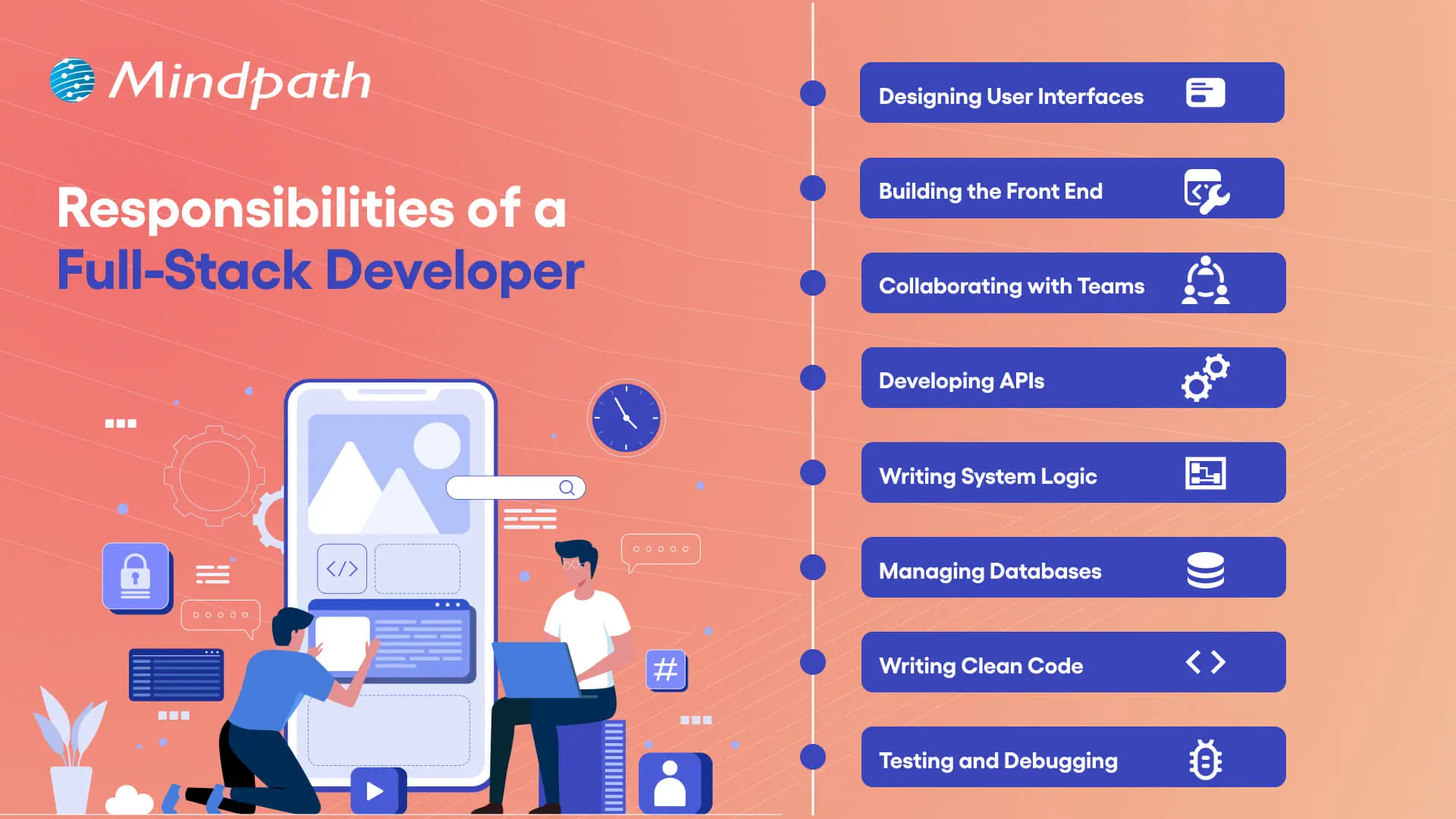
1. Designing User Interfaces
A freelance full-stack developer builds interfaces that have visual appeal and work on any device. They ensure that the website is responsive and works well for the user.
2. Building the Front End
Using HTML, CSS, and JavaScript, they build the experience that the user interacts with and engages with the visual. This allows for seamless movement through the site visually.
3. Collaborating with Teams
They collaborate with designers, managers, and stakeholders to achieve project outcomes. The benefits of collaboration can be easily seen, as it assures the application is built correctly.
4. Developing APIs
Full-stack developers are responsible for the build of APIs to interconnect systems and services. This allows the same data to move between the front end and back end.
5. Writing System Logic
They create a logic that drives the functions within an application. It responds to requests, processes data, and provides accurate results.
6. Managing Databases
A freelance full-stack developer sets up, maintains, and stores data in databases for user information. They secure data management, and they optimize the strategies for saving data.
7. Writing Clean Code
They write code that is maintainable and structured with performance in mind. Clean coding practices support a reduction in error and an increase in ease of modification.
8. Testing and Debugging
A full-stack developer tests an application to look for bugs. They debug the bugs to make sure it runs smoothly and reliably.
If you are planning to hire a full-stack developer, it is essential to understand the impact they can have on your product’s success. Explore our blog on Full Stack Developer Is Key to MVP Success to have a deeper understaning on how a full-stack developer can accelerate your MVP and give your product a competitive edge.
Essential Factors to Consider Before Hiring a Full-Stack Developer
Recruiting a full-stack developer isn’t just about evaluating technical skills. The following is a list of critical factors that will help you recruit a developer who aligns with your project needs and business objectives.
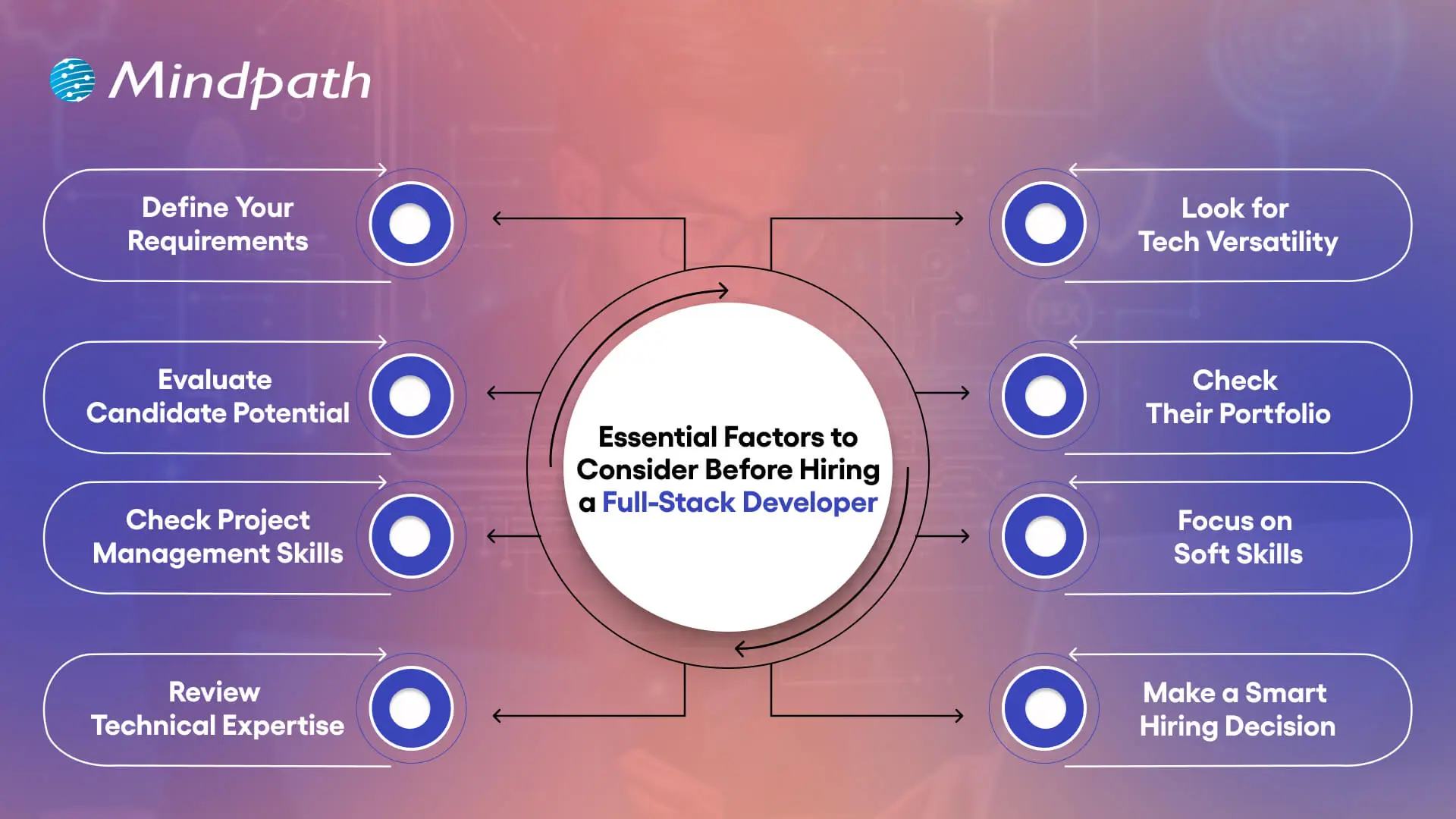
1. Define Your Requirements
It’s important to create a clear document outlining your project needs prior to hiring a full-stack developer. This ensures the full-stack developer understands the features you need and the level of design you are expecting. Clarified requirements can aid in a quicker delivery to you and avoid any confusion.
2. Evaluate Candidate Potential
An experienced full-stack web developer has industry knowledge and experience. They can quickly adapt and move between projects as needed. Their ability to jump between projects can prove valuable when a deadline is around the corner.
3. Check Project Management Skills
When you hire a full-stack developer, you’re also getting a project manager with skills that go beyond simply coding. They have the ability to plan resources, lead teams, and manage the stages of development. Because of these proficiencies, they’re often the ones leading projects.
4. Review Technical Expertise
A good developer will know the languages behind building interfaces, HTML, CSS, and JavaScript. They will also know some back-end language, such as Python, PHP, or Ruby, and database experience with something like MySQL. It is a strong combination for full-stack development.
5. Look for Tech Versatility
Ensure that when hiring a full-stack developer, you validate their experience with multiple technologies. They should have knowledge of front-end frameworks, backend frameworks, and databases. You want real project experience that demonstrates their skills.
6. Check Their Portfolio
Request past work to evaluate their capabilities. A solid portfolio can illustrate how they overcome obstacles and provide solutions. Even newbies will be able to display some ability through sample work.
7. Focus on Soft Skills
A developer should recognize business requirements as well as perform technical tasks. A developer must be able to communicate without barriers to clients and teams. Good soft skills make it easy to comply with authority.
8. Make a Smart Hiring Decision
Finding the appropriate talent for full-stack web developer jobs can be a time-consuming process. Hiring a full-stack developer through a talent agency can help alleviate risk and guarantee that developers know what they are doing.
Want to transform your business inside out? Full-stack development makes it possible by optimizing operations and speeding up product launches. Explore the Benefits of Full-Stack Development every business needs to succeed.
How to Hire a Full-Stack Developer
Selecting a full-stack developer involves an intentional process based on the right talent and your desired project specifications. The following steps will help you make a careful and confident hiring decision.
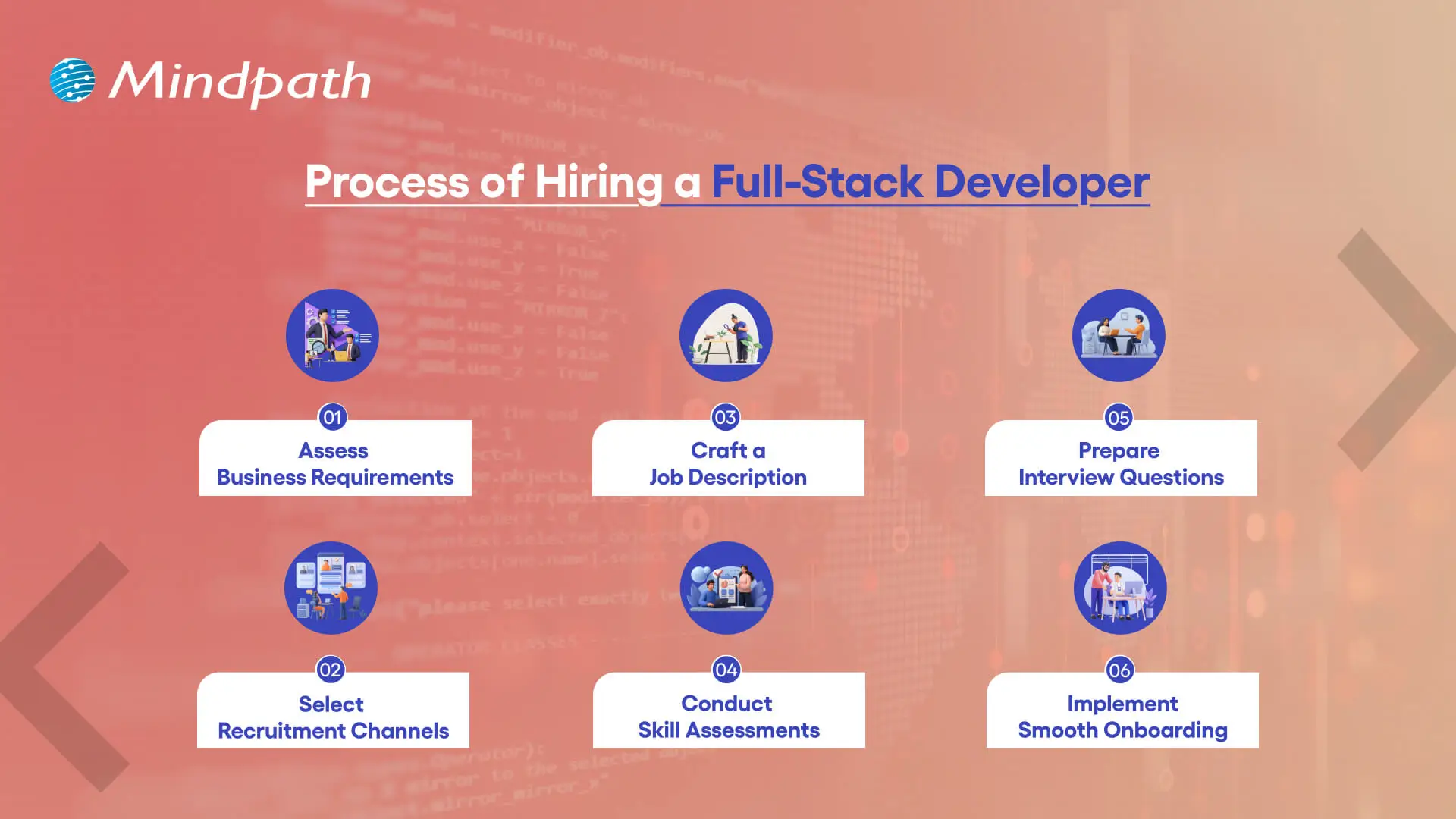
1. Assess Business Requirements
Prior to hiring a full-stack developer, make sure to define the project’s scope, budget, and timeline. Decide whether you need to hire someone full-time or if your project would require a freelance expert.
2. Select Recruitment Channels
Source candidates from networking sites, freelance platforms, and job boards. You can also connect with a full-stack development company to get the right talent.
3. Craft a Job Description
A good full-stack developer job description is a detailed description of the hard skills and tools, and the responsibilities for the job. A good job description helps you find the right candidates at a much quicker pace.
4. Conduct Skill Assessments
You can assess coding and problem-solving by utilizing structured coding tests or tasks. This method is a better hiring practice for a full-stack developer.
5. Prepare Interview Questions
Assess their familiarity with frontend, backend, and databases. A good candidate will often follow the best full-stack developer practices through good full-stack developer courses.
6. Implement Smooth Onboarding
After hiring a full-stack developer, tell them about their roles and responsibilities, the tools they will use, and the culture of the company. Successful onboarding ensures we’re setting them up for success and justifies their full-stack developer salary.
If you’re unsure whether to hire a full-time developer or a freelancer. Explore our blog on Freelance Full-Stack Developer to determine the best fit for your project’s needs.
Ready to Hire a Full-Stack Developer for Your Next Project?
Hiring a full-stack developer is a smart decision for businesses aiming to build strong digital solutions. By focusing on skills, experience, and project needs, companies can find the right professional who delivers efficient results. The right choice not only saves time and costs but also ensures long-term success in competitive markets.
At Mindpath, you can hire full-stack developers who combine technical expertise with business understanding. Our developers work on both frontend and backend with precision, helping you achieve faster and smoother project delivery. With a proven track record across industries, Mindpath offers reliable talent that aligns perfectly with your goals and drives real value.
In the technology-driven times, WordPress has been continuously recommending running the latest PHP versions. In fact, PHP 8.3 is now the standard for performance, security, and long-term support. It is a must for business owners to keep track of WordPress and PHP compatibility. This is because it can directly impact the performance and SEO ranking of their websites. Moreover, it can also impact customer trust, which is of high importance in the competitive business world.
Key Takeaways
- 01
PHP 8.3 is now the recommended standard for all WordPress websites. - 02
Outdated PHP versions leave websites vulnerable to security threats and breaches. - 03
Newer PHP versions deliver faster load times and better overall performance. - 04
Testing updates in a staging environment prevents unexpected issues on live sites. - 05
Regular backups before any PHP update protect websites from potential data loss.
As PHP evolves quickly, many sites still run outdated versions that no longer receive security updates. Hence, they face cyber risks. Businesses must comprehend the WordPress recommended PHP version and learn how to check the current WordPress PHP version. You should also possess knowledge of WordPress PHP compatibility so that you can future-proof your website. Let us discuss what business owners must know about WordPress and PHP compatibility.
Are you ready to make sure that your WordPress site works well with the newest versions of PHP and that all of your users have a good experience? Mindpath’s WordPress development services provide expert guidance to keep your site secure, fast, and highly reliable for your visitors.
What is WordPress?
WordPress is a free, open-source content management system (CMS) that allows users to build and manage websites without needing to write code. It powers over 40% of all websites on the internet, from personal blogs and portfolios to large corporate websites and e-commerce stores. Originally launched in 2003 as a simple blogging platform, WordPress has since evolved into a versatile solution used by businesses and professionals of all sizes around the world.
The CMS platform has become highly popular thanks to its open-source nature and large plugin ecosystem. Furthermore, the presence of customizable themes that allow organizations of diverse sizes to build professional websites makes it a highly popular platform in the current times. A key aspect of the success of WordPress is its compatibility with modern technologies, such as PHP, which powers its core.
What is PHP?
PHP, which stands for PHP: Hypertext Preprocessor (a recursive acronym), is one of the most widely used open-source, server-side scripting languages for web development. Unlike client-side languages like JavaScript, PHP code runs entirely on the web server, generating HTML that is sent to the user’s browser, making it ideal for dynamic and interactive websites. Since its launch, PHP has powered millions of websites and remains the backbone of popular platforms such as WordPress and Drupal. Its lightweight nature and seamless integration with HTML continue to make it an essential choice for web developers worldwide.
Over the years, PHP has undergone major transformations. It has developed from PHP 5.x to the current PHP 8.3. The latest version offers improvements in performance and security. It has numerous useful features, including Just-in-Time compilation and improved error handling. These advancements are pivotal for businesses that have WordPress sites.
Unsure which platform can better support your website’s design, features, and long-term growth? Explore our WordPress vs Webflow comparison to understand their key differences and choose the best fit for your business.
Chief PHP Versions Businesses Need to Know
PHP has been evolving quickly, and each version has new features, performance improvements, and security fixes. The business entities that use WordPress need to understand different PHP versions, as outdated versions expose websites to vulnerabilities and risks. But newer versions can deliver speed and stability to websites. The top PHP Versions that businesses must be aware of include:
|
|
|
|
There are other PHP versions like PHP 8.1 and PHP 8.0. Even though these versions were regarded as valuable tools for businesses before they became outdated, they give rise to security threats today. PHP 7.4 is another older version that has reached its end of life. It means that the specific version does not receive any official security updates currently.
PHP 8.3 is the latest release. At present, it is the recommended standard for WordPress websites. WordPress PHP 8.3 delivers significant performance boosts, advanced language features, and long-term support. It is essential for businesses to choose the right PHP version so that plugins, themes, and custom code can run smoothly.
Must Read: Custom WordPress Development
The Need for WordPress and PHP Compatibility
WordPress and PHP compatibility serve as the ultimate foundation of a top-quality website. As WordPress is built on PHP, the version your site runs directly affects its speed and stability. Outdated PHP versions basically lack security patches, thereby making websites vulnerable to cyberattacks, data breaches, and compliance issues.
Another critical factor that businesses need to bear in mind revolves around performance. Newer PHP versions, such as PHP 8.3, are capable of delivering faster load times. The selection of the best PHP version for WordPress is vital to reduce server resource usage and improve scalability.
The business enterprises that rely on lead generation or content-heavy sites can tremendously benefit from the latest PHP versions for WordPress. Without the latest PHP version, a WordPress business site may become slow or unstable. It may frustrate visitors and affect their experience.
Another critical factor is compatibility, which businesses need to bear in mind. It can ensure the smooth operation of plugins and themes. If your website runs an unsupported WP PHP version, it may lead to errors and broken features. It may also lead to downtime and disrupt the experience of customers. Businesses need to choose the WordPress-recommended PHP version so that they can safeguard the functionality of their website and streamline the maintenance aspects.
Facing recurring security issues, but not sure what’s causing them? Read our safeguarding WordPress vulnerabilities guide to uncover common risks and learn how to prevent them effectively.
Procedure to Update PHP for WordPress Websites
It is a must for businesses to update the PHP version of their website. This is a key step that can help maintain security as well as compatibility. Below are the steps you must follow to update the PHP version for your website to get optimum WordPress PHP version support.
Step 1 – Current PHP Version Validation
Business owners need to check the PHP version of their business site. You can check this from the admin dashboard. In case you find that your website does not run the latest PHP version, you need to update it instantly.
Step 2 – Creating a Backup of your Website
In the next step, it is time to create a backup of your website. This step you need to take as a precautionary measure in case something goes wrong during the process. In case your hosting provider does not provide backups as part of its service, you can use plugins in order to create a full backup. You have to make sure that you capture details such as the database, themes, plugins, and media files.
Step 3 – Testing Changes in a Staging Environment
Now it is time to try the new version in the staging environment instead of going live. It serves as a reliable way of checking the compatibility between WordPress and the latest PHP version.
Step 4 – Updating the PHP Version
After verifying whether your business website works or not with the new PHP WordPress version, you need to log in to your hosting control panel. Then you must find the built-in PHP manager. The exact steps may vary depending on control panels, but they are mostly similar. Then you need to update the PHP version. After making the modification, you have to wait for the update to finish so that the upgrade can be done successfully. You need to choose the latest version so that you can get the necessary WordPress PHP support to manage your website.
Step 5 – Testing Website Functionality
After the update is over, you need to test the functionality of the live website. You have to do this in the front end as well as the back end in order to see if everything works in the desired way. You have to make sure that you review the common WordPress functions along with the plugin features.
Do you want your website to be accessible to every visitor? Learn how to improve WordPress web accessibility can help you reach more users and create an inclusive online experience.
Best Practices for Business Owners
There are certain best practices that business entities need to follow so that they can run their website smoothly while using the latest WordPress PHP versions. If you have a WordPress site for your business, you certainly need to follow these best practices.
1. Staying on Top of PHP Updates
You need to make sure that the WordPress core, plugins, and themes are current at all times. It is a must for businesses to keep a lookout for the latest PHP updates. This step can enhance the overall performance and functionality of your business website.
2. Practice of Backing Up
It is critical to back up all the necessary data before the actual update. A full site backup can ensure that your business website is in safe hands. In case things do not go according to plan, the backup can serve as a safety net.
3. Keeping Clean Code
You must ensure that if you use custom code, it must follow WordPress’s PHP coding standards. This practice is pivotal since it can prevent conflicts with core WordPress functions.
4. Testing in Staging
Many businesses may fail to realize the importance of a staging environment. However, it is essential for you to understand its significance. In fact, you need to use a staging environment in order to test updates.
Ready to upgrade your HTML site to something more powerful and manageable? Explore why converting HTML to WordPress can streamline updates and improve your online presence.
Why This Matters for Your Business?
In the digital landscape of 2026, businesses need to stay current with WordPress and PHP compatibility to ensure their success. PHP 8.3 is now the recommended version for business websites. Thus, business owners need to make the update so that they can gain the benefits relating to stronger security, better performance, and smoother functionality of the website. On the other hand, if businesses ignore PHP upgrades, their risks relating to cyberattacks and plugin conflicts increase, which can affect customer trust.
Mindpath’s WordPress development services can make PHP upgrading a simpler process for your business. Businesses can leverage the excellent services to improve the security and performance of their business website. Our experts will make sure that your website can run in an efficient manner.
Frequently Asked Questions
Join our Newsletter!
categories
Join the world's largest training library and unlock new opportunities!
Featured Posts
Turn Insights Into
Real Business Solutions
Exploring trends is only the beginning. Whether you’re planning AI adoption, modernizing legacy systems, or building scalable software, our experts help transform ideas into practical business outcomes.