Latest Insights On

GenAI, Tech, and Digital Transformation 

Stay updated with expert insights, success stories, and real-world applications of cutting-edge technology.

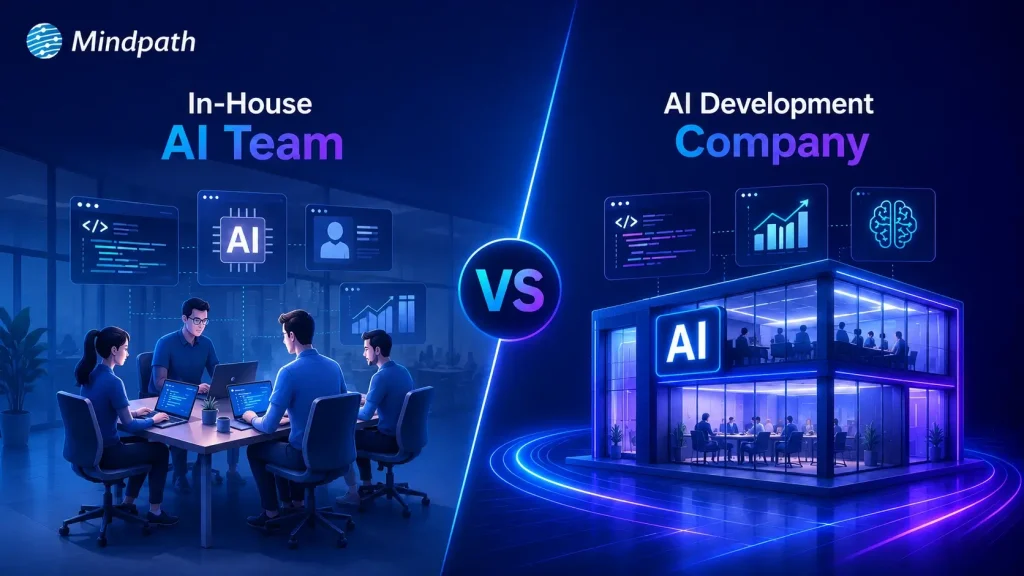
in-house vs outsourcing AI development

Businesses increasingly adopt AI to improve operations, customer experiences, and decision-making across industries. Many leaders now hire AI development company partners to access specialized expertise, reduce implementation risks, and accelerate AI projects without lengthy recruitment or infrastructure investments.

Key Takeaways

  • 01
    Evaluate business goals before choosing in-house or outsourced AI development approaches.
  • 02
    AI development companies accelerate delivery while reducing hiring and infrastructure challenges.
  • 03
    In-house AI teams offer stronger control, ownership, and long-term organizational expertise.
  • 04
    Compare total ownership costs instead of focusing only on initial development expenses.
  • 05
    Select the approach that best supports scalability, innovation, and measurable business outcomes.

Choosing between in-house vs outsourcing AI development depends on your budget, technical expertise, project complexity, and long-term goals. Each approach offers distinct advantages for different business needs. In this blog, we compare both options, explain their key differences, and help you choose the right approach for your business. So, let’s keep reading further!

Need a reliable partner to accelerate your AI initiatives? At Mindpath, we offer AI Development Services to design, develop, and deploy scalable AI solutions.

What Does an In-House AI Team Mean?

An in-house AI team consists of full-time professionals who design, develop, and maintain AI solutions within your organization. Companies that build in-house AI team capabilities gain direct control over development, workflows, and long-term technology planning.

These teams typically include machine learning engineers, data scientists, AI developers, and product managers with specialized expertise. They collaborate closely with internal departments, understand business objectives, and continuously improve AI systems as organizational needs evolve.

Here are the core benefits of in-house AI team:

1. Strategic Alignment

Internal teams understand business goals and operational priorities. AI initiatives support long-term company growth strategies.

2. Ownership of Intellectual Property

Your organization retains complete control over AI assets. Proprietary models remain protected from external competitors.

3. High Customization and Control

Teams adjust solutions for unique business workflows. You control timelines, priorities, and implementation decisions.

4. Stronger Data Security

Sensitive information stays within company infrastructure securely. Compliance requirements become easier to manage internally.

5. Long-Term Capability Building

Internal expertise grows stronger with every AI project. Knowledge remains within the organization for future innovation.

Challenges at a Glance

1. Talent Shortages

Finding experienced AI professionals remains difficult in a highly competitive market.

2. High Operational Costs

Infrastructure, hiring, and retention significantly increase long-term AI expenses.

3. Data Readiness Issues

Poor data quality delays development and reduces AI model accuracy.

4. Legacy System Integration

Older systems complicate AI deployment and slow implementation timelines.

5. Security and Compliance

Managing privacy, governance, and regulations requires continuous internal oversight.

What Does It Mean to Hire an AI Development Company?

Businesses hire AI development company experts to design, develop, and deploy custom AI solutions for specific operational needs. These companies provide specialized technical expertise, proven development processes, and experienced professionals without requiring businesses to build large internal AI teams.

AI development companies create tailored solutions such as intelligent automation, predictive analytics, machine learning models, and computer vision applications. They align every solution with business goals, accelerate project delivery, and provide ongoing support to ensure long-term performance and scalability.

Here are the core benefits of hiring an AI development company:

1. Specialized Expertise

Access experienced AI professionals with specialized technical knowledge. Solve complex challenges using proven development expertise.

2. Cost Efficiency

Avoid expensive hiring and infrastructure investments. Reduce overall AI development costs significantly.

3. Accelerated Time to Market

Launch AI solutions faster with experienced teams. Streamlined processes shorten overall development timelines.

4. Process Automation

Automate repetitive tasks using intelligent AI solutions. Improve productivity while reducing operational effort.

5. Enhanced Customer Experience

Deliver personalized interactions across customer touchpoints. Increase engagement through AI-powered experiences.

Challenges at a Glance

1. Data Quality Challenges

Poor-quality data reduces AI accuracy and overall project performance.

2. Limited AI Expertise

Inexperienced teams may struggle with complex AI development requirements.

3. Legacy System Integration

Older systems delay seamless AI deployment and business scalability.

4. Cost Overruns

Unexpected infrastructure and maintenance expenses increase total project costs.

5. Business Alignment Issues

Unclear objectives reduce AI effectiveness and expected business value.

In-House vs Outsourcing AI Development: Key Differences

Every AI development approach offers different advantages depending on your business requirements and available resources. The comparison below highlights the key differences across cost, expertise, scalability, security, and long-term management.

1. Cost and Initial Investment

In-House AI Team: Building an internal AI team requires significant hiring and infrastructure investments. Ongoing salaries, training, and technology expenses increase long-term costs.

Hiring an AI Development Company: AI development outsourcing reduces upfront hiring and infrastructure expenses. Businesses pay for specialized expertise without maintaining a permanent AI workforce.

2. AI Expertise and Talent

In-House AI Team: Internal teams develop deep knowledge of company processes and goals. However, hiring experienced AI professionals can take considerable time.

Hiring an AI Development Company: Development companies provide immediate access to experienced AI specialists. Their teams bring expertise from delivering diverse AI projects.

3. Development Speed

In-House AI Team: Building the team and setting up infrastructure extends project timelines. Initial development often progresses slower during the hiring phase.

Hiring an AI Development Company: Experienced teams begin development quickly using established workflows. Faster execution helps businesses launch AI solutions sooner.

4. Scalability and Flexibility

In-House AI Team: Expanding internal teams requires additional recruitment and training efforts. Scaling projects often increases operational complexity and costs.

Hiring an AI Development Company: External teams scale resources according to changing project requirements. Businesses can quickly increase or reduce development capacity.

5. Data Security and Control

In-House AI Team: Organizations maintain direct control over sensitive business information. Internal governance simplifies compliance with company security policies.

Hiring an AI Development Company: Trusted partners implement secure development practices and compliance measures. Clear agreements help protect business data throughout development.

6. Long-Term Maintenance and Support

In-House AI Team: Internal teams continuously monitor, improve, and maintain AI systems. Long-term ownership supports ongoing innovation and optimization.

Hiring an AI Development Company: Development companies provide continuous maintenance and technical support services. Regular updates help keep AI solutions reliable and scalable.

In-House AI Team vs Hiring an AI Development Company: Quick Comparison

Here’s a quick comparison of an in-house AI team and hiring an AI development company. This table highlights the major differences to help you compare both approaches at a glance.

Factor In-House AI Team Hiring an AI Development Company
Initial Cost High upfront investment required. Lower initial project costs.
Time to Start Longer hiring and setup. Faster project onboarding.
AI Expertise Depends on hired talent. Access to experienced AI specialists.
Development Speed Slower initial development cycle. Faster delivery with proven processes.
Scalability Hiring required for scaling. Easily scale development resources.
Technology Access Requires separate infrastructure investments. Ready access to modern AI tools.
Flexibility Limited by internal capacity. Adapts quickly to project needs.
Maintenance Managed by internal teams. Continuous expert support available.
Business Control Complete internal project control. Shared oversight with expert execution.
Data Security Full internal data control. Strong security with compliance standards.
Best For Long-term internal AI initiatives. Faster, cost-effective AI implementation.

When Should You Build an In-House AI Team?

  • Your business has long-term AI goals.
  • AI supports core business operations.
  • You require complete project control.
  • Sensitive data must remain internal.
  • You have budget for AI hiring.
  • Continuous AI innovation is a priority.

When Should You Hire an AI Development Company?

  • You need faster AI implementation.
  • Specialized AI expertise is unavailable internally.
  • Project budgets require greater flexibility.
  • You want lower upfront investments.
  • Your team needs external AI support.
  • Rapid project scaling is essential.

How to Choose Between In-House and AI Development Outsourcing?

Every business has different AI goals, budgets, and technical capabilities. Use this checklist to identify which approach aligns better with your project requirements and long-term strategy.

Business Requirement Recommended Approach Reason
Need an AI solution within weeks Hire an AI development company Faster project delivery.
Building AI as a long-term capability Build an in-house AI team Greater long-term ownership.
Limited AI expertise internally Hire an AI development company Access specialized AI professionals.
Large budget for hiring and infrastructure Build an in-house AI team Supports permanent AI operations.
Want lower upfront investment Hire an AI development company Avoid hiring and infrastructure costs.
AI workload changes frequently Hire an AI development company Scale teams as needed.
AI is central to daily operations Build an in-house AI team Better internal collaboration.
Need niche AI skills temporarily Hire an AI development company Experts available immediately.
Strict internal governance requirements Build an in-house AI team Maintain direct operational control.
Launching your first AI initiative Hire an AI development company Reduce risks with experienced guidance.

Ready to Choose Between In-House vs Outsourcing AI Development?

Selecting the right approach for in-house vs outsourcing AI development depends on your business objectives, available resources, budget, and implementation timeline. A well-informed decision helps reduce risks, improve efficiency, and create a stronger foundation for long-term AI success.

Mindpath supports businesses with expert AI consulting services and flexible staff augmentation solutions for every stage of AI adoption. Our specialists help you plan, develop, and scale AI initiatives with confidence. Contact us to discuss your business requirements and find the right AI solution.

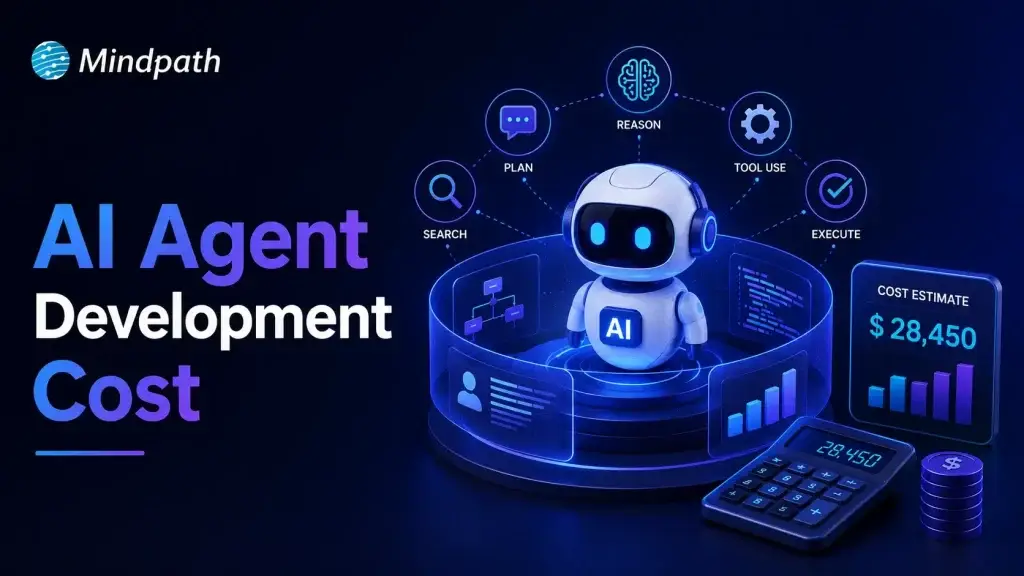
AI Agent Development Cost

Building an AI agent requires careful planning because every project involves different business goals and technical requirements. AI agent development cost depends on features, integrations, AI models, deployment needs, and long-term maintenance. Understanding these factors helps businesses plan realistic budgets and avoid unexpected expenses during development.

Key Takeaways

  • 01
    AI agent costs vary based on complexity, integrations, infrastructure, and deployment requirements.
  • 02
    Project type directly impacts development timelines, implementation effort, and ongoing operational expenses.
  • 03
    Hidden costs like maintenance, monitoring, and security significantly affect long-term AI investments.
  • 04
    Careful budgeting prevents unexpected expenses and supports successful AI agent implementation projects.
  • 05
    Defining clear business goals improves cost estimation and maximizes long-term return on investment.

Many businesses ask how much does it cost to build an AI agent before starting their projects. The answer depends on the agent’s complexity, customization, infrastructure, and ongoing operational needs. In this blog, you will explore pricing ranges, cost factors, development timelines, budgeting tips, and practical ways to estimate your investment. So, let’s keep reading further to know more!

Looking to build an AI agent that fits your budget and business goals? We offer AI Agent Development Services to design and deploy custom AI agents tailored to your needs.

How Much Does It Cost to Build an AI Agent? Breakdown by Project Type

Project scope plays the biggest role in determining development costs because every AI agent serves different business needs. Understanding AI agent pricing by project type helps businesses estimate realistic budgets before starting development.

The following breakdown explains what each project type typically includes, its estimated development cost, expected delivery timeline, and ongoing monthly operating expenses.

1. Prototype or Proof of Concept (PoC)

A prototype focuses on validating one business idea with basic functionality, simple interfaces, and limited security features. Development typically costs $5,000 to $30,000, takes 3 to 6 weeks, and ongoing monthly costs usually range from $20 to $300.

2. Simple Reactive or FAQ Agent

This type of AI agent answers common customer questions, handles simple conversations, and follows predefined decision paths. Development generally costs $10,000 to $50,000, requires 4 to 8 weeks, and monthly operating costs typically range between $500 and $2,000.

3. RAG Knowledge Agent

A Retrieval-Augmented Generation (RAG) agent searches internal documents, knowledge bases, PDFs, and contracts to deliver accurate, context-aware responses. Building this solution usually costs $50,000 to $120,000, takes 3 to 5 months, and ongoing monthly expenses range from $2,000 to $5,000.

4. Workflow or Process Automation Agent

These AI agents connect with business systems such as CRM, ERP, and HR platforms to automate multi-step workflows and repetitive operations. Development generally costs $70,000 to $150,000, requires 3 to 5 months, and monthly operating costs typically fall between $3,000 and $8,000.

5. Enterprise Multi-Agent System

Enterprise solutions combine multiple specialized AI agents that collaborate to plan tasks, review outputs, automate decisions, and maintain security compliance. These advanced systems typically cost $150,000 to $500,000+, require 6 to 12 months to develop, and ongoing monthly costs often exceed $10,000 to $30,000+.

Project Type Core Capabilities Development Cost Delivery Timeline Ongoing Monthly Cost
Prototype / Proof of Concept (PoC) Single use case with basic functionality. $5,000–$30,000 3–6 weeks $20–$300
Simple Reactive / FAQ Agent Answers FAQs with predefined conversation flows. $10,000–$50,000 4–8 weeks $500–$2,000
RAG Knowledge Agent Searches internal knowledge and documents. $50,000–$120,000 3–5 months $2,000–$5,000
Workflow / Process Automation Agent Automates business workflows across systems. $70,000–$150,000 3–5 months $3–$8,000
Enterprise Multi-Agent System Coordinates multiple AI agents for enterprise tasks. $150,000–$500,000+ 6–12 months $10,000–$30,000+

Hidden Costs of AI Agent Development

The initial investment represents only part of the total AI agent development cost. Businesses should also budget for long-term operational, maintenance, and governance expenses.

1. Operation & Infrastructure

Cloud infrastructure and AI inference costs increase as usage grows.

2. Data Integration

Connecting and maintaining business data requires continuous engineering effort.

3. Network & Storage

Data transfer, storage, and logging increase recurring cloud expenses.

4. Maintenance & Quality Assurance

Regular testing keeps AI agents accurate, reliable, and up to date.

5. Human Oversight & Governance

Human supervision ensures safe decisions and regulatory compliance.

6. Security & Compliance

Security controls and audits protect sensitive business and customer data.

7. Change Management

Employee training supports successful AI adoption across business workflows.

What Factors Affect AI Agent Development Cost?

AI agent development prices vary because every project has unique technical and business requirements. Features, integrations, data quality, deployment, and security directly influence the overall development budget.

1. Complexity and Autonomy

More advanced AI capabilities require greater development effort, increasing overall project costs.

2. Architecture and Technology Stack

The chosen AI models and infrastructure significantly influence development and operating expenses.

3. Integrations and Data

Connecting business systems and preparing quality data increases implementation complexity and costs.

4. Compliance and Security

Strict regulations and stronger security requirements demand additional development, testing, and validation.

5. Ongoing Operational Costs

Hosting, monitoring, API usage, and maintenance create recurring expenses after deployment.

Key Tips on Budgeting for AI Agent Development

Planning a realistic budget helps businesses avoid unexpected costs during AI agent development. Understanding AI agent development pricing makes it easier to allocate resources and prioritize essential features.

1. Define your business goal

Start with one clear use case to avoid unnecessary development costs.

2. Prioritize essential features

Build core functionalities first and add advanced capabilities in later phases.

3. Choose the right AI model

Use existing foundation models before investing in custom model development.

4. Plan system integrations

List the business applications your AI agent must connect with.

5. Prepare your data

Clean and organize business data before development to reduce implementation delays.

6. Include infrastructure costs

Budget for cloud hosting, API usage, databases, and monitoring services.

7. Account for maintenance

Reserve funds for updates, performance optimization, security, and model improvements.

8. Request a detailed project estimate

Review development, deployment, and ongoing operational costs before starting.

Ready to Estimate Your AI Agent Development Investment?

Building an AI agent requires balancing business goals, technical requirements, and long-term operational expenses. Understanding the custom AI agent development cost helps businesses set realistic budgets, prioritize essential features, and choose the right development approach for sustainable business growth.

At Mindpath, we build custom AI agent solutions tailored to your business goals, workflows, and scalability needs. Our experienced team delivers end-to-end AI agent development services with transparent planning and reliable execution. Contact us to discuss your project and receive a tailored cost estimate.

Frequently Asked Questions

ai product development cost

Funded founders in 2026 face one critical question before everything else. Where exactly does your budget go when building an AI product? Understanding AI product development cost upfront separates smart founders from those who burn runway fast. Getting this right determines whether your product ships or stalls completely.

Key Takeaways

  • 01
    AI product costs are split across build, operations, and long-term ownership phases. 
  • 02
    Hidden costs like model drift and compliance regularly double initial development budgets. 
  • 03
    Data preparation consumes more budget and time than the actual model development. 
  • 04
    Commercial APIs win early stage, while open-source wins at significant scale. 
  • 05
    Talent remains the single largest and most unpredictable line item in AI budgets. 

Every dollar you spend on AI development needs a clear purpose behind it. The real cost to build an AI product depends on decisions made before writing a single line of code. In this blog, we explore real cost breakdowns and provide honest estimates for your budget. So, let’s keep reading further to know more!

Planning to build an AI product within your budget? We offer AI Development Services to develop scalable, cost-effective AI solutions tailored to your business.

Why Are Businesses Investing in AI Products in 2026?

The numbers make it impossible to ignore what is happening right now. Worldwide spending on AI is forecast to reach $2.59 trillion in 2026, a 47% increase year-over-year, according to Gartner. This is not speculative investment in future technology. Businesses are spending real money to solve real problems today.

McKinsey report states that 88% of organizations now report regular AI use in at least one business function, compared to 78% just a year ago. The shift from experimentation to execution is happening faster than most anticipated. Companies sitting on the sidelines are watching their competitors move ahead quickly.

The reason behind this surge is simple. AI products are delivering real outcomes across every major business function. Here is what businesses are actually gaining:

1. Operational efficiency at scale – Repetitive workflows that once consumed entire teams now run on automation.

2. Faster revenue growth – Marketing, sales, and product development are seeing direct revenue impact from AI integration.

3. Reduced operating costs – AI handles high-volume tasks at a fraction of traditional operational costs.

4. Smarter product development – Teams ship faster, iterate quicker, and reach the market ahead of competition.

5. Better customer experiences – Personalization at scale is no longer limited to companies with massive budgets.

AI Product Development Cost: The Real Numbers in 2026

Every AI product is different, and so is every budget behind it. The type of product you build determines everything from your timeline to your total investment. Here is a realistic AI development cost estimate across every major AI product category.

1. Basic AI / API Integration

Cost: $15,000 – $40,000

Timeline: 4 – 8 Weeks

These are proofs of concept or MVPs that connect into pre-trained models like OpenAI or Anthropic APIs with minimal customization. Best suited for smart search, basic AI chat, or simple task automation.

2. AI Chatbots and Virtual Assistants

Cost: $40,000 – $120,000

Timeline: 2 – 4 Months

These products use RAG (Retrieval-Augmented Generation) so the AI references your specific business data. Includes guardrails, observability dashboards, and multi-channel support.

3. Generative AI Applications

Cost: $100,000 – $250,000+

Timeline: 4 – 10 Months

Custom-trained or heavily fine-tuned models built for domain-specific tasks. Think content generation, legal document analysis, or fully autonomous AI agents.

4. Recommendation Systems and Predictive Analytics

Cost: $80,000 – $250,000

Timeline: 3 – 8 Months

Models that analyze large historical datasets to forecast trends or serve real-time recommendations. Common in e-commerce platforms and financial forecasting products.

5. Computer Vision Solutions

Cost: $100,000 – $300,000+

Timeline: 4 – 9 Months

Covers object detection, OCR, and image classification projects. High costs are driven by massive labeled datasets and heavy GPU training infrastructure requirements.

6. Enterprise AI Platforms

Cost: $250,000 – $1M+

Timeline: 6 – 18+ Months

Complex end-to-end AI systems with on-prem or VPC deployment, MLOps data pipelines, multi-tenant security, and compliance requirements like HIPAA or SOC 2.

Hidden Costs of AI Product Development Nobody Talks About

Most teams budget for development and forget everything that comes after. Understanding these blind spots is what separates a sustainable AI app development cost from one that spirals out of control.

1. Compounding Compute and API Fees

AI has no fixed server cost like traditional software does. Every token, user interaction, and agent loop adds to your monthly bill permanently.

2. The Data Engineering Iceberg

A working model in a notebook is never a finished product. Data cleaning, labeling, and legacy system integrations consume far more budget than most teams anticipate.

3. Model Drift and Continuous Retraining

AI models degrade over time as real-world conditions shift around them. Keeping your model accurate requires a recurring annual budget that most initial plans never account for.

4. The AI-Assisted Coding Trap

Tools like Cursor or GitHub Copilot feel faster but introduce invisible technical debt. Developers spend significant time reviewing logic errors and fixing architectural decay caused by AI-generated code.

5. The Expertise Void

AI absorbs entry-level work and quietly removes junior learning opportunities over time. This creates a long-term dependency on expensive senior engineers to correct AI-generated output.

6. Compliance, Security, and Governance

Every AI system you build expands your security attack surface significantly. The real cost to build an AI product always includes security costs that your initial budget never planned for.

The 5 Core Cost Buckets of AI Product Development

Answering how much does it cost to build an AI product starts with knowing where the money actually goes. Most budgets go wrong because teams treat AI development like traditional software development. It is not the same, and these five buckets prove exactly why.

1. AI Model and API Costs

This is where most teams start, but rarely where most money goes. Choosing between open-source models and commercial APIs directly shapes your monthly spending from day one.

2. Data Acquisition and Preparation

Clean, labeled, and structured data is what separates a working product from an expensive experiment. Poor data quality forces costly rework before a single feature reaches production.

3. Infrastructure and Cloud Compute

Every model you run, every inference you serve, and every user request processed adds to this number. Infrastructure costs grow silently and hit hardest when your product starts scaling.

4. Engineering and AI Talent

Specialized AI engineers, data scientists, and MLOps professionals remain expensive and difficult to hire. Talent consistently becomes the single largest line item on most AI development budgets.

5. Deployment, Maintenance, and Compliance

Shipping the product is not the finish line. Ongoing maintenance, security patching, and compliance requirements in regulated industries add significant costs long after launch.

Full-Spectrum AI Product Development Cost at a Glance

One number never tells the full story in AI development. The AI product development cost splits across three distinct phases that most initial quotes completely ignore. Here is every cost layer mapped clearly across build, operations, and long-term ownership.

Cost Layer Cost Category Estimated Cost (USD)
Build Phase Architecture & Solution Design $10,000 – $50,000
AI Engineering & Development $30,000 – $500,000+
Data Preparation & Labeling $10,000 – $100,000+
Third-Party Integrations $5,000 – $30,000 per integration
Operations Phase Cloud Compute & Model Inference $2,000 – $20,000+/month
MLOps & Monitoring $10,000 – $50,000
Security & Compliance Audits $8,000 – $30,000 per assessment
Regulated Industry Premium +20% – 50% of total project cost
Long-Term Ownership Annual Model Retraining 15% – 25% of initial build cost/year
Maintenance & Support 10% – 25% of initial build cost/year
AI Talent Replacement Cost $80,000 – $200,000 per senior AI hire
Change Management & Training $10,000 – $30,000+

Ready to Build Your AI Product Without Blowing Your Budget?

The real AI development cost goes far beyond what any single quote will show you. Every phase, from build to maintenance, carries weight that compounds over time. Planning each layer correctly from day one is what keeps your product on track.

The true cost to build an AI product becomes predictable when you have the right partner driving every decision. At Mindpath, we deliver end-to-end AI development and SaaS development services that turn your vision into a scalable, production-ready product without surprise costs along the way.

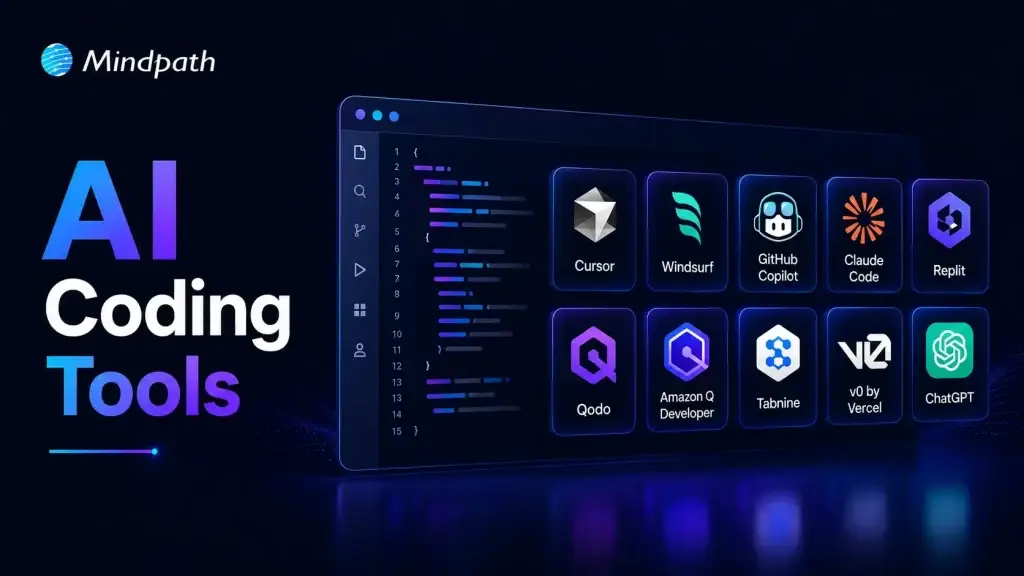
ai coding tools

Software teams now face growing pressure to deliver reliable applications within shorter development cycles. AI coding tools help developers write code, solve issues, test features, and manage repetitive tasks. They support faster decisions while allowing teams to focus on complex product requirements and customer expectations.

Key Takeaways

  • 01
    AI coding tools speed development by handling repetitive coding and testing tasks.  
  • 02
    Context-aware assistants improve code suggestions across files, repositories, and workflows.  
  • 03
    AI supports earlier detection of security, performance, and logic issues.  
  • 04
    Businesses should match AI tools with security needs and workflows.  
  • 05
    Human review ensures AI-generated code remains accurate, secure, and reliable.  

Choosing the best AI coding tools requires more than comparing autocomplete features or popular platforms. Teams must assess code quality, security, workflow compatibility, and development goals before adopting them. The right solution can improve productivity while keeping developers responsible for every important decision. In this blog, we will focus on best AI coding tools. So, let’s keep reading further in detail!

Ready to transform your AI ideas into real business outcomes? At MindPath, we offer AI Development Services that help you develop and deploy custom AI applications.

What are AI Coding Tools?

AI coding tools are software applications powered by artificial intelligence, often built on large language models. They help developers write, edit, debug, and test code more efficiently. These tools understand prompts and programming context, which reduces manual effort and improves overall development speed while maintaining structured and readable code output.

These tools change the developer role from writing every line of code manually to guiding and reviewing AI generated suggestions. They improve productivity by handling repetitive tasks and accelerating development workflows. Both beginners and experienced programmers use them to build applications faster while maintaining control over logic, structure, and final output.

Core Capabilities at a Glance

  • Code Generation: Creates functions, scripts, and interfaces from clear instructions.
  • Inline Auto-Completion: Predicts code and suggests relevant next lines instantly.
  • Refactoring and Optimization: Improves code structure, performance, readability, and maintainability.
  • Debugging and Explaining: Finds errors, suggests fixes, and explains complex code logic.
  • Security Scanning: Detects vulnerabilities and compliance concerns before deployment.

How Do AI Coding Assistants Work?

AI coding tools for enterprise use language models to understand code and developer requests. They support faster development while fitting into established engineering workflows.

1. Training and Architecture

AI coding assistants learn from large code datasets using transformer-based language models. They understand programming syntax, logic, common patterns, and code translation across languages.

2. Context Gathering

The tool analyzes open files, selected code, project structure, and diagnostic messages. Advanced tools can also use approved documentation, project wikis, and relevant technical resources.

3. IDE Integration

AI assistants connect with code editors through extensions and development protocols. They provide inline suggestions and chat support for coding, debugging, and code explanations.

4. Advanced Agentic Execution

Modern AI coding tools can plan tasks and complete multiple development actions. They can create files, run tests, fix errors, and improve legacy code with developer oversight.

What Benefits Do Businesses Gain from AI Coding Tools?

AI code generation services help businesses improve development efficiency across everyday engineering tasks. They support faster delivery, better quality control, and stronger use of technical resources.

1. Stronger Code Quality

AI helps developers detect security risks, performance issues, and logic gaps early. Teams can address these concerns before they affect production applications.

2. Better Use of Development Resources

AI handles repetitive coding patterns and reduces time spent on manual tasks. Businesses can lower operational effort and allow teams to focus on higher-value projects.

3. Faster Team Onboarding

AI explains complex code and supports developers working with legacy applications. New team members can understand project structures and contribute more quickly.

4. More Efficient Testing

AI automates unit testing and supports smoother CI/CD workflows across development pipelines. It helps teams identify issues earlier and reduce deployment-related mistakes.

5. Quicker Software Delivery

AI generates boilerplate code, scripts, and common functions within seconds. Developers can review and customize the output instead of writing every component manually.

What are the Best AI Coding Tools in 2026?

Choosing the right AI coding assistant depends on your team’s workflows, security needs, and project complexity. The best AI coding agents support coding, testing, debugging, and collaboration without disrupting existing development practices.

1. Claude Code

A command-line AI coding assistant that helps developers understand, modify, and maintain software projects using natural language instructions.
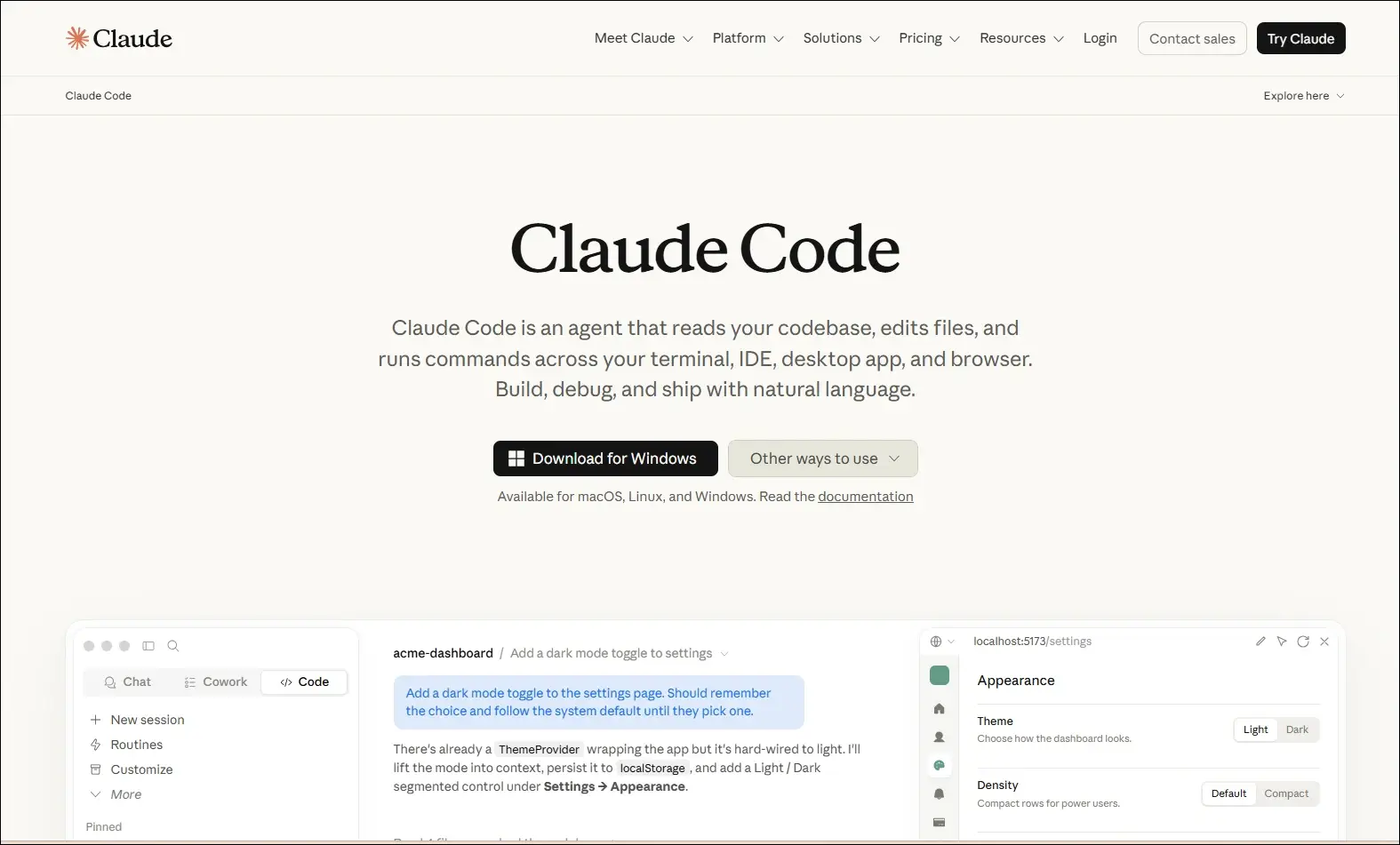
claude code

Ideal for:

  • Backend developers: Work with large codebases directly from the terminal.
  • Engineering teams: Review, refactor, and maintain complex applications more efficiently.

Core Capabilities:

  • Terminal-based workflow: Operates directly from the command line.
  • Codebase understanding: Analyzes repositories to answer development questions.
  • Code editing: Modifies files based on natural language requests.
  • Git integration: Helps review changes and work with Git repositories.
  • Debugging assistance: Identifies issues and suggests possible fixes.
  • Test support: Helps create and update tests while making code changes.

2. ChatGPT

An AI assistant that helps developers with coding, debugging, technical explanations, planning, and software design across multiple programming languages.
Chatgpt

Ideal for:

  • Developers: Solve coding problems, debug issues, and learn new technologies.
  • Software teams: Brainstorm architectures, generate documentation, and improve development workflows.

Core Capabilities:

  • Code generation: Writes code from natural language instructions.
  • Debugging support: Identifies errors and suggests possible fixes.
  • Code explanation: Explains code, algorithms, and technical concepts.
  • Documentation creation: Generates technical documentation and comments.
  • Architecture planning: Assists with system design and software planning.
  • Multi-language support: Supports a wide range of programming languages and frameworks.

3. GitHub Copilot

An AI coding assistant that provides real-time code suggestions, explanations, and development support directly within supported IDEs.
GitHub Copilot

Ideal for:

  • Developers: Write code faster with intelligent autocomplete and code generation.
  • Software teams: Improve productivity through AI-assisted coding and documentation.

Core Capabilities:

  • Inline code completion: Suggests code as you type in supported editors.
  • Copilot Chat: Answers coding questions and explains code within the IDE.
  • Code generation: Creates functions, classes, and boilerplate from prompts.
  • Code explanations: Explains unfamiliar or existing code in natural language.
  • Test generation: Assists with creating unit tests for application code.
  • Pull request support: Helps summarize and review code changes.

4. Cursor

An AI-native code editor that embeds intelligent assistance directly into your development workflow, helping you write, edit, and ship code faster.
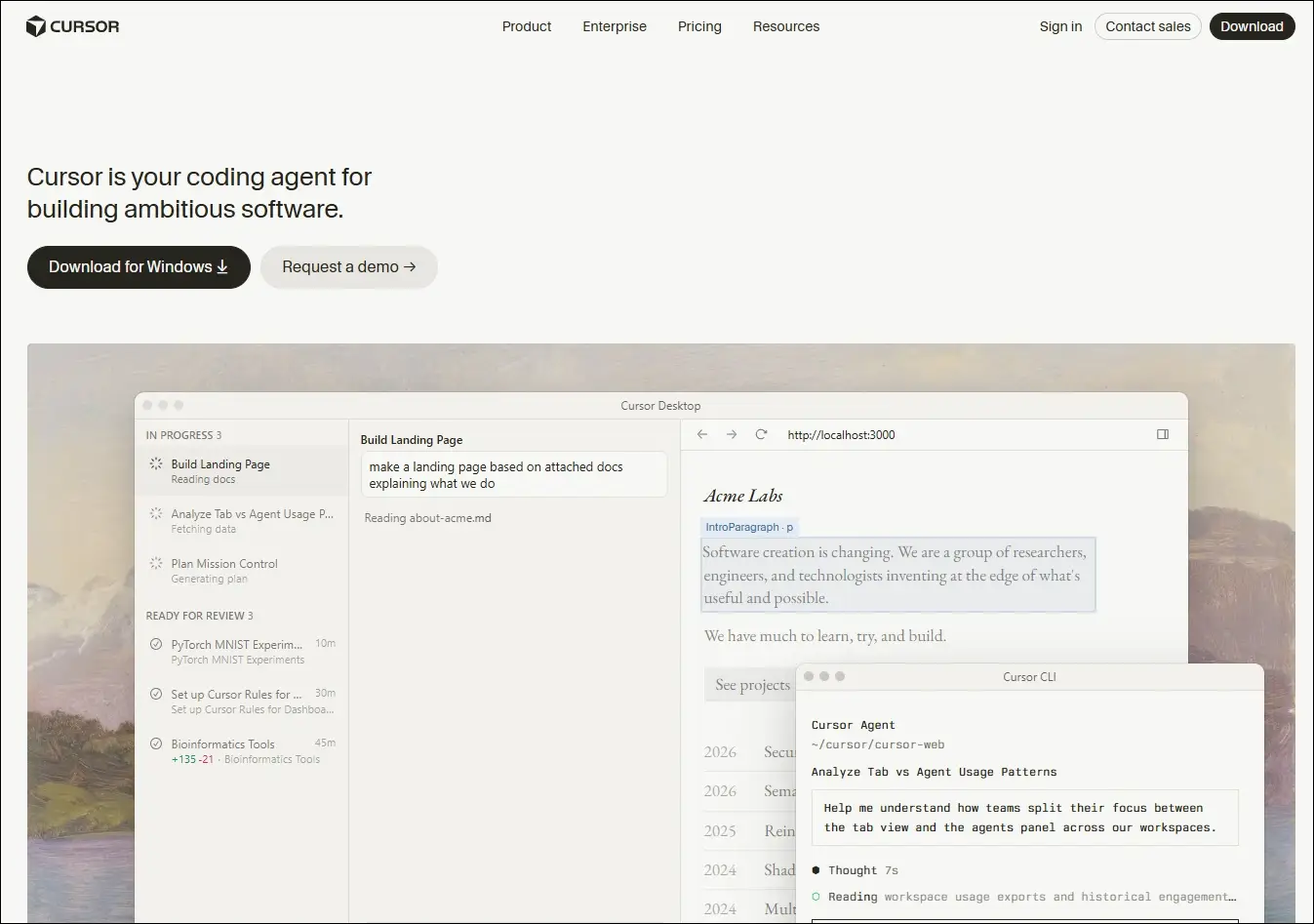
Cursor

Ideal for:

  • Developers and engineering teams: Ship features faster across large, complex codebases
  • Beginners and designers: Turn ideas and mockups into working code with AI guidance

Core Capabilities:

  • Multi-file composer: Edits all relevant files in one go.
  • Agent mode: Autonomously plans, edits, and tests changes.
  • Tab autocomplete: Predicts and suggests full code blocks instantly.
  • Project rules: Enforce your conventions across every session.
  • Visual context: Turns UI screenshots into working interface code.
  • Live docs and web: Pulls in real-time framework and security references.

5. Windsurf

An AI-powered development environment that combines code generation, editing, planning, and debugging into a unified workflow through its Cascade AI agent.
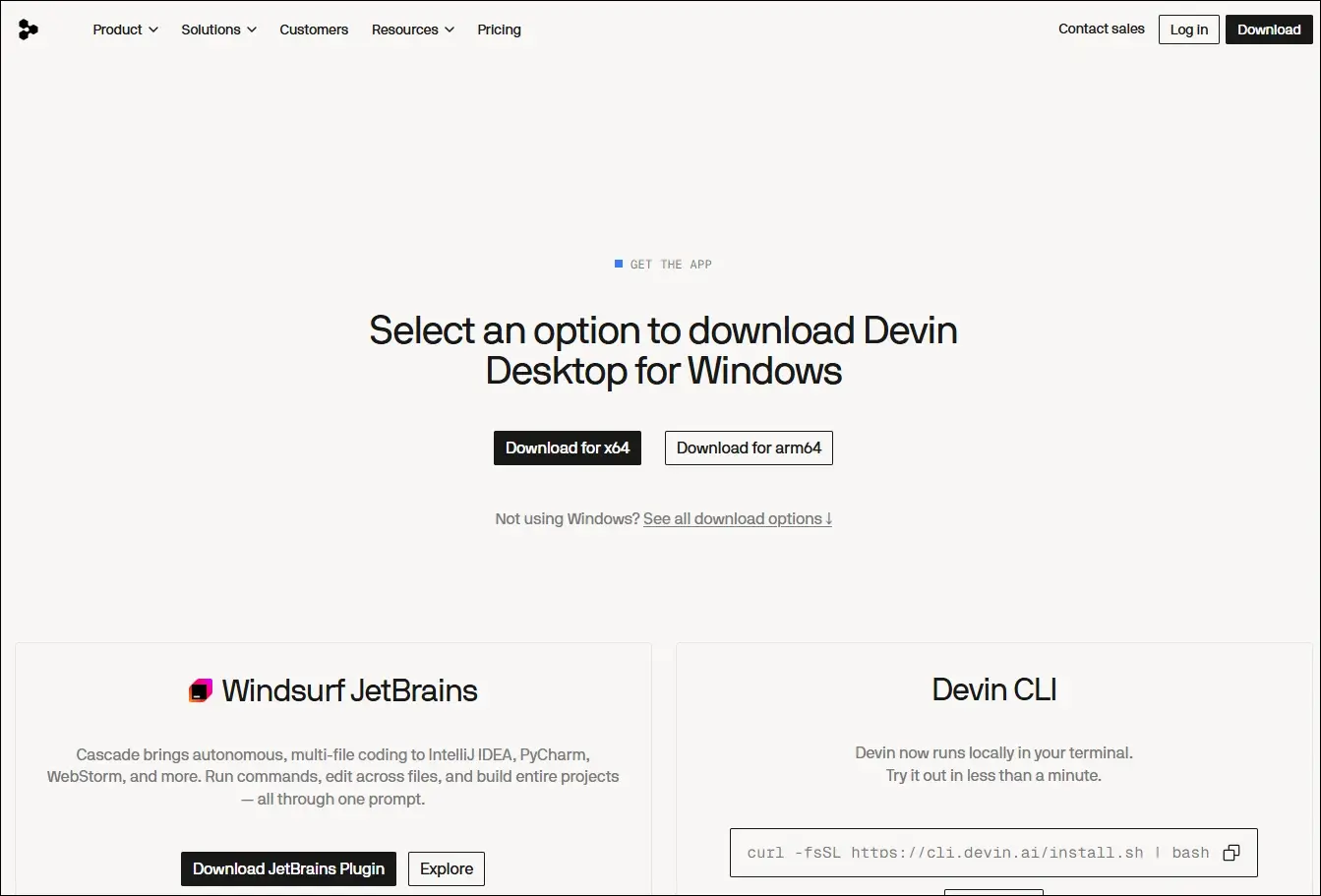
Windsurf

Ideal for:

  • Software developers: Build, refactor, and debug applications using AI-assisted workflows.
  • Engineering teams: Collaborate on larger projects with AI support across multiple files.

Core Capabilities:

  • Cascade AI agent: Plans, edits, and executes coding tasks across multiple files.
  • Multi-file editing: Updates related files together while maintaining project context.
  • Terminal integration: Runs commands and understands terminal output within the workflow.
  • Codebase awareness: Uses the entire project as context for more relevant suggestions.
  • Context-aware chat: Answers development questions based on the active codebase.
  • Integrated debugging: Helps identify issues and suggest fixes during development.

6. Replit

A browser-based development platform that combines coding, AI assistance, collaboration, and deployment in one environment.
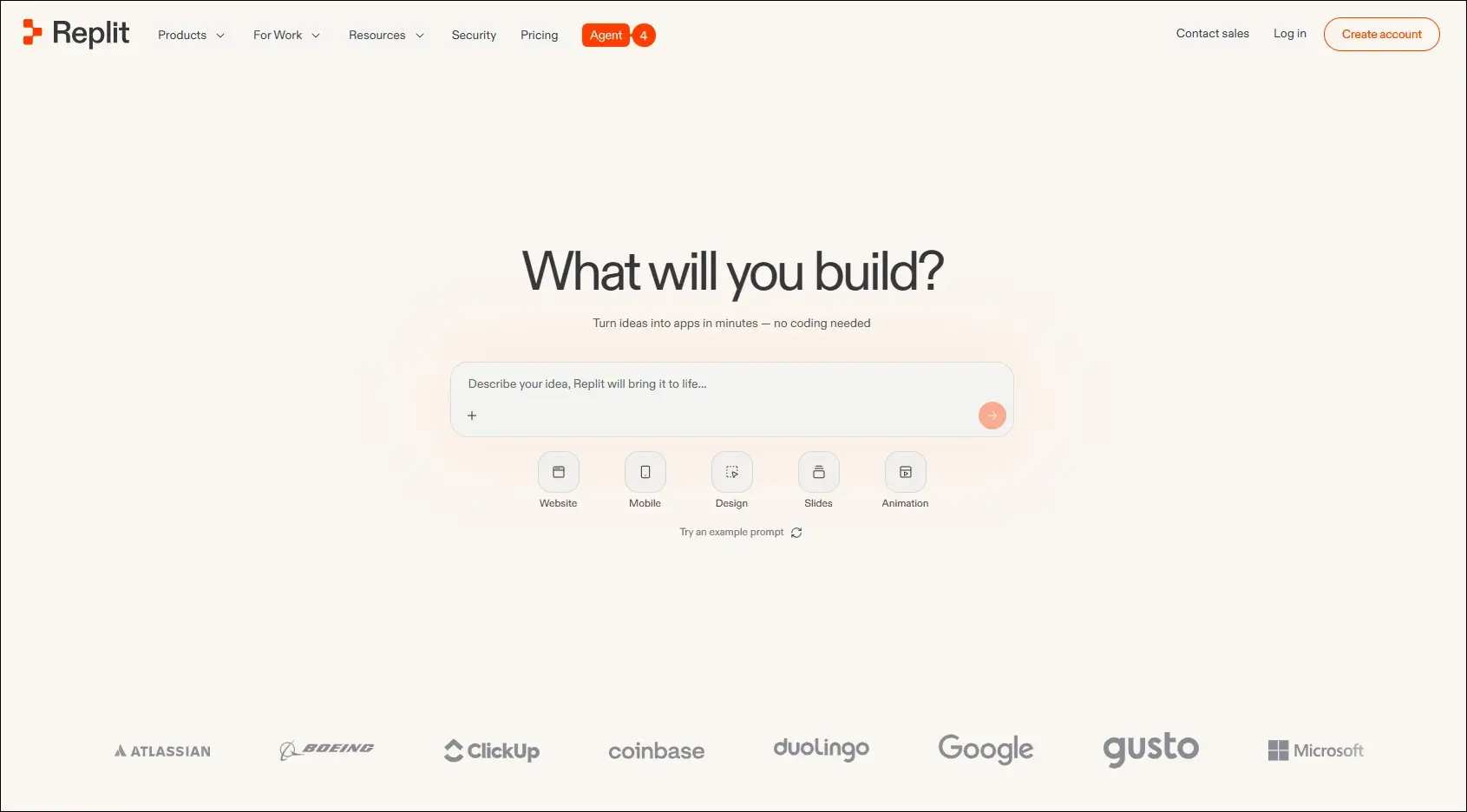
Replit

Ideal for:

  • Developers: Build and deploy applications without local setup.
  • Students and startups: Quickly prototype and launch software projects.

Core Capabilities:

  • Browser-based IDE: Develop applications entirely in the cloud.
  • AI coding assistant: Generates, explains, and edits code from prompts.
  • Real-time collaboration: Multiple users can work in the same project.
  • Instant deployment: Publish applications directly from the platform.
  • Multi-language support: Develop projects using numerous programming languages.
  • Integrated hosting: Run and manage applications from one workspace.

7. Qodo

An AI-powered code quality platform focused on testing, reviewing, and improving software reliability throughout development.
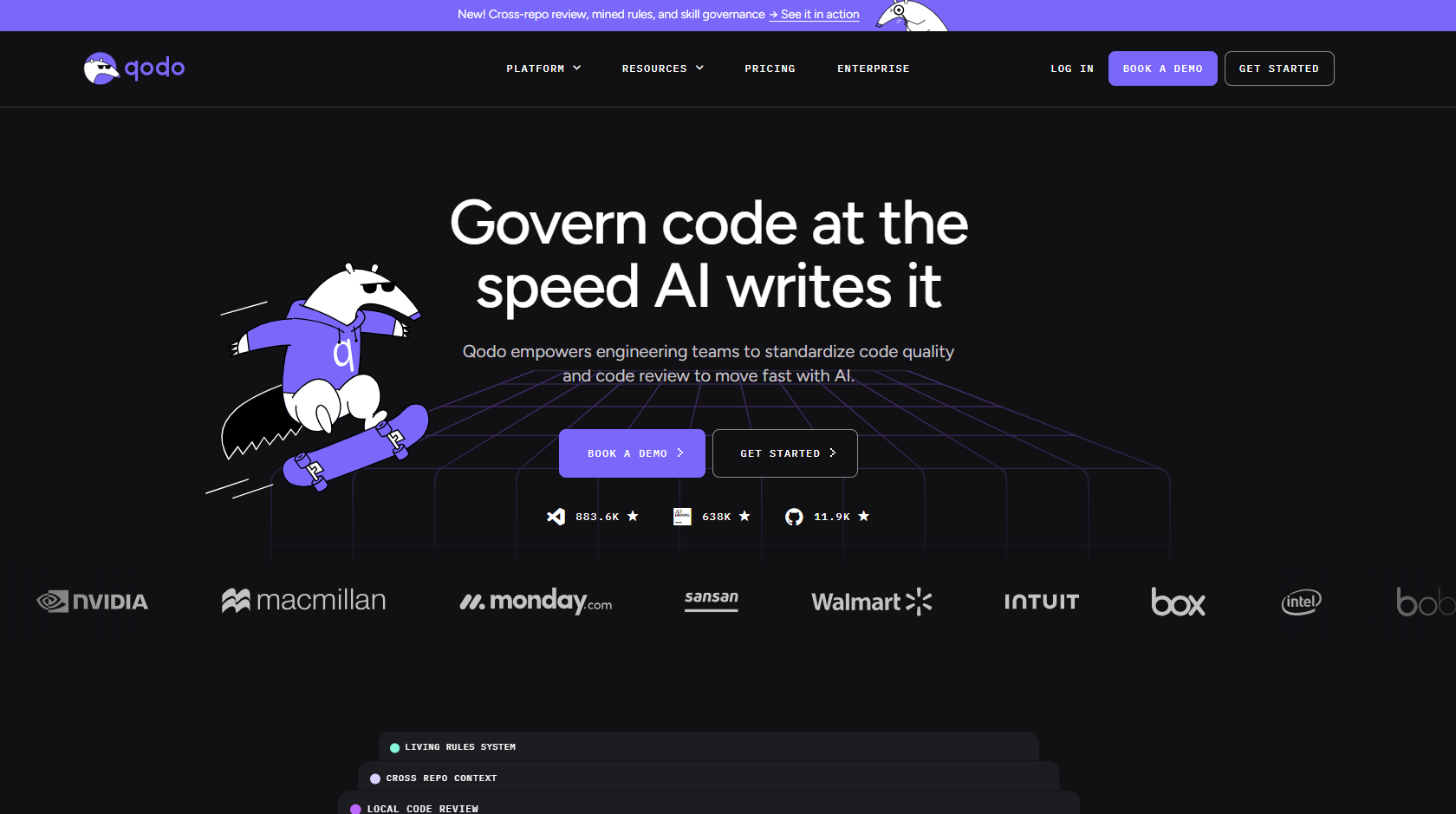
qodo

Ideal for:

  • Software developers: Improve code quality with AI-assisted testing and reviews.
  • Engineering teams: Maintain reliable codebases through automated quality checks.

Core Capabilities:

  • AI code reviews: Reviews pull requests and suggests improvements.
  • Test generation: Creates unit tests for existing code.
  • Code analysis: Identifies potential issues and quality concerns.
  • IDE integration: Works alongside developers during coding.
  • Pull request assistance: Helps review and validate code changes.
  • Repository awareness: Uses project context to improve recommendations.

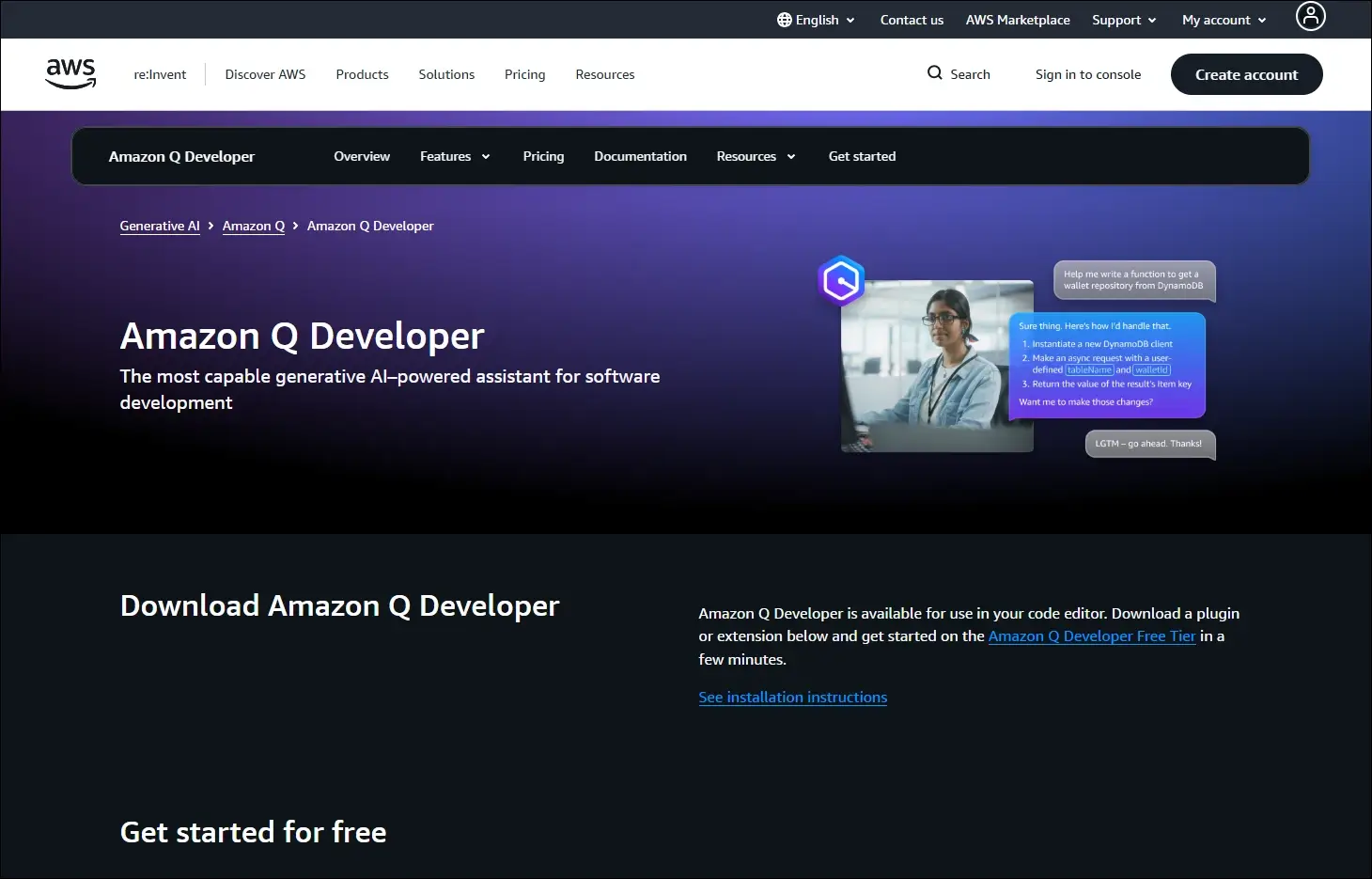
8. Amazon Q Developer

An AI assistant for software development that helps developers build, modernize, and operate applications, especially within AWS environments.
Amazon Q Developer

Ideal for:

  • AWS developers: Build and maintain cloud applications more efficiently.
  • Enterprise teams: Modernize applications and automate development tasks.

Core Capabilities:

  • Code generation: Creates code from natural language prompts.
  • AWS expertise: Assists with AWS services and cloud development.
  • Code transformation: Helps modernize existing applications.
  • Security scanning: Detects security issues in application code.
  • IDE integration: Provides AI assistance inside supported development tools.
  • Documentation support: Generates explanations and technical documentation.

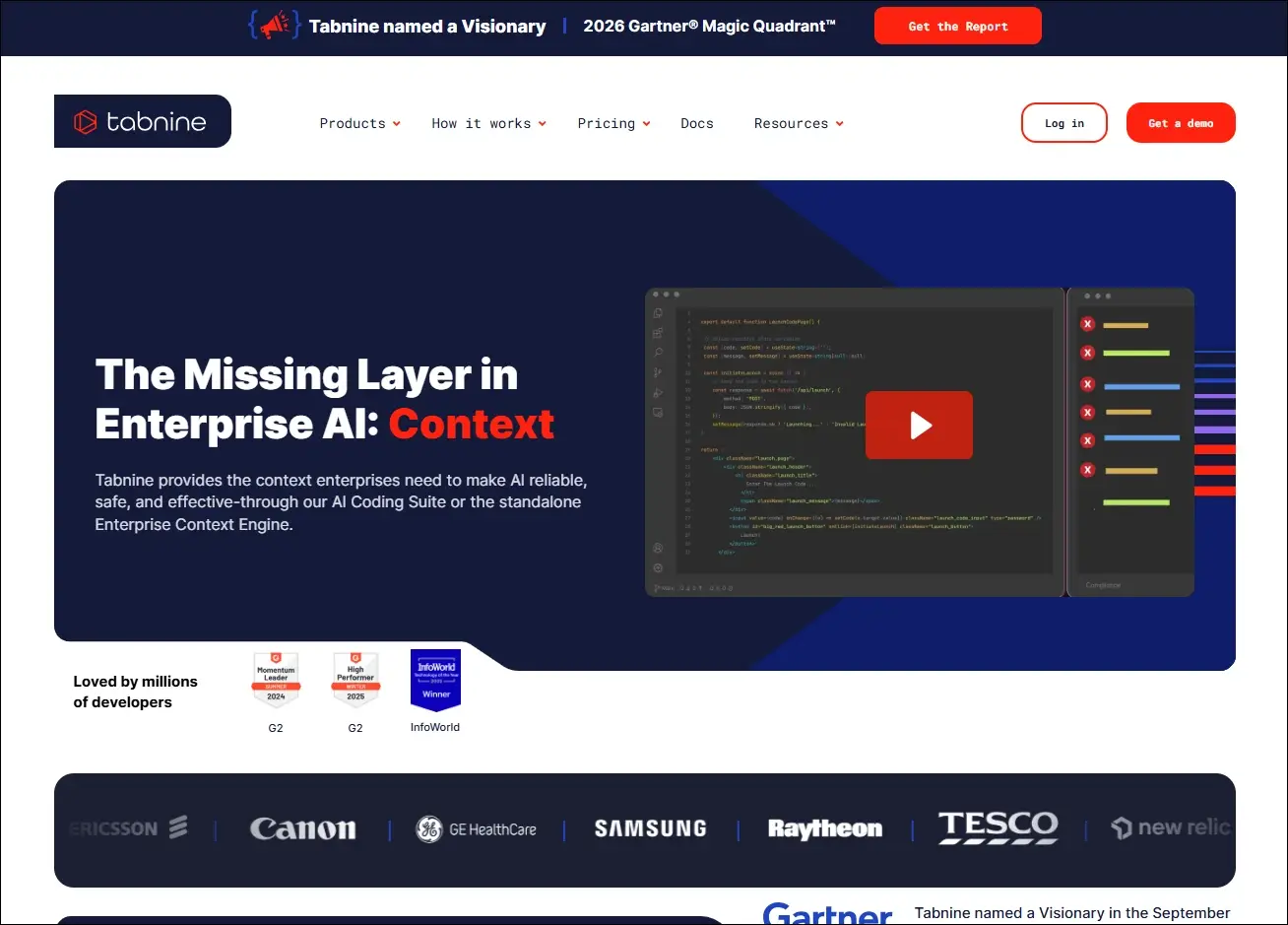
9. Tabnine

An AI coding assistant that delivers private, context-aware code completions with options for secure enterprise deployment.
Tabnine

Ideal for:

  • Professional developers: Speed up coding with personalized AI suggestions.
  • Security-focused organizations: Use AI coding assistance with private deployment options.

Core Capabilities:

  • AI code completion: Suggests context-aware code as developers type.
  • Private deployment: Supports self-hosted enterprise environments.
  • Team customization: Learns from organization-specific code patterns.
  • IDE compatibility: Integrates with popular development environments.
  • Natural language generation: Generates code from written instructions.
  • Privacy controls: Offers configuration options for enterprise security needs.

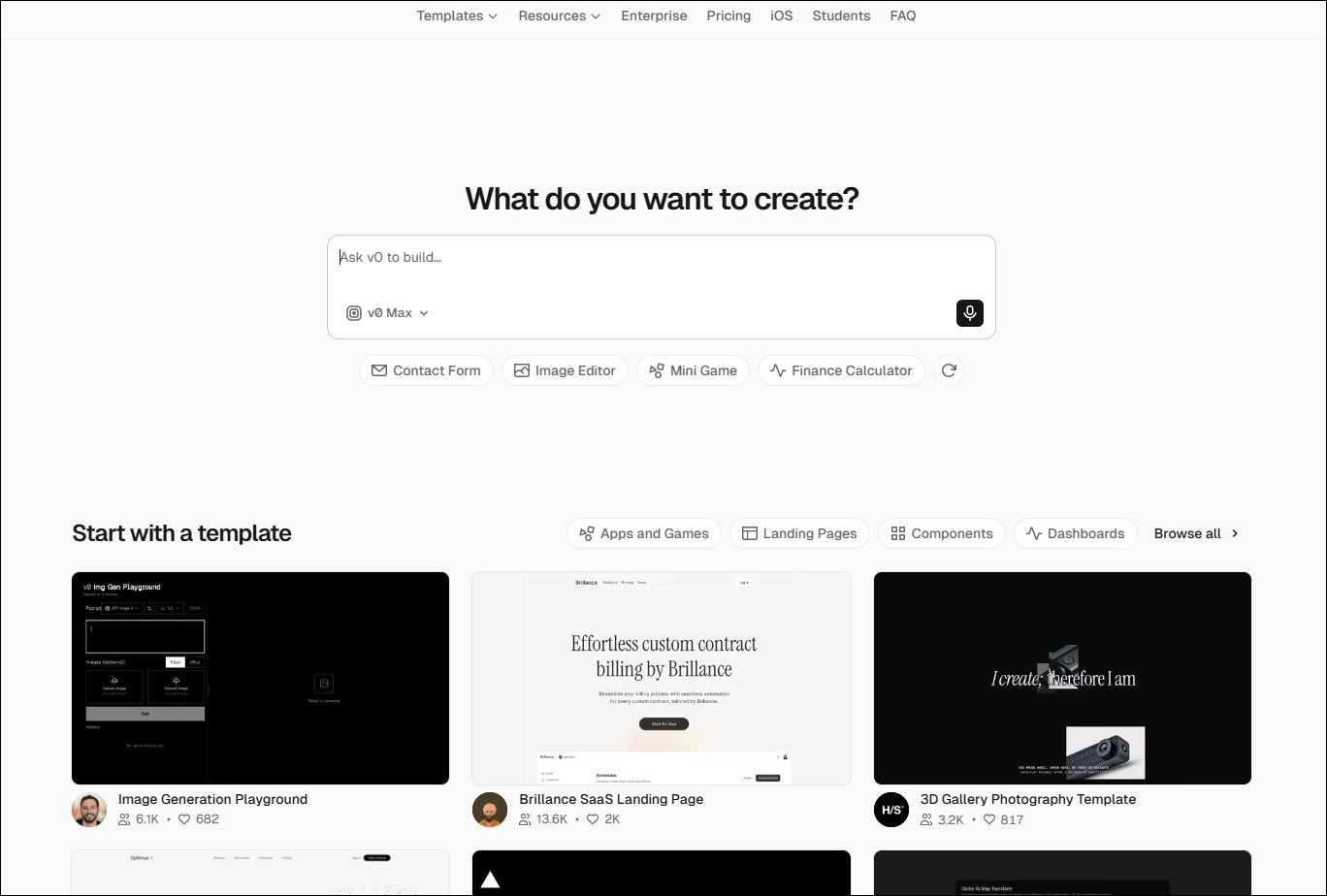
10. v0 by Vercel

An AI-powered interface generation tool that creates React-based user interfaces from natural language prompts.
Ideal for:

  • Frontend developers: Generate UI components more quickly.
  • Product designers: Turn interface ideas into working frontend code.

Core Capabilities:

  • UI generation: Creates React components from text prompts.
  • Design iteration: Refines interfaces through conversational editing.
  • Framework support: Generates components compatible with modern frontend frameworks.
  • Responsive layouts: Produce mobile-friendly interface structures.
  • Code export: Allows generated code to be used in existing projects.
  • Component customization: Updates layouts and styling through prompts.


Look at the table below to get a clear understanding of the best AI coding agents: 

AI Coding Tool  Primary Focus  Best For  Core Strength  What Makes It Different  Development Environment 
Cursor  AI-first code editing  Full-stack developers  Multi-file AI editing  Built as an AI-native editor  Desktop IDE 
Windsurf  Autonomous AI development  Large engineering teams  Cascade AI agent  Plans and executes coding tasks  Desktop IDE 
GitHub Copilot  AI pair programming  Everyday software development  Inline code completion  Deep GitHub integration  IDE extensions 
Claude Code  Terminal-based coding  Backend & DevOps teams  Repository-wide reasoning  Works directly from the CLI  Command line 
Replit  Cloud app development  Students & startups  Build and deploy in browser  No local setup required  Browser-based IDE 
Qodo  Code quality & testing  Engineering teams  AI code reviews  Focuses on testing over code generation  IDE & Git repositories 
Amazon Q Developer  AWS development  Cloud engineers  AWS-aware coding assistance  Built specifically for AWS workflows  AWS & IDEs 
Tabnine  Secure code completion  Enterprise organizations  Private AI suggestions  Self-hosted deployment available  IDE extensions 
v0 by Vercel  Frontend UI generation  Frontend developers  Prompt-to-React components  Creates production-ready UI code  Browser 
ChatGPT  General AI coding assistant  Developers of all levels  Coding, debugging & planning  Broad programming knowledge across languages  Web, desktop & IDE integrations 

How to Integrate AI Into Development Workflow?

Businesses can introduce AI into development workflows in a structured way to improve productivity without compromising code quality or control.

1. Choose Tools That Fit Your Workflow

Select AI coding tools that work smoothly with your IDE, repositories, and development processes. Use different tools for coding, planning, testing, and documentation when required.

2. Divide Work Into Clear Tasks

Give AI small, specific tasks instead of asking it to build entire applications. Clear instructions and relevant context help teams receive more accurate results.

3. Use AI Across Development Stages

Apply best AI coding agents during planning, coding, testing, documentation, and code reviews. This approach helps teams improve consistency and reduce delays across the development lifecycle.

4. Keep Developers in Control

Developers should review, test, and validate every AI-generated output before deployment. Teams must also protect sensitive data and follow security rules when using AI tools.

Ready to Strengthen Your Development Process With AI?

AI coding tools can improve development speed, testing, code quality, and team productivity when businesses implement them with a clear strategy. The right AI development service helps organizations adopt secure, scalable solutions that support their existing systems, workflows, and long-term software goals.

Mindpath helps businesses plan, build, and integrate AI-powered solutions for modern software development. Our experienced team understands your requirements, identifies practical opportunities, and develops solutions that deliver measurable value. Contact Mindpath today to discuss your AI development needs and explore the right approach for your business.
AI Agent development time

Building a custom AI solution starts with understanding the expected AI agent development time for your business goals. Every project follows a different schedule because business requirements, system integrations, data quality, testing, and deployment needs directly influence the overall development process. Knowing these factors helps businesses plan realistic implementation timelines and make informed investment decisions.

Key Takeaways

  • 01
    AI agent development time varies based on complexity, integrations, testing, and deployment requirements. 
  • 02
    Clear project planning helps reduce delays and improves overall development efficiency significantly. 
  • 03
    Custom AI agents require multiple development stages before successful production deployment begins. 
  • 04
    Project costs increase with advanced features, enterprise integrations, and autonomous AI capabilities. 
  • 05
    Choosing an experienced development partner accelerates delivery while maintaining quality and security. 

Many businesses also ask how long to build an AI agent before planning budgets and implementation strategies. The answer depends on project scope, customization requirements, existing infrastructure, and deployment readiness rather than a fixed timeline. In this blog, you will learn the typical AI agent development timeline, key factors affecting project duration, and practical ways to accelerate deployment successfully. So, let’s keep reading further!

Want to accelerate your AI agent development without compromising quality? We offer AI Agent Development Services to build reliable, business-ready AI solutions.

What Determines AI Agent Development Time?

The time to deploy AI agent solutions depends on more than writing code or selecting AI models. Every project follows a unique path based on business objectives, technical requirements, and implementation readiness. Understanding these foundations helps businesses set realistic expectations before starting AI agent development.

1. AI Agent Complexity

The type of AI agent has the biggest impact on how long to build an AI agent. Simple agents finish faster, while autonomous and multi-agent systems require additional development, coordination, and testing.

2. System Integrations

AI agents deliver better results when they connect with business tools and applications. Integrating multiple APIs, legacy systems, or custom databases increases development time and technical effort.

3. Security and Approval Controls

Secure AI agents need safeguards before handling business tasks or sensitive information. Teams must build validation checks and approval workflows to ensure reliable and controlled operations.

4. Testing and Performance Validation

Development continues after coding because every AI agent requires thorough testing. Teams evaluate reasoning quality, accuracy, response speed, and reliability before deployment.

5. Development Approach

The chosen development method directly affects project timelines. Pre-built frameworks speed up delivery, while fully custom development takes longer because every feature requires dedicated implementation.

How Long Does It Take to Build an AI Agent?

The AI agent build time depends on project complexity, business goals, and technical requirements. While simple AI agents may take only a few weeks, advanced enterprise solutions require additional development, testing, and deployment. The table below provides a realistic timeline for different types of custom AI agents.

AI Agent Type Typical Use Case Estimated Development Time Estimated Deployment Time Estimated Cost (USD)
Proof of Concept (PoC) AI Agent Validate an idea with limited functionality 2–4 weeks 2–5 days $10,000–$25,000
Simple Task Automation Agent FAQ support, document search, email assistance 4–6 weeks 3–7 days $25,000–$50,000
Business Workflow AI Agent Customer support, HR, sales, internal operations 6–10 weeks 1–2 weeks $50,000–$100,000
Decision Support AI Agent Financial analysis, legal review, business recommendations 8–12 weeks 2–3 weeks $80,000–$150,000
Custom AI Agent with Multiple Integrations CRM, ERP, databases, APIs, enterprise tools 10–16 weeks 2–4 weeks $120,000–$250,000
Autonomous or Multi-Agent Enterprise System End-to-end workflow automation across multiple departments 4–9 months 4–8 weeks $250,000–$1M+

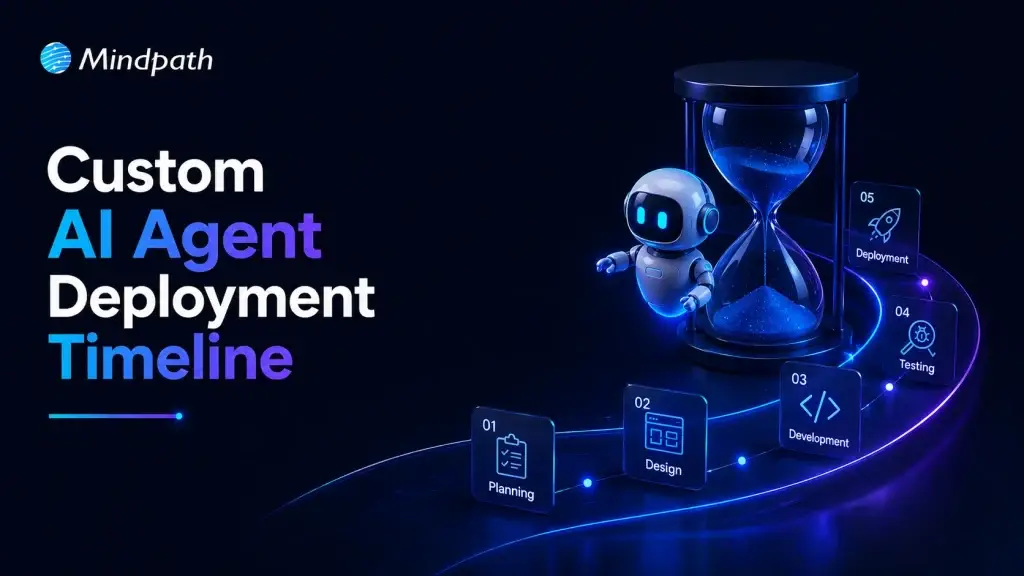
AI Agent Development Timeline: Key Stages Explained

Understanding each development stage helps businesses estimate AI agent development time more accurately. Every phase serves a specific purpose, from planning and development to testing and deployment, ensuring the final AI agent performs reliably and meets business requirements.

1. Define Goals and Project Scope

Every successful AI agent starts with clear business objectives and measurable outcomes. Teams identify the problem, expected results, and project requirements before beginning development.

2. Design the AI Agent Architecture

Developers create the technical foundation by selecting suitable AI models, frameworks, and data structures. This stage ensures the AI agent can handle business tasks efficiently and scale when needed.

3. Build and integrate the AI Agent

Developers create prompts, connect business applications, and integrate external tools and knowledge sources. Secure integrations help the AI agent perform real business tasks with accurate information.

4. Test and Improve Performance

Teams evaluate the AI agent through multiple testing scenarios before production deployment. They refine prompts, fix workflow issues, and improve accuracy to deliver reliable performance.

5. Deploy the AI Agent

After successful testing, the AI agent moves into the production environment with controlled access and security measures. The time to deploy AI agent solutions depends on deployment readiness, governance checks, and rollout strategy.

6. Monitor and Optimize Continuously

Development continues after deployment through regular monitoring and performance improvements. Teams analyze user interactions, update capabilities, and optimize the AI agent for better long-term results.

How to Build an AI Agent Faster Without Compromising Quality?

  • Define clear business goals before starting development.
  • Prioritize high-impact features for the first AI agent release.
  • Prepare clean and organized business data early.
  • Choose the right AI development partner with proven expertise.
  • Use existing systems instead of building everything from scratch.
  • Test continuously throughout development to avoid costly delays.
  • Start with an MVP before expanding advanced capabilities.
  • Review project scope regularly to prevent timeline extensions.

Ready to Build Your Custom AI Agent?

The right AI agent delivers the best results when businesses plan realistic timelines, define clear requirements, and choose the right development approach. Understanding every stage, from planning to deployment, helps reduce delays, control costs, and achieve long-term business value with confidence.

At Mindpath, we deliver custom AI Agent Development Services tailored to your business goals, workflows, and scalability needs. Our experts build secure, high-performing AI agents with faster delivery and reliable implementation. Contact us to discuss your project and find the right AI solution for your business.

 build vs buy ai

Businesses often begin with AI tools that save time and simplify everyday tasks. But what happens when those tools cannot understand your workflows, access the right data, or support bigger goals? The build vs buy AI decision becomes important when basic AI support no longer drives meaningful business progress.

Key Takeaways

  • 01
    Choose off-the-shelf AI when standard tools meet immediate business needs. 
  • 02
    Build custom AI agents when workflows require deeper automation and control. 
  • 03
    Evaluate data security before sharing sensitive information with external AI platforms. 
  • 04
    Consider integrations when AI must work across core business systems. 
  • 05
    Focus on long-term value, not only initial cost and deployment speed. 

The custom AI agent vs off-the-shelf choice can shape how effectively your business uses AI. One option delivers quick results, while the other can automate complex work across your systems. Seems interesting, doesn’t it? In this blog, we explore which option can unlock greater value for your business. So, let’s keep reading further in detail!

Looking for an AI agent that does more than off-the-shelf tools can offer? At MindPath, we offer AI Agent Development Services to build intelligent solutions tailored to your goals.

What Does Build vs Buy AI Mean? Core Fundamentals

Build vs buy AI describes how a business chooses to access artificial intelligence capabilities.

Building AI means creating a custom AI agent designed around a company’s specific workflows, data, systems, and business goals. The business controls how the solution works, connects it with internal tools, and shapes it to manage unique tasks that ready-made platforms may not support.

Buying AI means choosing ready-to-use AI software or off-the-shelf AI tools from an external provider. These tools offer prebuilt features for common tasks, such as content creation, customer support, transcription, and analysis. Businesses can start using them quickly without building or maintaining the technology themselves.

What Are Off-the-Shelf AI Tools?

Off-the-shelf AI tools are ready-made platforms that businesses can start using without developing AI from scratch. They support common needs through AI chatbots, writing tools, customer support platforms, meeting assistants, and workflow automation tools. While comparing custom AI agent vs off the shelf options, businesses can assess whether standard features meet their operational needs.

Advantages of Businesses Using Off-the-Shelf AI Tools

1. Lower Upfront Costs: Subscription pricing helps businesses adopt AI without major development spending.

2. Faster Deployment: Teams can launch useful AI capabilities quickly and reduce implementation delays.

3. Vendor-Managed Maintenance: Providers handle updates and fixes, reducing pressure on internal IT teams.

4. Easy Team Adoption: Simple interfaces help employees use AI with minimal technical training.

5. Quick Results for Common Tasks: Businesses improve support, content, analytics, and routine workflow efficiency.

Limitations at a Glance

1. Limited Customization: Generic tools may not match unique workflows or business requirements.

2. Data Privacy Risks: External platforms can create security and compliance concerns.

3. Inaccurate Responses: Teams must review outputs for incorrect or fabricated information.

4. IP Concerns: Generated content can raise ownership and copyright issues.

5. Less Differentiation: Common tools can produce similar outputs for competing businesses.

What Is a Custom AI Agent?

A custom AI agent is a goal-focused system built for specific business tasks, workflows, and roles. It can use company data, remember relevant context, connect with business tools, and complete multi-step actions. While comparing build vs buy AI agent options, businesses can assess whether they need basic assistance or tailored automation.

Advantages of Businesses Using Custom AI Agent

1. End-to-End Automation: Agents complete repetitive tasks, reducing manual effort across everyday business workflows.

2. Scalable Operations: Teams handle growing workloads without increasing staff at the same pace.

3. Round-the-Clock Support: Agents respond, monitor, and assist customers beyond standard working hours.

4. Faster Data Insights: Agents analyze information quickly to support smarter, timely business decisions.

5. Personalized Customer Experiences: Context-aware interactions help businesses deliver relevant support and recommendations.

Custom AI Agent vs Off-the-Shelf AI Tools

Choosing between these options depends on how closely AI must support your business operations. The custom AI vs prebuilt AI comparison below highlights the differences in control, cost, integrations, and long-term value.

Comparison Area Custom AI Agent Off-the-Shelf AI Tools
Business Fit Built around your workflows, rules, and industry needs. Designed for common tasks across many businesses.
Deployment Speed Takes longer because teams design and test it. Launches quickly with ready-made features and setup.
Customization Adapts to unique processes, roles, and customer journeys. Offers limited configuration within vendor-defined options.
System Integration Connects deeply with CRMs, databases, and internal platforms. Provides standard connectors for widely used business tools.
Data Control Gives stronger control over data access and governance. Vendor policies determine how data is processed and stored.
Long-Term Value Supports scalable automation and creates business-specific operational advantages. Delivers quick value but may limit growth beyond standard use cases.

When Should You Buy an Off-the-Shelf AI Tool?

  • Your business needs AI for common tasks with clear, standard requirements.
  • Your team needs useful AI capabilities quickly for immediate business priorities.
  • You want to test AI value before making a larger investment.
  • Your workflows do not require deep connections with internal business systems.
  • Standard features can support your processes without extensive customization or development.
  • Your business lacks the technical resources to build and maintain AI internally.

When Should You Build a Custom AI Agent?

  • Your team handles the same complex, time-consuming tasks every day.
  • Generic tools cannot understand your specific processes, rules, or terminology.
  • You need stronger control over customer data and internal information.
  • Your workflows involve decisions, approvals, and several connected actions.
  • You want AI to reduce manual effort and improve operational outcomes.

Key Factors to Consider Before Choosing Build vs Buy AI

The question, should I build or buy AI, depends on more than cost or speed. Businesses should assess their goals, workflows, data requirements, and future plans before choosing an approach that delivers practical value today and supports growth over time.

1. Your Business Goals

Explain that companies should first identify whether they need quick productivity support or long-term process automation.

2. Workflow Complexity

Simple tasks may work well with prebuilt AI. Complex workflows may require a custom AI agent.

3. Data Security Needs

Businesses handling customer data, financial data, healthcare records, or confidential internal information may need greater control.

4. Integration Requirements

If AI needs to connect with CRMs, project tools, databases, or support platforms, custom development may be more suitable.

5. Budget and Long-Term Value

Buying may cost less at the beginning, while building can deliver stronger returns when AI supports core operations.

How Do Custom AI Agents Create Long-Term Business Value?

A custom AI agent can deliver greater value when it supports the daily work that drives business growth. Unlike off-the-shelf AI tools, it can connect with internal systems, follow company rules, and automate complex workflows. This makes AI agent development a practical investment for businesses seeking scalable, measurable improvements.

1. Automate repetitive tasks across customer support, sales, operations, and internal teams.

2. Connect CRMs, databases, and platforms to reduce disconnected business processes.

3. Use business data to provide faster insights and support better decisions.

4. Scale automation as customer demand, workloads, and operational complexity grow.

5. Deliver consistent customer experiences using company knowledge and brand guidelines.

6. Reduce manual errors through structured workflows, permissions, and human oversight.

7. Measure value through time savings, faster responses, and improved operational outcomes.

Ready to Choose an AI Solution That Moves Your Business Forward?

Off-the-shelf AI tools can help teams get started quickly, while custom solutions support businesses with complex workflows, connected systems, and growing automation needs. The right choice depends on the value AI can create for your operations today and as your business expands.

At Mindpath, we build intelligent AI solutions that align with your workflows, data, and business goals. Our team helps you move beyond generic tools with scalable AI agent development designed to automate work, connect systems, and deliver measurable business value. Contact us to discuss your requirements and find the right AI approach for your business.

generative ai development cost

Planning a custom GenAI solution often begins with one difficult question: what will it cost? The generative AI development cost can look simple at first, yet many details shape the final investment. Data preparation, model selection, security, integrations, and ongoing support all influence pricing. So, how can you budget confidently without missing essential costs?

Key Takeaways

  • 01
    A basic GenAI MVP typically requires a $20,000 starting investment. 
  • 02
    Enterprise GenAI platforms can exceed $500,000 with complex security requirements. 
  • 03
    Data preparation and RAG setup can add $10,000 to $40,000. 
  • 04
    Monthly API and cloud usage can significantly increase long-term project costs. 
  • 05
    Clear scope and vendor expertise prevent budget overruns during GenAI implementation. 

That question becomes even more important when every decision affects your project’s value. A basic tool and a fully customized solution can require very different investments. You also need clarity before resources, timelines, and expectations start moving forward. Interested in knowing the real pricing breakdown? We have got you covered! This article breaks down the cost to build a GenAI solution, major pricing factors, hidden expenses, and practical planning considerations. So, let’s get started!

Need a cost-effective custom GenAI solution for your business? We offer generative AI development services to build secure, scalable, and ROI-driven AI solutions.

Why Are Businesses Seeking Custom GenAI Solutions in 2026? An Overview

As we know, custom GenAI development creates tailored AI applications for specific business needs. These solutions combine foundation models with internal data, workflows, and brand requirements. They help organizations automate complex work, protect sensitive information, and deliver more relevant insights than standard tools.

Businesses are seeking custom GenAI solutions because standard tools cannot fully support unique processes and goals. They need AI that understands internal data, protects sensitive information, and delivers relevant outcomes.

Here’s what custom GenAI solutions can do for a business.

1. Smarter Business Decisions: Turn scattered internal data into faster, more informed decisions.

2. Secure Innovation: Use proprietary knowledge to support product development, coding, and content creation.

3. Personalized Customer Support: Deliver relevant recommendations, interactions, and assistance at scale.

4. Streamlined Daily Workflows: Automate repetitive tasks across systems, teams, and business processes.

5. Stronger Compliance Controls: Generate secure, compliant outputs for sensitive and regulated operations.

 Must-Know Insights

  • Over 80% of enterprises will use GenAI in production. (Gartner)
  • 74% of companies plan multi-agent AI deployments soon. (Gartner)
  • AI spending could reach $2.59 trillion worldwide. (IMF)
  • Security incidents will shape enterprise GenAI design decisions. (Gartner)

What Drives the Cost to Build GenAI Solution?

A custom GenAI solution does not come with a fixed price tag. Each business brings different data, goals, systems, and security needs to the project. That is why GenAI development pricing can vary widely. The following are the key factors that influence the final cost.

1. Data Preparation and RAG

Clean, structured business data forms the foundation of a useful GenAI solution. Secure data pipelines and vector databases can increase the custom generative AI development cost.

2. Security and Compliance

Strong security controls protect sensitive business and customer information. Compliance requirements can add significant effort to the overall generative AI implementation cost.

3. Integration and Workflow Design

Connecting GenAI with existing systems requires careful planning and development. Complex workflows and multi-agent capabilities can raise the cost to build GenAI solution.

4. Model Strategy and API Usage

The selected model directly affects GenAI development pricing and ongoing expenses. High API usage, fine-tuning, and longer outputs can increase costs.

5. Infrastructure and Compute

Cloud hosting, storage, GPUs, and data transfers support reliable GenAI performance. Higher usage and scaling needs can increase long-term operational costs.

How Much Does Generative AI Development Cost in 2026?

Every GenAI project has a different price because every business has different needs. So, how much does generative AI cost for your goals? The answer depends on the solution’s scope, data, integrations, and security needs. For a clear understanding, let us break down the expected cost ranges.

1. Proof of Concept or GenAI MVP

Estimated cost: $20,000 to $60,000

This option helps businesses test one focused GenAI idea before making a larger investment. It may include a basic interface, model API integration, limited data access, and simple workflows.

2. Production GenAI Features

Estimated cost: $60,000 to $150,000

This range suits customer assistants, content tools, internal knowledge search, and automated workflows. It usually includes stronger integrations, better user controls, and more complete testing.

3. Custom AI Agents and Workflow Automation

Estimated cost: $100,000 to $250,000

These solutions complete multi-step tasks by connecting with business tools and systems. Costs increase when agents need approvals, memory, tool access, monitoring, or complex workflow logic.

4. Enterprise GenAI Platforms

Estimated cost: $250,000 to $500,000+

Enterprise solutions support multiple teams, larger data volumes, and broader business use cases. They often require scalable infrastructure, advanced security, governance controls, and detailed audit records.

What Is Included in the Custom Generative AI Development Cost?

A reliable custom generative AI development cost estimate should cover more than coding. It should include the work needed to make the solution useful, secure, and ready for real business use.

1. Discovery and solution planning: $5,000 to $20,000

2. UI/UX design and application development: $8,000 to $30,000+

3. Data preparation and RAG setup: $10,000 to $40,000

4. API and model integration: $10,000 to $50,000+

5. Testing and quality assurance: $5,000 to $30,000

6. Security and compliance: $10,000 to $50,000+

Hidden Costs to Consider Before Building a GenAI Solution

The initial Generative AI implementation cost does not cover every expense. These ongoing or overlooked costs can affect the total cost to build GenAI solution over time.

1. Cloud hosting and GPU compute: $1,000 to $30,000+ per month

2. API usage and token consumption: Varies based on users, prompts, and output length

3. Model monitoring and evaluation: $10,000 to $40,000+ per year

4. Data updates and scheduled retraining: $15,000 to $80,000 per year

5. Third-party tools and subscriptions: Varies by platform and workflow needs

6. Ongoing maintenance and support: $15,000 to $80,000 per year

7. Security reviews and compliance audits: $10,000 to $50,000+

Custom Generative AI Development Cost Planning Checklist

To understand the cost to build GenAI solution in a better way, follow this table. You will have better knowledge and can plan your budget accordingly.

Cost Area  Include in Initial Budget  Plan as Ongoing Cost  Why It Matters 
Discovery and solution design Yes No Defines scope, priorities, and technical requirements
Data preparation and RAG setup Yes Yes Internal data needs setup, updates, and quality checks
Application development and integrations Yes No Connects GenAI with workflows and business systems
Security and compliance Yes Yes Requires implementation, reviews, monitoring, and updates
API and token usage No Yes Costs grow with users, prompts, and response length
Cloud hosting and infrastructure No Yes Supports storage, processing, availability, and scaling
Testing and model evaluation Yes Yes Maintains accuracy, safety, and output quality
Maintenance and support No Yes Covers fixes, improvements, and model or API changes

Best Practices to Plan GenAI Budget More Effectively

Businesses can control costs by defining the right scope before development begins. A phased approach also helps teams prove value before scaling investment.

  • Start with one high-value and measurable use case
  • Define success metrics before selecting technology
  • Separate one-time build costs from ongoing operating costs
  • Confirm data security and compliance needs early
  • Plan for testing, monitoring, and future improvements
  • Work with a GenAI development partner that understands your industry

  Consider these Factors to Choose the Right GenAI Development Partner

1. Review Technical Expertise: Choose a partner with proven RAG, agent, integration, and evaluation experience.

2. Check Security and Compliance Practices: Confirm how they protect data and support relevant compliance requirements.

3. Understand Their Cost Approach: Ask for clear build, API, cloud, maintenance, and support estimates.

4. Discuss Outcome-Based Engagements: Align project pricing with measurable business goals and expected results.

5. Set Clear Service Agreements: Define uptime, response times, support responsibilities, and knowledge transfer expectations.

Looking for a Custom GenAI Solution Built Around Your Business?

A successful GenAI project starts with a clear scope, realistic budget, and long-term operating plan. By considering data, integrations, security, and maintenance early, businesses can manage the generative AI development cost while building a solution that delivers meaningful and measurable value.

At MindPath, we create custom GenAI development solutions around your business goals, workflows, and growth plans. Our team helps you define the right approach, control costs, and build secure AI capabilities that scale.

LLM - Powered App Development Cost

Imagine you’ve got an idea for a custom LLM-powered app. Maybe you want to automate customer support, build an AI assistant, or transform how your team works. But here’s what stops most entrepreneurs and business leaders cold: they don’t really know how much LLM-powered app development costs actually impact their budget. The price tag feels mysterious, unpredictable, and frankly, intimidating.

Key Takeaways

  • 01
    LLM app costs vary based on complexity, integrations, infrastructure, and scale.
  • 02
    SMBs can start AI projects with manageable budgets and phased investments.
  • 03
    API-based models offer faster deployment and lower upfront development costs.
  • 04
    RAG solutions improve AI performance without expensive model fine-tuning requirements.
  • 05
    Careful planning and cost optimization help maximize long-term AI value.

Good news: you’re definitely not alone. Hundreds of companies across the UK, US, Europe, Australia, and Canada wrestle with this exact question daily. They want real answers, not guesswork. They need clarity on what drives costs when building AI solutions. We’ve analyzed the numbers, industry benchmarks, and actual project data. Ready to cut through confusion? Everything unfolds in this blog.

Ready to build a custom LLM-powered application? Explore Mindpath’s AI development services to create scalable, intelligent solutions tailored to your business needs.

Why Can’t Businesses Ignore LLM-Powered App Development Anymore?

AI stopped being a trend years ago. Every competitor is moving forward with intelligent apps while you’re watching from the sidelines. Companies that skip LLM-powered app development risk becoming irrelevant faster than you’d think.

The payoff is real and measurable. Better customer service, faster workflows, and smarter operations aren’t theoretical anymore. Your team knows what needs fixing. AI solves it. LLM development pricing makes sense when the alternative is falling behind.

Here are the 5 reasons why AI integration is no longer negotiable:

1. Massive Productivity Gains

Your team does less tedious work today. Real-time returns show up immediately.

2. Enhanced Customer Retention

Support gets faster and smarter simultaneously. Customers notice better service instantly.

3. Hyper Efficiency in Workflows

Humans focus on strategic work instead. Automation handles repetitive stuff every day.

4. Rapid Market Growth

The AI space is expanding aggressively right now. Early movers have significant advantages.

5. Competitive Positioning in Your Industry

Your competitors are already building AI solutions. LLM-powered app development cost becomes minimal when you’re losing market share.

Key Factors Driving LLM-Powered App Development Costs

1. Model Architecture & Selection

API models keep your initial costs down. Custom models demand expensive computing power.

2. Data Preparation & Management

Building clean data takes real time. Proprietary knowledge needs special architecture setup.

3. System Integration & Infrastructure

Enterprise systems integration requires custom backend work. Self-hosted models need serious cloud infrastructure.

4. Regulatory Compliance & Security

Regulated industries need advanced protection standards.

5. Inference & Ongoing Maintenance

LLM token costs scale with user volume. Models need constant monitoring and optimization

LLM App Development Pricing for Different Business Scenarios

Every business is different, so your AI app development cost varies wildly depending on what you’re actually building. Let’s break down real pricing for the scenarios most companies face today.

1: Basic AI Chatbot or MVP

Build Cost: $20,000–$50,000 with a 2-4 month development timeline. Ideal for customer support, lead qualification, and knowledge retrieval. Running costs typically range from $50–$500 per month, while LLM Fine Tuning Cost remains minimal.

2: Mid-Level Business Assistant

Build Cost: $50,000–$150,000 with a 4–8 month implementation timeline. Includes custom dashboards, workflow automation, and business system integrations. Running costs generally range from $500–$5,000 per month.

3: Complex Enterprise AI

Build Cost: $150,000–$500,000+ with development timelines exceeding 9 months. Building LLM-powered applications at enterprise scale requires private infrastructure and compliance measures. Running costs can range from $5,000–$40,000+ per month.

How Much Should SMBs Budget for an LLM-Powered Application?

LLM-powered automation for SMBs is becoming more affordable and accessible than ever before. Understanding the expected budget helps businesses plan smarter investments and avoid unnecessary development expenses.

1. Proof of Concept & Business Analysis ($3,000 – $15,000)

Every successful AI project starts with validating the idea before full-scale development begins. This stage helps businesses identify valuable use cases, assess feasibility, and reduce the risk of costly changes later.

2. Data Preparation & Ingestion ($5,000 – $30,000)

AI systems perform only as well as the data they receive. Preparing, cleaning, and organizing business documents ensures the model can deliver accurate and relevant responses.

3. Application & Integration Development ($5,000 – $40,000)

This phase focuses on building the user experience and connecting AI with existing business systems. It often includes interfaces, workflows, databases, and Retrieval-Augmented Generation (RAG) capabilities.

4. API Usage Costs ($200 – $2,000/month)

Many SMBs choose cloud-based AI models because they eliminate large infrastructure investments. Costs increase with application usage, making scalability easier to manage during growth.

5. Infrastructure for Self-Hosted Deployments ($3,000 – $15,000/month)

Businesses requiring complete control over data may choose private model hosting environments. This approach increases the LLM-Powered App Development Cost but provides stronger privacy, security, and customization options.

6. Vector Database Hosting ($500 – $5,000/month)

Vector databases allow AI applications to search and retrieve business knowledge efficiently. They play a critical role in improving response accuracy and delivering context-aware answers.

7. AI Gateway & Observability ($0 – $300/month)

Monitoring tools help organizations track model performance, usage patterns, and operational expenses. Early visibility into system behavior prevents unexpected costs and improves reliability.

8. Maintenance & Updates ($1,000 – $5,000/month)

AI applications require continuous optimization to maintain performance as business needs evolve. Regular updates, prompt improvements, and data management ensure long-term value from the investment.

API vs Self-Hosting: Which Option Delivers Better Long-Term Value?

The initial development budget is only part of the investment. Businesses must also evaluate ongoing operational expenses, scalability requirements, security needs, and long-term maintenance costs before choosing an AI deployment strategy.

The right choice depends on how frequently the application is used, the level of data privacy required, and the organization’s growth plans. Understanding both approaches helps businesses avoid unexpected costs as their AI adoption expands.

Factor API-Based Models Self-Hosted Models
Upfront Cost Low initial spend High setup cost
Monthly Cost Usage-based pricing Fixed infrastructure cost
Deployment Time Weeks to launch Months to deploy
Data Privacy Shared environment Full data control
Maintenance Provider managed In-house management
Best For SMBs, startups Large enterprises

How to Reduce LLM-Powered App Development Costs?

Building an LLM-powered application does not always require a large budget. With the right strategy, businesses can reduce development expenses while still creating a reliable and scalable AI solution. Here are some practical ways to control costs:

1. Start with an MVP

Validate ideas early before investing heavily in full development.

2. Use API-Based Models

Reduce infrastructure costs with ready-to-use cloud AI services.

3. Implement RAG First

Improve responses using business data without expensive model training.

4. Reuse Existing Data

Leverage current business information to reduce preparation expenses significantly.

5. Prioritize High-Impact Use Cases

Focus resources on projects delivering maximum business value first.

6. Scale Infrastructure Gradually

Expand resources only when application demand and usage increase.

7. Optimize Prompts Regularly

Improve output quality while lowering token consumption and costs.

8. Partner with Experts

Avoid costly mistakes through experienced AI development guidance.

Ready to Build an AI Solution That Fits Your Budget?

Understanding the budget to build LLM-powered app in 2026 helps businesses make smarter technology investments. From development and infrastructure to maintenance and scaling, knowing the cost factors allows you to plan effectively and build AI solutions that support long-term business growth.

At Mindpath, we provide AI development services tailored to your business goals and budget. Our team helps organizations build scalable LLM-powered applications, from MVPs to enterprise solutions, with the right strategy, technology, and support for successful implementation.

AI Agents in CI/CD Pipelines

Modern software teams push updates faster than ever, yet speed alone no longer defines success. AI Agents in CI/CD Pipelines are changing how teams build, validate, and release software with greater accuracy and consistency. As delivery cycles grow more demanding, many organizations now look beyond traditional automation. They want systems that can analyze, decide, and act intelligently throughout development workflows.

Key Takeaways

  • 01
    AI agents improve CI/CD workflows through faster analysis, smarter decisions, and automated actions.
  • 02
    Automated code reviews help developers identify quality issues and security risks earlier.
  • 03
    Intelligent testing reduces maintenance work while improving test coverage and pipeline speed.
  • 04
    Predictive insights help teams detect deployment risks before they affect production environments.
  • 05
    AI-driven monitoring and rollbacks support reliable releases and faster incident recovery.

As a result, AI-driven development practices continue to gain momentum across modern engineering teams. Developers now expect faster feedback, stronger code quality, and smoother releases without increasing operational pressure. At the same time, businesses seek reliable ways to improve delivery performance and reduce costly errors. In this blog, we will explore how AI agents are reshaping CI/CD workflows and driving smarter software delivery.

Planning to integrate AI agents into your CI/CD pipeline? Mindpath provides AI Agents development services that improve development efficiency, reduce errors, and accelerate release cycles.

What are AI Agents in CI/CD Pipelines?

AI agents in CI/CD pipelines are intelligent systems that help automate and improve software delivery processes. Powered by large language models and machine learning, they analyze pipeline activities, identify issues, and support faster decisions throughout the AI agents’ software development lifecycle.

Unlike traditional automation tools that follow fixed rules, AI agents can learn from data and adapt to changing conditions. They monitor workflows, recommend improvements, and respond to problems in real time, helping teams maintain efficient, reliable, and scalable CI/CD operations.

What are the Key Functionalities of AI Agents in CI/CD Pipelines?

AI agents bring intelligence and adaptability to every stage of the CI/CD process. They go beyond traditional automation by analyzing data, making decisions, and continuously improving workflow efficiency.

The following functionalities highlight how AI agents help development teams deliver software faster, improve quality, and reduce operational challenges across modern CI/CD pipelines.

1. Autonomous Failure Analysis

AI agents quickly analyze logs, test results, and system activity when failures occur. They identify the root cause faster, helping teams resolve issues without lengthy investigations.

2. Self-Healing Test Execution

AI agents adjust tests automatically when minor UI or code changes appear. This reduces unnecessary test failures and keeps pipelines running smoothly.

3. Intent-Driven Test Generation

Developers can describe testing requirements using simple language. AI agents convert those requirements into executable test cases with minimal manual effort.

4. Proactive Risk and Anomaly Detection

AI agents monitor build history, code changes, and error patterns continuously. They detect potential risks early and alert teams before problems escalate.

5. Intelligent Test Selection and Parallelization

AI agents identify which tests relate to specific code changes. They run only the necessary tests and optimize execution time across the pipeline.

6. Automated Security and Compliance

AI agents scan applications for vulnerabilities and policy violations automatically. They help teams maintain security standards and support compliance requirements.

7. Auto-Remediation and Rollbacks

AI agents respond quickly when deployment issues or production incidents occur. They can initiate corrective actions, perform rollbacks, and support faster recovery.

Why are Traditional CI/CD Pipelines No Longer Enough?

1. Limited Infrastructure Awareness

Complex cloud environments require deeper context than scripts provide.

2. Struggles with AI-Generated Changes

High-volume code updates overwhelm traditional review workflows.

3. Security Risks Increase

Broad credentials create larger attack surfaces across pipelines.

4. Tight System Coupling

Connected processes reduce flexibility and slow scaling efforts.

5. Lack of Intelligent Decision-Making

Static rules cannot adapt to changing development conditions.

How Do AI Agents Improve Modern CI/CD Workflows?

AI Agents for DevOps bring intelligence to software delivery by continuously analyzing data, automating decisions, and responding to issues in real time. Instead of relying only on predefined rules, they help teams optimize workflows, improve code quality, reduce deployment risks, and accelerate release cycles across modern CI/CD environments.

1. Automated Code Review

AI Agents in CI/CD Pipelines analyze code changes and identify bugs, security gaps, and coding issues automatically. They provide instant feedback, helping developers improve code quality before merging changes.

2. Intelligent Test Case Generation

AI agents create test cases based on application logic, requirements, and code changes. This reduces manual effort and strengthens DevOps and test automation practices.

3. Smarter Software Testing

Modern AI software testing tools use AI agents to execute, optimize, and maintain tests continuously. They improve test coverage while reducing repetitive testing tasks.

4. Self-Healing Test Automation

AI agents detect minor application changes and automatically update affected test scripts. This keeps automated testing reliable and reduces maintenance workloads.

5. Predictive Failure Detection

AI agents analyze historical pipeline data, build logs, and deployment patterns. They identify risks early and help teams prevent failures before production releases.

6. Intelligent Deployment Management

AI agents evaluate deployment readiness using performance metrics, test results, and risk indicators. They support safer releases by recommending the best deployment actions.

7. Continuous Monitoring and Incident Response

AI agents monitor applications and infrastructure after deployment in real time. They quickly detect anomalies, investigate issues, and support faster resolution.

8. Automated Rollbacks and Pipeline Optimization

When deployments cause problems, AI agents can trigger rollback actions automatically. They also analyze pipeline performance and recommend improvements for faster software delivery.

Ready to Build Smarter CI/CD Pipelines with AI?

AI agents in CI/CD pipelines help teams improve code quality, strengthen testing, and manage deployments with greater confidence. They bring faster insights to complex delivery workflows while reducing repetitive work. As software releases become more frequent, intelligent automation can help organizations maintain speed, reliability, and control.

At Mindpath, we provide AI Agent development services that help businesses build practical, scalable, and secure solutions. Our team can support your journey with AI agents in CI/CD that align with your development workflows, testing needs, and deployment goals.

Frequently Asked Questions

AI integration services

Every business will approach a stage where its web app demands more. Users desire more intelligent features and competitors continue to move forward. This is where the AI integration services will be a crucial business decision. So, you begin to ask the real questions. How much time will this require? What will be the actual cost?

Key Takeaways

  • 01
    AI integration timelines range from 2 weeks to over 12 months depending on complexity.
  • 02
    Basic AI features start at $5,000 while enterprise builds exceed $100,000 easily.
  • 03
    Clean, structured data is essential before any AI integration project truly begins.
  • 04
    Choosing a partner with domain experience and compliance knowledge protects your entire investment.
  • 05
    AI integration is an ongoing commitment requiring regular maintenance, monitoring, and model retraining.  

Well, most teams don’t consider these questions. The process of integration can range significantly across different tech stacks. App cost can vary significantly based on where your app is today. There’s also a tendency to have results that don’t quite match the original set-up. It isn’t a warning. It’s just how effective AI implementation is in real-world scenarios. Here in this blog, we delve into everything and make it very clear; leaving you to plan smarter and move forward with real confidence. So, let us read further and know more!

Planning to add AI to your existing application? Explore our AI Integration Services for seamless AI solutions tailored to your business goals.

What Are AI Integration Services and Why Do Businesses Need Them?

AI integration involves integrating intelligent features within your current web application. It brings AI to your actual data, workflows, and user interactions. This makes AI app integration more effective than standalone applications. Your app begins to generate more intelligent results according to the actual business context.

Using an AI tool is not the same as integrating an AI tool. True integration is when AI is integrated within your systems on an ongoing basis. It reads real-time data, aids decision-making, and automates repetitive tasks naturally. Companies that use AI effectively grow in leaps and bounds and run with much greater efficiency.

Let us look at some of the real reasons why businesses need AI integration services:

1. Process Automation

AI automates repetitive actions such as data entry. Teams save hours and concentrate on strategic work. Accuracies of human errors have tremendously decreased during daily operations.

2. Smarter Decision-Making

AI can quickly and accurately analyze large amounts of data. Leaders get real-time insights for better business decisions. Intuition and speculation are replaced with certainty and facts.

3. Elevated Customer Experience

Customers can interact with AI chatbots at any time of day. Customized suggestions lead to higher user satisfaction and engagement. All interactions are more relevant and timely.

4. Predictive Analytics and Growth

Businesses predict the future trends before they actually occur. Teams make early adaptations and maintain a competitive edge. Planning and inventory management are much more accurate.

5. Cost Reduction and Efficiency

Efficient workflows save a lot of unnecessary operational costs. Errors reduce and overall productivity significantly increases. The greater the efficiency, the more powerful the ROI.

Core Features of AI Integration at a Glance

1. AI-Powered Virtual Assistants

Routine queries are taken care of by intelligent chatbots and provide support 24/7.

2. In-App Copilots

Contextual AI helps users, creates content, and condenses reports in a flash.

3. Semantic Search

AI knows what users want and brings up relevant information each time.

4. Intelligent Document Processing

OCR and AI automatically read data from any invoice, PDF, or forms.

5. Recommendation Engines

AI provides product and content recommendations tailored to the user’s activity.

6. Fraud Detection

AI identifies unusual transactions and intrusions as they occur.

How Long Does AI Integration Into an Existing Web App Take?

The timeline for AI integration services varies from one organization to another. Everything is based on your project scope, tech stack, and approach. Let us have a look at it in detail:

1. Basic AI Integration (2 to 8 Weeks)

Teams integrate existing APIs such as GPT seamlessly and efficiently. Testing of UI changes and responses takes one to four weeks.

2. Moderate AI Implementation (3 to 6 Months)

Custom AI solutions delve into your business logic. It takes several months for data cleaning, model embedding and accuracy testing.

3. Enterprise AI Transformation (6 to 12+ Months)

Specialized models are constructed and trained from scratch. Compliance validation and secure deployment add significantly to the deployment timelines for enterprises.

What Is the Real Cost of AI Integration Services for Web Apps?

Most businesses underestimate the real AI implementation cost from the start. Your stack, complexity, and chosen approach shape every dollar spent.

1. Chatbots and Customer Support ($5,000 – $30,000)

Teams wire pre-trained APIs into existing interfaces relatively quickly. Costs cover conversation design, testing, and API connection work.

2. Recommendation Engines and Smart Search ($15,000 – $50,000)

Lightweight models track behavior and deliver personalized suggestions efficiently. Data volume and complexity define the final AI integration cost.

3. Advanced Automation and Predictive Analytics ($30,000 – $100,000+)

Fine-tuned models process proprietary data with much higher accuracy. NLP and predictive logic require significantly more development investment overall.

4. Data Preparation and System Integration

Dirty data breaks AI-powered web applications before they even launch. Connecting AI to legacy systems adds $10,000 to $50,000 easily.

5. Testing, Validation and Maintenance

AI outputs need far more manual testing than standard development. Plan to spend 15% to 25% annually on model upkeep.

AI Technologies Work Best for Web App Integration

1. Large Language Models (LLMs)

Tools like OpenAI and Gemini power smart, context-aware web interactions.

2. Intelligent Chatbots and Assistants

Conversational agents automate support workflows and execute in-app actions efficiently.

3. Semantic Search Engines

NLP-driven search understands actual user intent beyond basic keyword matching.

4. Vector Databases

Tools like Weaviate deliver ultra-fast content recommendations using mathematical data representations.

5. Computer Vision and Cognitive APIs

Pre-built APIs automate image tagging, visual search, and media moderation instantly.

6. Predictive Analytics Platforms

Google Vertex AI and SageMaker forecast demand and identify key behavioral trends.

How Do You Choose the Right AI Integration Partner?

Choosing the right AI integration services partner shapes your entire project outcome. The wrong choice costs you time, money, and serious technical debt.

1. Domain and Industry Experience

Choose AI consulting services partners with proven experience in your specific industry.

2. Technical Stack Proficiency

Confirm expertise in Python, TensorFlow, React, AWS, and Azure development.

3. Custom AI Software Development

Strong partners build tailored models using your data, not generic tools.

4. Data Privacy and Compliance

Verify SOC 2 audits, OAuth 2.0 protocols, and strict ethical AI standards.

5. Transparent Communication

Your partner should explain timelines, risks, and progress in plain language.

6. Ongoing Support and Roadmapping

AI software development needs continuous monitoring, retraining, and long-term scalability planning.

Is Your Web App Ready to Integrate AI?

AI integration is no longer optional for growing businesses. Your competitors are already moving faster with smarter apps. The right strategy, timeline, and budget make all the difference. Now is the right time to act with full clarity and confidence.

At Mindpath, we provide AI development services that fit your exact business needs. Our team handles everything from planning to deployment and beyond. We help you move faster, spend smarter, and build better. Contact us to turn your web app into a truly intelligent product today.

Chatbots to Agentic AI

Businesses today move fast. Customer expectations move even faster. The old model of deploying a simple chatbot to handle FAQs and call it “AI adoption” no longer cuts it in 2026. The real shift happening right now is the leap from chatbots to agentic AI, and it is reshaping how small and mid-sized businesses operate, compete, and grow. This is no longer a futuristic concept. It is an active, measurable business decision.

Key Takeaways

  • 01
    Agentic AI executes complete workflows autonomously, while chatbots only answer questions.
  • 02
    SMBs adopting agentic AI gain a measurable competitive edge over slower-moving peers.
  • 03
    Agents integrate directly with your existing tools, eliminating manual hand-offs entirely.
  • 04
    No-code platforms make agentic AI deployment accessible for non-technical SMB founders today.
  • 05
    Starting with one repetitive task is the smartest and fastest path to implementation.

So, think about this for a moment. Your competitors are not just automating conversations anymore. They are automating decisions, workflows, and outcomes. Agentic AI does not wait for instructions at every step. It reasons, plans, and acts autonomously across your entire business stack. SMBs that recognize this shift early will set the pace. Those that wait will spend the next few years catching up. In this blog, we break down exactly what this transition means, why it matters deeply for your business, and how you can start making it work today.

Looking to move beyond basic chatbots? Our Agentic AI development services help businesses build intelligent AI agents that deliver real business value.

How Does Agentic AI Differ from a Chatbot?

A chatbot is a rule-based conversational tool. It responds to queries, retrieves information, and operates within predefined boundaries. Agentic AI is an autonomous intelligence system. It receives a high-level goal, reasons through complexity, and executes multi-step tasks across tools, APIs, and workflows independently.

Consequently, the evolution from chatbots to agentic AI represents a fundamental shift in capability. A chatbot delivers an answer. An agent delivers an outcome. It plans, decides, coordinates across systems, and completes entire business processes without requiring human intervention at each step.

Let’s have a glance at the key difference through this table:

Category  Agentic AI  Chatbot 
Primary Purpose Works toward a goal and completes tasks from start to finish. Answers questions and responds to user messages.
Autonomy Can make decisions, plan actions, and work with minimal human input. Requires continuous user prompts and instructions.
Task Execution Handles complex, multi-step workflows and can adapt when situations change. Typically manages simple conversations or predefined tasks.
Tool & System Access Uses APIs, databases, business software, browsers, and other tools to perform actions. Mostly provides information; limited ability to take real actions.
Memory & Context Maintains task history, user preferences, and long-term context across interactions. Usually remembers only the current conversation session.
Outcome Delivers completed results (e.g., creates reports, books meetings, processes requests). Delivers responses, suggestions, or information only.

Why are SMBs Choosing Agentic AI Over Traditional Chatbots in 2026?

SMBs are not adopting agentic AI out of curiosity. They are doing it because the gap between a chatbot to AI agent is now a gap between falling behind and staying competitive. The business case is clear, measurable, and growing stronger every quarter. Here are the reasons why SMBs are making the switch right now.

1. Always-On Execution

Agentic AI operates continuously across time zones without failing. It handles complex, multi-threaded tasks around the clock, functioning truly as a 24/7 digital employee for your business.

2. End-to-End Automation

Unlike AI chatbots for customer service that stop at answering queries, agents take direct action. One agent can check inventory, process a return, and update your CRM automatically without a single human hand-off.

3. Autonomous Problem Solving

Agents use a built-in reasoning layer to break high-level goals into actionable steps. They analyze context in real time and respond decisively without waiting for human instruction at every turn.

4. Deep System Integration

Agents connect directly via API to your existing tech stack, including Slack, Google Drive, and inventory systems. They pull data, update records, and execute changes securely across your entire business infrastructure.

5. Real Cost Savings

Running an agentic workflow costs a fraction of a full-time employee’s salary. SMBs consistently recover significant operating capital monthly while eliminating the inefficiencies tied to manual staff time.

6. Dynamic Adaptability

Traditional chatbot flows break the moment a variable changes. The shift from chatbots to agentic AI means your system now adapts in real time, handles ambiguity, and course-corrects when processes go wrong.

7. No-Code Deployment

Advanced no-code platforms allow non-technical SMB founders to build and launch role-specialized agents quickly. You do not need a large in-house IT team to start seeing immediate, measurable value.

8. Scalability Without Hiring

Agentic workflows allow SMBs to handle sudden spikes in traffic or rapid business expansion confidently. You scale operations without the immediate pressure to hire, onboard, and train new employees.

Must-Know Insights on SMBs Using AI

  • Over 75% of SMBs actively use or experiment with AI today.
  • 97% of SMBs using voice AI agents report direct revenue increases.
  • Gartner predicts 25% of all IT work will run on AI agents by 2030.
  • 91% of SMBs adopting AI report measurable revenue gains consistently.
  • Growing SMBs lead AI adoption at 83%, far ahead of stagnant peers.

How to Transition Your SMB from a Chatbot to Agentic AI in 2026?

Making the switch sounds complex, but it does not have to be. Most SMBs already have the tools and workflows needed to start deploying conversational AI agents today. Here is exactly how you move from intention to implementation.

1. Start Small

Identify one high-value, repetitive task your team handles manually every day. Build your first agent around that single workflow before expanding further.

2. Map the Workflow

Write down every trigger, system, and decision rule a human follows to complete the task. This plain-language process becomes the core instruction set for your agent.

3. Connect Your Stack

A customer service agentic AI chatbot without tool access is simply a smarter chatbot. Equip your agent with API connections to the software your team already uses daily.

4. Set Human Guardrails

Identify every point in the workflow where an agent mistake would carry significant cost. Program the agent to pause and request human approval at each of those critical steps.

5. Pick Your Platform

The transition from chatbots to agentic AI no longer requires a large technical team. Explore no-code and low-code visual builder platforms to design and deploy workflows without writing a single line of code.

Is Your Business Ready to Move Beyond the Chatbot?

The shift from chatbots to agentic AI is not a distant trend. It is happening right now, and SMBs that act early will hold a serious competitive edge. The technology is accessible, the results are proven, and the window to move first is still open.

At Mindpath, we provide AI development services that help SMBs make this transition confidently. We build, integrate, and deploy agentic solutions tailored to your exact business needs. Let us help you move from conversation to action, starting today.

ai automation for small businesses

Small businesses today lose countless productive hours to tasks that AI automation for small businesses can now handle faster, smarter, with around the clock intelligence, and speed. The majority of SMBs are still dealing with many morning hours spent in the inbox, updating spreadsheets by hand, or following up. AI agents have smoothly transcended the “experimental” phase. Now they take over entire business processes end to end without any human.

Key Takeaways

  • 01
    AI automation moves beyond rule-based scripts by learning, adapting, and solving problems independently.
  • 02
    SMBs that automate high-impact workflows first gain measurable results within weeks.
  • 03
    AI agents work around the clock, handling leads, support, and scheduling without human supervision.
  • 04
    Starting with one workflow is enough. You scale automation gradually as confidence builds.
  • 05
    The right AI tools reduce overhead, improve accuracy, and free your team for strategic work.

The question isn’t if AI can aid your business. It already assists thousands such as you. But then the question becomes, what workflows are best to streamline first that you can feel the impact right away? Certain automations can save hours each day. Others avoid unnecessary mistakes that are expensive. Some even enhance the customer experience in a single night! So, in this blog, we will explore the 10 business workflows that every SMB should consider automating with AI agents today. Let us keep reading further to know more!

Ready to automate more than just a few tasks? Explore our AI Development Services to build custom AI agents that streamline your business workflows.

What is AI Automation? A Quick Overview

AI automation involves using AI technology to handle tasks that would otherwise demand human cognition, such as decision-making, interpreting complex information, and grasping context. It does not require rules to learn and adapt to new situations; it handles exceptions on its own. It is more of a thinking system than a programmed script.

Once business is familiar with how it works, the process makes their adoption choices smarter. AI-powered business automation combines Robotic Process Automation with advanced cognitive technologies. In machine learning, patterns are identified and predictions made. It has Natural Language Processing, which is the ability to read and write human language. Computer vision is the ability to process visual information, such as in the reading of documents and images.

Why Should Small Businesses Automate Business Workflows with AI Agents Right Now?

The timing has never been better. AI automation for small businesses has moved from expensive enterprise territory to accessible, plug-and-play solutions any team can adopt today. SMBs that automate now gain a serious competitive edge before the window narrows.

1. 24/7 Customer Support

AI agents for small businesses instantly respond to customer queries, qualify leads, and book appointments around the clock. You never need to manage night shifts or miss a potential sale again.

2. Massive Time Savings

Automating repetitive tasks saves professionals an average of 2.25 hours daily, freeing roughly 11 hours every week. Your team redirects that time toward strategic planning and revenue-generating work.

3. Autonomous Problem-Solving

Agentic AI handles unpredictable tasks intelligently, learns from real data, and adapts to changing workflows over time. It goes far beyond following rigid, pre-set rules.

4. Drastically Lower Overhead

AI agents transform SMBs by taking over data entry, invoicing, and scheduling without costly human errors. This directly reduces the pressure to hire additional administrative staff.

5. Data-Driven Insights

AI quickly analyzes sales trends, tracks inventory, and forecasts customer demand in real time. This helps you make smarter decisions faster than your competitors ever could.

10 Business Workflows Every SMB Should Automate with AI Agents Right Now

Not every automation delivers equal value. The smartest move is starting with workflows that drain your team’s time and directly impact revenue. Here are the ten workflows where AI agents for SMB businesses create the fastest, most measurable results.

1. Lead Qualification

When a new lead submits a form, an AI agent enriches their data, scores purchase intent, and routes them to the right sales rep instantly. Platforms like Clay or HubSpot AI make this ai agents for automating business workflow a plug-and-play reality for growing teams.

2. Support Triage

An AI agent reads incoming messages across email, WhatsApp, and social media, resolves common Tier-1 queries, and escalates complex issues to human agents. Tools like Intercom and Zendesk AI handle this autonomously, cutting response times dramatically.

3. Invoice Reconciliation

Invoices arrive in different formats, and an AI agent extracts line-item data, matches it against purchase orders, and pushes approved invoices directly into your accounting software. Make combined with AI document extractors handles this entire cycle without human intervention.

4. Cold Outreach

A sales agent researches target accounts, writes hyper-personalized cold emails referencing recent company news, and schedules follow-ups based on recipient engagement automatically. Apollo.io and Lindy.ai are strong AI workflow automation tools built precisely for this use case.

5. Meeting Intelligence

An AI agent joins your virtual meetings, transcribes conversations in real time, and creates assignable tasks directly inside your project management board. Otter.ai and ClickUp Brain eliminate the need for anyone to take manual notes ever again.

6. Reputation Management

Every time a customer leaves a review on Google, Yelp, or Facebook, an AI agent analyzes the sentiment and crafts a context-aware response within minutes. Birdeye or Zapier-based workflows make this one of the smartest wins in AI automation for small businesses.

7. HR Onboarding

An internal AI agent answers policy questions around the clock, automates software account provisioning, and collects onboarding paperwork without HR lifting a finger. Microsoft 365 Copilot Studio and Siit handle this seamlessly across growing teams.

8. Content Repurposing

Upload a blog post, podcast, or YouTube video and an AI agent generates summaries, pulls key quotes, and formats tailored content for X, Instagram, and LinkedIn automatically. Jasper AI and Hootsuite turn one piece of content into a full week of social posts.

9. Ad Management

Marketing agents continuously analyze campaign performance across Google and Meta, reallocating budgets toward top-performing creatives and audience segments in real time. Madgicx and native ad platform AIs maximize your return on ad spend without daily manual oversight.

10. Admin Assistance

An AI agent accesses your inbox, identifies high-priority meetings, coordinates across time zones, and updates your calendar without back-and-forth emails. This workflow alone gives busy founders back hours every single week.

Ready to Put AI Agents to Work for Your Business?

The ten workflows above are not future possibilities. They are working solutions that SMBs actively use today. AI automation for small businesses is no longer optional. It is the difference between scaling efficiently and falling behind competitors who have already made the move.

At Mindpath, we provide AI development services that help small businesses design, build, and deploy intelligent agents tailored to their exact workflows. We turn complexity into clarity. Contact us today, and we will help you automate smarter and grow faster.

Join our Newsletter!

categories

Join the world's largest training library and unlock new opportunities!

Featured Posts

Turn Insights Into
Real Business Solutions

Exploring trends is only the beginning. Whether you’re planning AI adoption, modernizing legacy systems, or building scalable software, our experts help transform ideas into practical business outcomes.