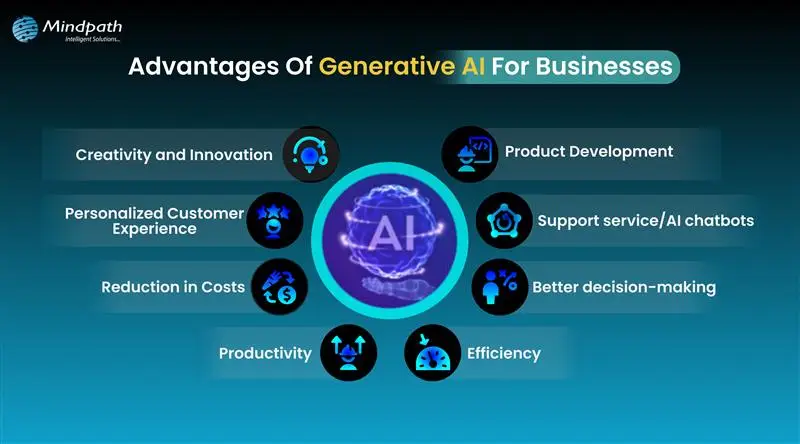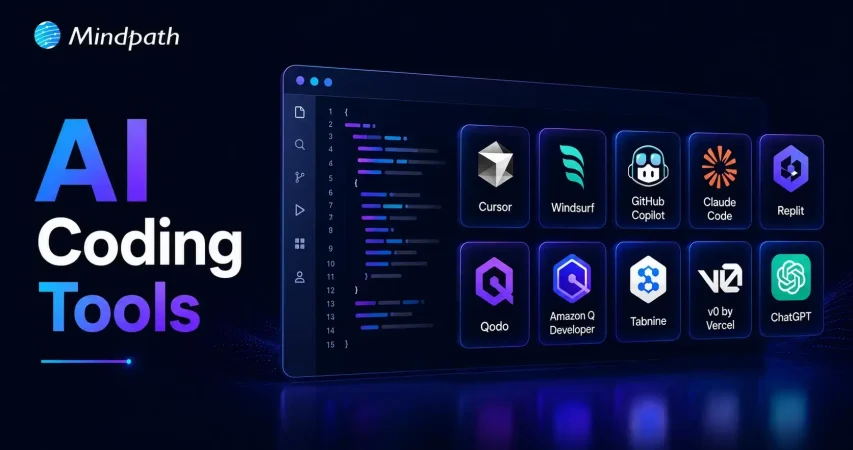
Software teams now face growing pressure to deliver reliable applications within shorter development cycles. AI coding tools help developers write code, solve issues, test features, and manage repetitive tasks. They support faster decisions while allowing teams to focus on complex product requirements and customer expectations.
Key Takeaways
- 01
AI coding tools speed development by handling repetitive coding and testing tasks. - 02
Context-aware assistants improve code suggestions across files, repositories, and workflows. - 03
AI supports earlier detection of security, performance, and logic issues. - 04
Businesses should match AI tools with security needs and workflows. - 05
Human review ensures AI-generated code remains accurate, secure, and reliable.
Choosing the best AI coding tools requires more than comparing autocomplete features or popular platforms. Teams must assess code quality, security, workflow compatibility, and development goals before adopting them. The right solution can improve productivity while keeping developers responsible for every important decision. In this blog, we will focus on best AI coding tools. So, let’s keep reading further in detail!
Ready to transform your AI ideas into real business outcomes? At MindPath, we offer AI Development Services that help you develop and deploy custom AI applications.
What are AI Coding Tools?
AI coding tools are software applications powered by artificial intelligence, often built on large language models. They help developers write, edit, debug, and test code more efficiently. These tools understand prompts and programming context, which reduces manual effort and improves overall development speed while maintaining structured and readable code output.
These tools change the developer role from writing every line of code manually to guiding and reviewing AI generated suggestions. They improve productivity by handling repetitive tasks and accelerating development workflows. Both beginners and experienced programmers use them to build applications faster while maintaining control over logic, structure, and final output.
Core Capabilities at a Glance
- Code Generation: Creates functions, scripts, and interfaces from clear instructions.
- Inline Auto-Completion: Predicts code and suggests relevant next lines instantly.
- Refactoring and Optimization: Improves code structure, performance, readability, and maintainability.
- Debugging and Explaining: Finds errors, suggests fixes, and explains complex code logic.
- Security Scanning: Detects vulnerabilities and compliance concerns before deployment.
How Do AI Coding Assistants Work?
AI coding tools for enterprise use language models to understand code and developer requests. They support faster development while fitting into established engineering workflows.
1. Training and Architecture
AI coding assistants learn from large code datasets using transformer-based language models. They understand programming syntax, logic, common patterns, and code translation across languages.
2. Context Gathering
The tool analyzes open files, selected code, project structure, and diagnostic messages. Advanced tools can also use approved documentation, project wikis, and relevant technical resources.
3. IDE Integration
AI assistants connect with code editors through extensions and development protocols. They provide inline suggestions and chat support for coding, debugging, and code explanations.
4. Advanced Agentic Execution
Modern AI coding tools can plan tasks and complete multiple development actions. They can create files, run tests, fix errors, and improve legacy code with developer oversight.
What Benefits Do Businesses Gain from AI Coding Tools?
AI code generation services help businesses improve development efficiency across everyday engineering tasks. They support faster delivery, better quality control, and stronger use of technical resources.
1. Stronger Code Quality
AI helps developers detect security risks, performance issues, and logic gaps early. Teams can address these concerns before they affect production applications.
2. Better Use of Development Resources
AI handles repetitive coding patterns and reduces time spent on manual tasks. Businesses can lower operational effort and allow teams to focus on higher-value projects.
3. Faster Team Onboarding
AI explains complex code and supports developers working with legacy applications. New team members can understand project structures and contribute more quickly.
4. More Efficient Testing
AI automates unit testing and supports smoother CI/CD workflows across development pipelines. It helps teams identify issues earlier and reduce deployment-related mistakes.
5. Quicker Software Delivery
AI generates boilerplate code, scripts, and common functions within seconds. Developers can review and customize the output instead of writing every component manually.
What are the Best AI Coding Tools in 2026?
Choosing the right AI coding assistant depends on your team’s workflows, security needs, and project complexity. The best AI coding agents support coding, testing, debugging, and collaboration without disrupting existing development practices.
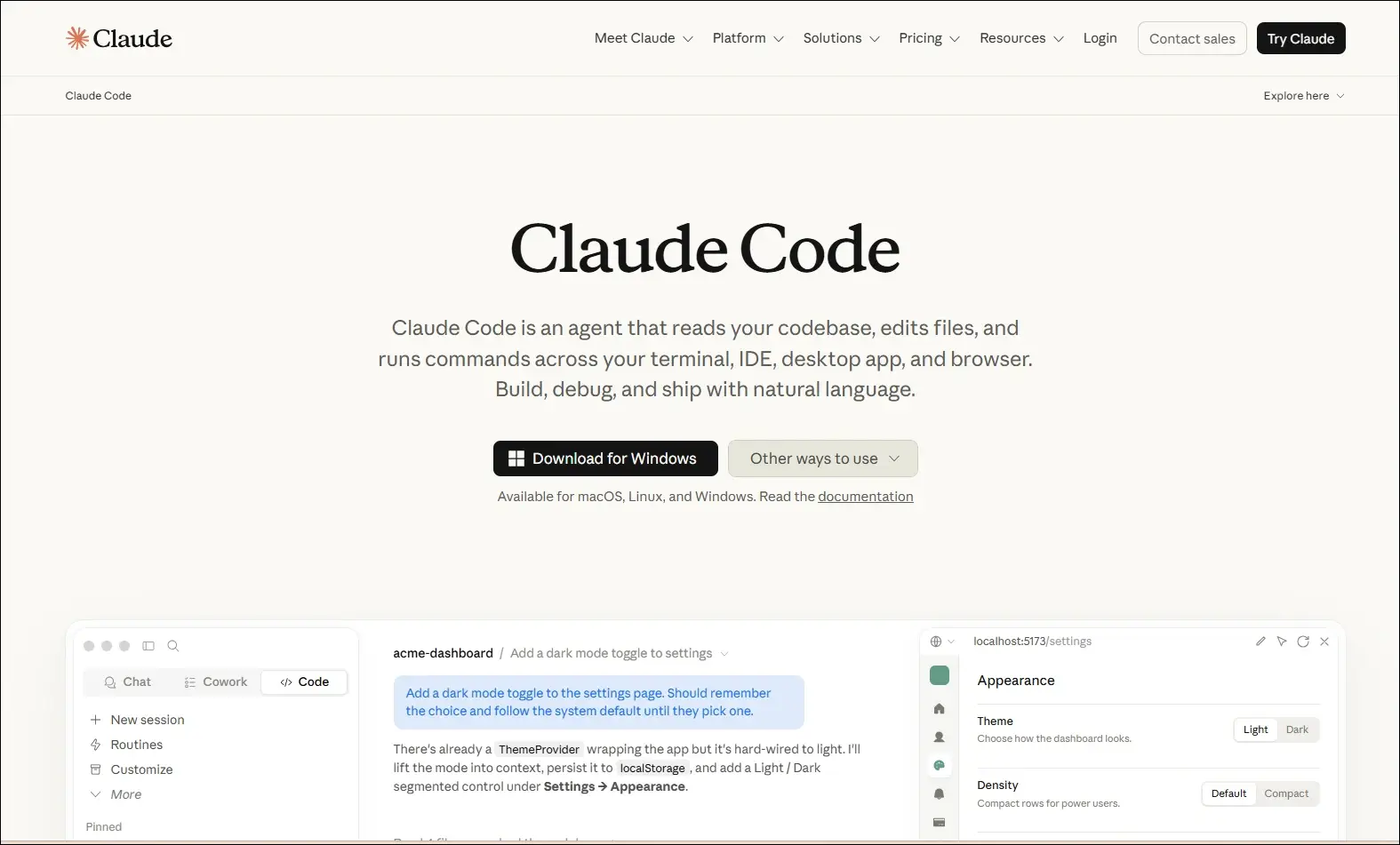
1. Claude Code
A command-line AI coding assistant that helps developers understand, modify, and maintain software projects using natural language instructions.
Ideal for:
- Backend developers: Work with large codebases directly from the terminal.
- Engineering teams: Review, refactor, and maintain complex applications more efficiently.
Core Capabilities:
- Terminal-based workflow: Operates directly from the command line.
- Codebase understanding: Analyzes repositories to answer development questions.
- Code editing: Modifies files based on natural language requests.
- Git integration: Helps review changes and work with Git repositories.
- Debugging assistance: Identifies issues and suggests possible fixes.
- Test support: Helps create and update tests while making code changes.
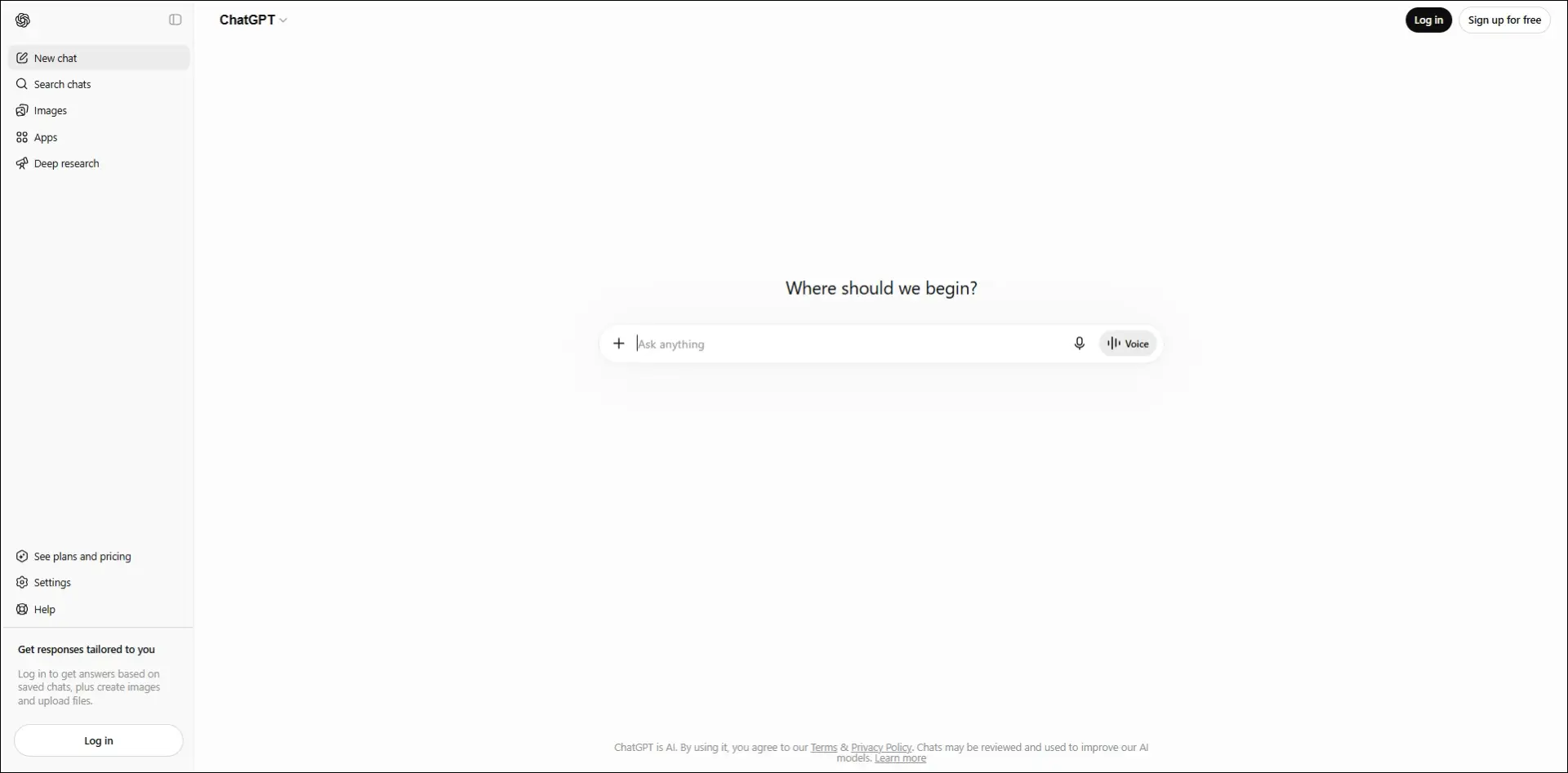
2. ChatGPT
An AI assistant that helps developers with coding, debugging, technical explanations, planning, and software design across multiple programming languages.
Ideal for:
- Developers: Solve coding problems, debug issues, and learn new technologies.
- Software teams: Brainstorm architectures, generate documentation, and improve development workflows.
Core Capabilities:
- Code generation: Writes code from natural language instructions.
- Debugging support: Identifies errors and suggests possible fixes.
- Code explanation: Explains code, algorithms, and technical concepts.
- Documentation creation: Generates technical documentation and comments.
- Architecture planning: Assists with system design and software planning.
- Multi-language support: Supports a wide range of programming languages and frameworks.
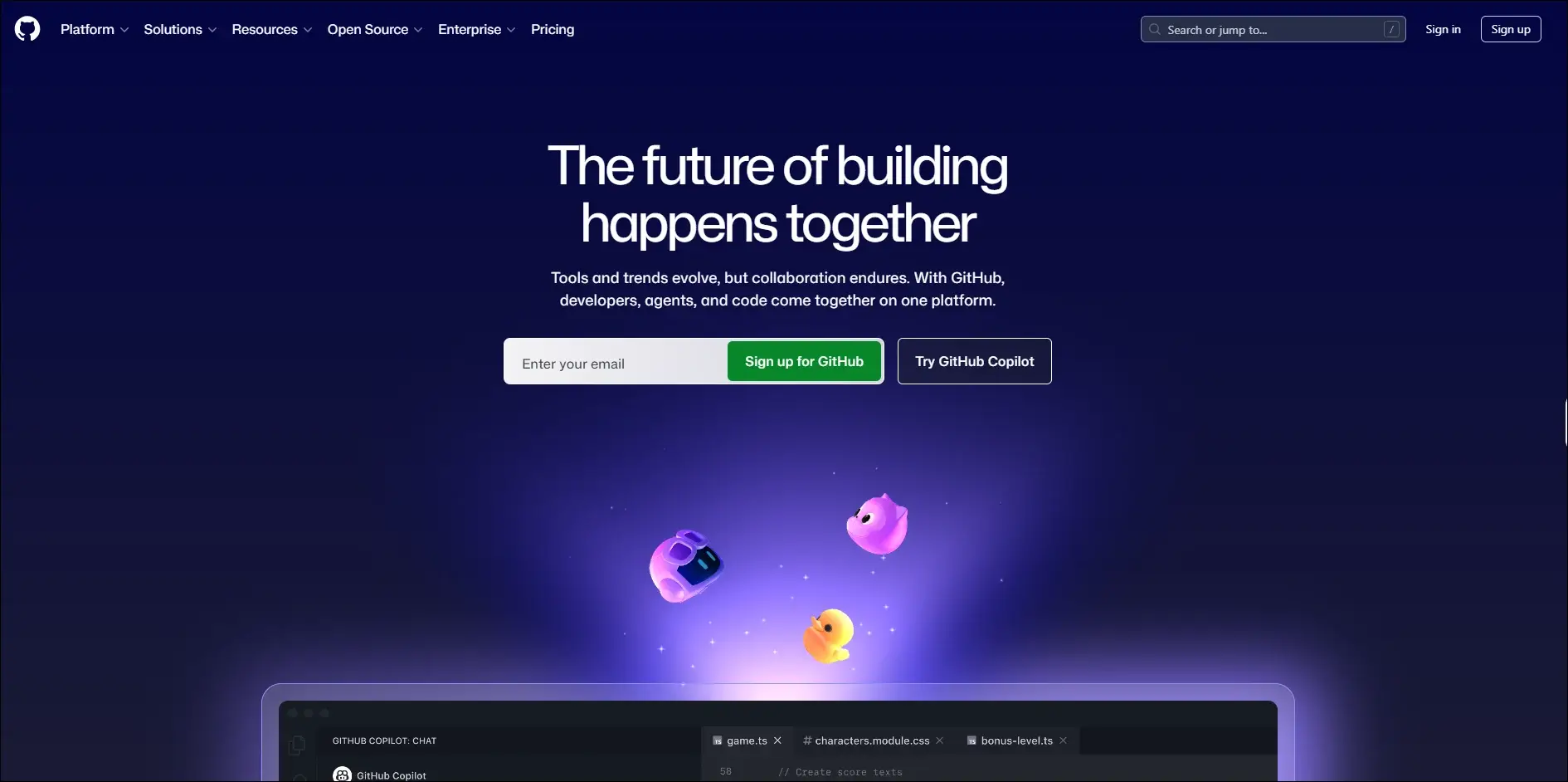
3. GitHub Copilot
An AI coding assistant that provides real-time code suggestions, explanations, and development support directly within supported IDEs.
Ideal for:
- Developers: Write code faster with intelligent autocomplete and code generation.
- Software teams: Improve productivity through AI-assisted coding and documentation.
Core Capabilities:
- Inline code completion: Suggests code as you type in supported editors.
- Copilot Chat: Answers coding questions and explains code within the IDE.
- Code generation: Creates functions, classes, and boilerplate from prompts.
- Code explanations: Explains unfamiliar or existing code in natural language.
- Test generation: Assists with creating unit tests for application code.
- Pull request support: Helps summarize and review code changes.
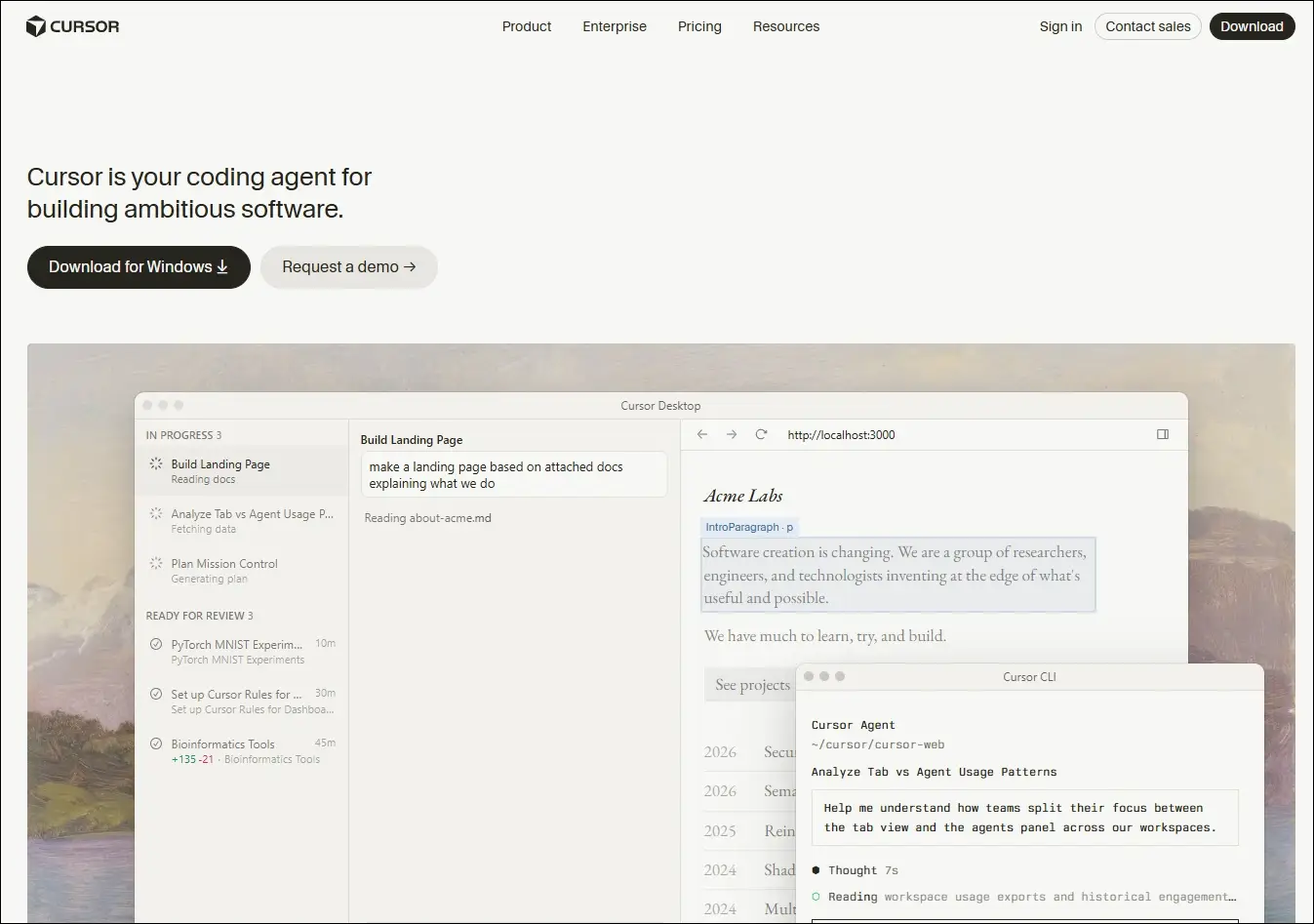
4. Cursor
An AI-native code editor that embeds intelligent assistance directly into your development workflow, helping you write, edit, and ship code faster.
Ideal for:
- Developers and engineering teams: Ship features faster across large, complex codebases
- Beginners and designers: Turn ideas and mockups into working code with AI guidance
Core Capabilities:
- Multi-file composer: Edits all relevant files in one go.
- Agent mode: Autonomously plans, edits, and tests changes.
- Tab autocomplete: Predicts and suggests full code blocks instantly.
- Project rules: Enforce your conventions across every session.
- Visual context: Turns UI screenshots into working interface code.
- Live docs and web: Pulls in real-time framework and security references.
5. Windsurf
An AI-powered development environment that combines code generation, editing, planning, and debugging into a unified workflow through its Cascade AI agent.

Ideal for:
- Software developers: Build, refactor, and debug applications using AI-assisted workflows.
- Engineering teams: Collaborate on larger projects with AI support across multiple files.
Core Capabilities:
- Cascade AI agent: Plans, edits, and executes coding tasks across multiple files.
- Multi-file editing: Updates related files together while maintaining project context.
- Terminal integration: Runs commands and understands terminal output within the workflow.
- Codebase awareness: Uses the entire project as context for more relevant suggestions.
- Context-aware chat: Answers development questions based on the active codebase.
- Integrated debugging: Helps identify issues and suggest fixes during development.
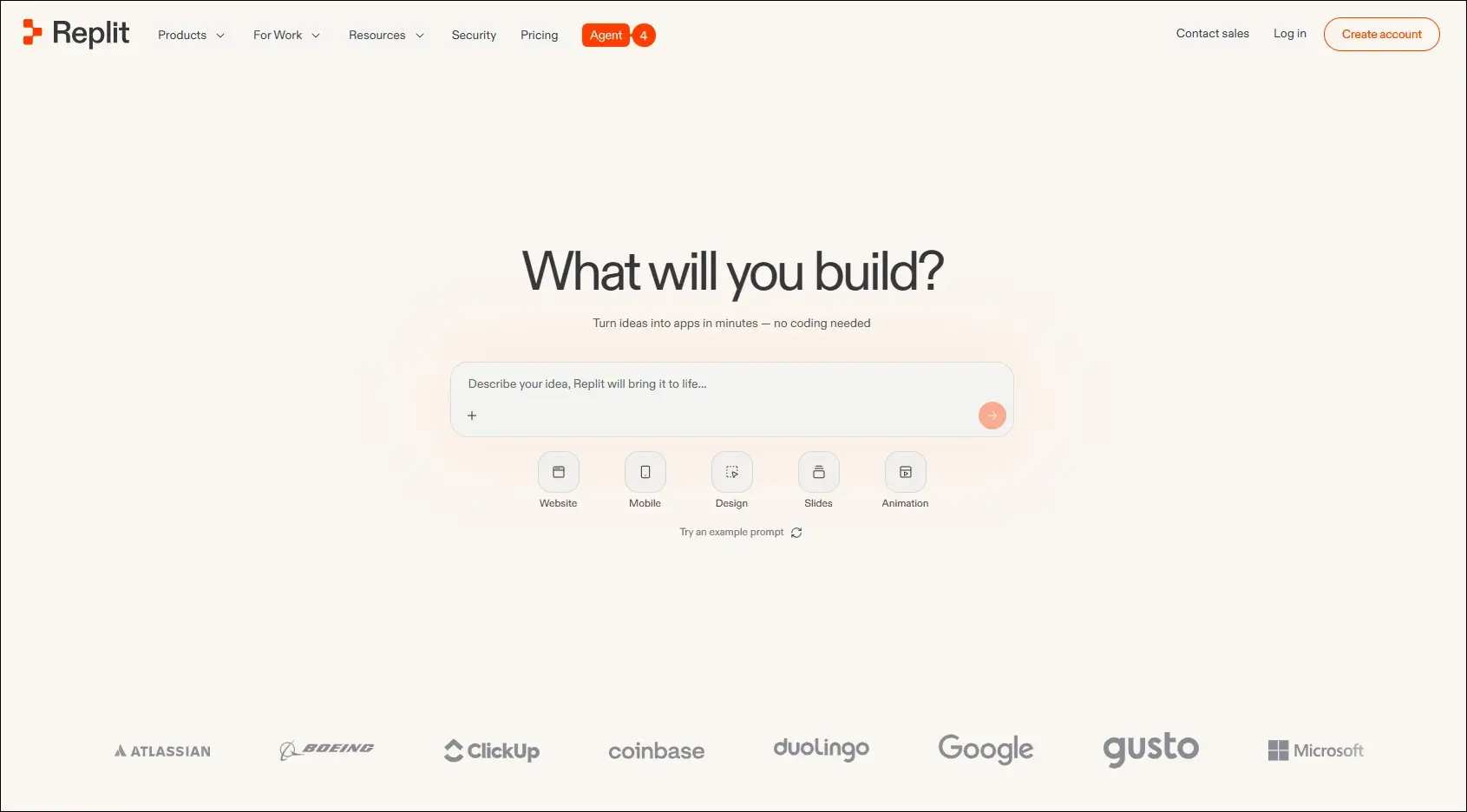
6. Replit
A browser-based development platform that combines coding, AI assistance, collaboration, and deployment in one environment.
Ideal for:
- Developers: Build and deploy applications without local setup.
- Students and startups: Quickly prototype and launch software projects.
Core Capabilities:
- Browser-based IDE: Develop applications entirely in the cloud.
- AI coding assistant: Generates, explains, and edits code from prompts.
- Real-time collaboration: Multiple users can work in the same project.
- Instant deployment: Publish applications directly from the platform.
- Multi-language support: Develop projects using numerous programming languages.
- Integrated hosting: Run and manage applications from one workspace.
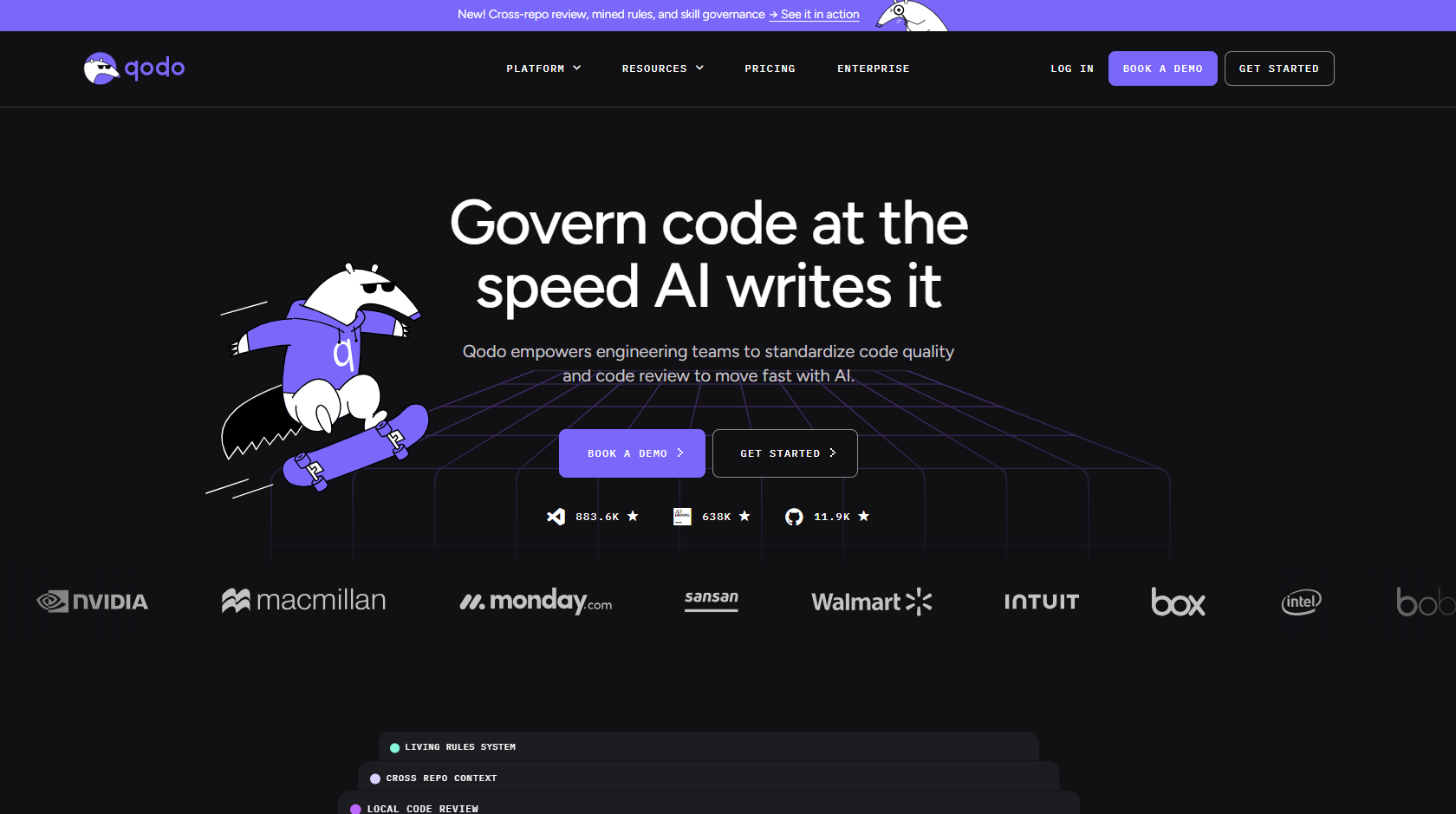
7. Qodo
An AI-powered code quality platform focused on testing, reviewing, and improving software reliability throughout development.
Ideal for:
- Software developers: Improve code quality with AI-assisted testing and reviews.
- Engineering teams: Maintain reliable codebases through automated quality checks.
Core Capabilities:
- AI code reviews: Reviews pull requests and suggests improvements.
- Test generation: Creates unit tests for existing code.
- Code analysis: Identifies potential issues and quality concerns.
- IDE integration: Works alongside developers during coding.
- Pull request assistance: Helps review and validate code changes.
- Repository awareness: Uses project context to improve recommendations.
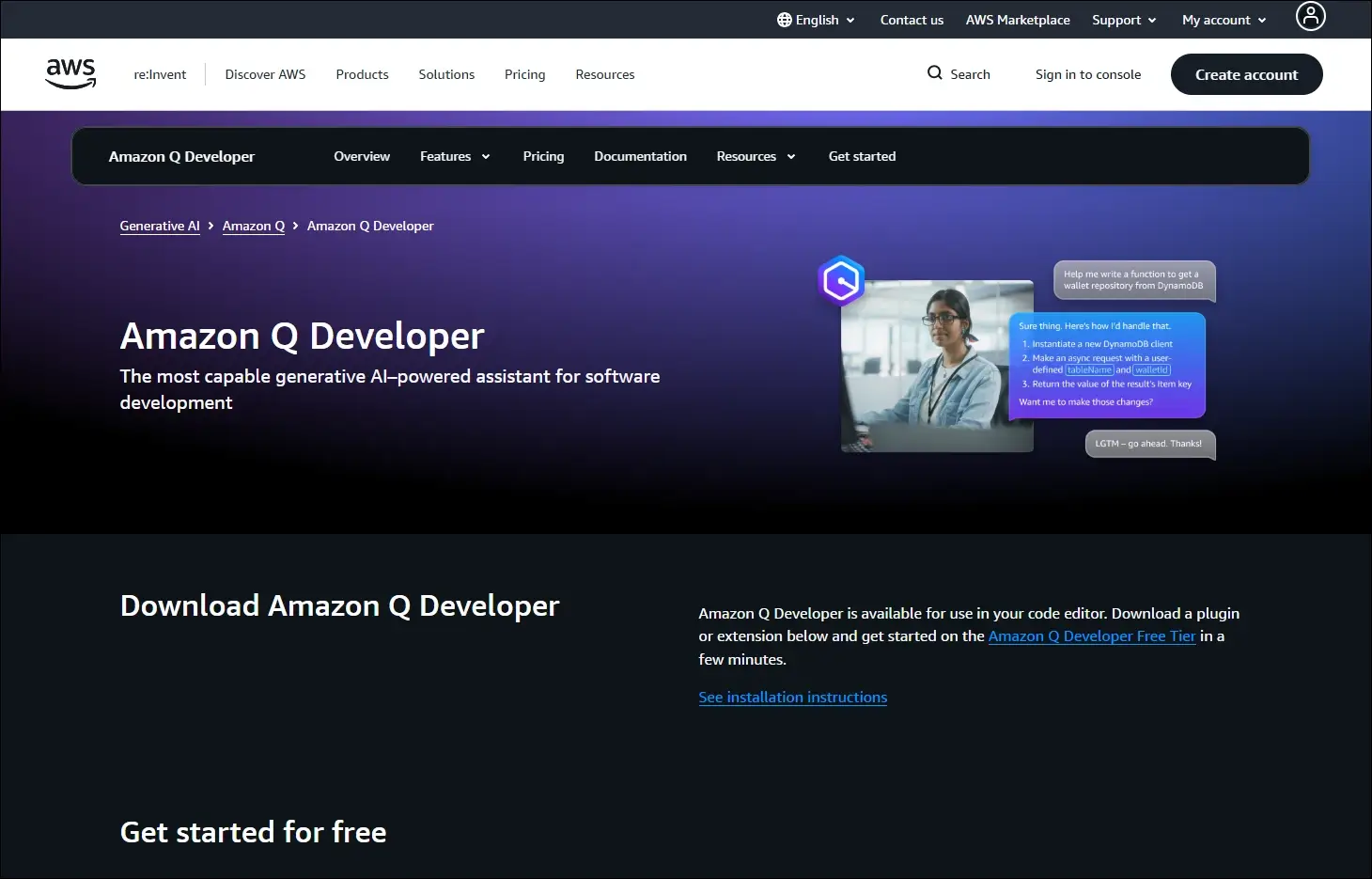
8. Amazon Q Developer
An AI assistant for software development that helps developers build, modernize, and operate applications, especially within AWS environments.
Ideal for:
- AWS developers: Build and maintain cloud applications more efficiently.
- Enterprise teams: Modernize applications and automate development tasks.
Core Capabilities:
- Code generation: Creates code from natural language prompts.
- AWS expertise: Assists with AWS services and cloud development.
- Code transformation: Helps modernize existing applications.
- Security scanning: Detects security issues in application code.
- IDE integration: Provides AI assistance inside supported development tools.
- Documentation support: Generates explanations and technical documentation.
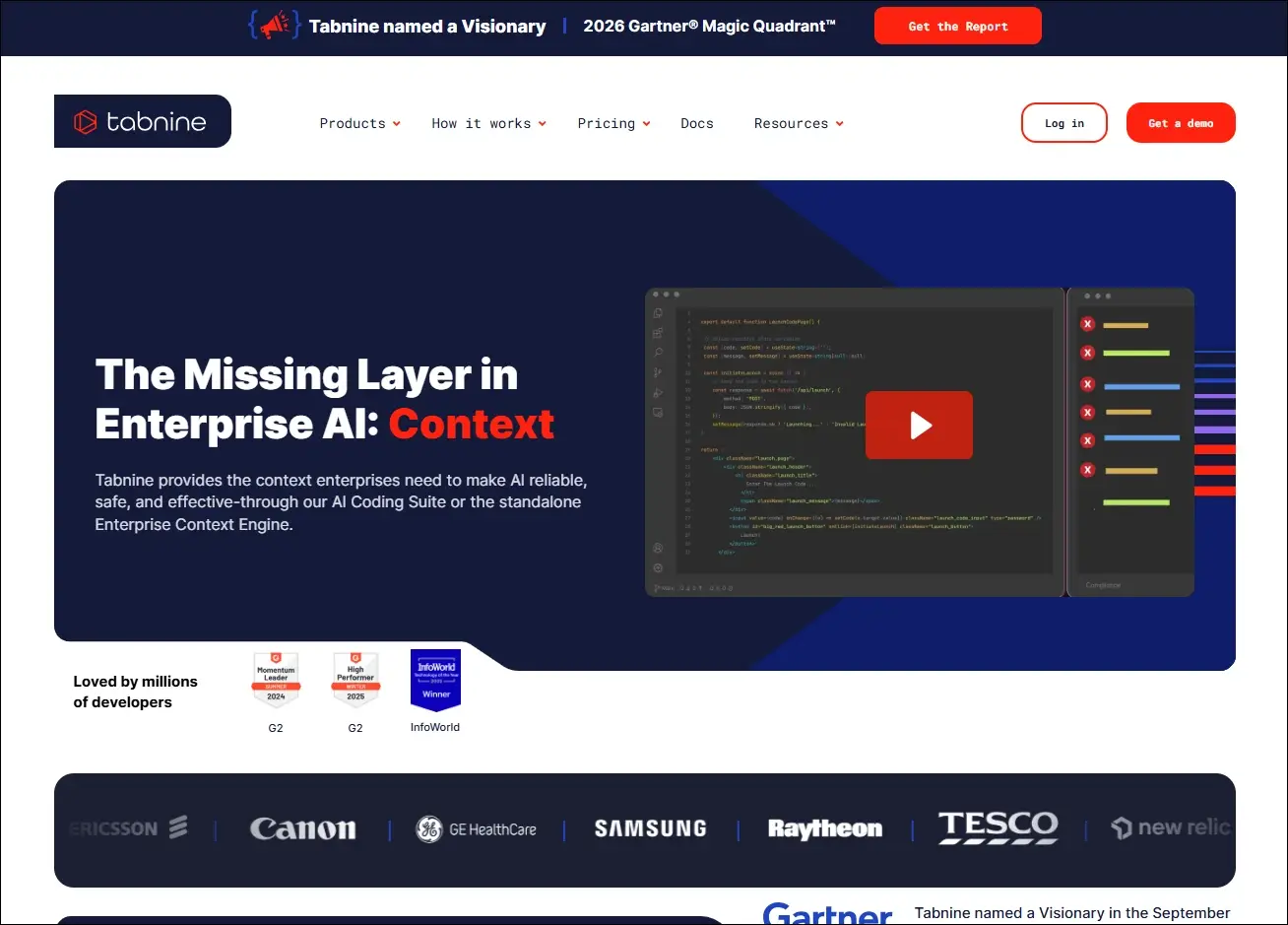
9. Tabnine
An AI coding assistant that delivers private, context-aware code completions with options for secure enterprise deployment.
Ideal for:
- Professional developers: Speed up coding with personalized AI suggestions.
- Security-focused organizations: Use AI coding assistance with private deployment options.
Core Capabilities:
- AI code completion: Suggests context-aware code as developers type.
- Private deployment: Supports self-hosted enterprise environments.
- Team customization: Learns from organization-specific code patterns.
- IDE compatibility: Integrates with popular development environments.
- Natural language generation: Generates code from written instructions.
- Privacy controls: Offers configuration options for enterprise security needs.
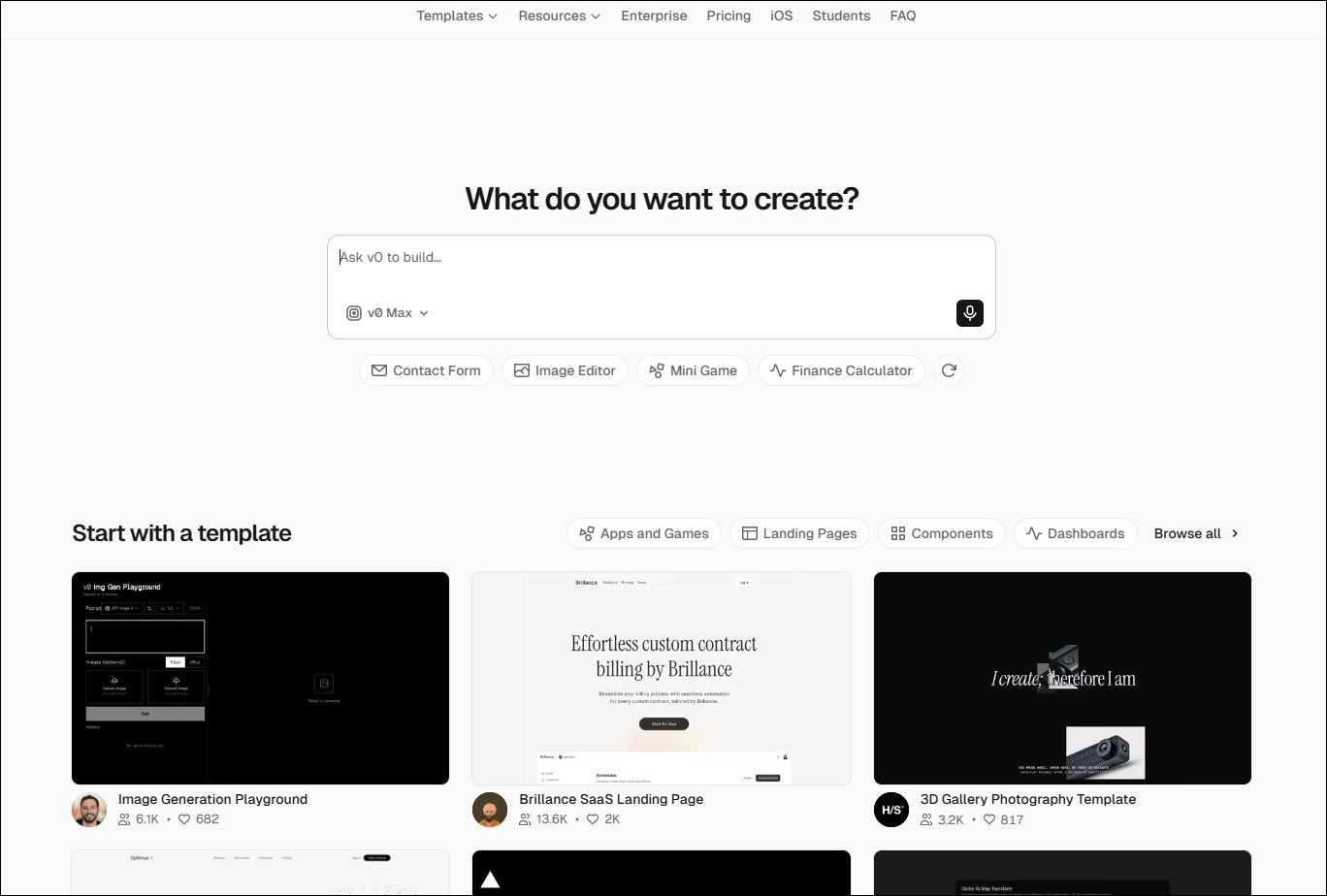
10. v0 by Vercel
An AI-powered interface generation tool that creates React-based user interfaces from natural language prompts.
Ideal for:
- Frontend developers: Generate UI components more quickly.
- Product designers: Turn interface ideas into working frontend code.
Core Capabilities:
- UI generation: Creates React components from text prompts.
- Design iteration: Refines interfaces through conversational editing.
- Framework support: Generates components compatible with modern frontend frameworks.
- Responsive layouts: Produce mobile-friendly interface structures.
- Code export: Allows generated code to be used in existing projects.
- Component customization: Updates layouts and styling through prompts.
Look at the table below to get a clear understanding of the best AI coding agents:
| AI Coding Tool | Primary Focus | Best For | Core Strength | What Makes It Different | Development Environment |
| Cursor | AI-first code editing | Full-stack developers | Multi-file AI editing | Built as an AI-native editor | Desktop IDE |
| Windsurf | Autonomous AI development | Large engineering teams | Cascade AI agent | Plans and executes coding tasks | Desktop IDE |
| GitHub Copilot | AI pair programming | Everyday software development | Inline code completion | Deep GitHub integration | IDE extensions |
| Claude Code | Terminal-based coding | Backend & DevOps teams | Repository-wide reasoning | Works directly from the CLI | Command line |
| Replit | Cloud app development | Students & startups | Build and deploy in browser | No local setup required | Browser-based IDE |
| Qodo | Code quality & testing | Engineering teams | AI code reviews | Focuses on testing over code generation | IDE & Git repositories |
| Amazon Q Developer | AWS development | Cloud engineers | AWS-aware coding assistance | Built specifically for AWS workflows | AWS & IDEs |
| Tabnine | Secure code completion | Enterprise organizations | Private AI suggestions | Self-hosted deployment available | IDE extensions |
| v0 by Vercel | Frontend UI generation | Frontend developers | Prompt-to-React components | Creates production-ready UI code | Browser |
| ChatGPT | General AI coding assistant | Developers of all levels | Coding, debugging & planning | Broad programming knowledge across languages | Web, desktop & IDE integrations |
How to Integrate AI Into Development Workflow?
Businesses can introduce AI into development workflows in a structured way to improve productivity without compromising code quality or control.
1. Choose Tools That Fit Your Workflow
Select AI coding tools that work smoothly with your IDE, repositories, and development processes. Use different tools for coding, planning, testing, and documentation when required.
2. Divide Work Into Clear Tasks
Give AI small, specific tasks instead of asking it to build entire applications. Clear instructions and relevant context help teams receive more accurate results.
3. Use AI Across Development Stages
Apply best AI coding agents during planning, coding, testing, documentation, and code reviews. This approach helps teams improve consistency and reduce delays across the development lifecycle.
4. Keep Developers in Control
Developers should review, test, and validate every AI-generated output before deployment. Teams must also protect sensitive data and follow security rules when using AI tools.
Ready to Strengthen Your Development Process With AI?
AI coding tools can improve development speed, testing, code quality, and team productivity when businesses implement them with a clear strategy. The right AI development service helps organizations adopt secure, scalable solutions that support their existing systems, workflows, and long-term software goals.
Mindpath helps businesses plan, build, and integrate AI-powered solutions for modern software development. Our experienced team understands your requirements, identifies practical opportunities, and develops solutions that deliver measurable value. Contact Mindpath today to discuss your AI development needs and explore the right approach for your business.