Home

FinOps for Startups: How to Control Cloud Infrastructure Costs

FinOps for Startups: How to Control Cloud Infrastructure Costs

Join our Newsletter!

FinOps for Startups

Your cloud bill rarely explodes overnight. More often, it creeps up through idle environments, oversized workloads, growing data stores, and services that quietly consume resources long after they are needed. For startups, startup cloud costs can become difficult to predict without disciplined FinOps and effective cloud budget management built into everyday engineering decisions.

Key Takeaways

  • 01
    FinOps gives startups better visibility and accountability over growing cloud infrastructure spending.
  • 02
    Regular cost reviews help identify idle resources, overprovisioning, and inefficient cloud usage.
  • 03
    Cloud optimization should support performance, reliability, and product growth alongside cost efficiency.
  • 04
    Unit cost metrics connect infrastructure spending with customers, transactions, workloads, and business growth.
  • 05
    Startups can begin FinOps with simple budgets, ownership, alerts, and regular usage reviews.

The goal is not to make every workload cheaper; it is to make every infrastructure decision more intentional. Teams need to know what they are spending, why they are spending it, and whether that spend supports product growth. In this blog, we explore how startups can build practical FinOps practices to control cloud costs without compromising performance, reliability, or speed.

Looking to build scalable infrastructure with better cost visibility? Mindpath helps startups plan and optimize AI, data, and cloud workloads for sustainable growth.

What is FinOps and Why Does It Matter for Startups?

FinOps is a way of managing cloud spending by bringing engineering, finance, and product decisions closer together. Instead of treating the cloud bill as a finance issue, teams use usage and cost data to understand how infrastructure decisions affect the business.

For a startup, this matters because cloud usage can change quickly. A new feature may require additional compute, a growing user base can increase database and storage costs, or a development environment may continue running even when nobody is using it. FinOps helps teams identify these patterns before they become persistent expenses.

The goal is not simply to spend less. Cutting resources too aggressively can affect application performance, reliability, or developer productivity. Effective FinOps focuses on getting the right value from cloud infrastructure by connecting spending with actual workload requirements.

A practical FinOps approach gives teams three things:

1. Visibility

Know where cloud spending is going.

2. Accountability

Connect costs with teams, workloads, or environments.

3. Optimization

Continuously identify opportunities to improve efficiency.

This makes cloud spending part of regular technical decision-making rather than something teams investigate only after receiving an unexpected bill.

Where Startup Cloud Costs Actually Come From?

Cloud spending rarely comes from one obvious source. It usually builds across multiple services as the application grows, new environments are added, and infrastructure becomes harder to track. A startup may have reasonable costs for each workload individually, yet still face a surprisingly large monthly bill when those workloads are combined.

1. Compute Resources

Virtual machines, containers, serverless workloads, and autoscaling resources can consume significant capacity as traffic changes.

2. Storage

Databases, object storage, backups, snapshots, and retained logs continue growing as applications generate more data.

3. Data Transfer

Moving data between services, regions, or external systems can introduce costs that are easy to overlook during architecture planning.

4. Idle Resources

Development, testing, staging, and temporary environments can remain active even when they are not being used.

5. Overprovisioning

Teams may allocate more CPU, memory, or storage than a workload consistently requires to avoid performance issues.

6. Pricing Choices

Relying entirely on flexible pricing can become expensive when usage becomes stable and predictable.

This is where FinOps becomes more than a cost-cutting exercise. By connecting cloud usage with ownership, workload requirements, and business priorities, FinOps helps teams understand which costs are necessary, which are inefficient, and where cloud optimization can make a measurable difference.

How to Build a Practical FinOps Workflow?

A useful FinOps workflow does not require a dedicated finance team or a complicated governance structure. Startups can begin with a simple process that gives engineers and product teams a clearer view of how infrastructure decisions affect startup cloud costs. The important part is making cost review a regular engineering practice.

A practical workflow can include:

1. Create Cost Visibility

Track spending across cloud services, applications, environments, and workloads to identify the areas driving the bill.

2. Assign Ownership

Use tags, projects, accounts, or cost centers to connect infrastructure spending with the team or workload responsible for it.

3. Set Budgets and Alerts

Establish spending thresholds and configure alerts for unusual usage or unexpected increases before they become significant expenses.

4. Review Usage Regularly

Compare actual consumption with expected workloads. Look for idle resources, unusual usage patterns, and capacity that consistently exceeds requirements.

5. Forecast Upcoming Spend

Factor planned releases, user growth, new workloads, and infrastructure changes into future cloud cost expectations.

6. Optimize Continuously

Right size resources, automate unnecessary capacity, review storage, and reconsider pricing options as usage patterns become clearer.

The process should evolve with the startup. Early on, a monthly review may be enough. As workloads and teams grow, more frequent monitoring and automated controls can help maintain visibility without adding unnecessary operational overhead.

7 Practical Ways Startups Can Optimize Cloud Costs

FinOps helps startups turn cloud cost control into a continuous practice. These optimization actions can be built into regular engineering and infrastructure reviews without adding unnecessary complexity.

1. Rightsize Resources

Match compute, memory, and storage capacity with actual usage.

2. Automate Idle Resources

Schedule non-production environments to shut down when they are not needed.

3. Optimize Storage

Remove unnecessary data and apply suitable retention and storage policies.

4. Review Pricing Models

Use commitments for predictable workloads and flexible pricing where usage remains uncertain.

5. Apply Autoscaling

Adjust infrastructure capacity according to actual workload demand.

6. Add FinOps Guardrails

Use budgets, alerts, tagging, and policies to keep spending visible and accountable.

7. Review Architecture Regularly

Reassess infrastructure decisions as workloads, traffic, and product requirements change.

The FinOps principle is simple: optimize resources based on usage, business value, and workload requirements, rather than reducing infrastructure costs blindly.

How FinOps Helps Startups Balance Cost with Growth

FinOps helps startups control cloud spending without putting necessary growth infrastructure at risk. The focus is on making spending decisions based on usage, business priorities, and measurable value rather than reducing costs across the board.

1. Track Cost Against Growth

Compare cloud spending with users, transactions, revenue, or workload growth.

2. Protect Critical Workloads

Avoid reducing resources that directly support performance, reliability, or customer experience.

3. Plan for Demand

Align infrastructure capacity with expected product launches, traffic increases, and seasonal workloads.

4. Measure Unit Costs

Monitor metrics such as cloud cost per customer or transaction to understand efficiency.

5. Separate Essential Spend

Distinguish production and revenue-supporting workloads from temporary or non-critical resources.

6. Review Scaling Decisions

Use actual usage data to determine when additional capacity is necessary or can be reduced.

7. Include FinOps in Planning

Consider expected infrastructure costs when teams plan new features, products, and technical initiatives.

8. Optimize Continuously

Revisit cloud spending as workloads, usage patterns, and business priorities change.

FinOps Metrics and Tools Startups Actually Need

Startups do not need a complex FinOps setup to gain control over cloud spending. The priority is to establish enough visibility to connect infrastructure usage with costs, ownership, and business activity.

FinOps Area What to Track Why It Matters
Cost visibility Spend by service and environment Identifies major cost drivers
Budget control Actual spend vs. budget Highlights unexpected increases
Forecasting Expected monthly spend Supports infrastructure planning
Resource efficiency Usage vs. allocated capacity Helps identify waste
Unit economics Cost per customer or transaction Connects cloud spend with growth
Accountability Spend by team or workload Establishes clear ownership
Alerts Unusual usage or spending Enables faster action

Common FinOps Mistakes Startups Should Avoid

FinOps for startups works best when cost management becomes part of everyday cloud operations. However, teams can easily create gaps when cloud spending grows faster than their processes.

1. No Clear Cost Ownership

Without assigning spending to teams, workloads, or environments, unexpected costs can be difficult to investigate.

2. Ignoring Idle Resources

Unused development, testing, and staging resources can continue generating recurring charges.

3. Skipping Usage Reviews

Allocated capacity can remain unchanged even when actual workload requirements fall.

4. Treating FinOps as Finance-Only

Cloud costs are strongly influenced by engineering and architecture decisions, so technical teams need visibility into spending.

5. Optimizing Without Context

Reducing resources without considering performance, reliability, or product requirements can create operational issues.

6. Committing Too Early

Long-term pricing commitments can become restrictive when a startup’s workload is still changing rapidly.

7. Reacting to Bills

Waiting for a high monthly bill before investigating costs makes optimization more difficult.

8. Overcomplicating the Process

Startups can begin with basic visibility, ownership, budgets, and regular reviews before introducing advanced FinOps processes.

How Can FinOps Make Startup Cloud Costs More Predictable?

FinOps gives startups a practical way to understand, manage, and optimize cloud spending as infrastructure grows. With clear ownership, usage visibility, budgets, and continuous optimization, teams can control waste while keeping resources aligned with product performance, reliability, and growth.

Mindpath AI development services help startups build scalable AI and cloud infrastructure with cost efficiency in mind. From architecture planning and data engineering to AI workloads and cloud optimization, Mindpath helps teams create infrastructure that supports sustainable growth without unnecessary complexity.


Take Control of Cloud Costs

Build scalable cloud infrastructure without unnecessary spending.

Frequently Asked Questions

FinOps can begin as soon as cloud spending becomes recurring. Basic cost visibility, ownership, budgets, and usage reviews create a strong foundation.
Yes. Lightweight FinOps practices give engineers cost visibility while preserving flexibility for launches, experimentation, scaling, and changing workload requirements.
Startups typically need simpler processes. The focus stays on visibility, accountability, practical optimization, and avoiding unnecessary governance while infrastructure is still evolving.
Cloud cost per customer, transaction, or workload can reveal efficiency trends and show whether infrastructure spending is growing in line with business activity.
Yes. FinOps can help track compute, storage, data processing, and model workloads, making AI infrastructure spending easier to monitor and optimize.

Support Is One Click Away

Featured Posts

Related Post

ReactJS Trends 

If you have any interest in web development, you have likely seen how everything is evolving. Developers are examining better ways of implementing new interfaces that deliver a better experience to their users. As the demand for fast, reliable interfaces is continually increasing, it’s increasingly vital to keep up with the evolving ReactJS trends. By establishing these foundations within yourself, you will be able to develop and apply smarter development choices soon.

With each successive year, ReactJS continues to develop and create outcomes in how modern applications are designed. The updates, tools, and ideas that make up the ReactJS universe are forcing developers to think differently and advance the way they work. These changes aren’t just technical; they also reflect what users expect from digital experiences. Knowing what’s gaining attention and where the focus is shifting can give you an edge, right? So, in this blog, we will look at the best ReactJS trends to watch in 2026. Let’s dig in!

Want to stay ahead with the latest ReactJS trends? Our ReactJS development services can help you create modern, scalable, and future-ready applications, designed as per your business requirements.

Evolution of ReactJS

Since it was first implemented in 2013, React has changed the frontend development space through its component structure and virtual DOM. In earlier versions of React, we had JSX and rendering efficiency, which all led to building scalable user interfaces. Newer versions (React 15 and 16) further refined the usability of the library through performance improvements, error boundaries, and server rendering, and, in the process, significantly improved development stability and experience. Meanwhile, React 17 through 19 introduced further original ideas and modern development workflows.

With React 17, we saw improvements to the upgrade paths of React and compliance with the browsers, while React 18 gave us concurrent rendering, new powerful hooks, and React 19 built on React 18 with server components, action-based state management, and support for Web Components. React continues to evolve to meet the needs of web development.

Upcoming Features in ReactJS

ReactJS 19 is the latest version, bringing fresh improvements to the way developers build user interfaces. With ReactJS’ upcoming features, version 19 focuses on better performance, cleaner code, and easier state handling. These updates mark a big step forward in the future of ReactJS and give a clear view of what’s new in ReactJS in 2026.

Upcoming Feature in ReactJS

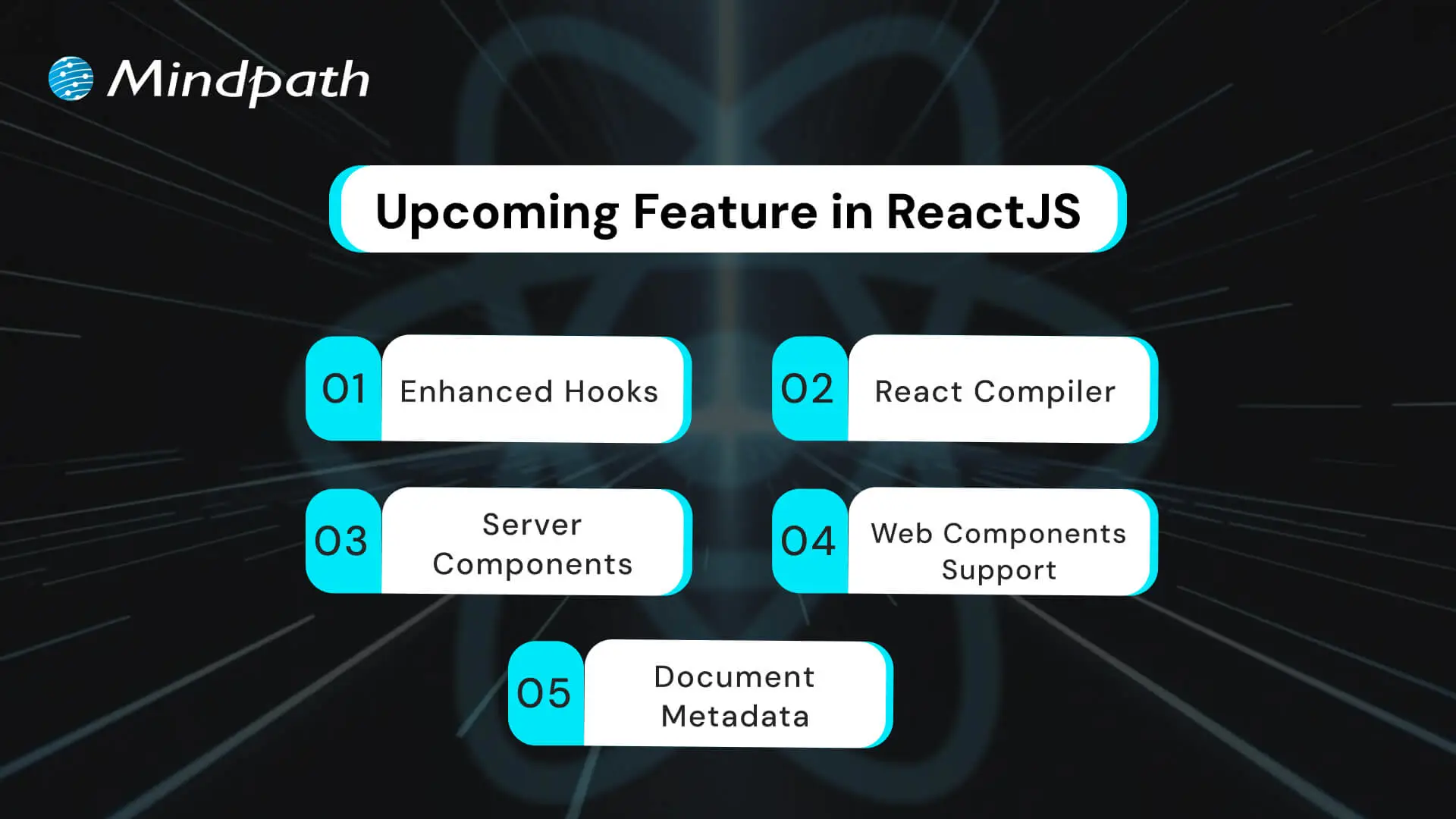
1. Enhanced Hooks

One of the React 2026 updates includes powerful new hooks that will make state and effect management even smoother. These enhanced hooks aim to simplify logic and reduce repetitive code in components. They’re designed to give developers more flexibility and control in modern web development.

2. React Compiler

React is introducing a new compiler that optimizes code during build time. It helps reduce manual work by automatically improving performance behind the scenes. Instagram is already using this tool, making it one of the most promising ReactJS features.

3. Server Components

React now supports server components, allowing parts of the UI to render on the server. This feature works well with frameworks like Next.js and helps improve app performance. It reduces the JavaScript sent to the browser, making pages load faster.

4. Web Components Support

React will soon support the direct use of web components inside your code. This opens the door to combining different front-end technologies in one project. It’s a big step forward in creating flexible and reusable UI elements for modern web development.

5. Document Metadata

React 2026 updates will include better control over document metadata like titles and meta tags. This allows developers to manage SEO-related data more efficiently within their components. It saves time and keeps everything organized in one place.

Want to ensure your digital products stay competitive as new react trends shape the future of web development? Discover how the latest React roadmap helps business owners plan smarter, more future-ready tech investments.

What are the Top ReactJS Trends for 2026?

The React ecosystem is going through major improvements that are changing the way developers approach front-end development. ReactJS trends 2026 highlight a shift toward more efficient workflows, faster rendering, and cleaner architecture. With smarter tools and updated features, we can see how ReactJS is evolving in 2026 to meet the growing demands of modern web development.

ReactJS Trends 

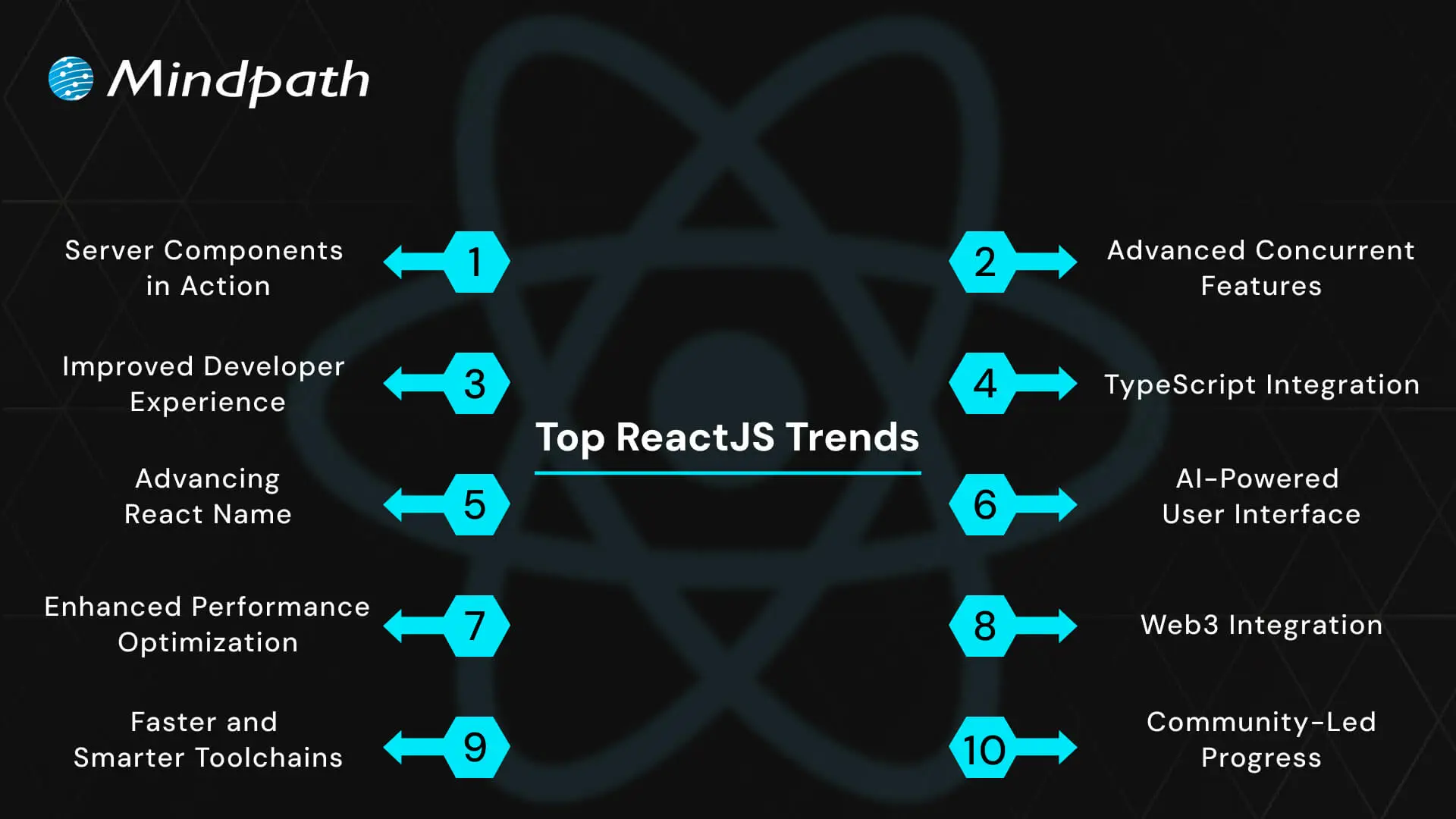
1. Server Components in Action

React’s new server components allow parts of the UI to be rendered on the server, reducing the workload on the browser. This makes applications faster and easier to manage, aligning with the latest ReactJS trends. They also allow developers to send less JavaScript to the client, improving performance. This results in faster initial page loads and a smoother user experience.

2. Advanced Concurrent Features

React’s concurrent features, like Suspense and automatic batching, make multitasking smoother and interfaces more responsive. This update improves how React handles rendering without blocking the user experience. It helps manage large-scale applications more efficiently. Developers can build interfaces that stay fast even during heavy updates.

3. Improved Developer Experience

Tools like React DevTools are being enhanced to support more efficient debugging and testing. These improvements help streamline development workflows and reduce troubleshooting time. Developers get better visibility into component behavior and performance bottlenecks. This leads to quicker bug fixes and smoother iterations.

4. TypeScript Integration

The adoption of TypeScript continues to grow as teams seek more scalable and maintainable codebases. This is now a major trend in front-end trends 2026, supporting safer and more reliable coding. TypeScript’s static typing reduces runtime errors and improves code clarity. It also makes collaboration easier across large development teams.

5. Advancing React Native

React Native updates are making it easier to develop high-quality cross-platform apps. It remains a strong choice for teams working across both web and mobile interfaces. New libraries and tools are being introduced to improve development speed. These updates also enhance native-like performance and UI consistency.

Want to be sure that your web application delivers a fast and smooth user experience that keeps customers engaged? Discover how improving React performance can directly enhance satisfaction and boost overall business results.

6. AI-Powered User Interfaces

React is being used to build smarter, AI-driven interfaces that adapt to user behavior in real time. These features support more personalized and predictive user experiences. AI integration helps applications anticipate user actions and deliver relevant content. This enhances engagement and boosts user satisfaction.

7. Enhanced Performance Optimization

Performance remains a top focus, with React adding better support for edge computing and efficient memory handling. These updates are critical to meeting modern speed and scalability demands. They ensure faster content delivery across global networks. Optimizations also help reduce power and data usage on devices.

8. Web3 Integration

React is being adapted to work smoothly with decentralized technologies like blockchain wallets and smart contracts. This is part of the broader movement in JavaScript frameworks 2026 towards Web3-ready solutions. It simplifies the process of building secure and decentralized apps. React’s flexibility supports fast adoption in emerging blockchain-based platforms.

9. Faster and Smarter Toolchains

Modern tools like Vite and frameworks such as Next.js and Gatsby are becoming more powerful. These enhancements reflect improvements seen across React front-end development practices. They reduce build times and make testing and deployment more efficient. Developers benefit from improved hot reloading and modular workflows.

10. Community-Led Progress

The React ecosystem continues to expand thanks to open-source contributors who build tools, libraries, and new practices. These efforts keep ReactJS trends moving forward with fresh ideas and evolving standards. Active community support ensures regular updates and fast issue resolution. It also helps spread knowledge and best practices across the industry.

Want to scale your application seamlessly as your customer base grows? Learn how the benefits of ReactJS development services make large-scale, high-traffic apps easier to maintain and expand.

Are You Looking Forward to Embracing the Future of ReactJS?

ReactJS trends are reshaping the landscape of modern web development. With fresh tools, smarter architecture, and growing support for cutting-edge features, staying current is no longer optional. Developers who stay informed can build faster, smarter, and more scalable applications. Understanding these shifts puts you in control of how you approach digital solutions in 2026 and beyond.

At Mindpath, we offer expert ReactJS development services designed for growth and scalability. Our team stays aligned with the latest ReactJS trends, ensuring your product is future-ready. From concept to deployment, we develop efficient and high-performing applications tailored to your goals. Partner with us to unlock seamless, modern interfaces built with precision and care.

DevOps for businesses

Managing the challenge of digital transformation in a rapidly evolving business landscape has become significantly difficult for every business owner. The necessity of DevOps for businesses is clearly visible in the fact that businesses must embrace adaptability and innovation to deliver value to their customers. DevOps aims to address the inefficiencies associated with traditional methodologies for software development and IT operations.

The biggest problem with the conventional approaches to software development and IT operations was that both of them were isolated from each other. DevOps offered a solution to the problem by promoting collaboration between the two teams. An overview of DevOps fundamentals and its benefits can help you learn about its actual potential.

Unlock the full potential of your software development in your business with Mindpath’s DevOps service. Contact us to get expertise on how to optimize development workflows and enhance collaboration between your teams.

Understanding the Basics of DevOps

Before discovering the utility of DevOps for business, it is important to understand its meaning and fundamental concepts. The adoption of DevOps for enterprise applications has become a necessity for every business owner due to the setbacks of the old ways. The traditional approach invited conflicts between the software development and IT operations teams, which had different priorities. While the development team focused on faster release of new features, the operations team emphasized reliability and stability.

DevOps helped in bridging the gap between the development and IT operations teams by ensuring alignment of their goals. How does DevOps achieve such an impressive feat? DevOps is more than just an amalgamation of ‘development’ and ‘operations’ as it represents a cultural philosophy that helps in streamlining and automation of software delivery. The distinctive collection of tools and set of practices followed in DevOps make it different from other approaches to software development.

You can notice the direct impact of DevOps business benefits through the example of an orchestra. What will happen if every musician in the orchestra is a specialist and works independently? On the contrary, an orchestra where collaboration is the norm will encourage musicians to share notes and work with each other to deliver their best performance. DevOps also aims to bring software developers and operations engineers on the same page in a similar manner to ensure that businesses deliver high-quality and reliable software.

Looking to optimize your CI/CD pipeline with smarter automation and streamlined processes? Visit our blog on DevOps Best Practices to discover the strategies high-performing teams use to achieve consistent, stable releases.

Foundations of DevOps

The best way to measure the significance of DevOps in the modern technological landscape involves understanding its core principles. Interestingly, every successful DevOps transformation initiative showcases the impact of the CALMS principles. CALMS stands for culture, automation, lean, measurement, and sharing, all of which represent the core principles of DevOps. The following sections will help you discover the significance of each principle in the world of DevOps.

1. Culture

Culture is undoubtedly the most crucial aspect in DevOps as it fosters a culture of collaboration, shared responsibility, communication, and empathy. The principle promotes an environment where team members don’t blame and learn from failures.

2. Automation

The second principle, i.e., automation, aims to address the issues emerging from repetitive manual tasks that are prone to errors. Automation in DevOps encompasses automated builds, testing, infrastructure provisioning, deployment, and monitoring.

3. Lean Principles

DevOps also adopts lean principles to reduce waste and enhance the value of every project. The common approaches to align with lean principles include streamlining all workflows, reducing bottlenecks, and ensuring continuous process improvement with data and feedback.

4. Measurement

Measurement is a crucial principle in every DevOps strategy for business applications as it offers comprehensible insights into performance. DevOps needs metrics and data not only to track performance but also to identify potential areas for improvement. Some of the notable metrics used in DevOps include mean time to recovery, change failure rate, lead time for changes, and deployment frequency.

5. Sharing

The final addition among DevOps principles, which showcases why it is important for businesses, is sharing. DevOps calls for real-time knowledge sharing and transparency between development and IT operations teams. Sharing in DevOps entails the use of shared tools, collective problem-solving, and open communication to foster collective intelligence.

Aiming to reduce risks while accelerating releases through automation? Explore our DevSecOps Guide to discover practical strategies that combine automated security with efficiency and collaboration.

Is DevOps Beneficial for Businesses?

Any business owner reading about DevOps right now is likely to be worried about the benefits it will bring to their business. Once you find out how DevOps helps businesses, you can discover why it is a productive approach to stay relevant in the digital landscape. DevOps can unlock new avenues for the success of businesses with the following benefits.

1. Faster Software Delivery

Speed is the key differentiator between successful and failed businesses in the era of digital transformation. DevOps accelerates the complete software delivery pipeline from conceptualization to production by leveraging continuous integration and continuous delivery practices. The CI/CD practices help in automatically building, testing, and releasing code changes more frequently. As a result, DevOps can ensure that new features, updates, and bug fixes can reach customers in a few hours or days. Businesses can rely on DevOps practices to achieve a competitive edge and adapt quickly to market changes.

2. Better Product Quality

The strategic benefits of DevOps for businesses also focus on enhancing product quality and reliability. DevOps combines continuous monitoring with automated testing and deployment to create high-quality software. Most of the business use cases of DevOps benefit from the proactive identification of issues in the early phases of development. Businesses can also rely on continuous feedback loops that empower teams to identify and address problems quickly, thereby ensuring more stable applications.

3. Efficiency and Cost Reduction

You can notice how early identification of errors in the development phase can help a business reduce costs with DevOps. At the same time, you must know that DevOps automation helps in reducing the workload on human resources. Business owners can use their valuable personnel to focus on more strategic and innovative work rather than wasting time on repetitive tasks. On top of it, streamlined processes also help in reducing waste and optimizing the allocation of resources. The outcomes of these changes will translate into huge amounts of savings in the long run.

4. Enhanced Security and Compliance

Security and compliance are the key requirements to become a trustworthy business in the eyes of customers and governments. Interestingly, the benefits of DevOps for startups and giant corporations emphasize how security has become an integral component of DevOps. The seamless integration of security practices in all stages of the development lifecycle, including coding, testing, and deployment, strengthens security. Some of the notable security practices integrated with DevOps include vulnerability scanning, compliance policies and automated security checks. The security measures not only reduce risks but also help in maintaining compliance with relevant regulations.

5. Collaboration and Agility

The most noticeable benefit of DevOps is the unification of software development and IT operations teams. Developers and operations engineers work in collaboration and share knowledge and tools, thereby reducing friction, blame games, and misunderstandings. As a result, DevOps creates a more productive and cohesive work environment. The advantages of collaboration, complemented with DevOps practices like containerization, help in enhancing the scalability of infrastructure and applications. Therefore, DevOps can allow a business to adapt quickly to changing demands, such as entry into new markets or a sudden rise in user traffic.

Aiming to optimize your DevOps strategy this year? Explore our blog on DevOps Trends to see which practices and technologies are helping organizations accelerate releases and reduce risks.

Identifying the Challenges for DevOps Adoption

The advantages of DevOps for businesses have provided a clear glimpse of its potential to drive a business towards success. On the other hand, adopting DevOps also brings some formidable challenges to the table. DevOps is not only about adopting new tools, practices, or methodologies but also a strategic shift for the whole organization. Some of the common challenges for DevOps include cultural resistance, lack of clear vision, legacy systems, and lack of skills.

Each challenge presents distinct setbacks and demands unique solutions with a carefully planned strategy. For instance, cultural resistance is the biggest obstacle that can create further problems without training and upskilling employees. Similarly, the lack of a clear vision for adopting DevOps will create difficulties in identifying the ideal metrics for success. On top of it, legacy systems will not welcome DevOps instantly, and the integration of DevOps practices in such systems will take a lot of time.

Business owners can address these challenges by fostering a culture of continuous learning and improvement. Investments in training and upskilling employees with the necessary skills and knowledge can pay off in the long run. In addition, the success of DevOps solutions for business growth depends significantly on the selection of the right tools. Most important of all, business leaders must also showcase active interest in driving cultural change and allocating relevant resources for DevOps projects.

Are You Prepared to Transform Your Development Process with DevOps?

The examples of businesses that have successfully adopted DevOps can provide a clear impression of the utility of DevOps. Many readers might have assumed that DevOps is a recent technological innovation due to its futuristic vision. As a matter of fact, the outline of DevOps business benefits is long enough for any business owner to ignore. The principles of DevOps not only improve the quality of software development but also the agility of a business.

Do you want to stay ahead of your competition in embracing DevOps? We at Mindpath help businesses streamline their software development pipelines with automation and collaboration without an extensive overhaul. Our world-class DevOps services offer a promising solution to every business owner seeking a reliable platform to capitalize on an innovative approach to software delivery. Consult with our experts and discover the best strategy to adopt DevOps advantages in your organization now.

Frequently Asked Questions

1. How long does it typically take to see results after adopting DevOps?

The timeline depends on the organization’s size, existing processes, and readiness for change. Some improvements, like faster deployments, can appear early, while cultural and process maturity may take months. Consistent effort and clear goals are key to achieving sustainable DevOps outcomes.

2. Is DevOps suitable for small businesses or only large enterprises?

DevOps is suitable for businesses of all sizes. Small businesses can benefit from faster development cycles and improved efficiency, while larger enterprises gain better scalability and coordination. The approach can be adapted based on resources, making it flexible for different business needs.

3. What skills are essential for teams transitioning to DevOps?

Teams need a mix of technical and collaborative skills, including knowledge of automation tools, cloud platforms, and continuous integration practices. Equally important are communication, problem-solving, and the ability to work across functions to support a shared development and operations approach.

4. How does DevOps support continuous improvement in software development?

DevOps encourages regular feedback, monitoring, and iterative changes throughout the development cycle. By continuously analyzing performance and user feedback, teams can make quick improvements, fix issues early, and enhance the overall quality and reliability of software over time.

5. What is the first step a business should take before implementing DevOps?

The first step is to assess current workflows, identify gaps, and define clear objectives. Understanding existing challenges and aligning teams around shared goals helps create a strong foundation. This ensures that DevOps adoption is structured, purposeful, and aligned with business priorities.

Discover DevOps for businesses – enhancing collaboration, reducing costs, and driving innovation for faster, high-quality software delivery.
hiring a wordpress developer

WordPress remains a top choice for website development due to its scalability, ease of use, and flexibility. However, to unlock WordPress’s true potential, it is crucial to hire the right developer- an expert who can understand your goals, the technical nuances of WordPress, and your customers. Yet, hiring a WordPress developer is a major investment.

It is not just about finding a professional who can write code; it is a strategic partnership between your business and an expert who can offer you the required solutions. Besides, it involves more than just checking technical skills. This detailed hiring WordPress developer guide will guide you through the hiring process, helping you make an ultimate hiring a WordPress developer checklist.

Are you looking for expert help to build your WordPress site? At Mindpath, you can hire WordPress developers who are highly skilled and dedicated to building high-performing websites that drive measurable results.

Top Reasons for Hiring a WordPress Developer

Before diving into the WordPress developer checklist to ensure a successful hiring, let’s understand why you should hire expert WordPress developer.

Top Reasons for Hiring a WordPress Developer

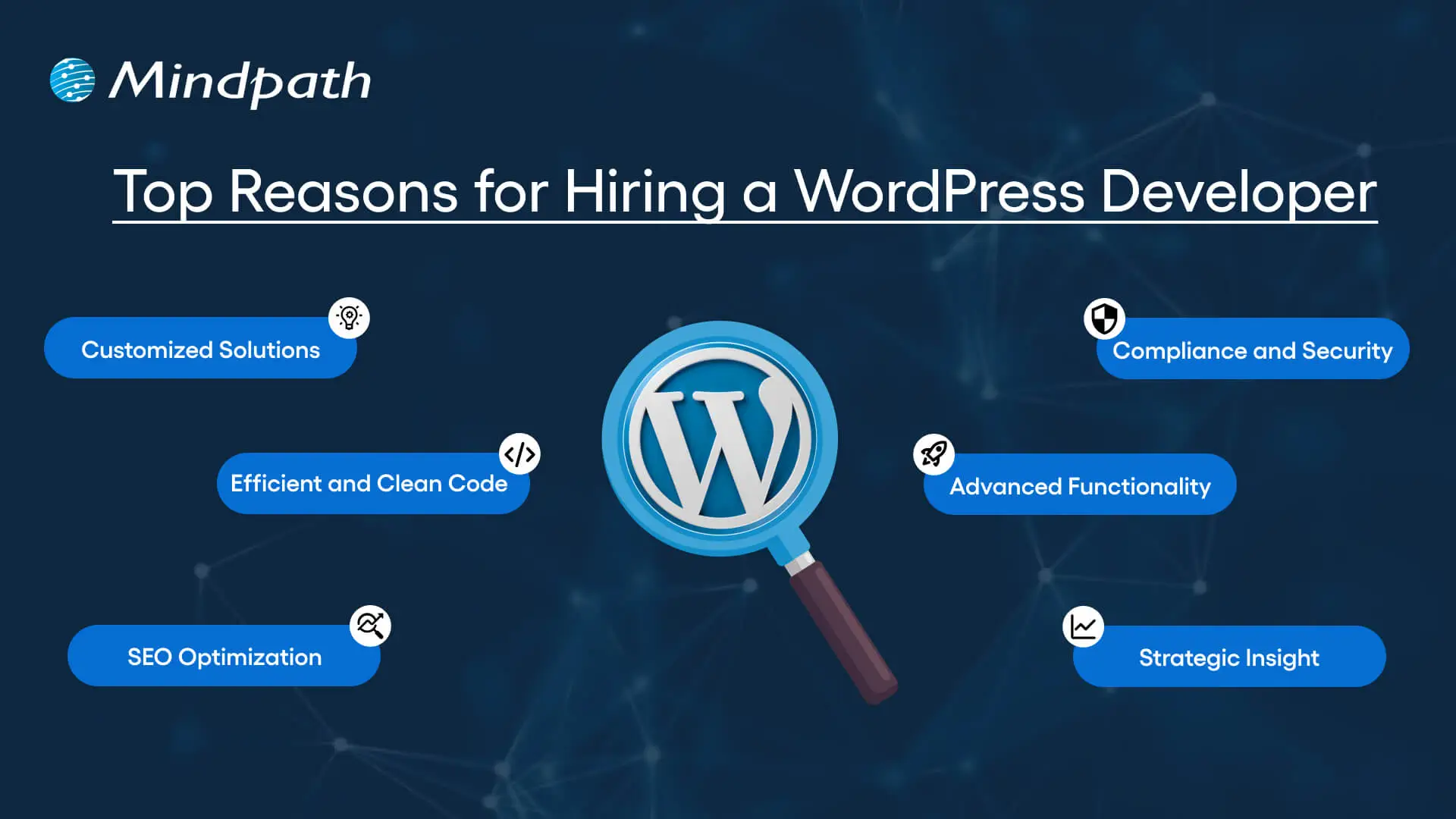
1. Customized Solutions

A professional WordPress developer can provide custom WordPress development for the site to match your unique brand identity, functional requirements, and user experience goals. Pre-built themes or plugins won’t offer you such flexibility.

2. Efficient and Clean Code

Skilled developers always prioritize writing scalable, secure, and optimized code. This ensures better SEO scores, fewer compatibility issues, and faster load times.

3. SEO Optimization

Developers know how to develop a website for search engines. For example, they use schema markup, semantic HTML, image optimization tools, and caching techniques that boost visibility and improve rankings.

4. Compliance and Security

From database protection to SSL configuration and plugin installation, professional WordPress developers deploy best security practices to protect your site from data breaches and malware. Besides, they ensure that all the plugins and elements are updated to the latest versions.

5. Advanced Functionality

Do you need a custom API integration or booking system? Well, a skilled WordPress developer knows how to integrate complex features that align with your user needs and business goals. They can also create custom plugins to expand the features of your site.

6. Strategic Insight

Apart from coding, WordPress developers help businesses to get detailed insight into conversion optimization, user behavior, latest trends, and more. All these things will help businesses in making smarter decisions.

Want to make sure your WordPress site is accessible to everyone? Check out our post on improve WordPress web accessibility to learn practical steps for making your site more inclusive and user-friendly.

Types of WordPress Experts- Which One Should You Hire

Understanding the benefits and value a developer can bring is just the beginning. To make the right decision on hiring a WordPress Developer, it is crucial to learn about the different types of WordPress developers you can hire. Remember that each brings a unique focus area and skill set.

1. Front-End WordPress Developers

These experts specialize in interactive and visual aspects of websites. They manage styling, layouts, and user experience and responsiveness using JavaScript, CSS, page builders, and HTML.

2. Back-End WordPress Developers

They focus on database management, server-side functionality, custom theme development, and plugin development. They work with WordPress core functions, MySQL, PHP, and more to create scalable websites.

3. Full-Stack WordPress Developers

Such experts handle back-end and front-end development tasks. They can create a website from scratch while ensuring seamless integration.

While hiring dedicated WordPress developer, you should choose the right type of developer to ensure your project aligns with the design goals, technical needs, and vision.

Curious about which developer’s role best suits your project? Dive into our article on Front-End vs Back-End vs Full-Stack to understand each role and decide which path aligns with your website’s needs.

WordPress Developer Checklist- Skills to Consider

Your hiring WordPress developer checklist should cover the key skills of WordPress developers. HTML, CSS, PHP, MySQL, and JavaScript rank among the key languages for WordPress development. Most developers are familiar with these languages, but knowledge of these technologies is not enough. Here are some skills that matter the most.

Hard Skills or Technical Capabilities

  • Knowledge of using core languages such as jQuery, JS, HTML5, CSS3, PHP, MySQL, React.js, and other languages.
  • Clear understanding of plugin architecture and WordPress core.
  • Building and customizing themes from scratch, and experience with various page builders like Beaver Builder, Gutenberg, Thrive Architect, Elementor, and Themify Builder.
  • Familiarity with REST API.
  • Knowledge of various optimization methods like scheme markup, image compression, caching, Core Web Vitals, minifying CSS, use of CDN, and more.
  • Understating security issues and applying fixes

Soft Skills

  • Ability to explain technical concepts in practical and simple terms.
  • Habit of making clear documentation.
  • Clarity and responsiveness in replies.
  • Ability to collaborate with backend teams and designers.
  • Familiarity with various management tools such as Jira, Trello, and Slack.
  • Willingness to accept feedback and incorporate it quickly.

Some Bonus Skills that Add Value

These skills are not that important for every project, but they can make a developer more valuable. These skills can include:

  • Experience in handling WooCommerce.
  • Knowledge about Headless WordPress configurations.
  • Use of Git or similar tools to manage collaborative workflows and code.
  • Experience in creating responsive and accessible designs to help websites meet the legal requirements of ADA.gov, etc.
  • A better understanding of the business’s goals, like lead generation, conversions, etc.

Want a more flexible and user-friendly website than a static HTML page can offer? Explore our blog on converting HTML to WordPress to see how shifting to WordPress can simplify maintenance and boost performance.

Hiring A WordPress Developer: Best Practices

Hiring a skilled WordPress developer can be a challenging process. That’s why utilizing a structured hiring a WordPress developer checklist is vital. A well-defined hiring checklist can help you save time, and you can hire the best talent for your projects. Here is how to begin your process to hire expert WordPress developer using a proven checklist.

1. Understand your Project Requirements and Goals

Before starting to search for a WordPress developer, it would be better for you to understand your project requirements. Do you want to create a new WordPress site from scratch or optimize an existing site? Are you creating a blog site, business website, or eCommerce platform?

Understanding these things will help narrow down the skills required. For instance, if you want to integrate APIs or advanced features into your site, then hiring a developer with skills in JavaScript or PHP would be a great choice.

Avoiding this step can lead to mismatched expectations. The more precise your needs, the easier your hiring a WordPress developer would be.

2. Selecting the Right Hiring Model

While hiring a WordPress developer, selecting the right engagement model is vital to aligning your development project budget, timeline, and scope. In general, WordPress developers come under three key categories these are:

  • Freelancers: Ideal for short-term and small projects due to their cost-effectiveness and flexibility.
  • Agencies: Offer complete solutions, including website design, development, SEO optimization, and maintenance. Agencies are ideal for large-scale and complex projects.
  • In-House Web Developers: They are best for organizations with ongoing development requirements. Businesses will enjoy faster turnaround and full control. However, this model requires businesses to invest in salaries, management overhead, and benefits.

Consider your budget, long-term objectives, and project size to choose the right model.

3. Developer’s Industry Experience

When using a hiring WordPress developer checklist, an important factor to consider is the developer’s industry-specific experience.

Working with a WordPress developer familiar with your business niche can significantly improve the outcomes while reducing costly trial and error. For instance, for creating an eCommerce website, hiring a developer with WooCommerce expertise will be the best option.

On the other hand, for a blog site, you should prefer to hire an expert with deep SEO and performance optimization knowledge.

This approach will accelerate development and boost functionality. And always ask developers whether they have built websites like yours.

4. Check References and Review Portfolios

Start by examining developers’ portfolios for design consistency, quality, and diversity of development projects that match your business niche. Also, check the custom developer tasks completed by developers to get an idea about their technical skills as well as problem-solving skills.

If possible, assess site performance, usability, and responsiveness to understand the developer’s attention to detail. Also, go through client references to confirm the developer’s support quality, professionalism, and reliability.

5. Conduct Technical Tests and Interviews

Don’t just rely on resumes. Conduct thorough practical tests and interviews. Start by creating targeted interview questions. For instance, you can ask, “How do you solve plugin conflicts”? Or “How do you check a site’s responsiveness?”

Practical tests can include fixing a site speed problem or creating a custom feature or post type. Such tests show developers’ technical skills, efficiency, and creativity. Besides, it helps you to know whether they can work under pressure. This step is pivotal for confident hiring decisions.

Stuck deciding whether WordPress or Drupal is a better match for your business? Our WordPress vs Drupal guide breaks down key differences to help you pick the perfect solution.

Common Mistakes to Avoid

Even with a solid WordPress checklist, mistakes can happen. Here are some common mistakes that you should avoid during the hiring process.

1. Don’t hire an expert based on just low rates. Focusing on the cost factor over quality can lead to poor site performance, missed deadlines, and you may end up with a site that may not meet your business goals.

2. Avoid developers who don’t want to sign confidential agreements. After all, keeping your business data, personal information, and intellectual property safe is important, especially when sharing sensitive details and backend access.

3. Don’t overlook maintenance service and ongoing support offered by the developer. Without this, your site may become vulnerable to bugs and security issues, affecting user experience, speed, and scalability.

4. Don’t ignore red flags such as lack of references, unclear communication, or vague answers.

5. Don’t make your hiring process long and complicated. Excessive interview rounds and lengthy assessments can frustrate candidates, and you may lose top talent.

6. Developers can only create and customize your site. They are not content strategist or designers. So, expecting them to handle everything would be a big mistake, leading to missed opportunities and misaligned results.

Hire Smart and Built Better with Mindpath

Hiring a WordPress developer is a major investment that you make in your business. This can greatly influence your business’s digital future. By following this detailed WordPress developer checklist, you can avoid common mistakes and find a WordPress developer who can create a website that will boost your online presence.

If you are searching for a trusted platform to hire an experienced WordPress developer, you may not find a better option than Mindpath. We specialize in providing the industry’s best WordPress developers, who combine creative design skills, deep technical knowledge, and commitment to quality to develop a perfect solution. Your website needs creative vision, thoughtful design, and expert attention that can bring your brand to life. And for this, you can always count on Mindpath.