Home

10 Affordable AI Solutions for Small Businesses

10 Affordable AI Solutions for Small Businesses

Join our Newsletter!

affordable ai solutions

Artificial intelligence is no longer reserved for large enterprises with massive technology budgets. Today, affordable AI solutions help small businesses automate routine work, improve customer experiences, and make smarter decisions without significant upfront investment. As AI becomes more accessible, business owners are discovering practical ways to compete more effectively while keeping operational costs under control.

Key Takeaways

  • 01
    Affordable AI solutions help businesses automate operations without increasing overall costs.
  • 02
    Choosing AI software depends on business goals, workflows, and future scalability needs.
  • 03
    Starting with one high-impact AI use case reduces implementation risks significantly.
  • 04
    Integration, security, and usability are essential when selecting AI business software.
  • 05
    Custom AI solutions deliver greater value as business operations become more complex.

Choosing the right AI solution can feel challenging because countless tools promise faster growth and better efficiency. The real value comes from selecting technologies that solve genuine business problems and support long-term success. In this blog, explore 10 affordable AI solutions for small businesses. So, let’s keep reading further!

Looking to automate complex business processes with AI? At Mindpath, Mindpath offers Agentic AI Development Services to create custom AI agents that boost efficiency.

Why Small Businesses are Investing in Affordable AI Solutions?

Small businesses are embracing AI because it delivers practical results without requiring large investments or complex technology teams. From improving productivity to enhancing customer experiences, modern AI tools help businesses operate more efficiently and grow with confidence. These benefits also make AI solutions for startups an attractive choice for building a strong competitive advantage.

1. Automating Repetitive Tasks

AI handles repetitive work that consumes valuable business hours. Teams can focus on strategic activities instead of routine administration. Productivity improves without increasing operational costs.

2. Delivering Better Customer Service

Customers expect quick responses throughout the day. AI-powered support helps businesses answer common questions anytime. This creates faster service and better customer satisfaction.

3. Improving Marketing Efficiency

Creating quality marketing content requires significant time and effort. AI simplifies content creation and campaign planning. Small businesses can maintain consistent marketing with fewer resources.

4. Making Smarter Business Decisions

Business data becomes more valuable when it is easy to understand. AI analyzes trends and highlights meaningful insights. Better decisions become faster and more confident.

5. Strengthening Business Security

Cyber threats continue to affect businesses of every size. AI identifies unusual activities before they become serious problems. This improves security without expensive infrastructure.

How to Choose the Right AI Software for Your Small Business?

Selecting the right AI software for small businesses depends on your goals, budget, and daily operations. A solution that aligns with your workflows delivers greater efficiency, faster adoption, and long-term business value.

1. Identify Your Biggest Challenge

Start by identifying the tasks that consume the most time and reduce productivity. Choosing low-cost AI solutions for specific challenges delivers faster results and better value.

2. Check Software Integration

Select AI software that integrates seamlessly with your existing business applications. Smooth integration reduces manual work and improves overall operational efficiency.

3. Evaluate Ease of Use

Choose software with a simple interface that your team can learn quickly. Easy-to-use tools encourage faster adoption and improve daily productivity.

4. Assess Overall Costs

Compare subscription fees, implementation expenses, and future scaling costs before making a decision. Free trials can help you evaluate value before investing.

5. Prioritize Security and Compliance

Ensure the AI platform follows strong security standards and protects sensitive business data. A secure solution helps maintain customer trust and regulatory compliance.

10 Affordable AI Solutions for Small Businesses

The right AI solution can help small businesses improve productivity, reduce costs, and deliver better customer experiences. Many of the best AI tools for startups are now affordable, making AI adoption easier than ever.

1. ChatGPT

ChatGPT is a conversational AI assistant that helps businesses create content, analyze information, automate workflows, and improve productivity. It supports everyday business tasks with natural language interactions, making AI accessible for teams of any size.

Best for: Content creation, research, customer support, and everyday business productivity.

Key Features

  • Generates blogs, emails, and marketing copy
  • Summarizes documents and meeting notes
  • Assists with customer support responses
  • Analyzes data and extracts insights
  • Supports custom GPTs for business workflows

2. Microsoft 365 Copilot

Microsoft 365 Copilot brings AI directly into Word, Excel, Outlook, Teams, and PowerPoint. It helps businesses complete daily work faster while improving collaboration and decision-making.
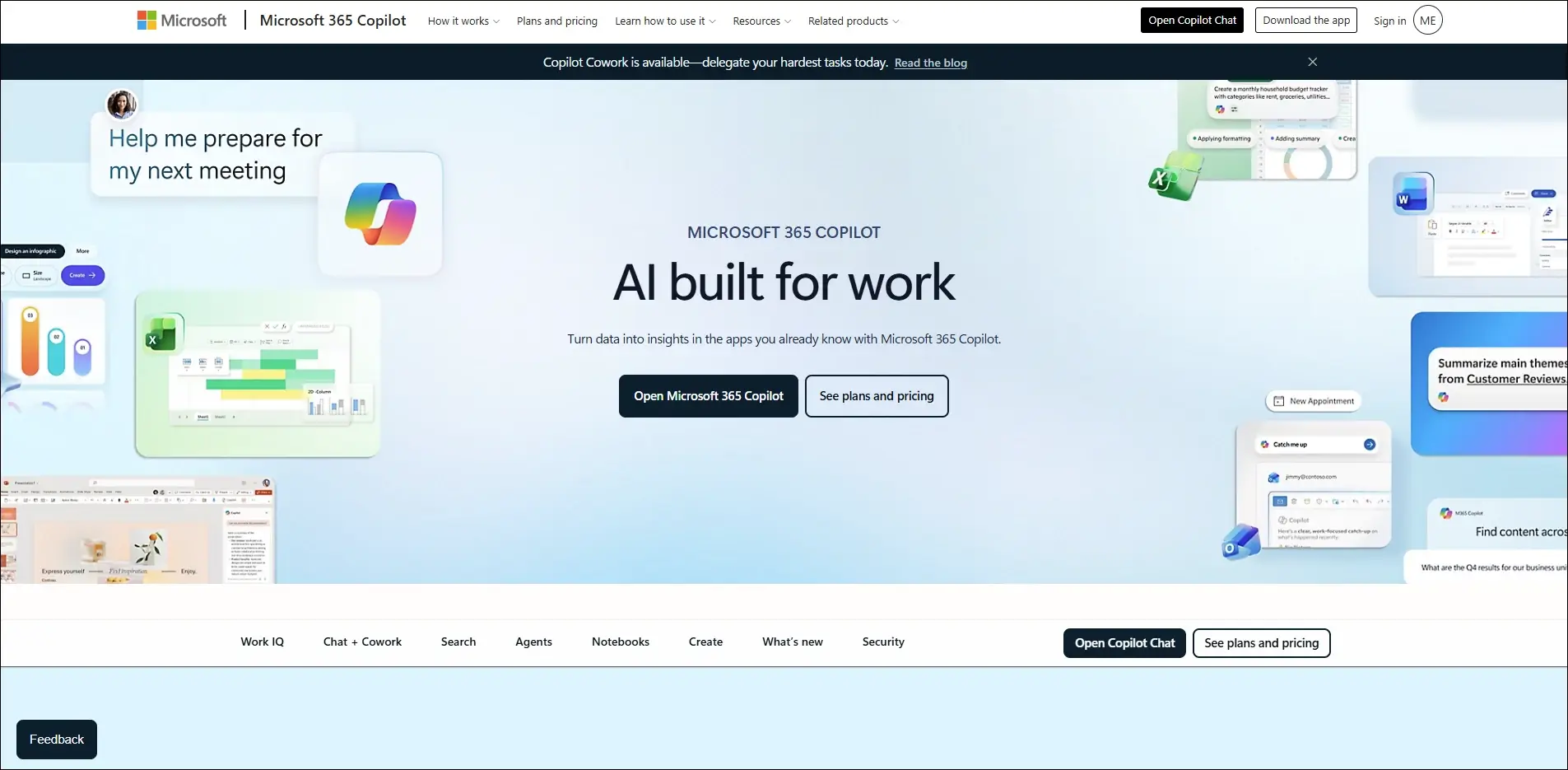
Best for: Automating daily office tasks across Microsoft 365 applications.

Key Features

  • Drafts documents and emails
  • Creates PowerPoint presentations
  • Analyzes Excel data
  • Summarizes Teams meetings
  • Automates repetitive office tasks

3. Canva AI

Canva AI simplifies graphic design by generating professional visuals, presentations, and marketing assets within minutes. It enables small businesses to produce high-quality creative content without advanced design skills.
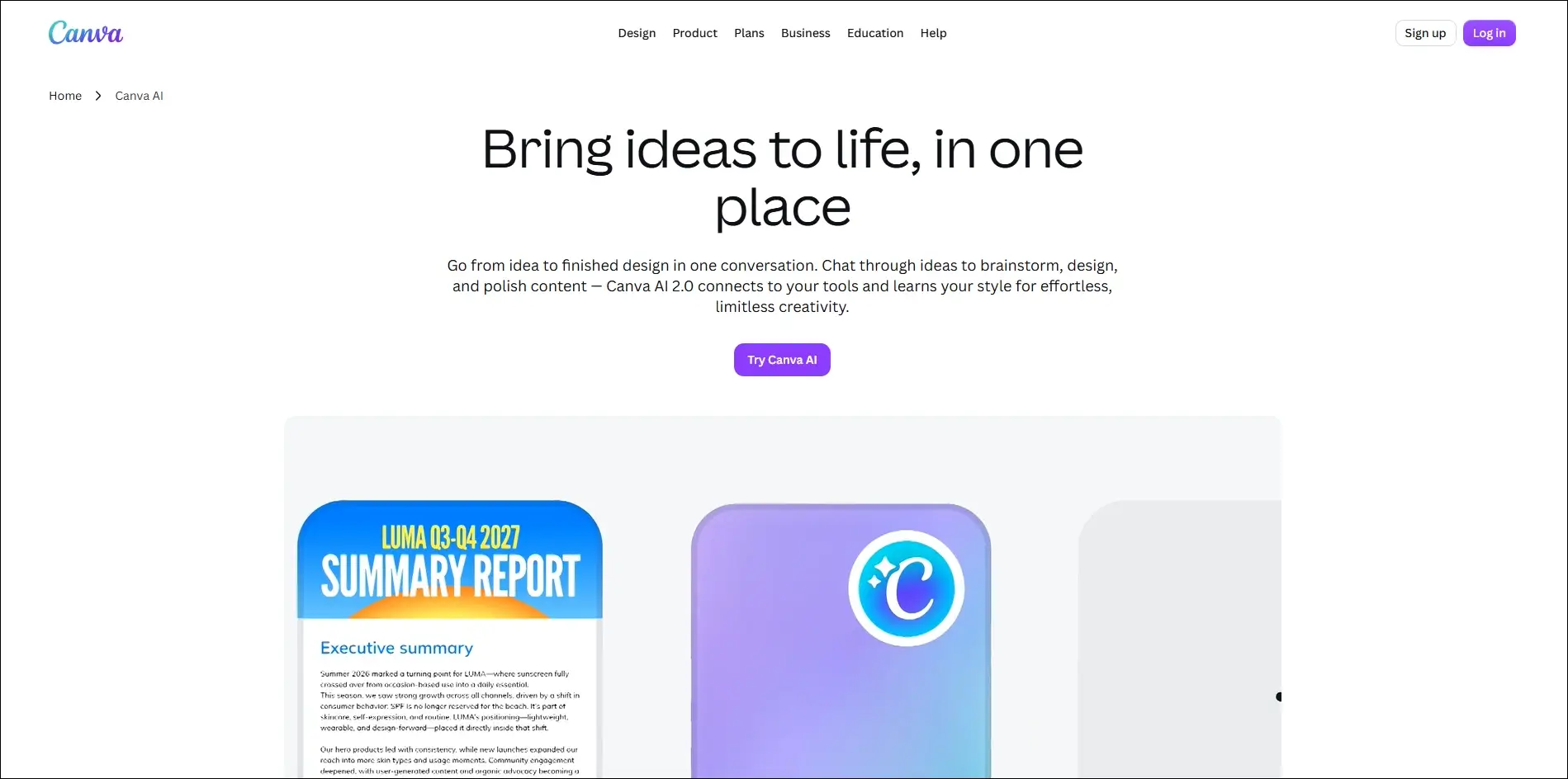
Best for: Creating professional marketing designs, presentations, and social media graphics.

Key Features

  • AI image generation
  • Magic Design templates
  • Background removal
  • AI-powered presentation creation
  • One-click content resizing

4. GitHub Copilot

GitHub Copilot is an AI coding assistant that helps developers write, complete, and optimize code faster. It improves software development productivity while reducing repetitive programming tasks.
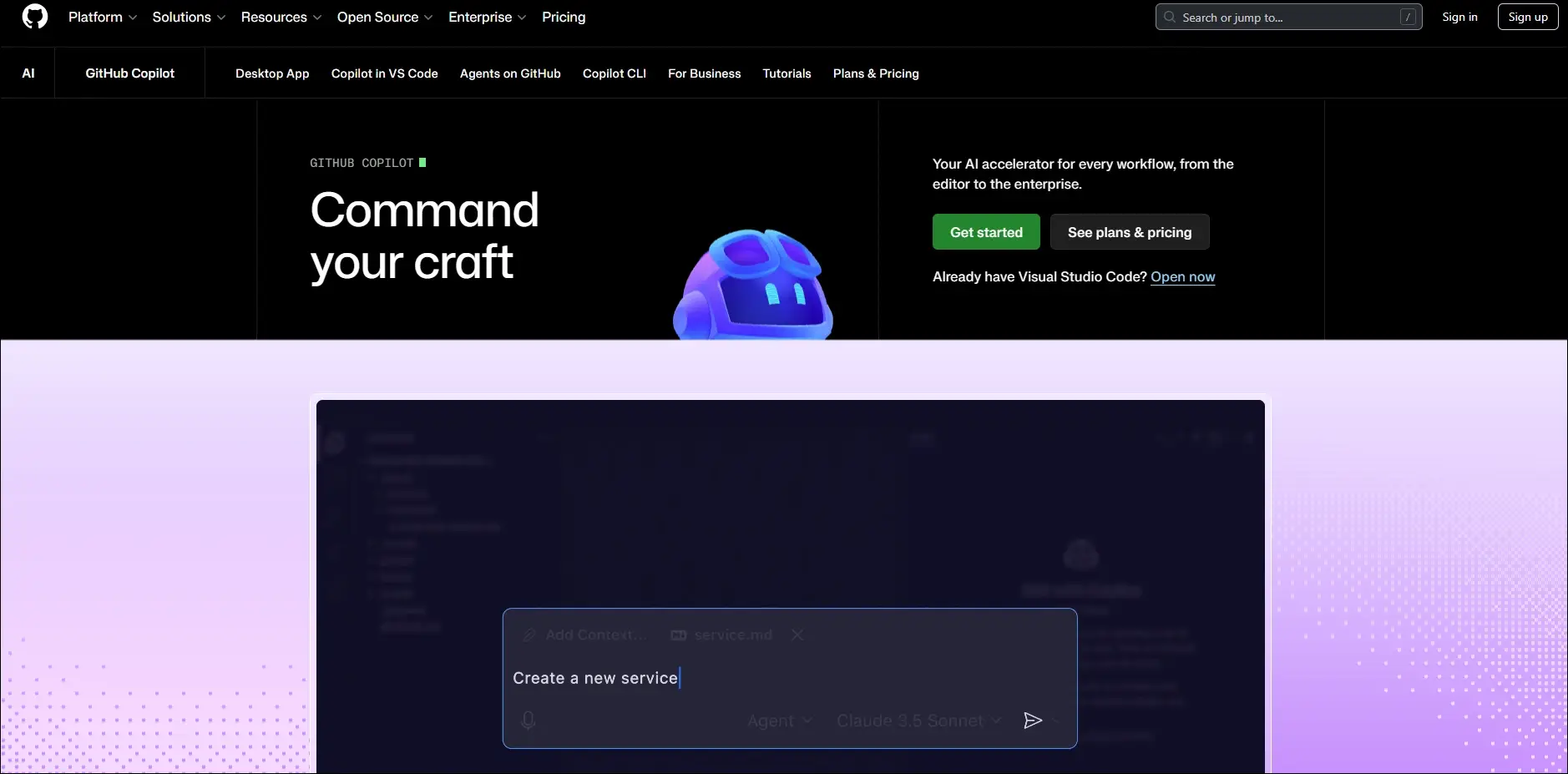
Best for: Accelerating software development with AI-powered coding assistance.

Key Features

  • Real-time code suggestions
  • Generates complete functions
  • Explains complex code
  • Supports multiple programming languages
  • Integrates with popular IDEs

5. HubSpot AI

HubSpot AI helps businesses automate marketing, sales, and customer relationship management from a single platform. It improves customer engagement while reducing manual work.
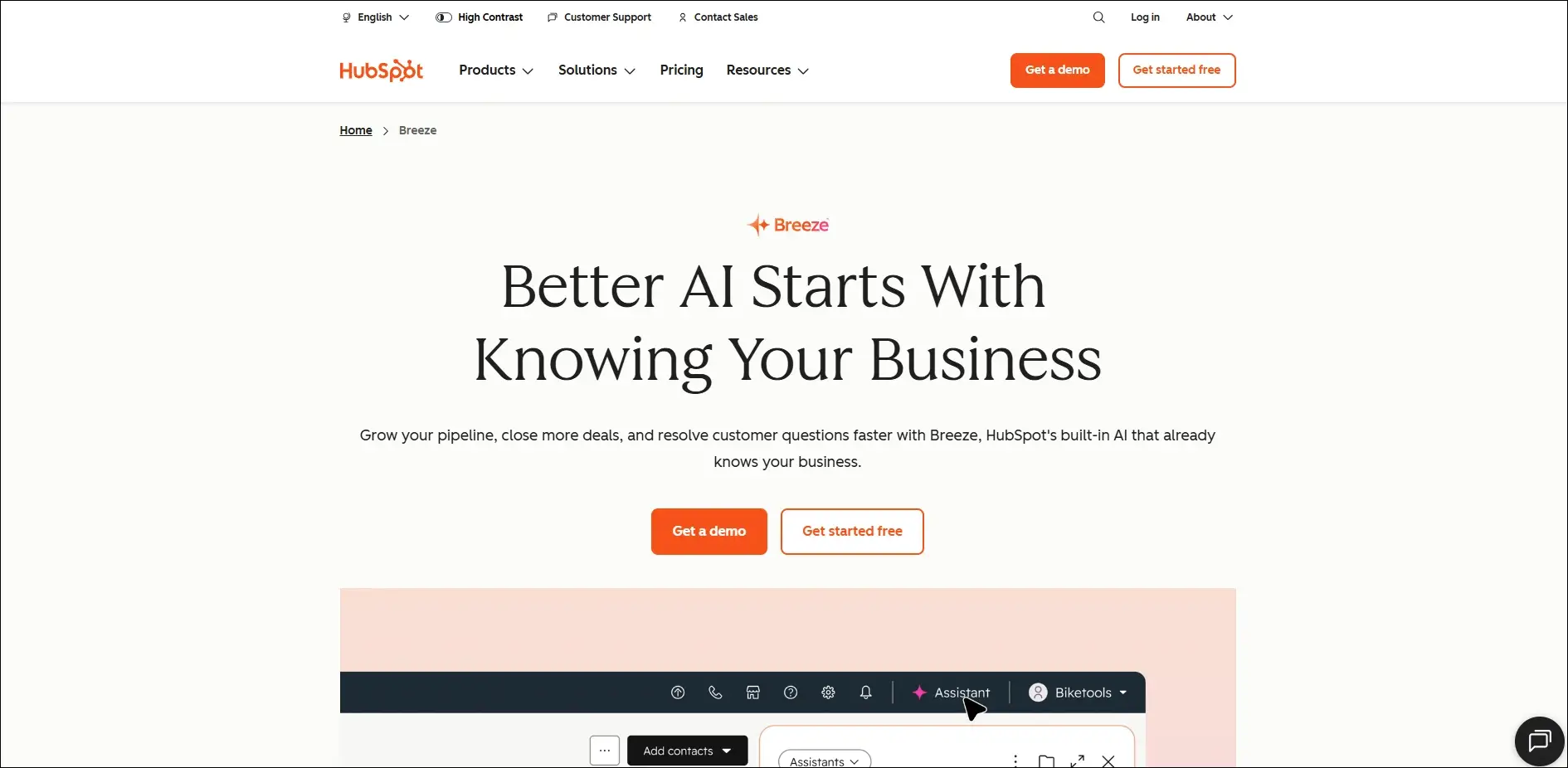
Best for: Managing sales, marketing, and customer relationships with AI automation.

Key Features

  • AI email generation
  • Lead scoring
  • Marketing content creation
  • CRM automation
  • Sales forecasting

6. Zapier AI

Zapier AI connects different business applications and automates repetitive workflows without requiring coding skills. It helps businesses save time by eliminating manual processes.
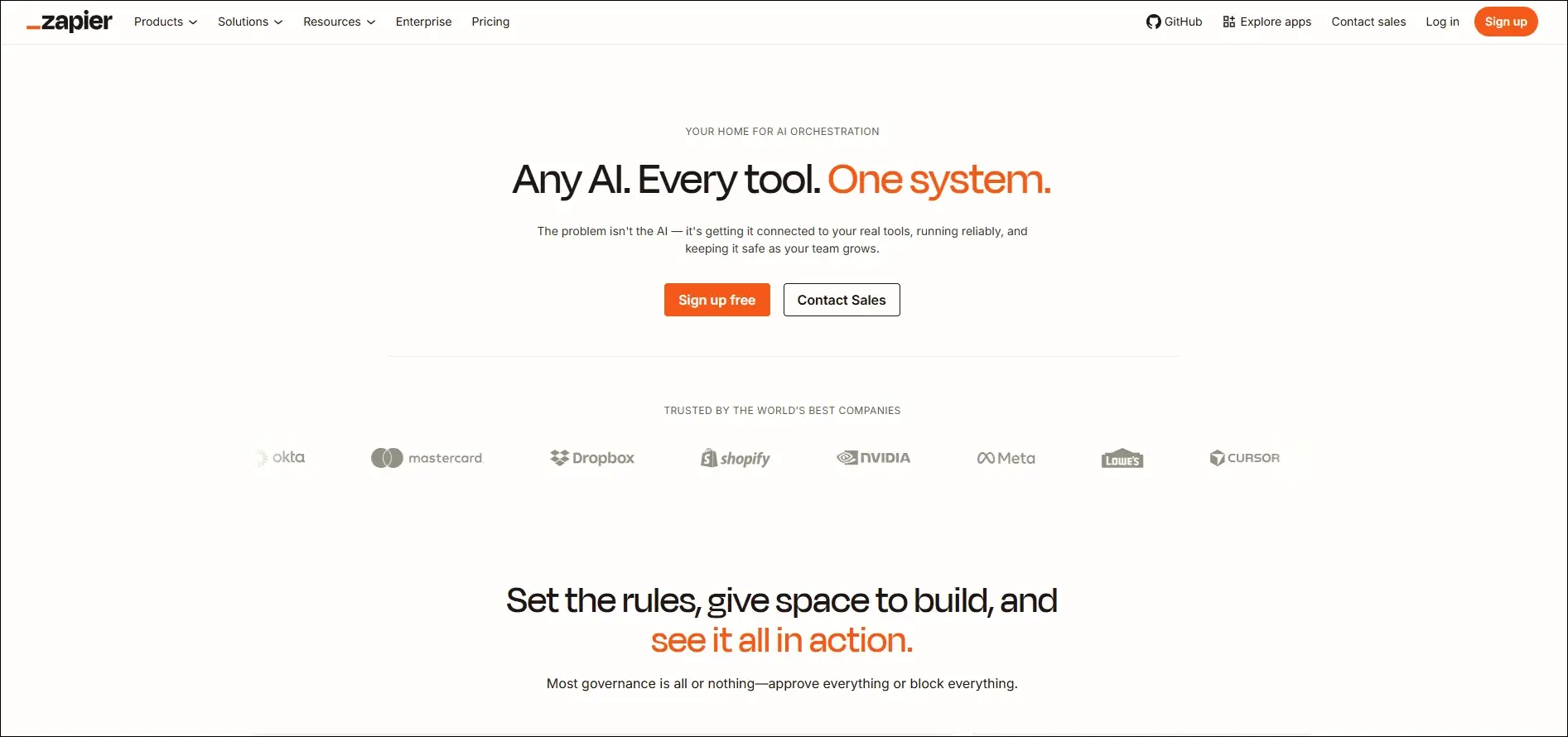
Best for: Automating workflows between business applications without writing code.

Key Features

  • Connects thousands of apps
  • AI workflow builder
  • Automated task execution
  • No-code automation
  • Multi-step workflow creation

7. Cursor AI

Cursor AI is an AI-powered code editor designed to help developers build software more efficiently. It understands project context and assists with coding, debugging, and code generation.
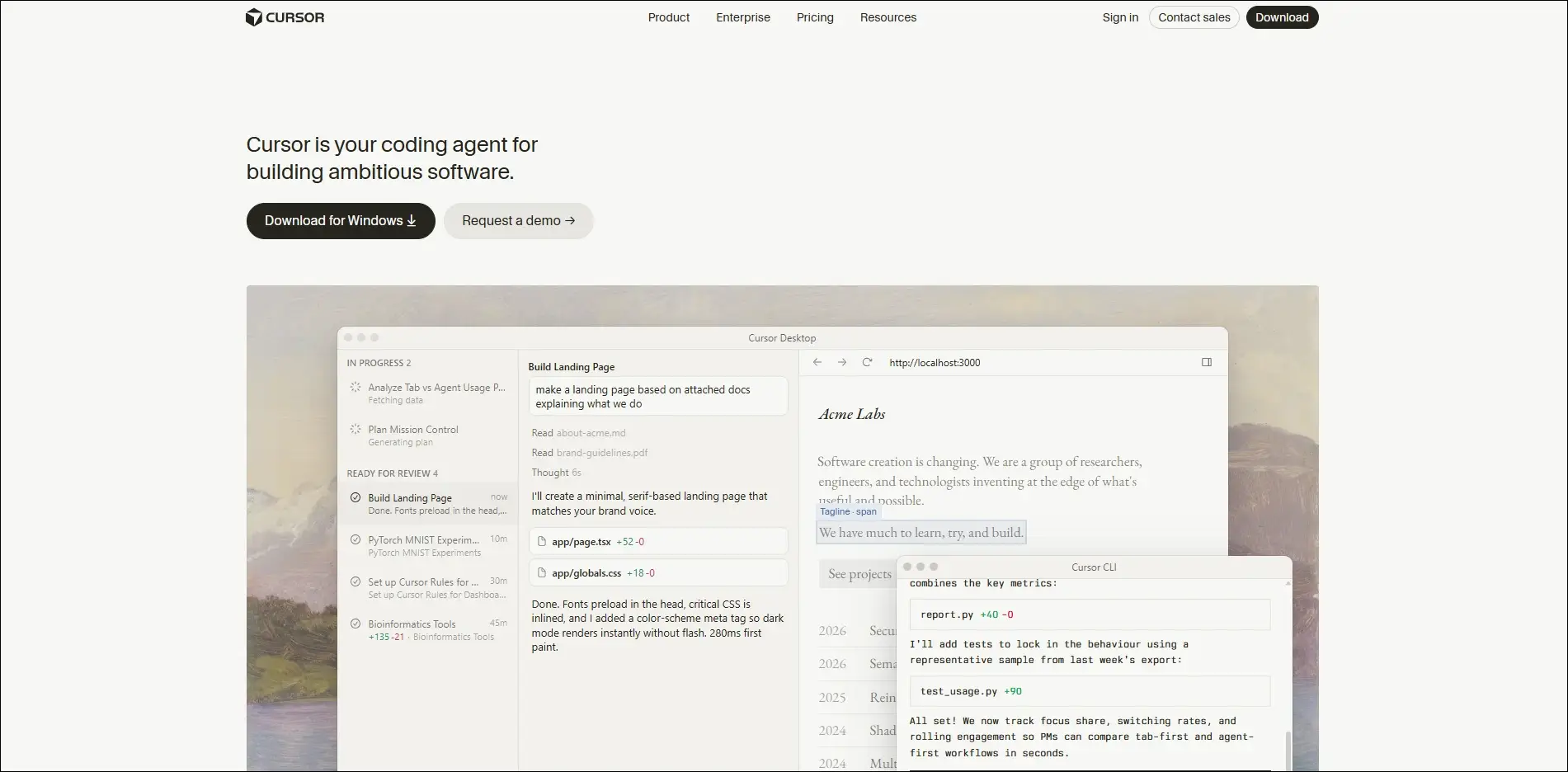
Best for: Building, editing, and debugging software projects with AI assistance.

Key Features

  • Context-aware coding
  • AI code generation
  • Intelligent debugging
  • Codebase understanding
  • Natural language editing

8. Notion AI

Notion AI enhances team collaboration by generating content, summarizing information, and organizing business knowledge. It keeps documentation accurate and easily searchable.
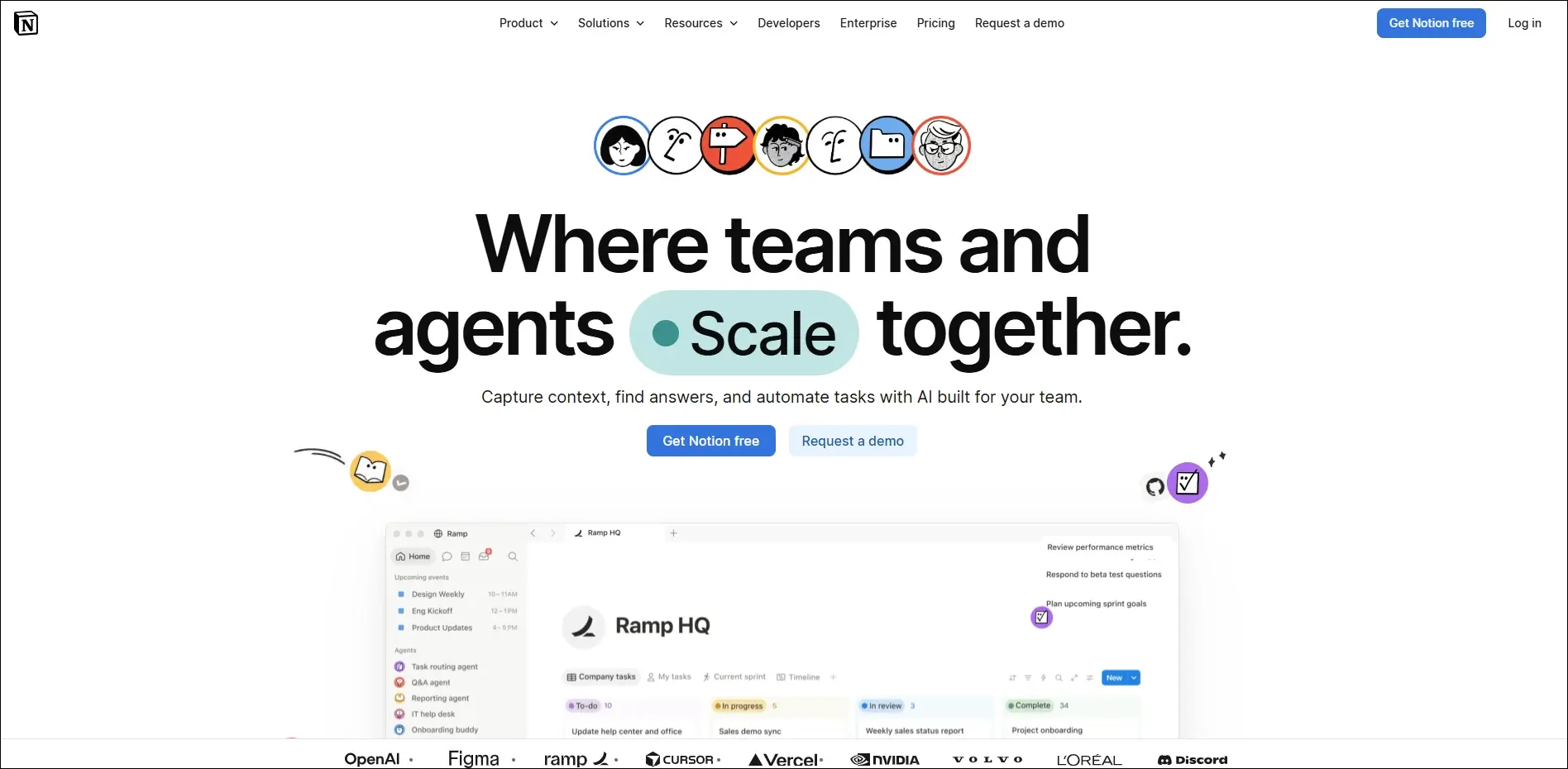
Best for: Organizing business knowledge, documentation, and collaborative project planning.

Key Features

  • AI writing assistance
  • Document summaries
  • Meeting notes generation
  • Knowledge management
  • Project planning support

9. Fireflies.ai

Fireflies.ai automatically records, transcribes, and summarizes business meetings using artificial intelligence. It helps teams capture important discussions without manual note-taking.
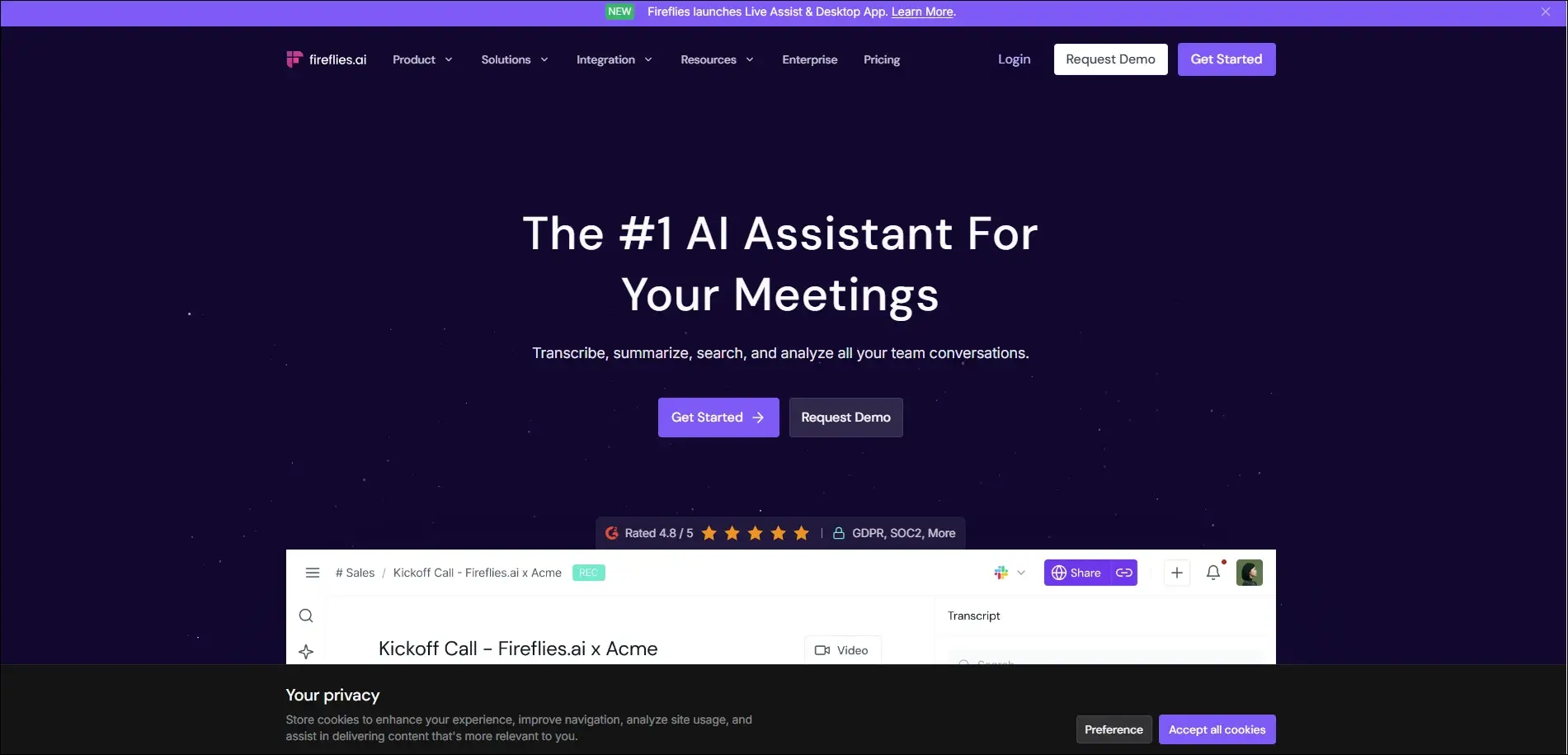
Best for: Recording, transcribing, and summarizing virtual business meetings automatically.

Key Features

  • Automatic meeting transcription
  • AI meeting summaries
  • Action item detection
  • Searchable meeting history
  • CRM integration

10. Anthropic Claude

Claude is an advanced AI assistant built for business writing, research, document analysis, and strategic thinking. It handles long documents while providing detailed and reliable responses.

Best for: Analyzing business documents, research, and complex enterprise workflows.

Key Features

  • Long document analysis
  • High-quality business writing
  • Research assistance
  • Data summarization
  • Secure enterprise capabilities

Common Mistakes Small Businesses Should Avoid

  • Implementing AI without clear business goals leads to poor adoption and limited return on investment.
  • Trying to automate every process at once often creates unnecessary complexity and disrupts daily operations.
  • Ignoring data quality and security can reduce AI accuracy and expose sensitive business information.
  • Choosing AI tools that lack integrations results in disconnected workflows and more manual work.
  • Skipping employee training and performance monitoring prevents teams from using AI effectively and achieving long-term success.

Ready to Build AI Solutions That Grow with Your Business?

Adopting AI does not have to be expensive or complicated. By understanding how to use AI in small business and choosing the right solutions, you can automate routine tasks, improve customer experiences, and make smarter business decisions. Start with one business challenge, measure the impact, and scale your AI initiatives as your needs evolve.

As your business grows, off-the-shelf tools may no longer meet your unique requirements. Mindpath’s AI development services help businesses design and build custom AI solutions that integrate seamlessly with existing systems, automate complex workflows, and deliver measurable results.


Frequently Asked Questions

Track metrics such as time saved, operational costs reduced, customer satisfaction, revenue growth, and employee productivity before and after implementation.
The right approach depends on business needs. Many organizations start with specialized tools and later consolidate as their AI strategy matures.
Custom AI becomes valuable when standard tools cannot support unique workflows, complex integrations, or industry-specific requirements.
Successful adoption starts with gradual implementation, practical training, and introducing AI into one process before expanding across departments.
Review the platform’s security policies, compliance standards, data storage practices, and privacy controls before uploading sensitive information.

Support Is One Click Away

Featured Posts

Related Post

AI Agent development time

Building a custom AI solution starts with understanding the expected AI agent development time for your business goals. Every project follows a different schedule because business requirements, system integrations, data quality, testing, and deployment needs directly influence the overall development process. Knowing these factors helps businesses plan realistic implementation timelines and make informed investment decisions.

Key Takeaways

  • 01
    AI agent development time varies based on complexity, integrations, testing, and deployment requirements. 
  • 02
    Clear project planning helps reduce delays and improves overall development efficiency significantly. 
  • 03
    Custom AI agents require multiple development stages before successful production deployment begins. 
  • 04
    Project costs increase with advanced features, enterprise integrations, and autonomous AI capabilities. 
  • 05
    Choosing an experienced development partner accelerates delivery while maintaining quality and security. 

Many businesses also ask how long to build an AI agent before planning budgets and implementation strategies. The answer depends on project scope, customization requirements, existing infrastructure, and deployment readiness rather than a fixed timeline. In this blog, you will learn the typical AI agent development timeline, key factors affecting project duration, and practical ways to accelerate deployment successfully. So, let’s keep reading further!

Want to accelerate your AI agent development without compromising quality? We offer AI Agent Development Services to build reliable, business-ready AI solutions.

What Determines AI Agent Development Time?

The time to deploy AI agent solutions depends on more than writing code or selecting AI models. Every project follows a unique path based on business objectives, technical requirements, and implementation readiness. Understanding these foundations helps businesses set realistic expectations before starting AI agent development.

1. AI Agent Complexity

The type of AI agent has the biggest impact on how long to build an AI agent. Simple agents finish faster, while autonomous and multi-agent systems require additional development, coordination, and testing.

2. System Integrations

AI agents deliver better results when they connect with business tools and applications. Integrating multiple APIs, legacy systems, or custom databases increases development time and technical effort.

3. Security and Approval Controls

Secure AI agents need safeguards before handling business tasks or sensitive information. Teams must build validation checks and approval workflows to ensure reliable and controlled operations.

4. Testing and Performance Validation

Development continues after coding because every AI agent requires thorough testing. Teams evaluate reasoning quality, accuracy, response speed, and reliability before deployment.

5. Development Approach

The chosen development method directly affects project timelines. Pre-built frameworks speed up delivery, while fully custom development takes longer because every feature requires dedicated implementation.

How Long Does It Take to Build an AI Agent?

The AI agent build time depends on project complexity, business goals, and technical requirements. While simple AI agents may take only a few weeks, advanced enterprise solutions require additional development, testing, and deployment. The table below provides a realistic timeline for different types of custom AI agents.

AI Agent Type Typical Use Case Estimated Development Time Estimated Deployment Time Estimated Cost (USD)
Proof of Concept (PoC) AI Agent Validate an idea with limited functionality 2–4 weeks 2–5 days $10,000–$25,000
Simple Task Automation Agent FAQ support, document search, email assistance 4–6 weeks 3–7 days $25,000–$50,000
Business Workflow AI Agent Customer support, HR, sales, internal operations 6–10 weeks 1–2 weeks $50,000–$100,000
Decision Support AI Agent Financial analysis, legal review, business recommendations 8–12 weeks 2–3 weeks $80,000–$150,000
Custom AI Agent with Multiple Integrations CRM, ERP, databases, APIs, enterprise tools 10–16 weeks 2–4 weeks $120,000–$250,000
Autonomous or Multi-Agent Enterprise System End-to-end workflow automation across multiple departments 4–9 months 4–8 weeks $250,000–$1M+

AI Agent Development Timeline: Key Stages Explained

Understanding each development stage helps businesses estimate AI agent development time more accurately. Every phase serves a specific purpose, from planning and development to testing and deployment, ensuring the final AI agent performs reliably and meets business requirements.

1. Define Goals and Project Scope

Every successful AI agent starts with clear business objectives and measurable outcomes. Teams identify the problem, expected results, and project requirements before beginning development.

2. Design the AI Agent Architecture

Developers create the technical foundation by selecting suitable AI models, frameworks, and data structures. This stage ensures the AI agent can handle business tasks efficiently and scale when needed.

3. Build and integrate the AI Agent

Developers create prompts, connect business applications, and integrate external tools and knowledge sources. Secure integrations help the AI agent perform real business tasks with accurate information.

4. Test and Improve Performance

Teams evaluate the AI agent through multiple testing scenarios before production deployment. They refine prompts, fix workflow issues, and improve accuracy to deliver reliable performance.

5. Deploy the AI Agent

After successful testing, the AI agent moves into the production environment with controlled access and security measures. The time to deploy AI agent solutions depends on deployment readiness, governance checks, and rollout strategy.

6. Monitor and Optimize Continuously

Development continues after deployment through regular monitoring and performance improvements. Teams analyze user interactions, update capabilities, and optimize the AI agent for better long-term results.

How to Build an AI Agent Faster Without Compromising Quality?

  • Define clear business goals before starting development.
  • Prioritize high-impact features for the first AI agent release.
  • Prepare clean and organized business data early.
  • Choose the right AI development partner with proven expertise.
  • Use existing systems instead of building everything from scratch.
  • Test continuously throughout development to avoid costly delays.
  • Start with an MVP before expanding advanced capabilities.
  • Review project scope regularly to prevent timeline extensions.

Ready to Build Your Custom AI Agent?

The right AI agent delivers the best results when businesses plan realistic timelines, define clear requirements, and choose the right development approach. Understanding every stage, from planning to deployment, helps reduce delays, control costs, and achieve long-term business value with confidence.

At Mindpath, we deliver custom AI Agent Development Services tailored to your business goals, workflows, and scalability needs. Our experts build secure, high-performing AI agents with faster delivery and reliable implementation. Contact us to discuss your project and find the right AI solution for your business.

Frequently Asked Questions

multi cloud strategy

Modern businesses operate in a highly dynamic environment. They need to focus on resilience and flexibility while performing in the market. The high intensity of competition that they encounter in their path further complicates their situation. This is when a multi-cloud strategy comes into the picture.

A multi-cloud strategy is an ideal option for contemporary businesses. It empowers business entities by increasing their flexibility and optimizing their costs. Moreover, such a strategic approach can even enhance the resilience of businesses in the unpredictable business landscape. It is the perfect time to explore the core benefits of a multi-cloud strategy for modern enterprises.

Wanting to leverage modern cloud technologies to make your operations faster and more scalable? Mindpath provides cloud infrastructure services that help you build, deploy, and manage systems with confidence.

What is a Multi-Cloud Strategy?

Before looking at the benefits of a multi-cloud approach, you need to have a clear understanding of the specific concept. A multi-cloud strategy is when businesses do not rely on a single cloud service provider. Instead, they choose multiple cloud service providers, which helps to distribute the workload across these providers. You may be wondering why such a decision is essential. This is because a single cloud provider can restrict the full potential of the cloud strategy of a business. 

A multi-cloud strategy is perfect for businesses that operate today since it helps to overcome the challenges that may arise while relying on a single provider. As a business, you can have greater control over your business operations, and you can make sure that the operational efficiency of your business improves. 

You need to bear in mind that a multi-cloud strategy may involve private cloud, public cloud, and specialized cloud services. When businesses opt for a multi-cloud infrastructure, they are not tied to the limitations of a single cloud provider. Instead, they can exploit the strengths of diverse cloud providers and have better control over their infrastructure. This allows them to adapt to the market effectively and focus on high agility. 

Wondering which cloud technologies will shape the future of your business? Explore our blog cloud computing trends to discover the latest innovations driving scalability, efficiency, and growth.

How is the Multi-Cloud Strategy Different from the Single Cloud and Hybrid Cloud Approaches?

In order to get a comprehensive insight into multi-cloud architectures, you must know that it is different from single-cloud and hybrid-cloud approaches. In a single cloud approach, a business depends on a single cloud provider for all its workload. In the case of a hybrid cloud, businesses combine on-premise infrastructure with a private or public cloud. While talking about multi-cloud vs hybrid cloud, you need to remember that multi-cloud involves using multiple cloud providers for different workloads. 

In the case of a single cloud approach, the management is simplified. However, the issue relating to vendor lock-in may arise. It can automatically limit the overall flexibility for businesses. The hybrid cloud model, on the other hand, offers more balance between conventional IT and cloud solutions. 

However, businesses must remember that there is limited producer diversity. The multi-cloud approach offers multi-cloud benefits since it minimizes dependency on a single provider and boosts resilience for businesses. Thus, out of all these options, the multi-cloud approach creates immense value for contemporary business entities. 

Benefits of a Multi-Cloud Strategy

Now that you know, what is multi-cloud? It is time to look at some of the associated benefits. It is fundamental for businesses to remember that a multi-cloud strategy can give rise to a plethora of benefits. The awareness of these benefits can help them decide whether they want such a solution or not. 

1. Avoiding Vendor Lock-In

If businesses opt for the multi-cloud strategy, they can rest assured about the vendor lock-in issue. This issue mainly arises when businesses depend on a single provider; however, in the case of a multi-cloud strategy for businesses, they depend on diverse providers. Thus, the dependence on a single vendor gets reduced substantially. Thus, businesses are able to enjoy ample flexibility while operating in the dynamic and uncertain business environment.

2. Cost Efficiency

One of the main benefits of a multi-cloud strategy is related to cost efficiency. In fact, the multi-cloud strategy is ideal for businesses that intend to curb their IT spending. You need to remember that the public cloud option comes with less overhead. Moreover, it allows businesses to scale up or down as per their needs and requirements. Businesses can leverage a multi-cloud strategy and take advantage of the best pricing and performance options. 

3. High Reliability

A multi-cloud strategy undoubtedly reduces the risks relating to unplanned downtime. This is because it minimizes the risk relating to a single point of failure. An outage in a single cloud will not necessarily have an adverse impact on the services on other clouds. In case the cloud goes down, businesses can route their computing needs to another cloud. Thus, the reliability is high when businesses choose the multi-cloud strategy.  

4. Advanced Security

If businesses are looking for high security while leveraging cloud services, the multi-cloud strategy is an ideal option. This is because a multi-cloud strategy enables businesses to not only deploy and scale workloads but also implement robust security policies. You can also take advantage of compliance technologies in a consistent manner across all your workloads, irrespective of the service or vendor. In the highly unpredictable times, the role of heightened security cannot be negated for businesses.   

5. Best Feature of Each Cloud Solution

The multi-cloud approach enables business entities to choose from many cloud vendors. Thus, it offers ample flexibility in order to match the specific capabilities and features to optimize the workload of businesses. You can take into consideration diverse factors such as speed and performance, and choose the best cloud solution that perfectly aligns with your business needs.  

Looking to build applications that scale seamlessly across multiple clouds? Explore our blog cloud‑native development to discover how cloud-native architectures improve performance, flexibility, and business growth.

Disadvantages of a Multi-Cloud Approach

Businesses need to keep in mind both multi-cloud advantages and disadvantages while deciding on the multi-cloud strategy. It is necessary to be aware of the associated disadvantages so that businesses can set their expectations accordingly. 

1. Management Complexity 

One of the most common disadvantages is related to management complexity. It might not be easy for businesses to manage a multi-cloud strategy. They need to dedicate their time and effort so that the strategy can work in favor of the business. 

2. Operational Overhead

Businesses may find it challenging to coordinate between diverse platforms. Furthermore, it may increase the management overhead for the business. There is a need for sophisticated tools to manage all the platforms in a perfect manner. 

3. Heightened Cost 

Although all the services may be cheaper, the total cost may be higher. This is mainly due to the added overheads relating to the management of diverse cloud platforms. Thus, businesses need to understand the importance of careful planning as well as management. 

4. Heightened Security Risks

As each cloud provider has its own security and compliance model, ensuring consistency is not easy for businesses. The lack of consistency in terms of security can undoubtedly give rise to security risks. This is a serious disadvantage that businesses cannot ignore. 

Struggling to make informed decisions about your cloud investments? Discover our blog importance of data-driven decision making for businesses to learn how analytics and data insights improve cloud strategy outcomes.

Final Words

In the competitive business setting, businesses need to adopt a multi-cloud strategy. Before implementing the strategy, insight into the related benefits as well as disadvantages is essential. The key benefits and disadvantages relating to a multi-cloud strategy have been presented, which can guide businesses to make their cloud-related decisions. 

Mindpath’s top-notch cloud infrastructure services are ideal for modern businesses. The experts can make sure that the business can derive optimum value from their cloud approach. The strategy can certainly act as a source of competitive advantage in contemporary times. 

Discover the benefits of a multi-cloud strategy for modern enterprises, including improved security, flexibility, cost savings, and risk management.
Building scalable applications with React

Only adopting modern features for your website in 2026 is not taking you anywhere in the competitive field. You need to think beyond looks and achieve the right performance, visibility, and scalability for your application. Around 92% of businesses in the US consider web performance to be critical for growth. So, if your site has gone missing in the search engines and is not responsive, it might lag behind among the competitors. Here, React can be your foremost solution. 

Building scalable applications with React has become a savior for many developers as it promises high-performing and dynamic results. In the US, around 3,685,454 live websites have preferred React for their front-end operations. So, React is not at all a buzz. In fact, it is a practical and proven tool that ensures businesses of all sizes stay relevant in the market. Let us discover how ReactJS can match your application-building visions. 

Want to transform your digital presence with a responsive and high-performing web application that keeps users engaged? At Mindpath, we offer ReactJS development services that empower businesses with scalable and future-ready solutions.

What is a Scalable Website Capable of?

Before we understand why ReactJS excels, it is necessary to understand what scalability in a web application truly includes. A scalable application will be able to handle a growing number of users. Further, it can support increasing data volumes and can adapt to new features without massive rewrites. Most importantly, it will be able to maintain performance under heavy load while allowing multiple teams to work simultaneously. 

Moreover, scalability is not only a backend concern. Front-end architecture plays a critical role in assessing how well an application grows. Further, poor front-end development can slow down your development while increasing bugs and degrading user experience with the app expansion. So, building scalable applications with React can address such challenges at the UI level, keeping the core of your app safe. 

Why Use ReactJS for Developing a Scalable Website?

ReactJS is a JavaScript library that was created to build interactive user interfaces effectively. In order to do this, its design philosophy prioritizes performance, modularity, and maintainability. This is what you can get by developing a scalable web app with ReactJS.

Moreover, it encourages predictable data flow, reusable components, and optimized rendering to create a scalable website. So, the applications become easier to extend and maintain over time. 

1. Faster Development Through Component-Based Architecture

Adopting traditional features to make your modern websites might put you at high risk. If a single change is tangled, it might hamper the overall features of your platform. So, it will be hard for your team to continuously fix them. On the other hand, scalable web applications with ReactJS encourage component-based architecture. 

It allows your developers to segment the user interface into tiny and independent reusable units known as components. So, to change something in your application, you don’t need to rewrite or rebuild the entire code. You can easily update a single component and change the flows whenever you feel it. 

2. SEO Optimization Through Server Side Rendering

It has become a necessity for developers to keep their websites fast and visible in 2026. So, you can’t compromise its quality. Previously, SEO was all about keywords. But now, Google’s page speed, Core Web Vitals, and mobile responsiveness serve a critical role in your rankings. 

React maintains its web application scalability through Server Side Rendering. So, instead of creating the whole page in the user’s browser, it enables pre-rendering the full pages on the server side only. This ensures search engine bots can easily crawl your pages. Moreover, it improves your rankings. 

3. Availability of Scalable Framework

Launching is not a big deal, but growing without diminishing performance is the real test. There are many technologies that lag behind when their user traffic increases or new features are added. So, you can avoid such issues by developing scalable apps with React. 

Its virtual DOM and modular components ensure you can expand the platform with the growth of your user base and changing features. So, you don’t need to renew the whole process from scratch. 

Looking to optimize your React app architecture for growth? Explore our detailed guide on mastering scalable web development with React

4. Relevance of Progressive Web Apps for Incredible UX

Users of the recent era demand that web applications be extremely seamless and smooth, just like native mobile applications. If you are facing slow responsiveness and inefficient page designs, React can be the deal breaker. It comes with Progressive Web App techniques that help you get reliable, fast, and app-like experiences even in the browser. 

Your business will benefit from smoother experiences and higher engagement while keeping your users active. Along with scalability in web applications, you can be assured of better conversion rates. 

5. Development Costs Can Be Minimized Through Reusable Code

Launching a scalable application is just the initial phase. Further, feature expansion, updates, and bug fixing can drain your budget vastly, especially if your codebase is not correct. React can assist you in getting rid of such issues. 

Due to its component-based architecture, it allows developers to create reusable and small pieces that can be utilized through multiple sections of your apps. This feature can save a lot of time while limiting the risks of inconsistencies. 

6. Seamlessly Integrates with Modern AI Technologies

Today’s applications need to be smarter and, most importantly, they should personalize experiences while predicting user requirements. So, building scalable applications with React totally fits into this futuristic concept. 

Its modular and flexible features make it a reliable choice for integrating AI, ML, and other essential technologies. Further, such actions don’t require any rebuilding from the beginning. 

7. Good Community Support

ReactJS has a broad category when it comes to its efficient features. React offers a broad ecosystem for developers who want to thrive in the digital era. With the availability of proficient tools, you can easily improve your app’s performance while making it scalable for the changing trends. 

With its Chrome and React developer tools, ReactJS allows you to verify components and maintain the hierarchies more effectively. 

Significant Web Applications Created with ReactJS

ReactJS is an extremely popular library for generating user interfaces. So, there are many large-scale and popular applications that have been built through ReactJS. Here are some reliable examples. 

1. Instagram

Instagram is a well-known platform that uses ReactJS to create dynamic and interactive web experiences. This includes story elements, feed, and real-time valuable interactions. 

2. Facebook

Facebook is one of the original developers of ReactJS. So, it uses ReactJS for multiple parts of its platform, especially for the user interface elements.

3. Netflix

This high-end platform uses this library to keep its user interface attractive and ever evolving. It particularly uses this library for rendering content like user profiles, videos, and recommendations. 

4. Airbnb

It leverages React to improve its web experience, starting from listing pages to booking systems and user dashboards. It adopts an interactive and highly customer-oriented experience to remain at the forefront of the competitive edge. 

Curious how ReactJS enhances UI performance and flexibility? Explore our complete breakdown of ReactJS web development to gain clarity on its features, benefits, and real-world use cases.

How Web Application Scalability with React is Different from Other Libraries?

Here is a brief comparison of React with other libraries and why a scalable website with React is more efficient in the current scenario. 

Elements ReactJS Other Valuable Frontend Libraries
Scalable features Specifically created to manage scalable applications with reusable components. Scalability highly depends on strict rules and becomes complicated with app’s growth.
Architecture Component-based and works for modular enhancements. It is hard to make large-scale changes.
Performance Updates only essential UI changes with the usage of virtual DOM. Direct DOM manipulation can slow down your large applications.
Code Reusability Highly reusable. Reusability Differs.
Speed Ensures faster development due to a modular structure. Slower as applications become huge.

This valuable comparison reveals that ReactJS excels in creating a scalable website. So, this is ideal for apps that expect user growth and demand to add more features with changing trends. 

Conclusion

Giving rise to scalable applications is not an option anymore in 2026. In fact, it has become a necessity for businesses that want to adopt long-term digital success. Starting from modular architecture, performance optimization, and development efficiency, building scalable applications with React remains undefeatable. Further, this library offers everything required to support scalability in the development process.

By accessing smoother experiences and faster growth, ReactJS stands out as an essential technology for modern scalable applications. Businesses that invest in the right frontend foundation today can be prepared for future challenges. So, it’s time to leverage the expertise of companies like Mindpath. Here, the experts can help your organization get the influential potential of ReactJS to generate high-performing solutions. Let experts handle your app’s features while making it result-driven and futuristic with scalable measures. 

Discover how ReactJS development enables scalable, high-performance applications with benefits like optimized routing, state management, etc.