Home

Top Ways to Prevent Cloud Computing Attacks

Top Ways to Prevent Cloud Computing Attacks

Join our Newsletter!

prevent Cloud Computing Attacks

The current cloud landscape challenges business organizations to reconsider security on a daily basis. Organizations are currently concerned about ways to prevent cloud computing attacks in distributed systems. Attack patterns are becoming smarter and defenders need to think quicker with greater visibility. Lots of teams cannot find the balance between speed, access and protection in cloud operations. This change requires a more profound insight into the changing risks and response plans.

The old fashioned perimeter defenses are no longer applicable to cloud environments. They are now able to align identity controls, monitoring and configuration practices accurately. Each tier of cloud infrastructure needs constant consideration and more intelligent decision making. Organizations also require regular awareness of the adaptation of threats across services. This blog discusses the practical methods used to enhance the cloud security posture. So, let’s begin!

Ready to keep your cloud environment safe without constantly worrying about hidden risks? Mindpath offers cloud-managed services to handle security, monitoring, and performance so you can focus on growing your business.

What are Cloud Computing Attacks?

Cloud computing attacks are malicious activities that target cloud infrastructure, services (SaaS, PaaS, IaaS), and hosted applications, with the goal of stealing, destroying, or abusing data stored in cloud platforms. Attackers typically exploit weak access controls, misconfigurations, API vulnerabilities, or human error to hijack computing resources, steal sensitive data, or disrupt operations. These attacks can interrupt normal business operations and expose sensitive information.

Organizations are at risk of things such as unauthorized access, data leaks, and spreading malware in cloud environments. Good cloud security will help a company figure out if there is any suspicious activity and how to reduce the damage. To prevent cloud computing attacks from happening, a business must improve its capability of supervision and control. In turn, it leads to the building of trust and safety of the cloud systems.

Wondering how businesses adapt to rising cloud threats and changing attack patterns? Discover the latest insights on cloud computing trends shaping modern security strategies.

Why is Cloud Computing Security Important for Businesses?

Most companies nowadays use cloud systems to run their business and operate with sensitive data all the time. This turns the security against cyber security attacks into a must-have for any organization. These are the main reasons why security is a key factor in the success of a business.

1. Protection of Sensitive Information

Cloud security solutions safeguard workers, clients, and company data from being inadvertently accessed or stolen. They play a major role in helping organizations avoid or minimize their risk to various digital threats.

2. Data Breach Prevention

Strong controls prevent attackers from leveraging weak cloud configurations. This method also helps prevent cloud computing attacks effectively.

3. Regulatory Compliance

Security measures guide companies in complying with regulations such as GDPR and HIPAA. As a result, not only do these practices make a company’s situation legally safe but they also enhance their clients’ confidence in them.

4. Business Continuity and Data Recovery

Backup systems and recovery tools are really the backbone of a company; they keep operations going when failures happen.

5. Insider Threat Protection

Implementing a good access control system can help greatly reduce the risk of employees or other internal users misusing their privileges. This way, the security risks, whether accidental or deliberate, are significantly lowered.

6. Stronger Security Systems

With intelligent monitoring, advanced tools can detect threats at an early stage. In fact, businesses can raise their level of overall protection by implementing proactive defense systems.

Looking to better understand hidden risks in cloud environments? Explore powerful cloud security tools that help protect your business systems effectively.

How to Prevent Cloud Computing Attacks?

Cloud is the constant target of cyber attackers since it is the platform where businesses operate and store their data. Organizations will have to keep their guard up and fortify their security measures against emerging threats.

Here are some ways to prevent cyber-attacks in cloud computing:

1. Secure API Access

Access to cloud applications should be granted only through reliable and secure APIs. This will help curb the chances of misuse and lower the vulnerability to the cyber threats.

2. Data Encryption Protection

Data ‍has to be encrypted during its transfer, storage, and use. Not only does this step prevent hacker from decrypting or harming any stolen data, but also it works as a major way to prevent cloud computing ‌‌‍ ‍‌attacks.

3. Identity Verification Control

Users are required to prove their identity through identity management prior to gaining access to the system. As a result, it lowers the chances of risks arising due to stolen credentials and unauthorized logins.

Looking to identify weak points in your cloud infrastructure before attackers do? Explore how cloud computing vulnerabilities can affect your systems and data.

4. Access Control Management

Users should have only the access, which is necessary/required for their work role. This drastically reduces the scope of damage from the insider threats and also from the compromised user accounts.

5. Cybersecurity Audits

Periodic evaluations are key to identifying misconfigured settings and security loopholes. They not only reinforce the protection capabilities of the entire system but also enhance security in the cloud.

6. Intrusion Detection Systems

Detection systems watch computer systems for unusual activities and attacks. These can be crucial to locate a threat as soon as possible and limit the scare and damage.

Cloud Computing Security Best Practices

Clouds are used in business processes and in the storage of sensitive information on a daily basis. Effective cloud computing attacks and security threats prevention require powerful practices.

  • Understand shared responsibility model and secure your own cloud data properly.
  • Test security, compliance, and incident response of cloud providers.
  • Implement identity and access control on strict least privilege and multifactor authentication.
  • Create explicit cloud security policies and implement zero trust architecture between systems.
  • Secure data transmission and storage to prevent unauthorized access.
  • Conduct regular audits and penetration testing to identify and fix vulnerabilities quickly.

Curious how modern technology is improving threat detection and response? Check out how AI in cybersecurity is transforming cloud protection.

Ready to Strengthen Your Cloud Security Strategy?

Cloud security requires consistent effort, smart planning, and strong controls across every layer of infrastructure. Businesses must stay proactive to prevent cloud computing attacks and protect data, systems, and users from evolving digital risks.

At Mindpath, we provide cloud security solutions that help businesses build safer and scalable cloud environments. Our team focuses on strong protection, monitoring, and compliance to keep your systems secure and reliable.


Is Your Cloud Properly Defended?

Close misconfigurations and access gaps before attackers find them.

Frequently Asked Questions

Unusual login attempts, unexpected data transfers, and sudden system slowdowns often signal security risks. Weak access control or misconfigured settings can quietly expose data before detection, increasing the chance of attacks and operational disruptions.
Security settings should be reviewed regularly, especially after system updates or team changes. Frequent checks help maintain proper configurations, reduce vulnerabilities, and ensure cloud systems remain aligned with security policies and evolving threat landscapes.
Human actions significantly impact cloud safety, especially when handling passwords or access permissions. Simple mistakes like sharing credentials or ignoring alerts can expose systems to threats, making awareness and training essential for stronger protection.
Even with tools in place, misconfigurations and poor monitoring often create gaps. Without proper strategy and continuous oversight, attackers can still exploit weak points, making it harder to prevent cloud computing attacks effectively.
Small businesses often face similar threats as larger companies because attackers target any vulnerable system. Limited resources and weaker configurations can increase risks, making cloud security essential for organizations of all sizes.

Support Is One Click Away

Featured Posts

Related Post

custom software development

Custom software development is becoming the primary driver for businesses to get ahead of the curve in 2026. Businesses no longer rely on ready-made tools as existing tools fall short of meeting unique requirements. More recently, there is a higher need for tailored solutions that incorporate an organization’s goals and can scale as the firm grows. So, how will businesses ensure their software not just helps with their operations, but ultimately provides a legitimate competitive advantage?

In today’s fast-paced digital landscape, the right software is not only technology but also a strategy in practice. With custom software, businesses foster solutions that face specific challenges and ignite innovation. This guide walks through the core aspects of custom software development, including its definition, different types, benefits, key factors, and process. With a successful approach, adequately designed custom-built systems will enable progress and lead to long-term success.

At Mindpath, our custom software development services deliver secure and scalable services that  meet your business goals and enhance your business performance.

What is Custom Software Development?

Custom software development builds software solutions designed for a business’s specific needs. Instead of using generic tools developed for all businesses, many companies are developing their own custom software applications to support their unique company goals, internal workflows, and their customers. The custom software process includes planning, designing, developing custom software, and then ongoing software updates. This proactive approach might help a business increase efficiency, allow the business to expand, and create a steady stream of revenue.

The basis of this method is personalization. Developers create each feature with intention, supporting groups like marketing or sales, and enhancing customer brand participation through apps and platforms. These tailored solutions align and integrate smoothly into existing processes, improving productivity. When businesses select the right design and functionality, they receive a competitive advantage and increase their ability to outgrow the competition in a rapidly evolving digital landscape.

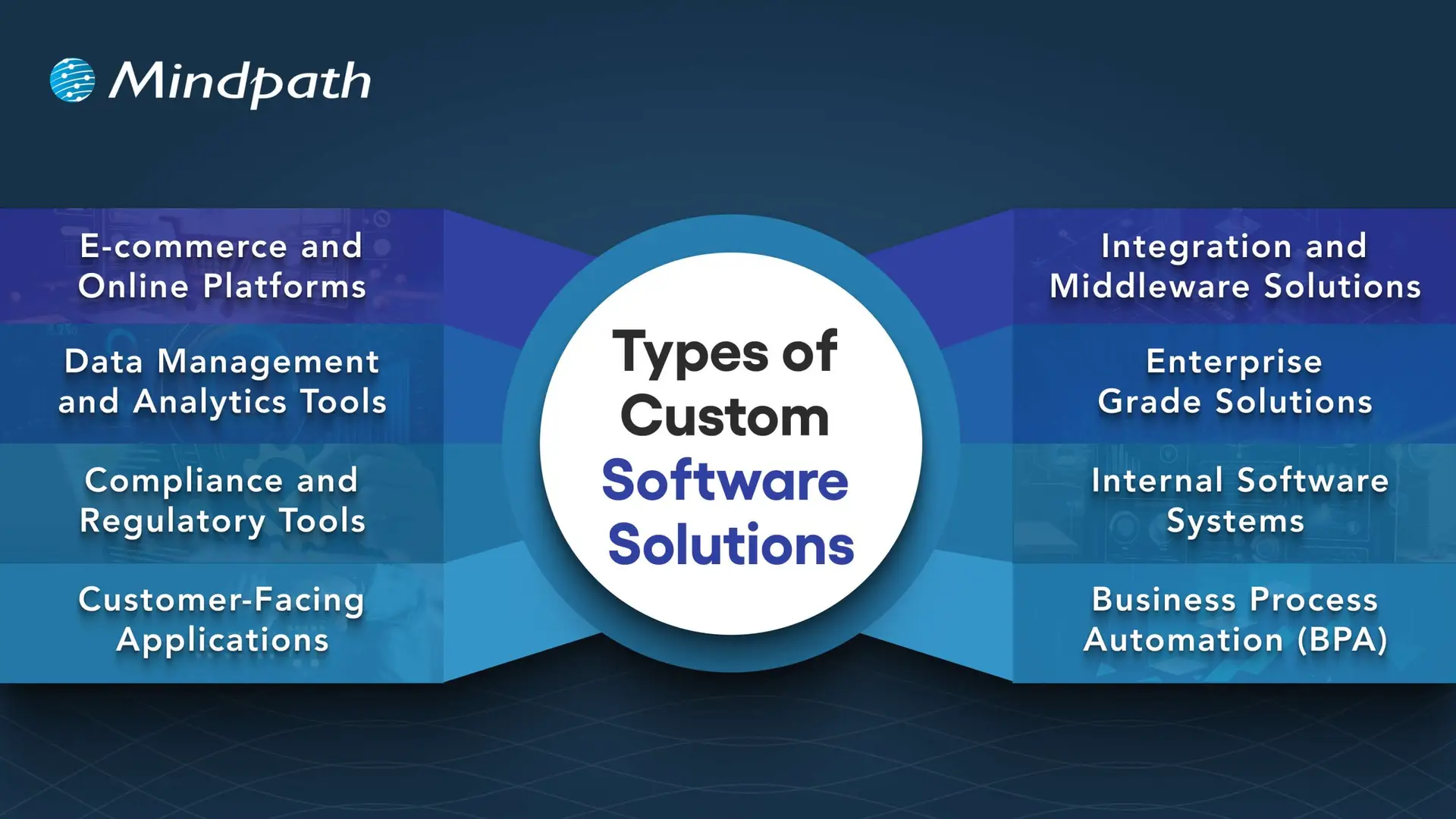
Types of Custom Software Solutions

Businesses face unique challenges, so they will need specific solutions to meet their goals. When used effectively, there are many kinds of custom software development solutions that can take advantage of that to drive efficiency and growth.

Types of Custom Software Solutions

1. E-commerce and Online Platforms

Online businesses require more than a basic website. Custom platforms take care of payment, inventory, and customers quickly and accurately.

2. Data Management and Analytics Tools

Companies generate a never-ending amount of data every day. Analytics tools provide actionable insights from that data, which decision-makers can invest in, as there is confidence in the analytics.

3. Compliance and Regulatory Tools

The industries with strict rules continue to change at a breakneck speed. Compliance software can help you track, report, and reduce risks.

4. Customer-Facing Applications

Customers expect a seamless digital experience, and mobile apps, portals, or self-service tools can provide a simple and engaging interaction.

5. Integration and Middleware Solutions

It’s not very common for systems to connect themselves. Middleware acts as a bridge between those systems and allows for the free flow of information across platforms.

6. Enterprise Grade Solutions

Large organizations need powerful systems to maintain efficiency. ERP, CRM, and BI software all gather data into one controllable system.

7. Internal Software Systems

Day-to-day operations require intelligent systems. HR management platforms, scheduling software, and inventory solutions help maintain workflow efficiency.

8. Business Process Automation (BPA)

Manual tasks challenge the organization as a whole. Custom software development will provide a BPA solution that reduces repetitive, verifiably redundant work and frees up time.

Want to know the method behind building scalable and maintainable software? Learn how the software development life cycle helps you streamline development by providing a structured approach that improves efficiency and overall project outcomes.

Benefits of Custom Software Development

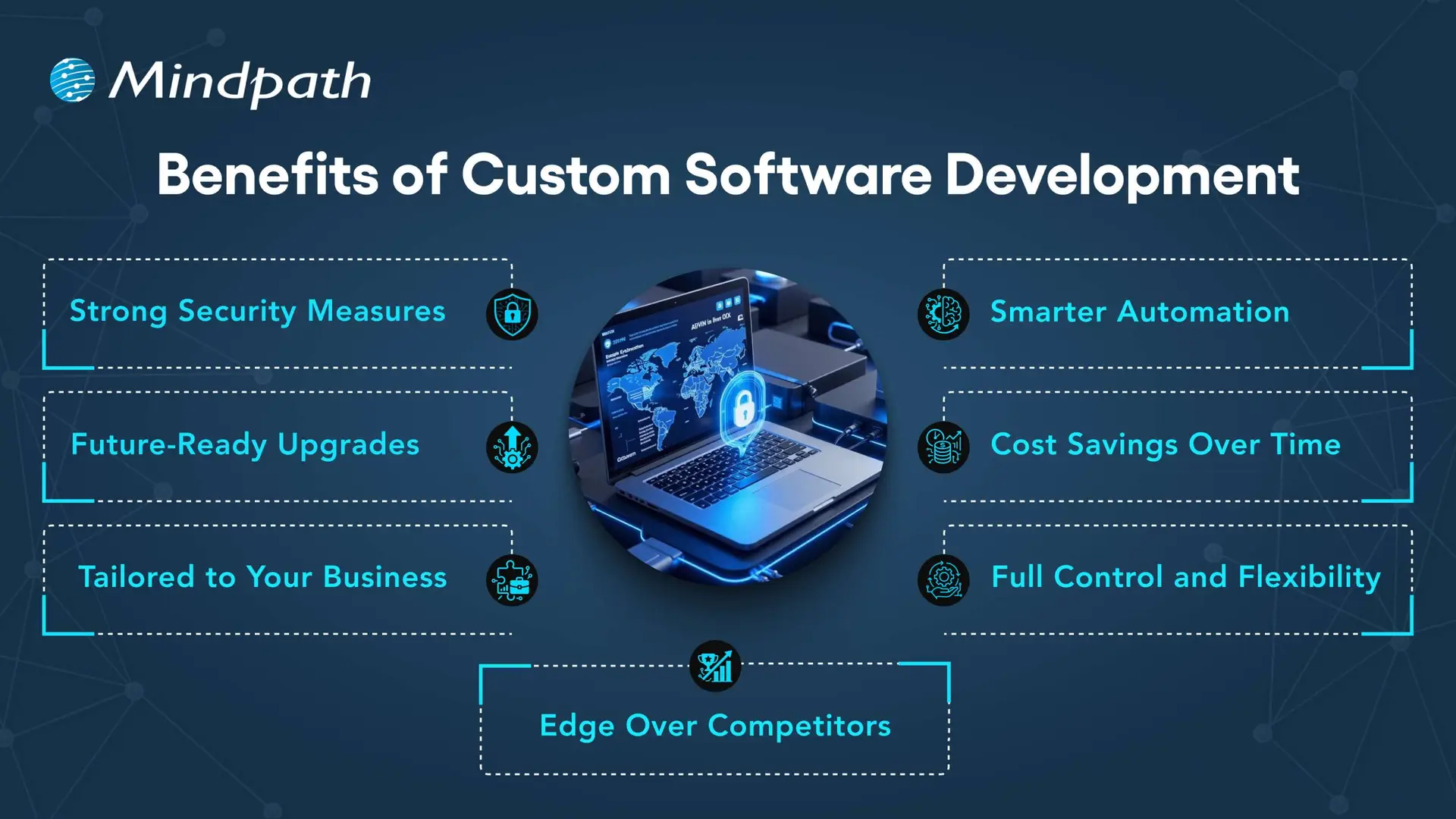
Each organization operates differently, so that’s why software customizations are very important. When you choose custom solutions, companies will have the tools that meet their needs and bring value over the long term.

Benefits of Custom Software Development

1. Strong Security Measures

Every day, businesses deal with the threat of crime, and good protection is necessary. With custom solutions, businesses can create the security features that fit their unique needs.

2. Smarter Automation

Repetitive work that wastes time is unnecessary. Automated workflows make everything more efficient, giving teams more time to focus on innovative opportunities.

3. Future-Ready Upgrades

Technology will continue to change, and existing systems are often outdated. A custom solution is easy to upgrade, so businesses can stay up to date.

4. Cost Savings Over Time

It’s common to think of generic tools as the less costly option, but they come with hidden costs. A custom-built system can expand with the business and reduce your long-term costs.

5. Tailored to Your Business

Every company has its own workflows, and off-the-shelf, one-size-fits-all tools rarely truly fit. Custom software design considers workflows and goals to create solutions tailored to specific needs.

6. Full Control and Flexibility

Companies have the decision on how their software evolves. From additional feature requests to maintenance, a company is in control of all aspects of software.

7. Edge Over Competitors

To be different, you need unique solutions. Custom software development allows companies to create custom tools that enhance their efficiency and develop stronger customer relationships.

Curious how businesses are building world-class software teams without geographical limits? Explore how our offshore software development can deliver skilled talent and cost-effective solutions.

Step-by-Step Custom Software Development Process

Custom software development has a well-defined process to deliver the best quality product. Using the proper methodology, a custom software development process business makes certain that everything is completed to specific objectives for each project. Here is the process:

1. Requirements and Planning

The process begins with identifying and researching the client’s needs to lay the right framework. The team documents goals, scope, and technology decisions in order to have a clear foundation. During this clarity stage, teams quickly put together custom-made software with a common understanding.

2. UX/UI & System Design

Once they define the requirements, designers and architects start creating wireframes, prototypes, and system architecture for the solution. They start defining the database structure, user experience (UX), and technical workflow in order to ensure everything flows and goes according to plan. Designers create all custom software to be easy to use, scalable, and low-risk.

3. Development Execution

Developers write code based on the approved design and requirements. They develop using agile and best practices and build the functional modules incrementally. Organizations will receive reliable solutions designed to promote their long-term success.

4. Testing & Quality Assurance

Testing validates both functional and performance on devices, platforms, and use cases. Testers perform unit, integration, and regression tests to detect any issues as soon as possible. This step guarantees quality standards in custom software development solutions before delivery.

5. Deployment & Continuous Support

Once testing verifies quality, the team deploys the software on-premises or in cloud environments. The team will continually provide updates, fixes, and improvements to help maintain the effectiveness of the system. We will perform a continuous improvement process to generate value and to prolong the entire application lifecycle.

Concerned about risks that could slow down your custom software build? Explore the major custom software development mistakes that can disrupt progress and find out how to avoid them.

Key Factors to Consider When Building Custom Software

When it comes to building a custom piece of software, it’s more than just writing the code. It’s important to pay attention to the factors that drive the success and make sure your software aligns with your vision of the future in your business.

1. Build vs Buy Decision

Evaluate if building from scratch or buying ready-made solutions best supports your custom software development goals.

2. In-House Team or Outsourcing

Choose between in-house development and outsourcing based on expertise, resources, and project scope.

3. Right Development Methodology

Select the right approach, like Agile or Waterfall, to match your project’s complexity and goals.

4. Focus on User Experience

Design software with intuitive navigation, usability, and efficiency to boost adoption

5. Scalability and Future Growth

Plan for growth by ensuring the custom software development solution can scale easily as your business expands and technology evolves.

Trying to understand the common pitfalls in creating custom software? Check out our blog to learn the essential custom software development dos and don’ts that every business should follow for a smooth process.

Ready to Transform Your Business with Custom Software?

Custom software development continues to be the core driver of innovation, growth, and competitive advantage. By focusing on tailored solutions, businesses overcome unique challenges, streamline operations, and stay prepared for the future. With the right approach, companies build systems that scale seamlessly, improve efficiency, and deliver long-term results in today’s fast-moving digital world.

Partnering with a trusted custom software development company gives you access to expert guidance, advanced technologies, and proven strategies. At Mindpath, our custom software development services empower businesses to create secure, scalable, and future-ready solutions. From strategy to execution, we ensure every step adds measurable value, helping organizations achieve their vision with confidence and clarity.

Cost of Hiring Reactjs Developers

Without a robust and engaging web presence, your business is going nowhere, and this might be a perfect reason to hire ReactJS developers. Once you know the cost of hiring ReactJS developers, you can measure the value they will bring to your web projects. Let us discover why you must know the costs of hiring React developers and the factors that influence hiring costs.

Understanding hiring costs upfront prevents budget surprises later in the project. Every business has different needs, and costs vary based on experience, location, and engagement model. Knowing what drives these numbers helps you make smarter hiring decisions. In this article, we break down everything that shapes the real cost of hiring ReactJS developers.

Want to adopt ReactJS in your next project? Mindpath’s ReactJS development services will provide expertise that will help you in building interactive web applications according to your business requirements.

Reasons to Focus on ReactJS

ReactJS is a component-based, open-source JavaScript library that has been the favorite pick for frontend development since 2013. It is still one of the most powerful tools for creating visually appealing UIs. Any business that thinks of hiring frontend developers should focus on ReactJS for its distinctive features. Some of the notable features of React include component-based architecture, cross-platform development with React Native, virtual DOM, and a strong community. ReactJS not only facilitates faster development but also ensures that you get web applications that offer better performance and scalability.

While hiring guides can help you pick the right talent for your teams, it is important to learn about the costs of hiring React developers. Why? Many hiring managers will believe that the cost of hiring a ReactJS developer is all about their salary. Interestingly, employers must also consider other factors, such as location and experience, along with additional costs, to determine hiring costs.

Cost of Hiring a ReactJS Developer

Professional ReactJS developers can help you craft the best user experiences in web applications. However, the expertise of ReactJS developers comes at a cost. The search for answers to “How much does it cost to hire a ReactJS developer?” might lead you directly to salary forecasts for React developers. On the other hand, the salary is not the only thing that you must consider in the cost of hiring a ReactJS developer. The following factors will help you understand how to determine the ideal compensation for React developers in your web projects.

1. Experience of the Developer

The foremost factor that influences the salary of ReactJS developers is their experience. Junior or entry-level developers have limited professional experience and can build basic components, work on simpler tasks, and support senior developers. Mid-level developers have a better understanding of React concepts and can work on complex features alongside contributing to architecture design.

Senior developers are the top-tier talent with more than five years of professional experience and can design the whole application architecture. Senior ReactJS developers can also guide junior developers, optimize performance, and scale up web applications with ease. The estimates for ReactJS developer cost in 2025 suggest that senior developers can earn more than $150,000 per year. Similarly, junior developers can earn almost $70,000 annually, while mid-level developers can ask for $100,000 to $120,000 per year.

2. Geographical Location

Hiring managers must also take the geographical location into account while calculating the costs of recruiting React developers. Location is an important factor in determining the hiring cost as it implies variations in market competitiveness, demand for talent, and cost of living. For instance, the cost of hiring a ReactJS developer in North America will be higher than the global average. Why? You can find tech hubs like Silicon Valley and New York, along with major Canadian cities that have a higher cost of living.

The average annual salary of a ReactJS developer in North America can vary from $90,000 to $120,000. The only other competitive market for ReactJS development is Western Europe, where countries like the UK, Germany, and France seek high-quality talent. One of the best choices for a cost-effective React development solution is the Asia-Pacific region, which includes India, China, and the Philippines. The annual salary for React developers in the Asia-Pacific region is considerably lower than in Western countries.

Want to scale your application seamlessly as your customer base grows? Learn how the benefits of ReactJS development services make large-scale, high-traffic apps easier to maintain and expand.

3. Scope and Complexity of the Project

Employers must also pay attention to the scope and complexity level of their web project while calculating the hiring costs for a ReactJS developer. You may want to build simple web apps, mid-sized applications, or large-scale enterprise applications with ReactJS. Each type of project will demand a specific level of expertise, which indirectly influences the cost of ReactJS developers. For instance, junior developers can create simple applications with basic UIs or static websites with minor features.

The estimates for ReactJS project development cost might be a little higher for medium-sized applications, which will require mid-level to senior developers. Such types of applications may need custom designs, dynamic features, or integrations with third-party APIs, which call for experts and more costs. Large enterprise applications that need complex architectures and intricate state management will require senior and lead developers, thereby increasing costs.

4. Hiring Model

One of the key factors that determines the cost of hiring a ReactJS developer is the hiring model. Do you want a full-time in-house developer or a freelancer? If you hire an in-house developer to work on a full-time basis, it will cost you the most. The recruitment costs for in-house developers in the USA can vary between $5000 and $20,000 for each hire. The primary reason to hire an in-house React developer is the assurance of maximum control.

Hiring managers can opt for freelance developers or hire developers on a contractual basis to reduce costs and ensure flexibility. You should hire freelancers only when you need access to specialized skills and faster onboarding. Some employers also choose cost-effective ReactJS development services through outsourcing or dedicated remote teams. Outsourcing offers access to a vast talent pool and better options for scalability with fewer administrative setbacks.

5. Other Additional Costs

The direct salary or hourly compensation for ReactJS developers is only the tip of the iceberg. Employers and hiring managers must also pay attention to the additional costs of hiring React developers. The notable additional costs include recruitment costs, training costs, infrastructure costs, and benefits for full-time developers.

Recruitment costs include the costs of job board posting, agency fee, and the time invested in screening and interviews. Infrastructure costs point to the cost of laptops, cloud services, testing tools, and software licenses for IDEs, developer tools, and communication. Training and onboarding costs, along with benefits and perks like health insurance, stock options, and bonuses, also determine the hiring costs of React developers.

Want to ensure your next digital product is built by a partner who truly understands your business goals? Discover what matters most when choosing the right React development company for your business.

Is Your Business Getting Real Value From Its ReactJS Investment?

The list of answers to “What factors affect ReactJS developer rates?” reveals that the salary is not the only cost. Hiring managers can determine the salary by considering different factors such as experience, geographical location, and hiring model. The additional costs of hiring a React developer include training and onboarding costs, recruitment costs, and infrastructure costs.

The cost of ReactJS projects at Mindpath also encompasses support and maintenance without imposing additional costs. On top of it, with reliable platforms like Mindpath, you will get transparent cost estimates for ReactJS development services. Explore the most cost-effective ReactJS development solutions for your projects with Mindpath.

Frequently Asked Questions

1. Is it cheaper to hire a ReactJS developer from another country?

Yes, geographical location significantly impacts the cost of hiring ReactJS developers. Developers in regions like India and Southeast Asia offer competitive rates without compromising quality. However, businesses must also factor in time zone differences, communication workflows, and project management overhead before committing to an offshore hiring decision.

2. How do you decide between hiring a freelance ReactJS developer or an agency?

Freelancers work well for short-term, well-defined tasks with limited scope. Agencies or dedicated teams are better suited for complex, long-term projects needing consistent collaboration. The decision ultimately depends on budget, project timeline, and how much ongoing support and accountability the business requires after initial development is complete.

3. What is a realistic budget for a mid-sized ReactJS web project?

A mid-sized ReactJS project typically requires mid-level to senior developers, third-party integrations, and custom UI work. Depending on location and hiring model, budgets can range from $15,000 to $60,000. Defining scope clearly before hiring helps avoid unexpected cost escalations during the development process.

4. Does the cost of hiring ReactJS developers change based on industry type?

Industry complexity directly influences ReactJS developer cost. A fintech or healthcare platform demands stricter security, compliance, and performance standards than a standard business website. These requirements call for more experienced developers and longer timelines, which naturally push the overall hiring and development costs higher.

5. How can businesses reduce ReactJS hiring costs without sacrificing quality?

Businesses can reduce costs by clearly defining project requirements upfront, choosing the right hiring model, and considering remote or offshore talent. Avoiding scope creep, investing in proper onboarding, and hiring developers with proven React expertise from the start significantly reduces rework costs down the line.

How much does hiring a ReactJS developer cost? Learn about factors affecting rates, and how to find the best talent within your budget.
ai coding tools

Software teams now face growing pressure to deliver reliable applications within shorter development cycles. AI coding tools help developers write code, solve issues, test features, and manage repetitive tasks. They support faster decisions while allowing teams to focus on complex product requirements and customer expectations.

Key Takeaways

  • 01
    AI coding tools speed development by handling repetitive coding and testing tasks.  
  • 02
    Context-aware assistants improve code suggestions across files, repositories, and workflows.  
  • 03
    AI supports earlier detection of security, performance, and logic issues.  
  • 04
    Businesses should match AI tools with security needs and workflows.  
  • 05
    Human review ensures AI-generated code remains accurate, secure, and reliable.  

Choosing the best AI coding tools requires more than comparing autocomplete features or popular platforms. Teams must assess code quality, security, workflow compatibility, and development goals before adopting them. The right solution can improve productivity while keeping developers responsible for every important decision. In this blog, we will focus on best AI coding tools. So, let’s keep reading further in detail!

Ready to transform your AI ideas into real business outcomes? At MindPath, we offer AI Development Services that help you develop and deploy custom AI applications.

What are AI Coding Tools?

AI coding tools are software applications powered by artificial intelligence, often built on large language models. They help developers write, edit, debug, and test code more efficiently. These tools understand prompts and programming context, which reduces manual effort and improves overall development speed while maintaining structured and readable code output.

These tools change the developer role from writing every line of code manually to guiding and reviewing AI generated suggestions. They improve productivity by handling repetitive tasks and accelerating development workflows. Both beginners and experienced programmers use them to build applications faster while maintaining control over logic, structure, and final output.

Core Capabilities at a Glance

  • Code Generation: Creates functions, scripts, and interfaces from clear instructions.
  • Inline Auto-Completion: Predicts code and suggests relevant next lines instantly.
  • Refactoring and Optimization: Improves code structure, performance, readability, and maintainability.
  • Debugging and Explaining: Finds errors, suggests fixes, and explains complex code logic.
  • Security Scanning: Detects vulnerabilities and compliance concerns before deployment.

How Do AI Coding Assistants Work?

AI coding tools for enterprise use language models to understand code and developer requests. They support faster development while fitting into established engineering workflows.

1. Training and Architecture

AI coding assistants learn from large code datasets using transformer-based language models. They understand programming syntax, logic, common patterns, and code translation across languages.

2. Context Gathering

The tool analyzes open files, selected code, project structure, and diagnostic messages. Advanced tools can also use approved documentation, project wikis, and relevant technical resources.

3. IDE Integration

AI assistants connect with code editors through extensions and development protocols. They provide inline suggestions and chat support for coding, debugging, and code explanations.

4. Advanced Agentic Execution

Modern AI coding tools can plan tasks and complete multiple development actions. They can create files, run tests, fix errors, and improve legacy code with developer oversight.

What Benefits Do Businesses Gain from AI Coding Tools?

AI code generation services help businesses improve development efficiency across everyday engineering tasks. They support faster delivery, better quality control, and stronger use of technical resources.

1. Stronger Code Quality

AI helps developers detect security risks, performance issues, and logic gaps early. Teams can address these concerns before they affect production applications.

2. Better Use of Development Resources

AI handles repetitive coding patterns and reduces time spent on manual tasks. Businesses can lower operational effort and allow teams to focus on higher-value projects.

3. Faster Team Onboarding

AI explains complex code and supports developers working with legacy applications. New team members can understand project structures and contribute more quickly.

4. More Efficient Testing

AI automates unit testing and supports smoother CI/CD workflows across development pipelines. It helps teams identify issues earlier and reduce deployment-related mistakes.

5. Quicker Software Delivery

AI generates boilerplate code, scripts, and common functions within seconds. Developers can review and customize the output instead of writing every component manually.

What are the Best AI Coding Tools in 2026?

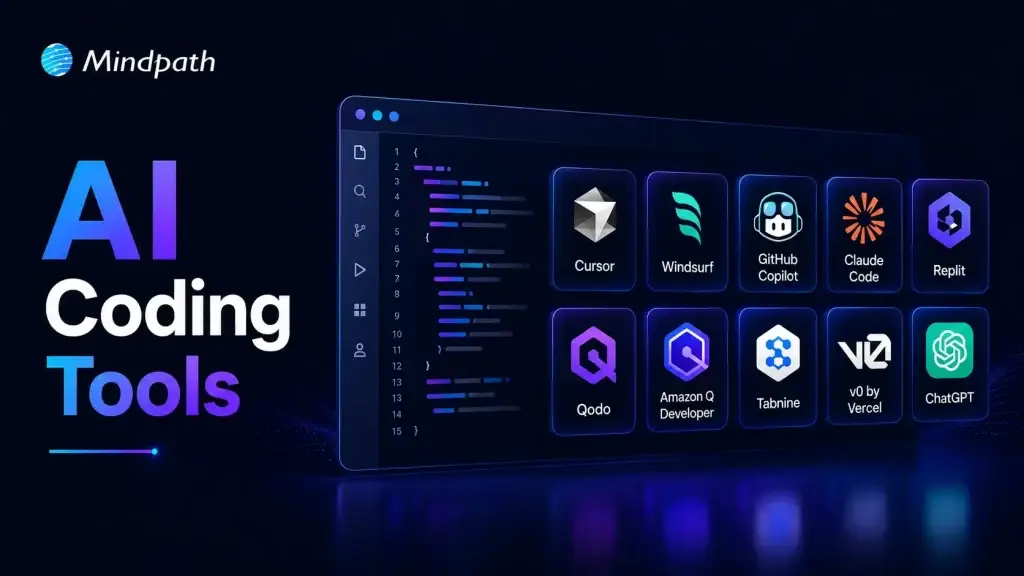
Choosing the right AI coding assistant depends on your team’s workflows, security needs, and project complexity. The best AI coding agents support coding, testing, debugging, and collaboration without disrupting existing development practices.

1. Claude Code

A command-line AI coding assistant that helps developers understand, modify, and maintain software projects using natural language instructions.

claude code

Ideal for:

  • Backend developers: Work with large codebases directly from the terminal.
  • Engineering teams: Review, refactor, and maintain complex applications more efficiently.

Core Capabilities:

  • Terminal-based workflow: Operates directly from the command line.
  • Codebase understanding: Analyzes repositories to answer development questions.
  • Code editing: Modifies files based on natural language requests.
  • Git integration: Helps review changes and work with Git repositories.
  • Debugging assistance: Identifies issues and suggests possible fixes.
  • Test support: Helps create and update tests while making code changes.

2. ChatGPT

An AI assistant that helps developers with coding, debugging, technical explanations, planning, and software design across multiple programming languages.

Chatgpt

Ideal for:

  • Developers: Solve coding problems, debug issues, and learn new technologies.
  • Software teams: Brainstorm architectures, generate documentation, and improve development workflows.

Core Capabilities:

  • Code generation: Writes code from natural language instructions.
  • Debugging support: Identifies errors and suggests possible fixes.
  • Code explanation: Explains code, algorithms, and technical concepts.
  • Documentation creation: Generates technical documentation and comments.
  • Architecture planning: Assists with system design and software planning.
  • Multi-language support: Supports a wide range of programming languages and frameworks.

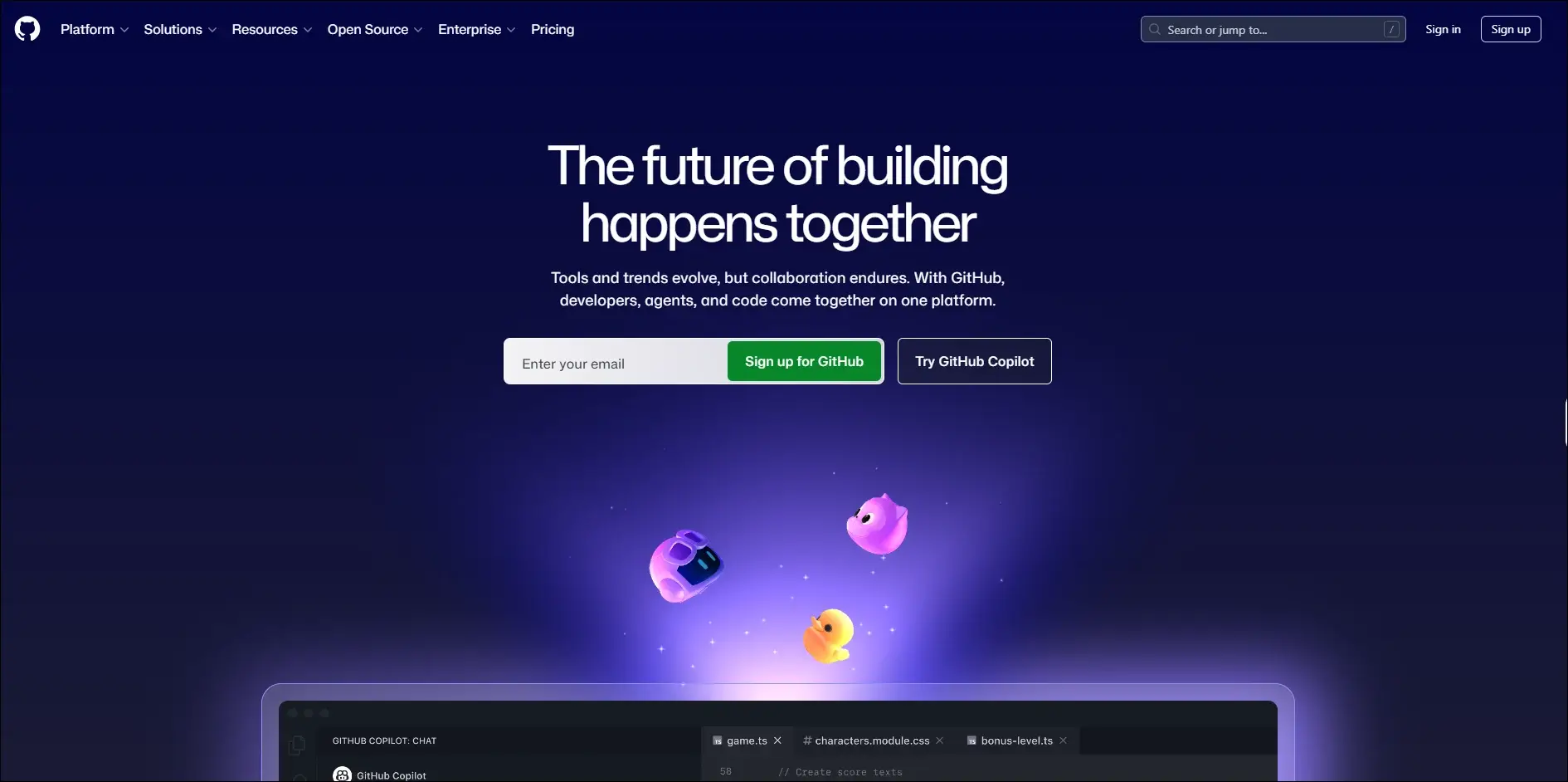
3. GitHub Copilot

An AI coding assistant that provides real-time code suggestions, explanations, and development support directly within supported IDEs.

GitHub Copilot

Ideal for:

  • Developers: Write code faster with intelligent autocomplete and code generation.
  • Software teams: Improve productivity through AI-assisted coding and documentation.

Core Capabilities:

  • Inline code completion: Suggests code as you type in supported editors.
  • Copilot Chat: Answers coding questions and explains code within the IDE.
  • Code generation: Creates functions, classes, and boilerplate from prompts.
  • Code explanations: Explains unfamiliar or existing code in natural language.
  • Test generation: Assists with creating unit tests for application code.
  • Pull request support: Helps summarize and review code changes.

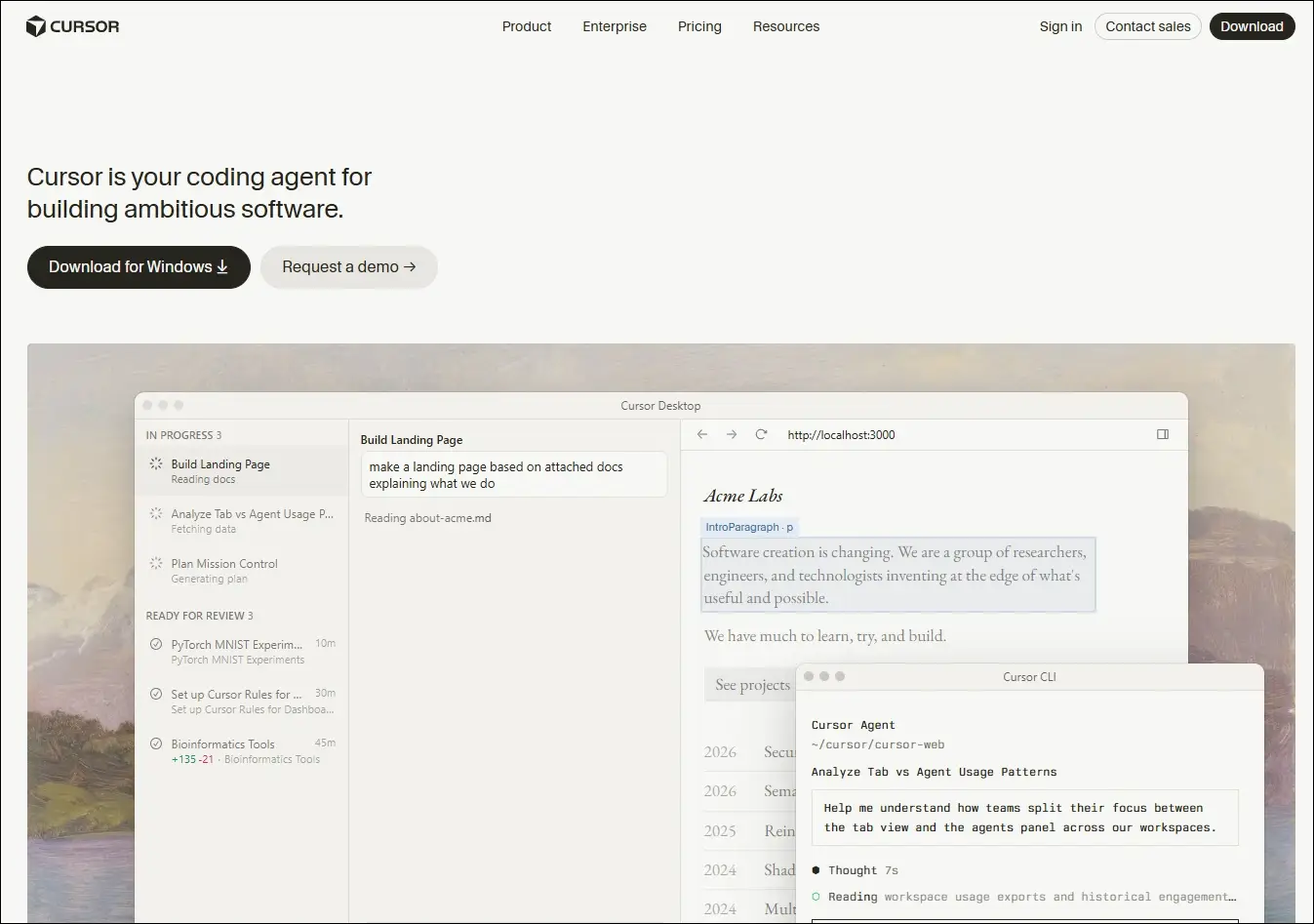
4. Cursor

An AI-native code editor that embeds intelligent assistance directly into your development workflow, helping you write, edit, and ship code faster.

Cursor

Ideal for:

  • Developers and engineering teams: Ship features faster across large, complex codebases
  • Beginners and designers: Turn ideas and mockups into working code with AI guidance

Core Capabilities:

  • Multi-file composer: Edits all relevant files in one go.
  • Agent mode: Autonomously plans, edits, and tests changes.
  • Tab autocomplete: Predicts and suggests full code blocks instantly.
  • Project rules: Enforce your conventions across every session.
  • Visual context: Turns UI screenshots into working interface code.
  • Live docs and web: Pulls in real-time framework and security references.

5. Windsurf

An AI-powered development environment that combines code generation, editing, planning, and debugging into a unified workflow through its Cascade AI agent.

Windsurf

Ideal for:

  • Software developers: Build, refactor, and debug applications using AI-assisted workflows.
  • Engineering teams: Collaborate on larger projects with AI support across multiple files.

Core Capabilities:

  • Cascade AI agent: Plans, edits, and executes coding tasks across multiple files.
  • Multi-file editing: Updates related files together while maintaining project context.
  • Terminal integration: Runs commands and understands terminal output within the workflow.
  • Codebase awareness: Uses the entire project as context for more relevant suggestions.
  • Context-aware chat: Answers development questions based on the active codebase.
  • Integrated debugging: Helps identify issues and suggest fixes during development.

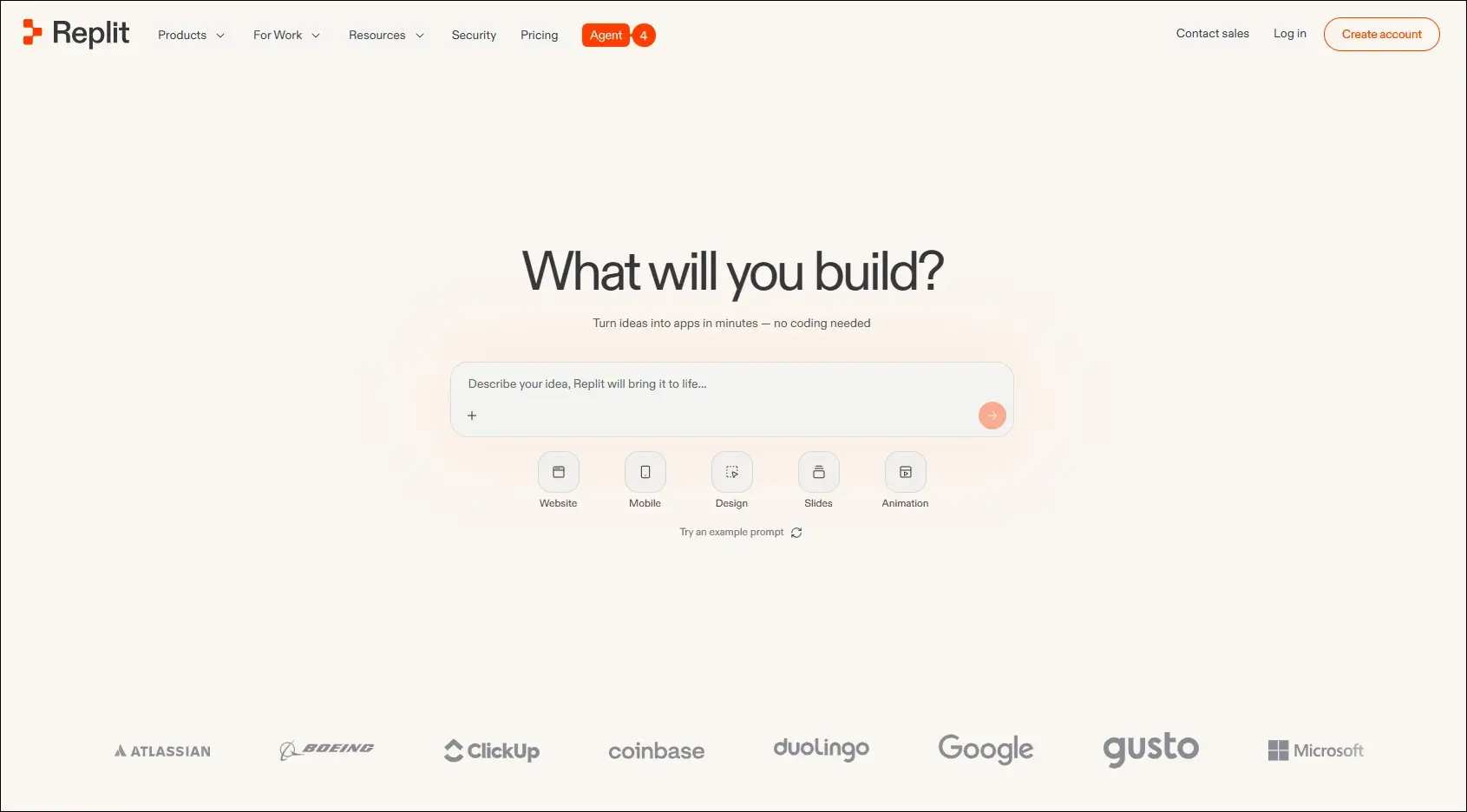
6. Replit

A browser-based development platform that combines coding, AI assistance, collaboration, and deployment in one environment.

Replit

Ideal for:

  • Developers: Build and deploy applications without local setup.
  • Students and startups: Quickly prototype and launch software projects.

Core Capabilities:

  • Browser-based IDE: Develop applications entirely in the cloud.
  • AI coding assistant: Generates, explains, and edits code from prompts.
  • Real-time collaboration: Multiple users can work in the same project.
  • Instant deployment: Publish applications directly from the platform.
  • Multi-language support: Develop projects using numerous programming languages.
  • Integrated hosting: Run and manage applications from one workspace.

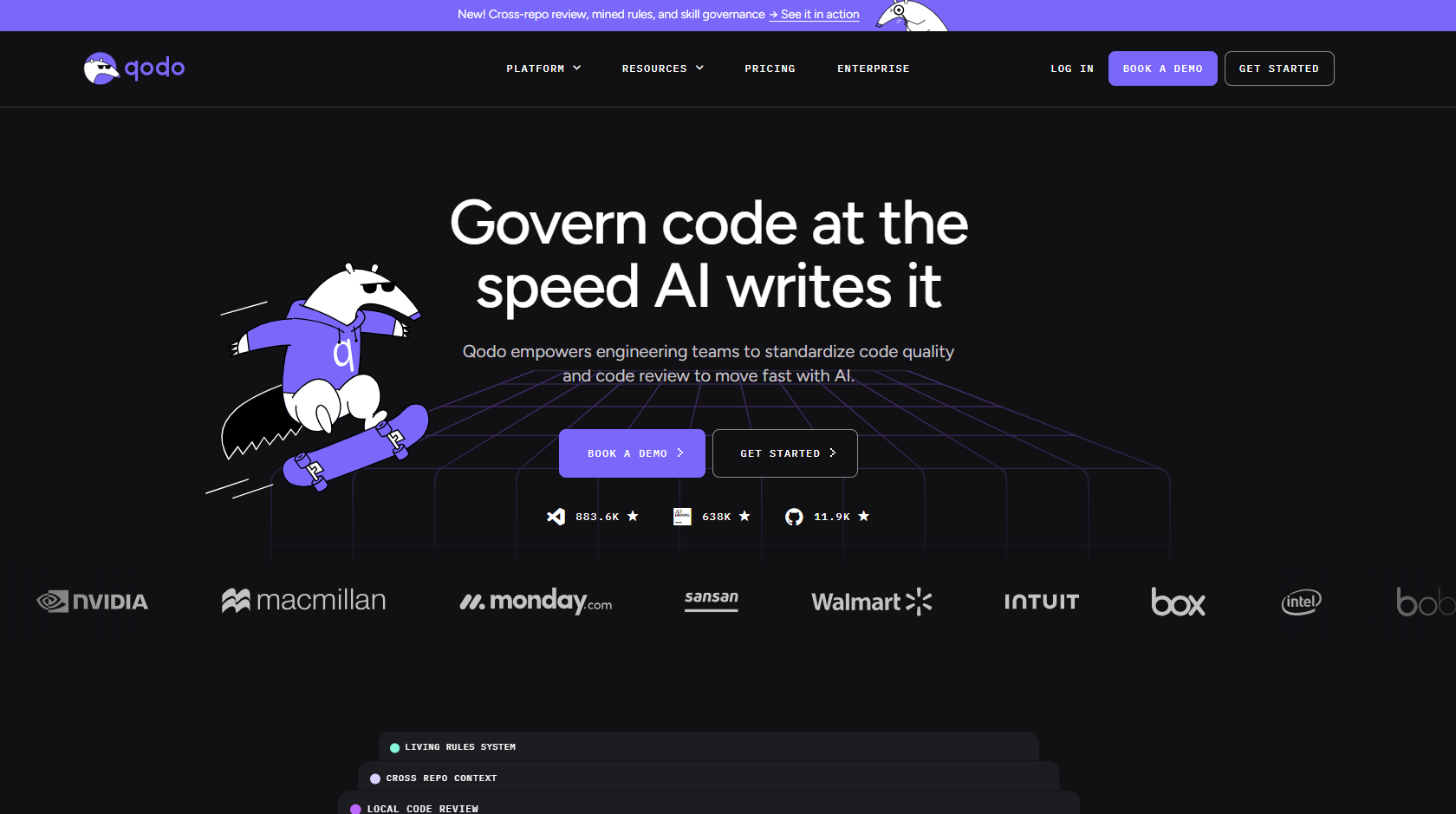
7. Qodo

An AI-powered code quality platform focused on testing, reviewing, and improving software reliability throughout development.

qodo

Ideal for:

  • Software developers: Improve code quality with AI-assisted testing and reviews.
  • Engineering teams: Maintain reliable codebases through automated quality checks.

Core Capabilities:

  • AI code reviews: Reviews pull requests and suggests improvements.
  • Test generation: Creates unit tests for existing code.
  • Code analysis: Identifies potential issues and quality concerns.
  • IDE integration: Works alongside developers during coding.
  • Pull request assistance: Helps review and validate code changes.
  • Repository awareness: Uses project context to improve recommendations.

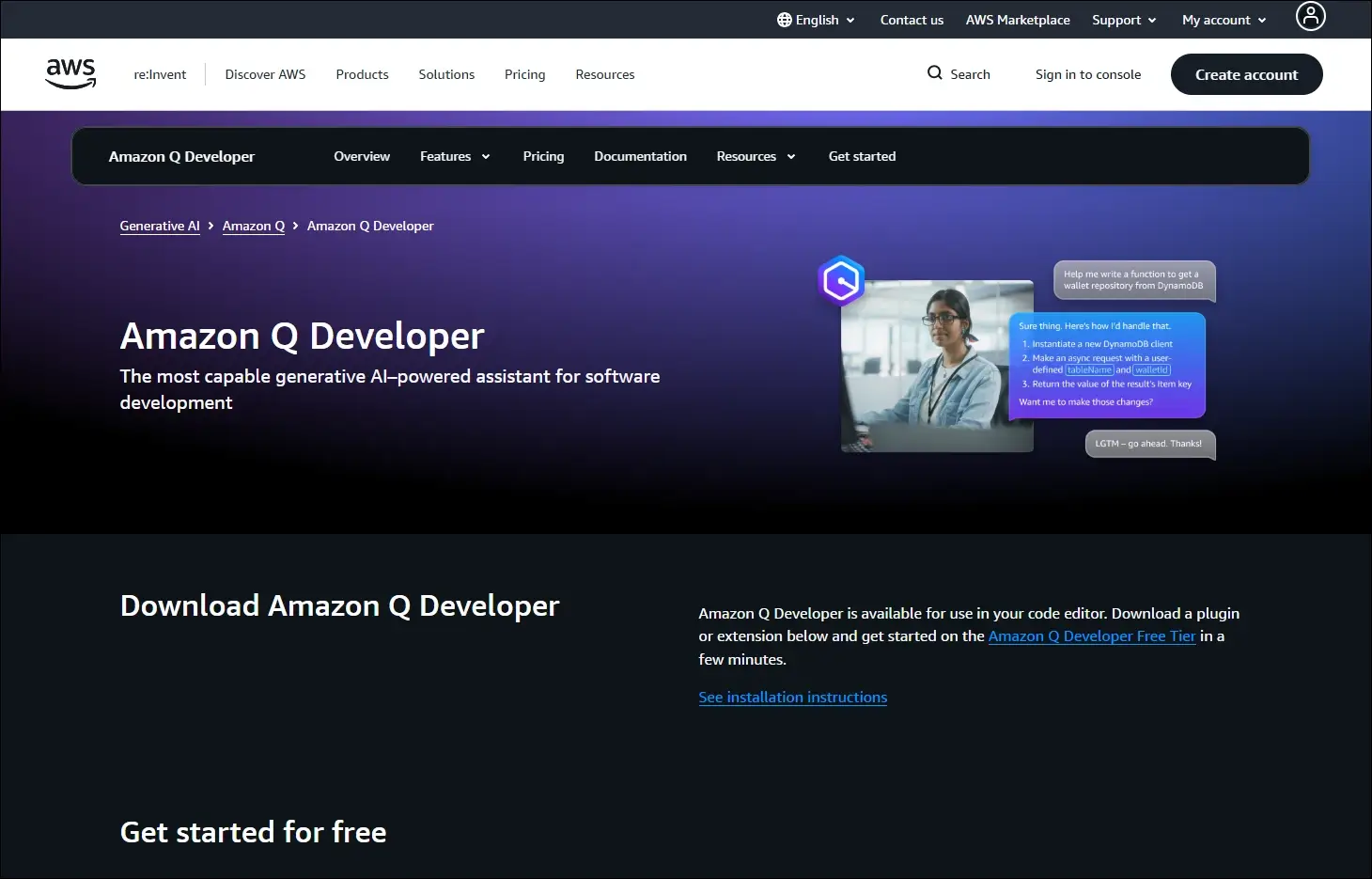
8. Amazon Q Developer

An AI assistant for software development that helps developers build, modernize, and operate applications, especially within AWS environments.

Amazon Q Developer

Ideal for:

  • AWS developers: Build and maintain cloud applications more efficiently.
  • Enterprise teams: Modernize applications and automate development tasks.

Core Capabilities:

  • Code generation: Creates code from natural language prompts.
  • AWS expertise: Assists with AWS services and cloud development.
  • Code transformation: Helps modernize existing applications.
  • Security scanning: Detects security issues in application code.
  • IDE integration: Provides AI assistance inside supported development tools.
  • Documentation support: Generates explanations and technical documentation.

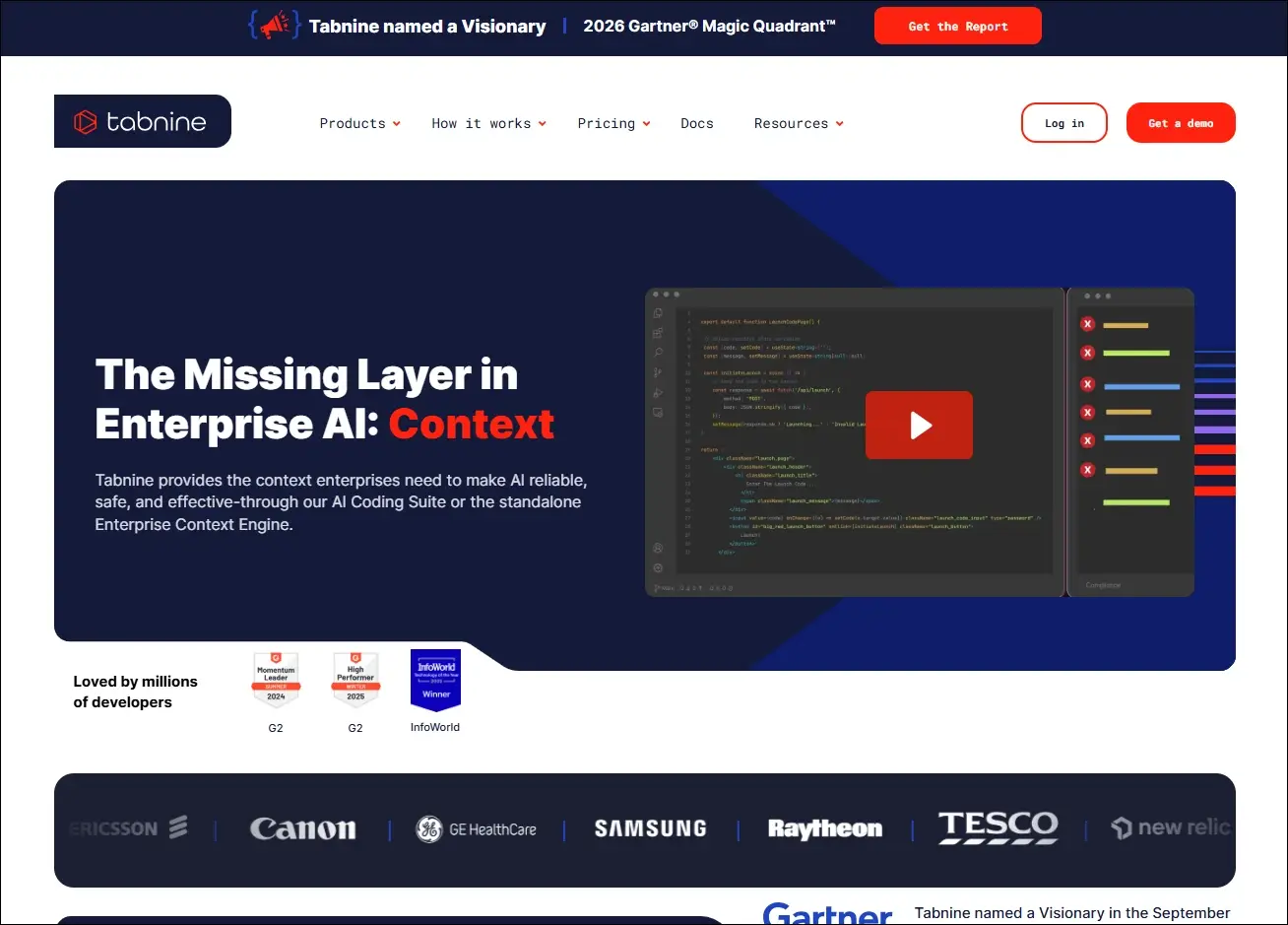
9. Tabnine

An AI coding assistant that delivers private, context-aware code completions with options for secure enterprise deployment.

Tabnine

Ideal for:

  • Professional developers: Speed up coding with personalized AI suggestions.
  • Security-focused organizations: Use AI coding assistance with private deployment options.

Core Capabilities:

  • AI code completion: Suggests context-aware code as developers type.
  • Private deployment: Supports self-hosted enterprise environments.
  • Team customization: Learns from organization-specific code patterns.
  • IDE compatibility: Integrates with popular development environments.
  • Natural language generation: Generates code from written instructions.
  • Privacy controls: Offers configuration options for enterprise security needs.

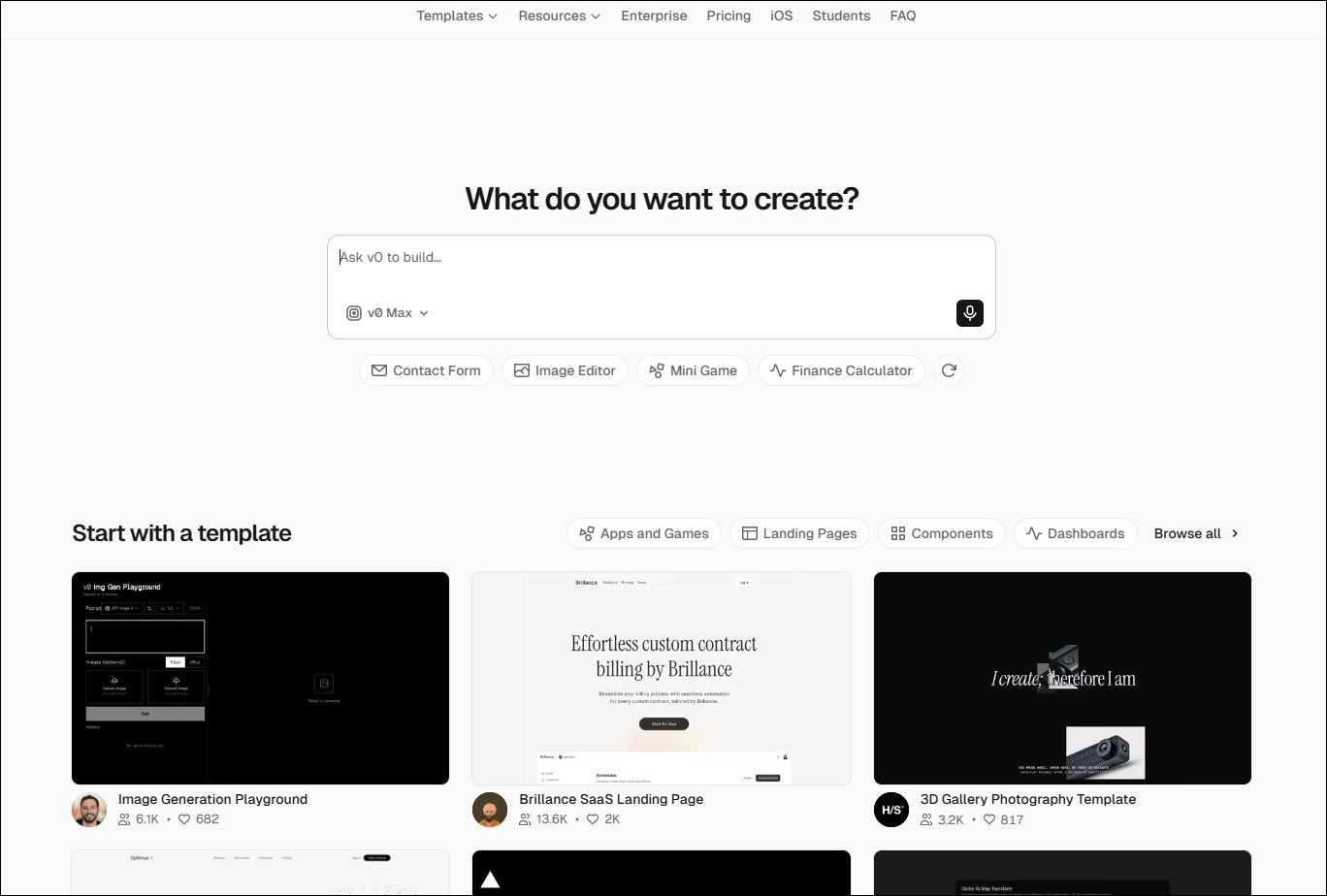
10. v0 by Vercel

An AI-powered interface generation tool that creates React-based user interfaces from natural language prompts.

Ideal for:

  • Frontend developers: Generate UI components more quickly.
  • Product designers: Turn interface ideas into working frontend code.

Core Capabilities:

  • UI generation: Creates React components from text prompts.
  • Design iteration: Refines interfaces through conversational editing.
  • Framework support: Generates components compatible with modern frontend frameworks.
  • Responsive layouts: Produce mobile-friendly interface structures.
  • Code export: Allows generated code to be used in existing projects.
  • Component customization: Updates layouts and styling through prompts.


Look at the table below to get a clear understanding of the best AI coding agents: 

AI Coding Tool  Primary Focus  Best For  Core Strength  What Makes It Different  Development Environment 
Cursor  AI-first code editing  Full-stack developers  Multi-file AI editing  Built as an AI-native editor  Desktop IDE 
Windsurf  Autonomous AI development  Large engineering teams  Cascade AI agent  Plans and executes coding tasks  Desktop IDE 
GitHub Copilot  AI pair programming  Everyday software development  Inline code completion  Deep GitHub integration  IDE extensions 
Claude Code  Terminal-based coding  Backend & DevOps teams  Repository-wide reasoning  Works directly from the CLI  Command line 
Replit  Cloud app development  Students & startups  Build and deploy in browser  No local setup required  Browser-based IDE 
Qodo  Code quality & testing  Engineering teams  AI code reviews  Focuses on testing over code generation  IDE & Git repositories 
Amazon Q Developer  AWS development  Cloud engineers  AWS-aware coding assistance  Built specifically for AWS workflows  AWS & IDEs 
Tabnine  Secure code completion  Enterprise organizations  Private AI suggestions  Self-hosted deployment available  IDE extensions 
v0 by Vercel  Frontend UI generation  Frontend developers  Prompt-to-React components  Creates production-ready UI code  Browser 
ChatGPT  General AI coding assistant  Developers of all levels  Coding, debugging & planning  Broad programming knowledge across languages  Web, desktop & IDE integrations 

How to Integrate AI Into Development Workflow?

Businesses can introduce AI into development workflows in a structured way to improve productivity without compromising code quality or control.

1. Choose Tools That Fit Your Workflow

Select AI coding tools that work smoothly with your IDE, repositories, and development processes. Use different tools for coding, planning, testing, and documentation when required.

2. Divide Work Into Clear Tasks

Give AI small, specific tasks instead of asking it to build entire applications. Clear instructions and relevant context help teams receive more accurate results.

3. Use AI Across Development Stages

Apply best AI coding agents during planning, coding, testing, documentation, and code reviews. This approach helps teams improve consistency and reduce delays across the development lifecycle.

4. Keep Developers in Control

Developers should review, test, and validate every AI-generated output before deployment. Teams must also protect sensitive data and follow security rules when using AI tools.

Ready to Strengthen Your Development Process With AI?

AI coding tools can improve development speed, testing, code quality, and team productivity when businesses implement them with a clear strategy. The right AI development service helps organizations adopt secure, scalable solutions that support their existing systems, workflows, and long-term software goals.

Mindpath helps businesses plan, build, and integrate AI-powered solutions for modern software development. Our experienced team understands your requirements, identifies practical opportunities, and develops solutions that deliver measurable value. Contact Mindpath today to discuss your AI development needs and explore the right approach for your business.