A Comprehensive Guide to Hire WordPress Developer

Home

A Comprehensive Guide to Hire WordPress Developer

A Comprehensive Guide to Hire WordPress Developer

Learn how to hire the ideal freelance WordPress developer with our guide. From defining needs to securing the right talent, ensure a high-performance website.

Join our Newsletter!

Hire wordpress developer

You have a great business idea and you just discovered that WordPress can help you build high-quality websites from scratch. Would you go for the DIY approach or choose an expert for the job? Many would choose to hire WordPress developer with the skills required to take up your project. With a large pool of WordPress developers in the world, it is difficult to navigate the hiring process.

The right WordPress developer can change the course of your web project with their skills to utilize available resources in the most efficient way. You may be launching a new site or switching your existing site to WordPress and in every case, you will need skilled developers to do the job. This guide will help you understand the hiring process for bringing a skilled WordPress developer to your team.

Ready to transform your online presence with a website designed to grow your business? At Mindpath, we offer expert WordPress development services to customize high-performing websites that drive your growth.

Unraveling the Reasons to Hire a WordPress Developer

The first thought that might come to your mind when conceptualizing a web project is the availability of website builders. You can use the ‘drag-and-drop’ features of website builders to create a website from scratch with preset themes. Why should you hire dedicated WordPress developers when you can do it on your own? When your website grows, you will need more features, specific design elements or better performance. Therefore, you cannot ignore the importance of a WordPress developer in the modern digital landscape.

You can rely on a professional developer to tailor the design of your website in a way that reflects your brand identity. Developers can add new features without relying solely on plugins and scale up your website as your business grows. Experienced developers also ensure that your website design is optimize for mobile devices and search engines. With the intervention of custom  WordPress development experts, you can create websites that work seamlessly on all types of devices and are more visible on search engines.

The next prominent advantage of WordPress experts for hire in any region is the assurance of security. Developers can take care of the security best practices, such as cleaning the code, using secure plugins and creating custom login URLs. In addition, you can rely on WordPress development professionals for ongoing maintenance and support services to keep your website running according to your expectations.

Also Read: Safeguarding WordPress Vulnerabilities

How Many Types of WordPress Developers are there?

Hiring professionals for WordPress development is quite difficult as you have to identify the right person for the role. Depending on the requirements of your project, you will have to hire the type of developer who will be the right fit for the project. While looking for expert WordPress developers, you must know that there are five distinct types of WordPress development experts.

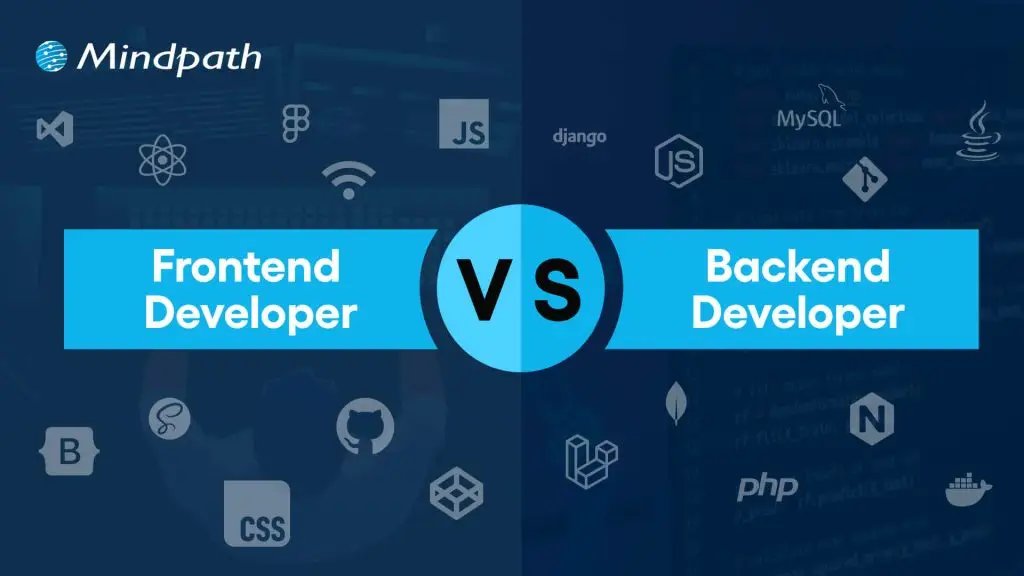
The frontend developers work on user interface and design of websites with the help of JavaScript, HTML and CSS. Backend developers are responsible for creating the server-side logic, functionalities and managing database of the website with PHP and MySQL. If you need someone who can do both, then you should hire a full-stack developer.

The other notable types of WordPress development experts you will come across are WordPress theme developers and plugin developers. WordPress theme developers specialize in creating and customizing WordPress themes that you can use for your website. Similarly, WordPress plugin developers help in creating custom plugins that can help you add new features in a website.

What Does a WordPress Developer Do?

Anyone with general knowledge about WordPress would know that creating websites with WordPress doesn’t require coding. However, businesses want to hire WordPress programmers with design skills who can take care of their web projects. As a WordPress developer, you will have to fulfill various responsibilities that require programming skills. For instance, WordPress developer writes the code required to customize core WordPress files.

The WordPress developer is also responsible for testing and debugging the core WordPress software. In addition, developers have to update WordPress websites on a regular basis while working with different stakeholders. Another crucial responsibility of a WordPress developer revolves around creating WordPress themes and plugins according to client requirements.

Curious if your WordPress site is using the right PHP version for best performance and security? Our WordPress PHP Compatibility Guide will help you stay aligned with best practices and avoid technical issues.

Which Skills Should You Look for In a WordPress Developer?

The common thing about every business looking for a WordPress developer is that everyone wants the best professionals. How can you identify a WordPress expert from the crowd of applicants? Recruiters should have a candidate profile that helps them identify the essential skills required from a WordPress developer for their web projects.
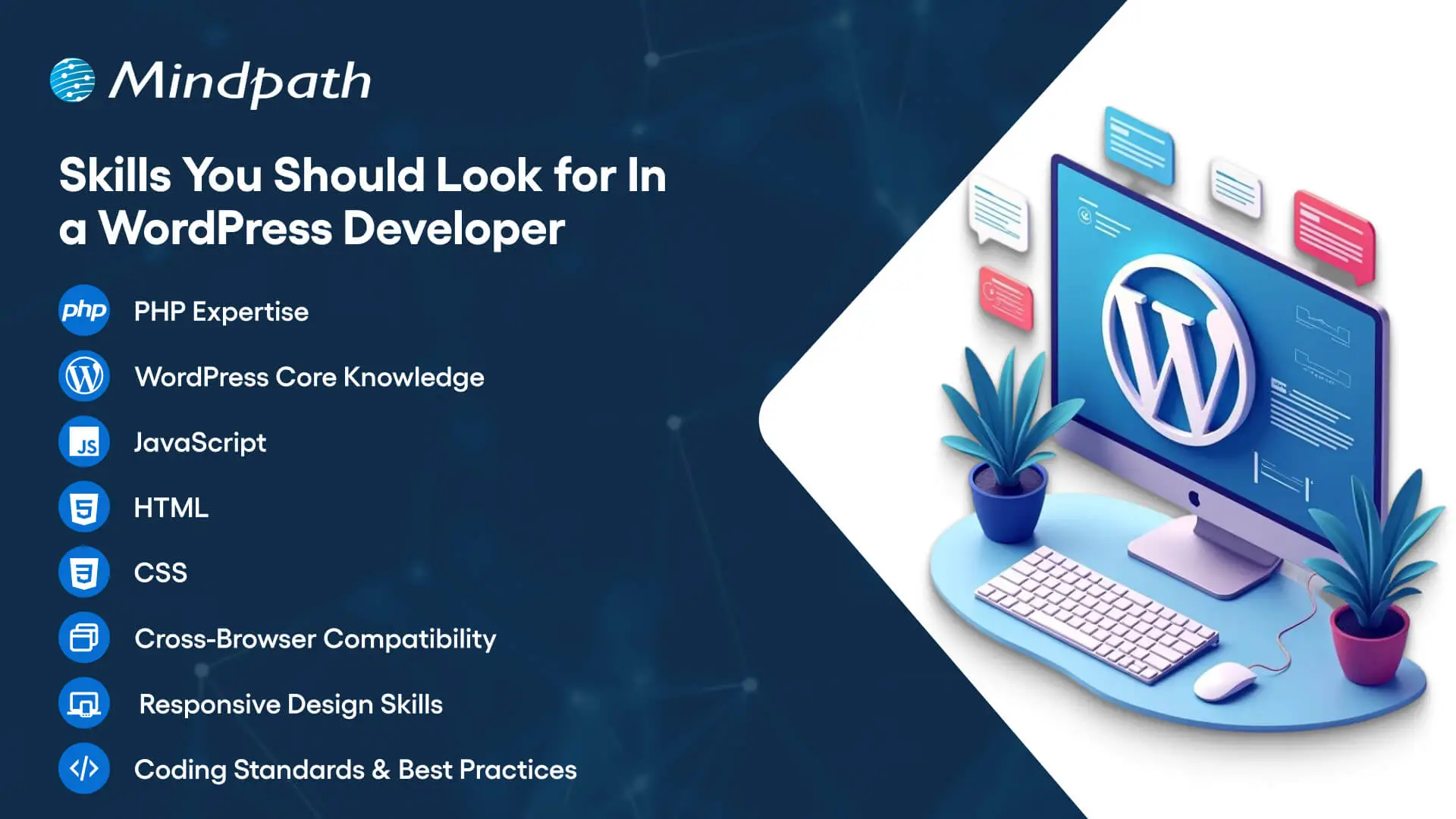
Skills You Should Look for In a WordPress Developer

You should focus on the core competencies first to identify professionals who are capable of leveraging the capabilities of WordPress.

1. A skilled WordPress developer must be fluent in PHP, WordPress core, JavaScript, HTML and CSS.

2. The wordpress developer should have in-depth understanding and practical experience in building WordPress themes and plugins.

3. The core competencies of WordPress development experts also revolve around skills for ensuring cross-browser compatibility and responsive design.

4. A WordPress developer is expected to know the coding standards and best practices for WordPress development.

Ready to make your hiring process smooth and avoid picking the wrong developer? Our WordPress Developer Checklist gives you a clear, step-by-step framework to evaluate every candidate.

Are Core Competencies Enough for a WordPress Developer?

The core skills required from a WordPress developer showcase only one half of the picture. Recruiters must also look for candidates with additional skills that can bring more value to web projects. Business can hire remote WordPress developers or dedicated in-house experts after checking their capability to go beyond the norm. Candidates who know more than the core skills of a WordPress developer can take care of different aspects of web projects with minimal assistance.

You should look for candidates with experience in version control and performance optimization. On top of it, a WordPress developer who has in-depth understanding of SEO principles can be a valuable asset. The other additional skills that you can look for in a WordPress developer include familiarity with SQL and database management. Candidates with knowledge of working with WordPress REST API and RESTful APIs will definitely elevate the chances of creating better web projects.

While technical skills are a must-have for WordPress developers, it is impossible to ignore the importance of business acumen and soft skills. Any WordPress developer with business acumen can understand the vision and goals of a web project. In addition, they also need soft skills like communication and time management to work in a team and deliver their best performance.

Unsure if your WordPress site meets accessibility standards for all users? Explore our article on how to improve WordPress web accessibility and ensure your site is usable by everyone.

Which Hiring Model Should You Choose?

Diving straight into the hiring process without choosing a hiring option can lead recruiters into many roadblocks in future. Business owners and hiring managers must know the strengths and setbacks of each hiring model to figure out the ideal option for their web project. You can hire freelance developers or opt for an in-house developer and capitalize on different advantages. For instance, freelance developers are the best picks for web projects of small companies or startups. Freelance developers can work on tight budgets and serve as the most efficient assets for one-time web development projects.

The freelance hiring model may seem appealing due to the lower costs than hiring a dedicated in-house developer. However, many people don’t pay attention to the limitations that come with freelance developers. It is difficult to manage freelancers as they may be working with multiple clients and could not deliver your project on time. The alternative to a WordPress freelancer is an in-house developer who will work in your office. In-house developers understand your business goals and customer expectations more closely, which helps them create effective products.

You may have assumed that an in-house WordPress developer will be the ideal choice for your next web project. The problem with in-house developers is the cost and time required to welcome them into your team. Apart from the costs of salary and infrastructure, you will have to bear the burden of time required for onboarding an in-house developer.

Interestingly, you can find a solution to this setback in professional WordPress development agencies. Professional agencies offer access to a team of developers with full-stack development expertise and the assurance of project management. With a professional agency, you don’t have to worry about overheads or continuous maintenance and support.

Looking to scale your web project without long-term commitments? Check out our guide to hire a freelance full-stack developer and discover how to find skilled freelancers who meet your needs.

What are the Costs of Hiring WordPress Developers?

The type of hiring model you choose to hire expert WordPress developers for your web project will have a significant impact on the hiring costs. On top of it, you must also consider the location and experience of the developer to determine the hiring costs. It is also important to note that businesses can choose between hourly pricing and fixed pricing for different hiring models. For instance, a freelancer will charge around $20 to $100 per hour for their services or take a salary of $65,000 to $70,000 per year for different projects.

The location where a WordPress developer will work also has a significant influence on the hiring costs. The average WordPress developer salary in the United States varies between $42,000 and $103,000. On the other hand, the salary of a WordPress developer in Australia can be somewhere between $91,000 and $179,000. It is also important to note that the salary of WordPress developers may vary with changes in demand for talent and complexity of projects. Awareness of salary ranges can help you ensure that you make the right offers to skilled candidates.

Must Read: WordPress vs Drupal Guide

Roadmap for Hiring an Expert WordPress Developer

Once you know what you are looking for, the search for a skilled WordPress developer becomes a lot easier. You can follow a few simple steps to establish a solid hiring process for WordPress development projects.

1. Know Your Business Goals

The first step in the hiring process involves understanding that you are not listing WordPress jobs to follow a trend. You must identify the problems you want to solve with the help of a WordPress developer. Understanding your problems and business goals will help you identify developers with the skills required to solve them.

2. Establish a Clear Budget

Another area where you should be very clear while hiring WordPress development experts is the budget. As a matter of fact, your budget will determine the type of hiring model that will suit your project. The important factors that help you define a budget for web projects include the scope of the project and its complexity. On top of it, the experience of developers will also come into play as you will have to pay more to senior developers.

3. Rigorous Testing and Interview Process

The most common mistake recruiters make while hiring a WordPress developer is the lack of attention to the testing and interview process. You should use different types of tests to evaluate the proficiency of candidates in PHP, HTML, JavaScript and SQL. The best way to test the technical proficiency of candidates involves providing hands-on assignments. Furthermore, the interview process should be more sophisticated with questions to evaluate the business knowledge and soft skills of candidates.

4. Finalize the Hiring Process

After identifying the right candidate for your WordPress project, you can complete the hiring process. It is important to create verified contracts that include comprehensive details about the project scope, terms of payment and timeline of the project. The hiring contract must also specify the clauses of confidentiality, ownership rights and terms of contract termination. With both parties agreeing to the contract, you can finalize the hiring process and welcome the developer into your team.

Ready to upgrade your HTML site to something more powerful and manageable? Explore why converting HTML to WordPress can streamline updates and improve your online presence.

Ready to Hire the Right WordPress Developer for Your Project?

The benefits of working with a professional WordPress developer can elevate your web project. You can hire offshore WordPress developers or choose an in-house developer for your team, depending on your requirements. However, the process to choose the ideal candidate for WordPress development projects remains the same in almost every case.

Mindpath is a trusted WordPress development company that has been helping businesses discover new solutions to a better digital presence. Our experience in working on different types of WordPress development projects has empowered us with the skills and confidence to deliver the best results. We offer WordPress development services tailored to the needs and vision of each business, thereby ensuring that you get desired outcomes from your web projects. Consult with us and make the most of WordPress for web development projects now.


Related Post

what is a chabot

In this fast-paced world of business, companies are actively seeking smarter tools to improve customer service and communication. Chatbots are one of the most common, and a great way to get attention. If you have engaged with a virtual assistant on a website, chances are that you have seen it in action. So, what is a chatbot? You may have wondered about this when you are chatting with a brand online or if you are shopping on a website where you are getting instant replies.

As these types of digital assistants proliferate, they are quickly becoming an essential aspect of how businesses operate in 2026. With faster response times and the ability to interact with multiple customers at once, it is no surprise that chatbots are altering how companies relate to their customers. In this blog, we will provide you with everything you need to know about chatbots including benefits, features and examples of chatbots in action.

Struggling to keep up with customer queries or deliver 24/7 support efficiently? Mindpath’s GenAI-driven chatbot development services can help you manage customer service and boost business performance.

What is a Chatbot in Simple Words?

A chatbot is an artificial intelligence (AI) software application that is designed to have human-like conversations. They use natural language processing (NLP) to understand what users are stating and respond in a way that feels natural in a conversation and is helpful. They can help with answering questions, can guide the user, and can perform some tasks.

Chatbots can be a part of a website, an app, a messaging app, or a voice assistant. AI chatbots help businesses communicate with customers 24/7. They can perform tasks like making bookings, solving common problems, and providing information. AI chatbots are invaluable tools for improving customer experience and communication.

How does a Chatbot Work?

Chatbots work by using artificial intelligence and natural language processing to understand what users are saying. When someone types or speaks to a chatbot, it reads the message and tries to figure out what the person wants. It does this by matching the message with words or phrases it already knows.

Once the chatbot understands the request, it picks the most suitable response and replies to the user. Some chatbots follow simple rules, while others learn from past conversations to improve over time. This process allows chatbots to provide quick and helpful replies in a natural and professional way.

What are the Benefits of Using AI Chatbots for Businesses?

AI chatbots are now widely used by businesses to improve customer interaction and automate routine tasks. Here are some of the key benefits of chatbot technology that can help boost your business:

benefits-of-ai-chatbots-scale

1. Improve Sales

Chatbots can increase sales by showing new products or offering special discounts to website visitors. They send helpful messages that guide users toward making a purchase. These bots also assist in product selection and order placement. This makes it easier for new visitors to become paying customers.

2. Lead Generation

Chatbots help gather leads even before a conversation starts. They ask visitors for basic details like name and email to begin the chat. They can also qualify these leads by asking relevant questions based on customer needs. This helps your sales team know who they’re speaking with and what the customer is looking for.

3. Boost Customer Engagement

Chatbots make online experiences more interactive and personal. Instead of searching through a website, users can chat and get instant answers. Bots reply with clear information based on user questions. This keeps customers engaged and helps them find what they need quickly.

4. Reduce Costs

Using chatbots is more affordable than hiring multiple support agents. They can handle many tasks like answering FAQs or booking appointments, which saves time and money. You’ll still need some team members, but bots make the process faster. This is especially helpful for managing high volumes without extra costs.

5. Understand Your Customers Better

As chatbots collect important customer data during conversations, they can also run surveys to check customer satisfaction. By reviewing these chats, businesses can find out what customers like or dislike. This feedback helps improve products and services over time.

Wondering why chatbots are becoming essential for modern businesses? Explore the top Benefits of Chatbots Every Business Leader Should Know and learn how they drive growth.

6. Fewer Support Requests

Chatbots handle many common questions, which reduces the number of queries sent to human agents. This helps agents focus on more complex issues. It also improves customer satisfaction by providing quick solutions. A chatbot for business can balance automation and personal support effectively.

7. Multilingual Support

Multilingual support allows chatbots to speak different languages. This is helpful if your business has customers from various countries. The bot can reply in the language your customer prefers. This makes a chatbot for small businesses and large companies more accessible to global audiences.

8. 24/7 Customer Support

Chatbots are always available, even when your team is offline. If someone is browsing late at night and needs help, the bot can step in. It can guide them to the right product or answer their questions. This leads to better customer service and more satisfied clients.

9. Lower Bounce Rates

Chatbots can keep users on your site longer by offering help when someone is about to leave. They provide answers or discounts that encourage people to stay. This improves your website’s engagement and SEO performance. Visitors feel supported and are more likely to explore further.

10. Boost Marketing

Marketing chatbots can suggest products, offer deals, and guide customers through the buying process. They also collect useful data for future campaigns. One of the ideas can be a spinning wheel offering discounts, which encourages users to buy. This creates an engaging and effective marketing strategy.

How can conversational AI take your customer engagement to the next level? Explore the power of Conversational AI Chatbots for Business Growth and discover how they drive results.

Real-World Use Cases of Chatbots

Chatbots are being used across many industries to simplify tasks and improve customer experiences. Here are some real-world chatbot examples that show how businesses are using them effectively for different needs.

use-cases-of-chatbots-scale

1. Help Customers Book Tickets Easily

A chatbot can answer common questions like seat availability, movie timings, and refund policies while guiding users to book tickets smoothly. PVR Cinemas uses this on their website to help visitors quickly complete bookings and check offers.

2. Make Customer Experience More Engaging

Chatbots can add personality by offering quizzes, jokes, and product suggestions in a fun and helpful way. LEGO’s chatbot Ralph helps users find the right gift through playful questions and interactive chat.

3. Handle Event-related Queries at Scale

When thousands of people need answers about an event, a chatbot can respond instantly with details like schedules, speakers, and directions. Slush uses one to manage large volumes of attendee questions efficiently on their event site.

4. Assist With Product Searches and Suggestions

A chatbot can search inventory and offer personalized product recommendations based on customer preferences. Sephora’s chatbot does this well by guiding users to suitable makeup products and checking stock availability.

5. Provide Updates on Orders and Shipping

Instead of navigating emails and websites, customers can enter their order ID in a chatbot to get instant shipping updates. H&M allows shoppers to track their deliveries directly through its chatbot.

Thinking about Using Chatbots to Elevate Customer Experience?

Chatbots are transforming how businesses interact with customers by offering fast, helpful, and personalized service. From booking tickets to answering questions, these tools simplify tasks and improve user satisfaction. With so many benefits, it’s no surprise that more companies are embracing chatbot technology to stay ahead in 2026.

At Mindpath, we offer custom chatbot development tailored to your business goals. Our chatbot development services are designed to help you improve customer interactions, increase engagement, and streamline operations. Whether you need a simple support bot or a fully integrated solution for sales, marketing, or service, our expert team builds smart, reliable chatbots that deliver real results.

Frequently Asked Questions

1. How can a chatbot improve customer experience on a website?

A chatbot improves customer experience by offering instant responses, guiding users to the right information, and reducing wait times. It creates a smooth journey by helping visitors find what they need quickly, which increases satisfaction and encourages them to stay longer on the website.

2. What is a chatbot used for in daily business operations?

A chatbot is used for handling routine tasks like answering FAQs, booking appointments, collecting customer data, and assisting with purchases. It helps teams save time by automating repetitive work while ensuring customers receive quick and consistent support throughout their interaction.

3. Can chatbots work effectively for both small and growing businesses?

Yes, chatbots are useful for both small and growing businesses. They help manage customer queries without needing a large team, making operations more efficient. As the business grows, chatbots can scale easily to handle more interactions without increasing costs significantly.

4. What should businesses consider before implementing a chatbot?

Before implementing a chatbot, businesses should define clear goals, understand customer needs, and choose the right type of chatbot. It is also important to plan integration with existing systems and ensure proper testing to deliver a smooth and effective user experience.

5. What is a chatbot’s role in improving website engagement?

A chatbot plays an important role in keeping users engaged by starting conversations, offering assistance, and providing relevant suggestions. It reduces bounce rates and encourages interaction, helping businesses create a more interactive and user-friendly website experience that keeps visitors interested.

AI and Cloud Computing

The modern-day digital development depends on the intelligence, scalability, and flexibility advancing concurrently. This transformation is driven by AI and cloud computing, which help companies to make more efficient decisions by analyzing data faster. Executives see visible improvements in operations, products and customer experience. Consequently, the subject of conversation is not just trends but actually implementation. Teams want to have systems that learn, adapt and spur growth with minimum friction or delays.

With the increased adoption, there are heightened expectations in every industry. Decision makers want to have clarity, control and enduring value. They have to strike a balance between innovation and stability and cost consciousness. Additionally, it depends on choosing the correct strategy at the initial stage to succeed. Strategy is crucial and so is the technology. So, in this blog, we shall analyze the major advantages and the best practices of AI and cloud computing.

Keep reading further to learn more about this strategic synergy!

Want to optimize your business operations and scale effortlessly with the cloud? Mindpath offers cloud-managed services to provide secure, efficient, and fully managed cloud solutions.

Understanding the Core Fundamentals of AI and Cloud Computing

Artificial Intelligence (AI) facilitates machines to carry out tasks that would otherwise be carried out by human intelligence. It studies based on data, reasoning, identifies patterns, and comprehends language. Some of these major fields are machine learning, deep learning and natural language processing. AI helps companies to increase their efficiency, create smarter tools, and discover insights. Artificial intelligence and cloud computing tend to collaborate in order to improve outcomes.

Cloud computing involves computing resources, which include servers, storage as well as software offered via the Internet. It allows businesses to scale fast, pay as per their usage and access services anytime. The basic models include IaaS, PaaS and SaaS. This adaptability reduces the cost, accelerates the development, and supports the contemporary applications.

AI applications run effectively and successfully on cloud computing. AI and cloud computing go hand in hand to develop smarter and quicker systems. Cloud provides scalable storage and high-performance computing of AI models. AI will introduce intelligent cloud services via analytics, automation and optimization of resources. They all facilitate chatbots, predictive insights, and data analysis. The companies can operate cloud-based AI to take advantage of more advanced AI tools without substantial initial expenses and data analysis. Companies can access advanced AI tools on cloud platforms without huge upfront costs.

Looking to streamline cloud operations with intelligent solutions? Explore AI tools for DevOpss to see how automation and analytics optimize development and deployment workflows.

Key Benefits of AI Cloud Computing

AI and cloud computing are transforming the world of business and technologies. They open up fresh opportunities of development, productivity, and better decision making. Organizations look into how to make use of this combination. These are the best advantages that companies can embrace to remain competitive.

key benefits of AI Cloud Computing

1. Faster Data Insights

AI and cloud computing have excellent assistance in analyzing large data sets within a short period of time. Businesses bridge the data sources at ease and identify patterns that can make better decisions. This pace facilitates planning and minimizes guesswork in the operations.

2. Smarter Cost Control

AI and cloud computing minimize excessive expenditure on computers and their support. Businesses purchase resources as they consume and spend as demand increases. This strategy maintains flexible and predictable budgets.

3. Intelligent Automation

AI and cloud is used to automate repetitive workflow processes. Systems acquire knowledge and enhance processes through time. Teams are more strategic oriented as operations proceed normally.

4. Flexible Scaling Power

With AI and cloud computing, scaling up and down of resources is done on demand. Businesses either expand or contract without hesitation. This scalability helps in the development and unexpected increase in workload.

Must Read: Cloud Computing Trends

5. Easy Access to AI Tools

Cloud services provide ready-to-use AI services to business needs. Teams combine analytics, language processing, and vision tools within a short period of time. In combination, cloud computing and artificial intelligence eliminate technical restrictions.

6. Stronger Security Oversight

Cloud systems that operate based on AI keep a constant watch on activity. They identify threats at an early stage and react quicker to threats. This enhances security without retarding processes.

7. Better Data Management

Cloud services are an easy way of organizing, storing and retrieving data. AI assists in the automation of information classification and management. Companies have smarter data to analyze and report.

8. High Performance Computing

Artificial intelligence workloads require resources with high computing capabilities to operate. The cloud platforms offer on-demand GPUs and fast processors. Businesses deal with complicated activities that are not heavily capitalized.

Planning to deploy AI solutions at scale in the cloud? Explore cloud security tools to see how modern technologies secure AI pipelines and cloud infrastructure.

Best Practices for Implementing AI in Cloud Computing

AI and cloud computing need a more explicit and deliberate way of developing real value. Before adopting systems, teams need to plan, set goals and prepare systems. Technology is as important as strategy. These best practices demonstrate the way to apply AI in cloud computing in an effective and responsible manner.

Best Practices for Implementing AI in Cloud Computing

1. Select a Trusted Cloud Provider

Select a provider with the track record of working with AI and cloud services. Assess its standards of reliability, scalability, and compliance. Powerful partner will facilitate safe expansion and stable long-term operations.

2. Prioritize Data Privacy and Security

Encrypt and implement control access to sensitive information. Review security policies on a regular basis in order to minimize risks. High level of security instills trust in cloud systems and AI.

3. Define Clear AI Capabilities and Limits

Know what AI is capable of providing under the circumstances of the quality of the data. Track models regularly in order to identify bias or performance problems. Good expectations can make teams use AI in a responsible and effective way.

Also Read: Cloud Computing Attacks

4. Establish Ethical AI Practices

Instruct employees on how to use AI fairly, transparently, and accountably. Ethical consciousness results in an improved decision-making process within teams. Conscientious operations enhance the confidence of cloud-based AI.

5. Monitor Performance and Business Impact

Monitor behavior and business performance of the track systems. Assess value through measurement of efficiency, accuracy and cost. Consistent reviews help to maintain AI and cloud investments in accordance with the objectives.

6. Prepare for Future Innovation

Anticipate changing regulations and elements of technology. Architecture Software Build scalable systems, which welcome upgrades and additional features. A visionary roadmap would guarantee success in the long term with AI and cloud computing.

Wondering how AI applications can scale efficiently in the cloud? Check out serverless architecture in cloud computing to learn how server-free designs enable faster, cost-effective, and scalable deployments.

Ready to Turn AI and Cloud Computing into Real Business Value?

Artificial intelligence and cloud computing are transforming the nature of modern business development, competition, and innovation. They allow making smarter decisions, executing them faster, and operating flexibly together. It takes proper planning, excellent data, and responsible usage in order to be successful. By linking technology to the objectives of the firms, companies mitigate risk and create value in the long term. The approach will assist teams to develop systems which are adaptable, scalable and perform well.

Mindpath AI cloud services assist companies to embrace AI clearly and confidently. Our professionals develop safe and scalable solutions which are practical to the business requirements. We put an emphasis on performance, ethics, and quantifiable results. Mindpath provides organizations with a dependable service in terms of planning, deployment, and optimization. Our strategy will make AI and cloud computing produce useful outcomes and not complications.

Support Is One Click Away

Featured Posts

Related Post