Home

10 Affordable AI Solutions for Small Businesses

10 Affordable AI Solutions for Small Businesses

Join our Newsletter!

affordable ai solutions

Artificial intelligence is no longer reserved for large enterprises with massive technology budgets. Today, affordable AI solutions help small businesses automate routine work, improve customer experiences, and make smarter decisions without significant upfront investment. As AI becomes more accessible, business owners are discovering practical ways to compete more effectively while keeping operational costs under control.

Key Takeaways

  • 01
    Affordable AI solutions help businesses automate operations without increasing overall costs.
  • 02
    Choosing AI software depends on business goals, workflows, and future scalability needs.
  • 03
    Starting with one high-impact AI use case reduces implementation risks significantly.
  • 04
    Integration, security, and usability are essential when selecting AI business software.
  • 05
    Custom AI solutions deliver greater value as business operations become more complex.

Choosing the right AI solution can feel challenging because countless tools promise faster growth and better efficiency. The real value comes from selecting technologies that solve genuine business problems and support long-term success. In this blog, explore 10 affordable AI solutions for small businesses. So, let’s keep reading further!

Looking to automate complex business processes with AI? At Mindpath, Mindpath offers Agentic AI Development Services to create custom AI agents that boost efficiency.

Why Small Businesses are Investing in Affordable AI Solutions?

Small businesses are embracing AI because it delivers practical results without requiring large investments or complex technology teams. From improving productivity to enhancing customer experiences, modern AI tools help businesses operate more efficiently and grow with confidence. These benefits also make AI solutions for startups an attractive choice for building a strong competitive advantage.

1. Automating Repetitive Tasks

AI handles repetitive work that consumes valuable business hours. Teams can focus on strategic activities instead of routine administration. Productivity improves without increasing operational costs.

2. Delivering Better Customer Service

Customers expect quick responses throughout the day. AI-powered support helps businesses answer common questions anytime. This creates faster service and better customer satisfaction.

3. Improving Marketing Efficiency

Creating quality marketing content requires significant time and effort. AI simplifies content creation and campaign planning. Small businesses can maintain consistent marketing with fewer resources.

4. Making Smarter Business Decisions

Business data becomes more valuable when it is easy to understand. AI analyzes trends and highlights meaningful insights. Better decisions become faster and more confident.

5. Strengthening Business Security

Cyber threats continue to affect businesses of every size. AI identifies unusual activities before they become serious problems. This improves security without expensive infrastructure.

How to Choose the Right AI Software for Your Small Business?

Selecting the right AI software for small businesses depends on your goals, budget, and daily operations. A solution that aligns with your workflows delivers greater efficiency, faster adoption, and long-term business value.

1. Identify Your Biggest Challenge

Start by identifying the tasks that consume the most time and reduce productivity. Choosing low-cost AI solutions for specific challenges delivers faster results and better value.

2. Check Software Integration

Select AI software that integrates seamlessly with your existing business applications. Smooth integration reduces manual work and improves overall operational efficiency.

3. Evaluate Ease of Use

Choose software with a simple interface that your team can learn quickly. Easy-to-use tools encourage faster adoption and improve daily productivity.

4. Assess Overall Costs

Compare subscription fees, implementation expenses, and future scaling costs before making a decision. Free trials can help you evaluate value before investing.

5. Prioritize Security and Compliance

Ensure the AI platform follows strong security standards and protects sensitive business data. A secure solution helps maintain customer trust and regulatory compliance.

10 Affordable AI Solutions for Small Businesses

The right AI solution can help small businesses improve productivity, reduce costs, and deliver better customer experiences. Many of the best AI tools for startups are now affordable, making AI adoption easier than ever.

1. ChatGPT

ChatGPT is a conversational AI assistant that helps businesses create content, analyze information, automate workflows, and improve productivity. It supports everyday business tasks with natural language interactions, making AI accessible for teams of any size.

Best for: Content creation, research, customer support, and everyday business productivity.

Key Features

  • Generates blogs, emails, and marketing copy
  • Summarizes documents and meeting notes
  • Assists with customer support responses
  • Analyzes data and extracts insights
  • Supports custom GPTs for business workflows

2. Microsoft 365 Copilot

Microsoft 365 Copilot brings AI directly into Word, Excel, Outlook, Teams, and PowerPoint. It helps businesses complete daily work faster while improving collaboration and decision-making.
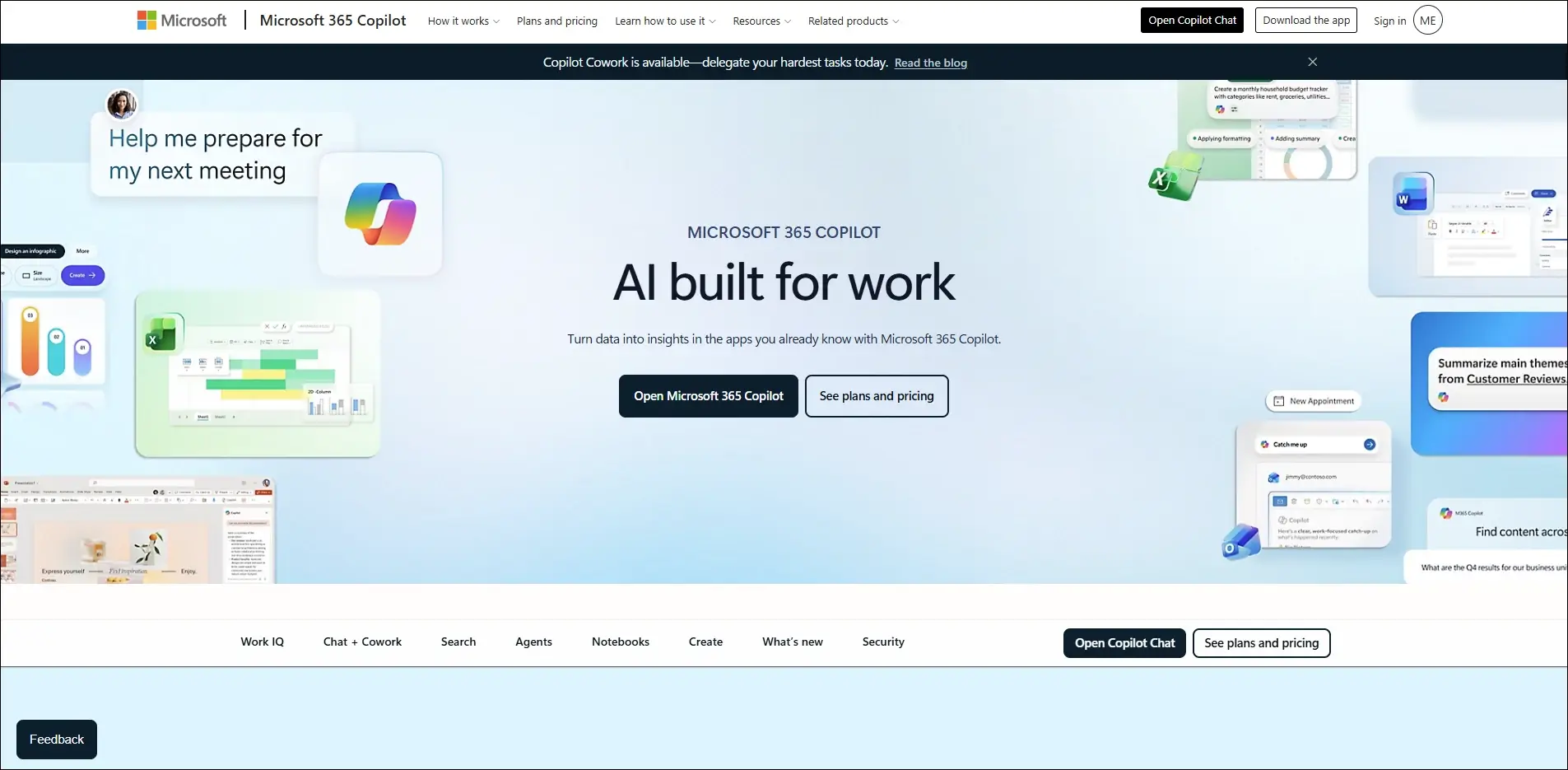
Best for: Automating daily office tasks across Microsoft 365 applications.

Key Features

  • Drafts documents and emails
  • Creates PowerPoint presentations
  • Analyzes Excel data
  • Summarizes Teams meetings
  • Automates repetitive office tasks

3. Canva AI

Canva AI simplifies graphic design by generating professional visuals, presentations, and marketing assets within minutes. It enables small businesses to produce high-quality creative content without advanced design skills.
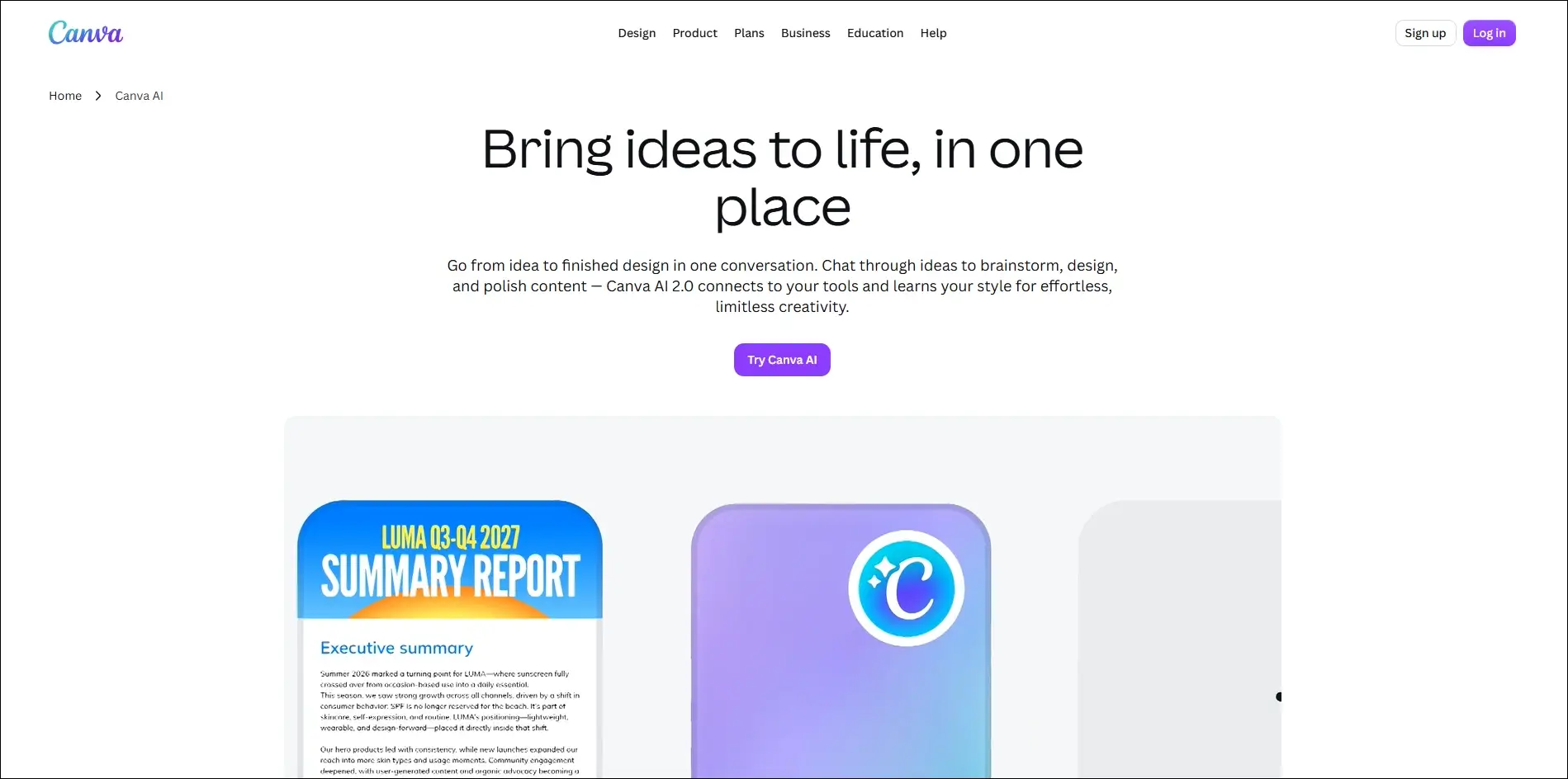
Best for: Creating professional marketing designs, presentations, and social media graphics.

Key Features

  • AI image generation
  • Magic Design templates
  • Background removal
  • AI-powered presentation creation
  • One-click content resizing

4. GitHub Copilot

GitHub Copilot is an AI coding assistant that helps developers write, complete, and optimize code faster. It improves software development productivity while reducing repetitive programming tasks.
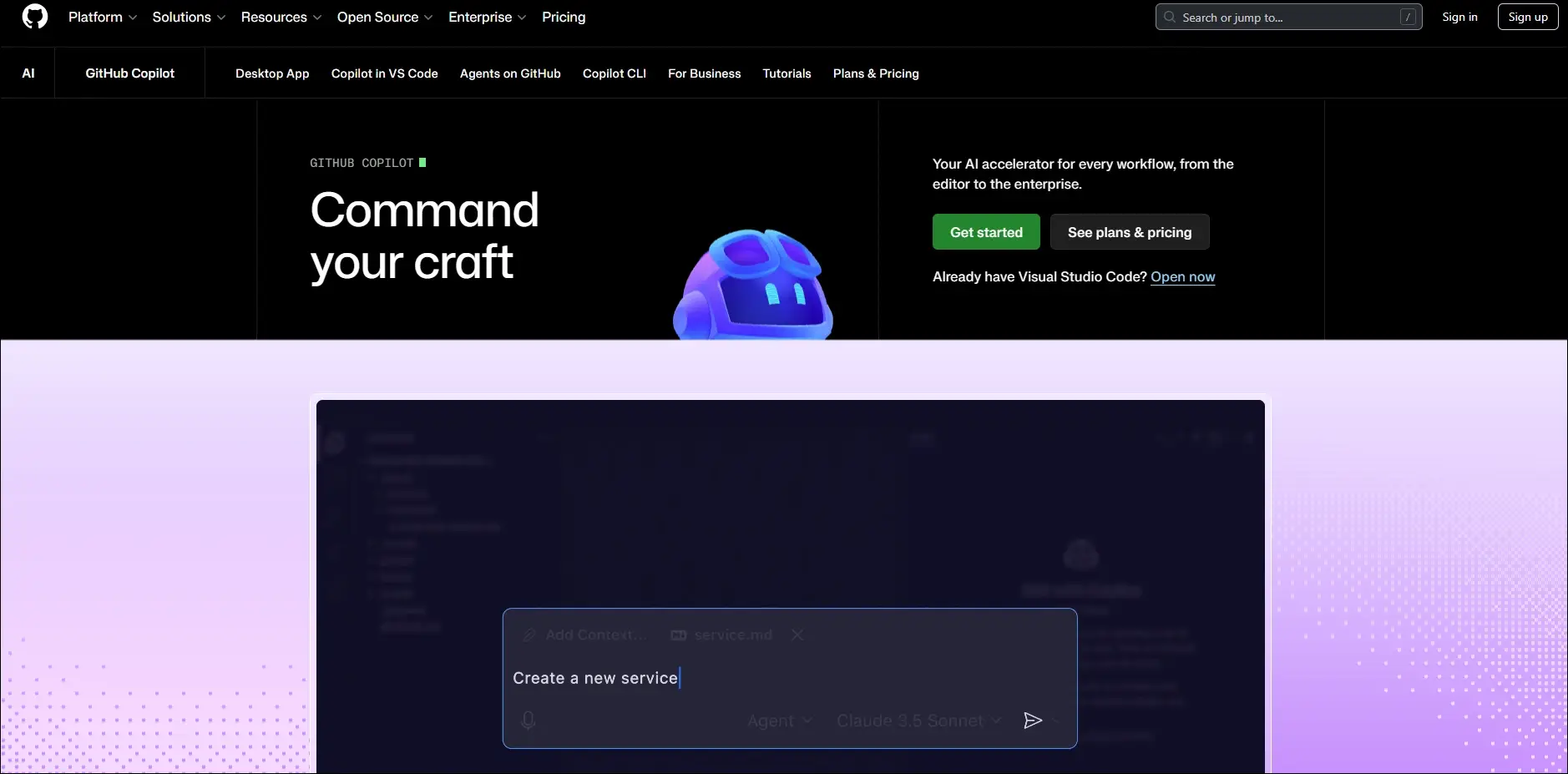
Best for: Accelerating software development with AI-powered coding assistance.

Key Features

  • Real-time code suggestions
  • Generates complete functions
  • Explains complex code
  • Supports multiple programming languages
  • Integrates with popular IDEs

5. HubSpot AI

HubSpot AI helps businesses automate marketing, sales, and customer relationship management from a single platform. It improves customer engagement while reducing manual work.
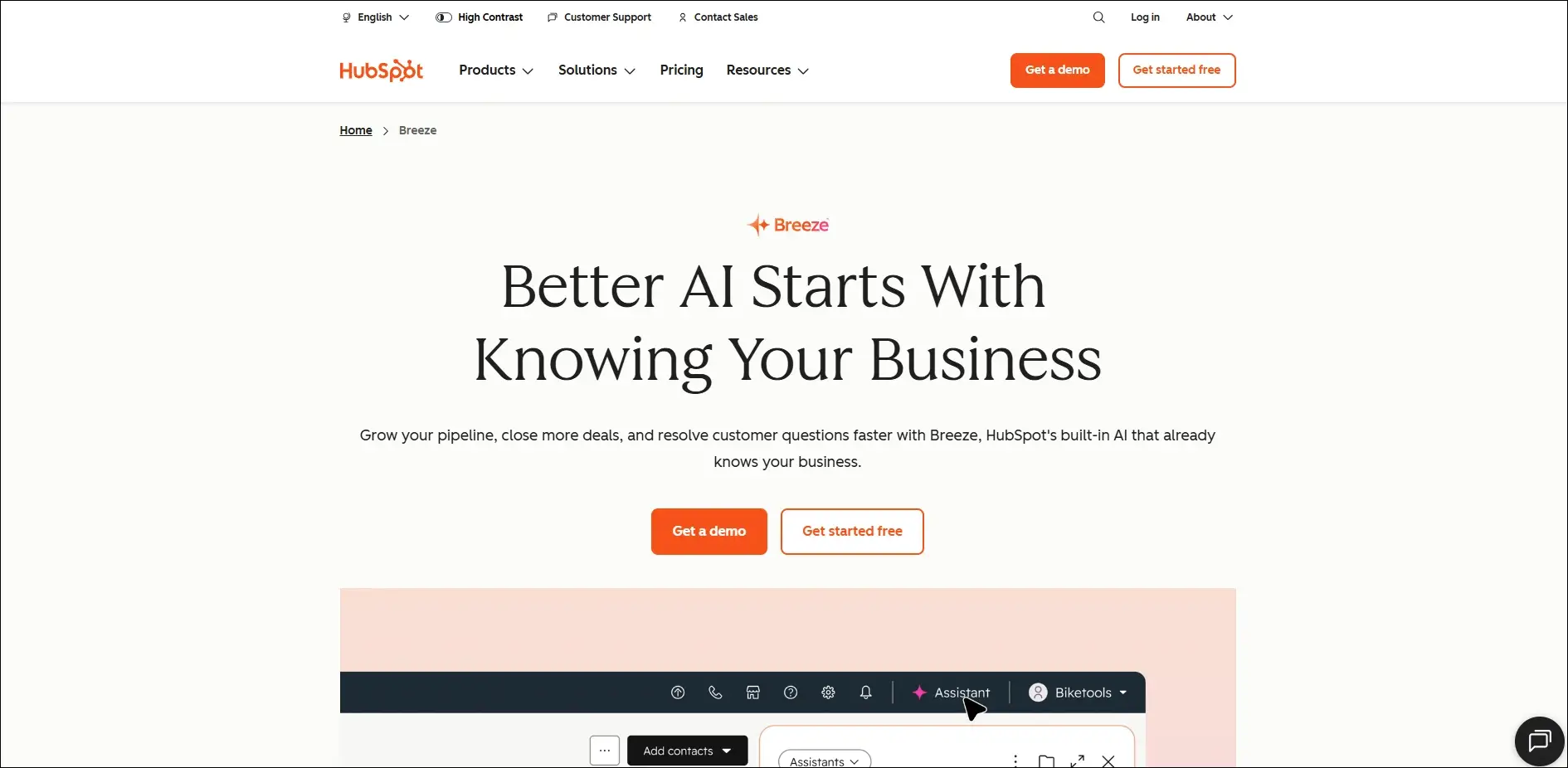
Best for: Managing sales, marketing, and customer relationships with AI automation.

Key Features

  • AI email generation
  • Lead scoring
  • Marketing content creation
  • CRM automation
  • Sales forecasting

6. Zapier AI

Zapier AI connects different business applications and automates repetitive workflows without requiring coding skills. It helps businesses save time by eliminating manual processes.
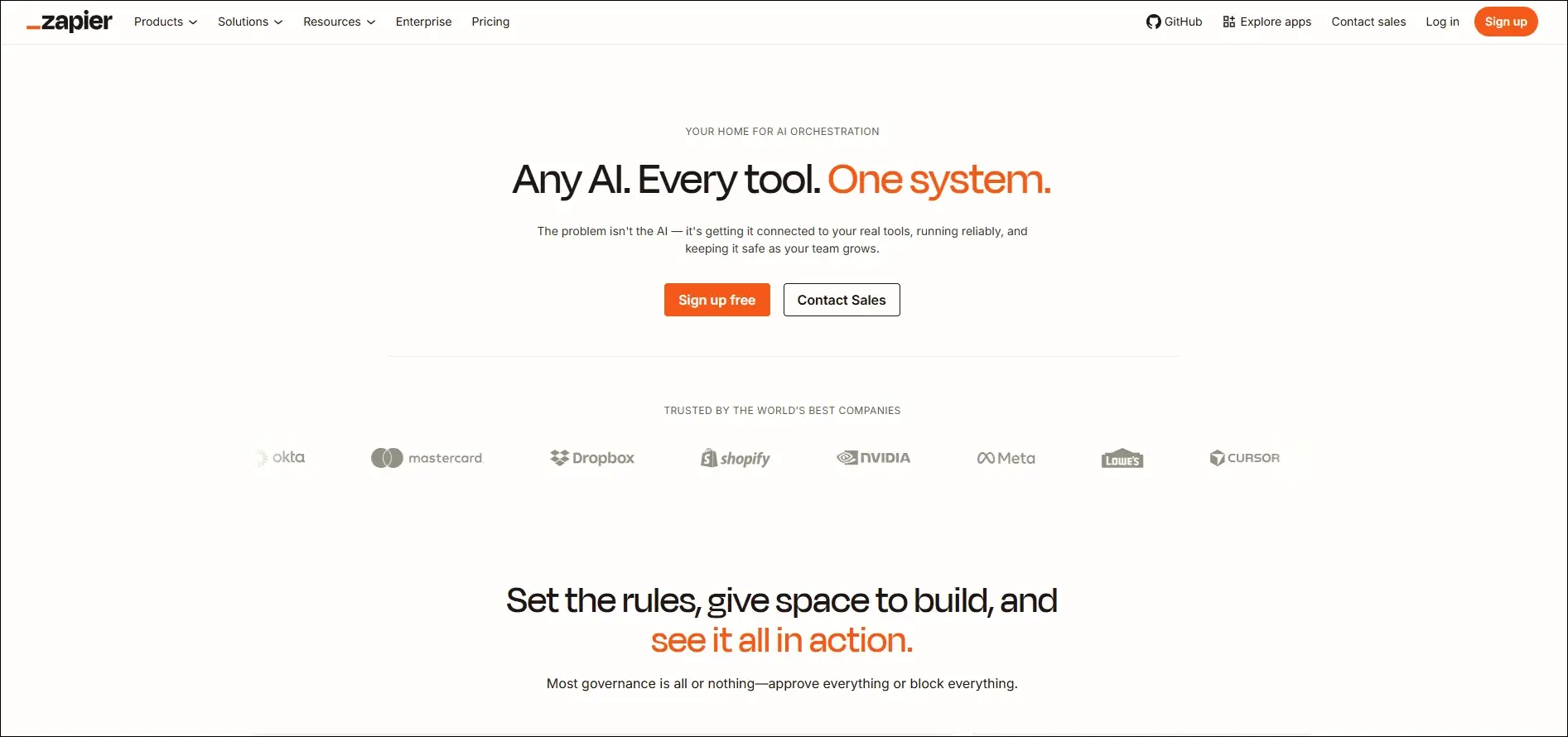
Best for: Automating workflows between business applications without writing code.

Key Features

  • Connects thousands of apps
  • AI workflow builder
  • Automated task execution
  • No-code automation
  • Multi-step workflow creation

7. Cursor AI

Cursor AI is an AI-powered code editor designed to help developers build software more efficiently. It understands project context and assists with coding, debugging, and code generation.
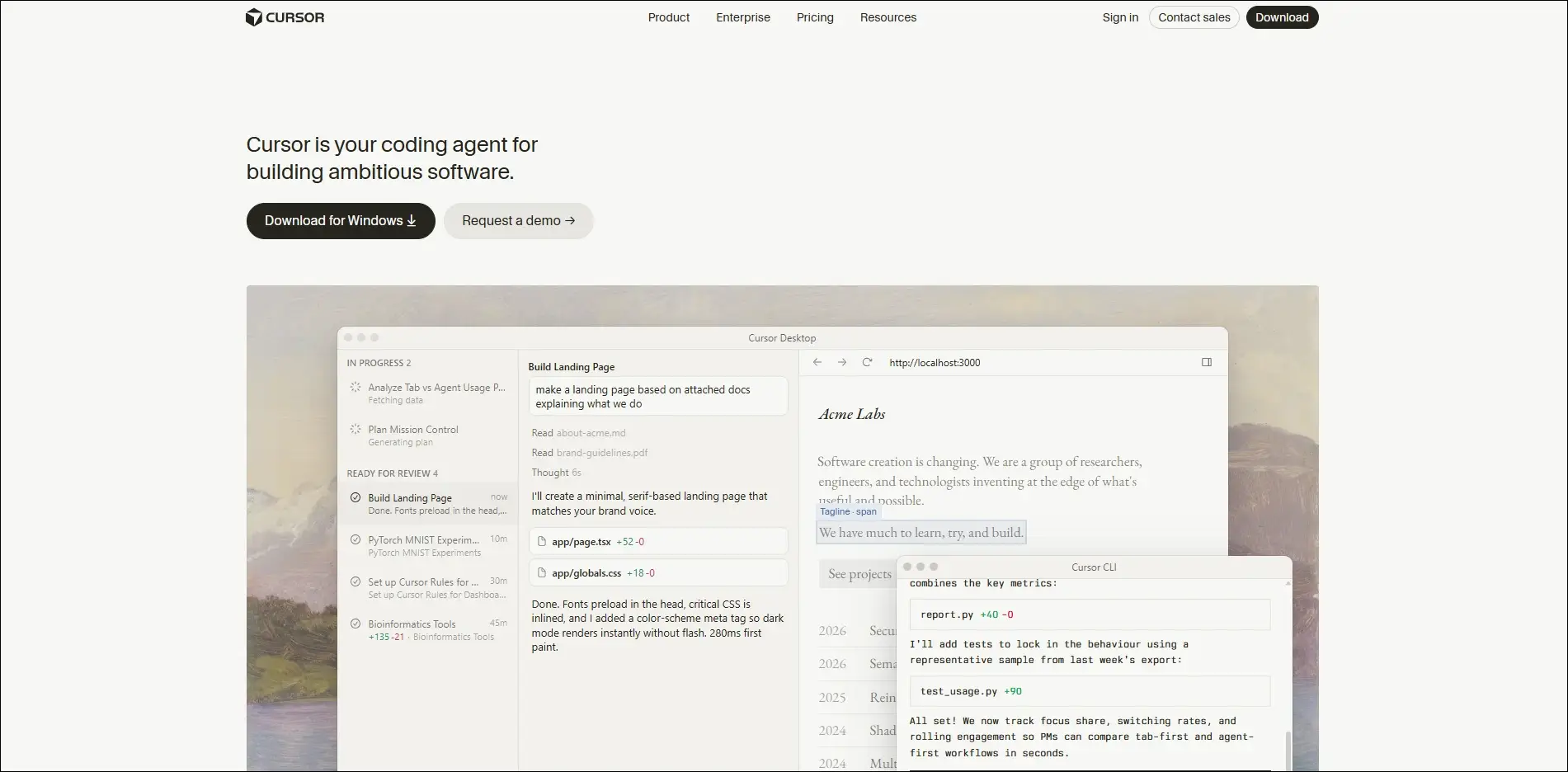
Best for: Building, editing, and debugging software projects with AI assistance.

Key Features

  • Context-aware coding
  • AI code generation
  • Intelligent debugging
  • Codebase understanding
  • Natural language editing

8. Notion AI

Notion AI enhances team collaboration by generating content, summarizing information, and organizing business knowledge. It keeps documentation accurate and easily searchable.
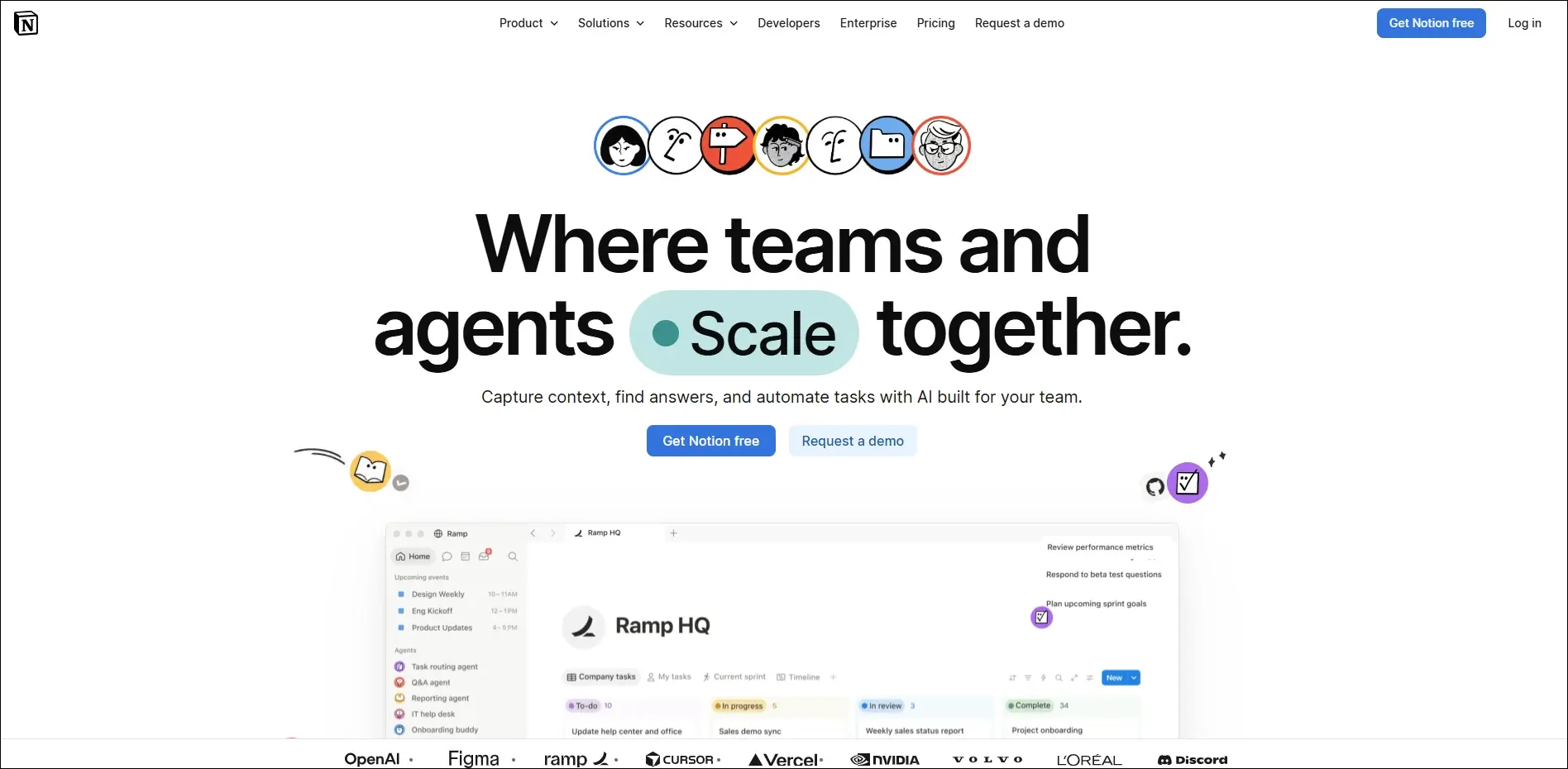
Best for: Organizing business knowledge, documentation, and collaborative project planning.

Key Features

  • AI writing assistance
  • Document summaries
  • Meeting notes generation
  • Knowledge management
  • Project planning support

9. Fireflies.ai

Fireflies.ai automatically records, transcribes, and summarizes business meetings using artificial intelligence. It helps teams capture important discussions without manual note-taking.
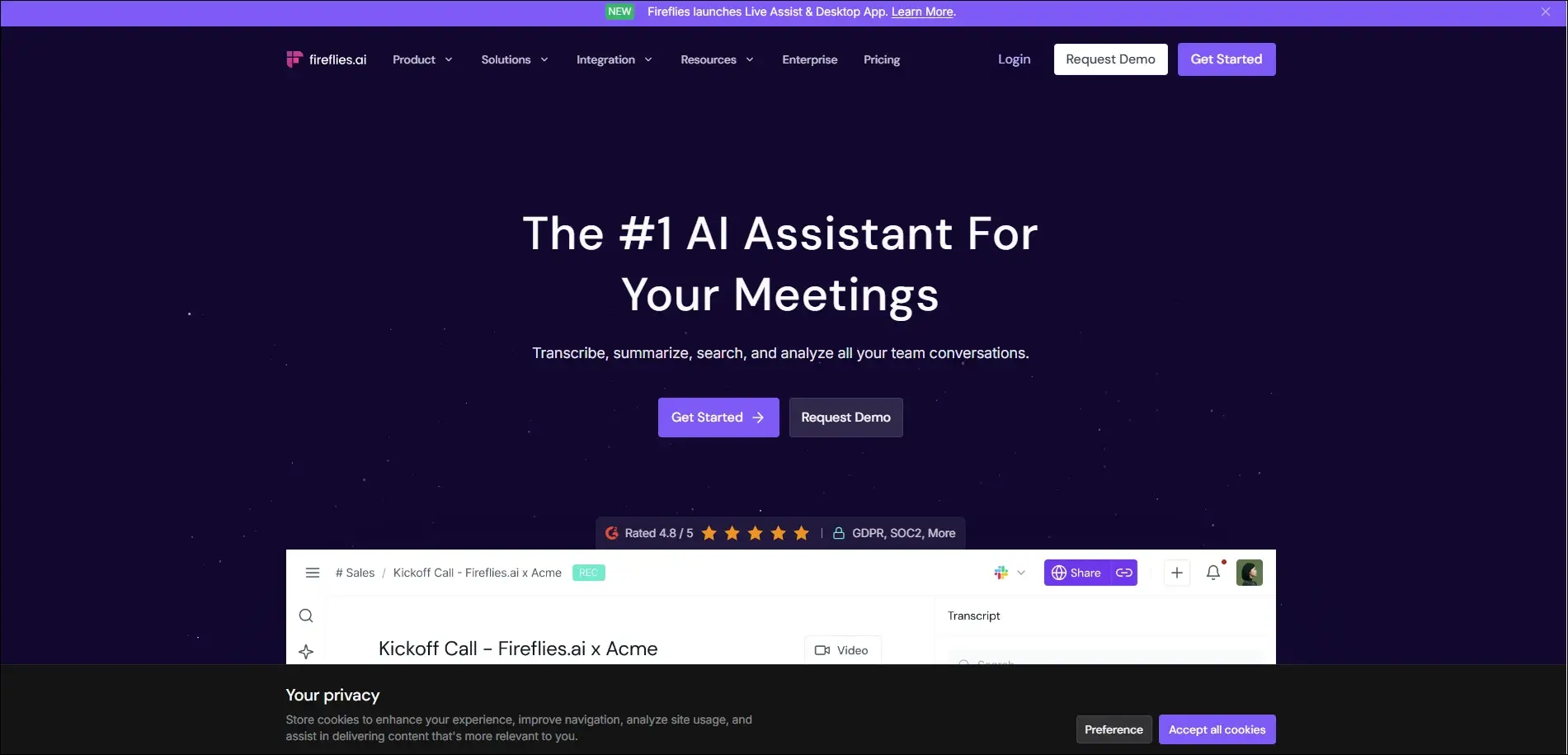
Best for: Recording, transcribing, and summarizing virtual business meetings automatically.

Key Features

  • Automatic meeting transcription
  • AI meeting summaries
  • Action item detection
  • Searchable meeting history
  • CRM integration

10. Anthropic Claude

Claude is an advanced AI assistant built for business writing, research, document analysis, and strategic thinking. It handles long documents while providing detailed and reliable responses.

Best for: Analyzing business documents, research, and complex enterprise workflows.

Key Features

  • Long document analysis
  • High-quality business writing
  • Research assistance
  • Data summarization
  • Secure enterprise capabilities

Common Mistakes Small Businesses Should Avoid

  • Implementing AI without clear business goals leads to poor adoption and limited return on investment.
  • Trying to automate every process at once often creates unnecessary complexity and disrupts daily operations.
  • Ignoring data quality and security can reduce AI accuracy and expose sensitive business information.
  • Choosing AI tools that lack integrations results in disconnected workflows and more manual work.
  • Skipping employee training and performance monitoring prevents teams from using AI effectively and achieving long-term success.

Ready to Build AI Solutions That Grow with Your Business?

Adopting AI does not have to be expensive or complicated. By understanding how to use AI in small business and choosing the right solutions, you can automate routine tasks, improve customer experiences, and make smarter business decisions. Start with one business challenge, measure the impact, and scale your AI initiatives as your needs evolve.

As your business grows, off-the-shelf tools may no longer meet your unique requirements. Mindpath’s AI development services help businesses design and build custom AI solutions that integrate seamlessly with existing systems, automate complex workflows, and deliver measurable results.


Frequently Asked Questions

Track metrics such as time saved, operational costs reduced, customer satisfaction, revenue growth, and employee productivity before and after implementation.
The right approach depends on business needs. Many organizations start with specialized tools and later consolidate as their AI strategy matures.
Custom AI becomes valuable when standard tools cannot support unique workflows, complex integrations, or industry-specific requirements.
Successful adoption starts with gradual implementation, practical training, and introducing AI into one process before expanding across departments.
Review the platform’s security policies, compliance standards, data storage practices, and privacy controls before uploading sensitive information.

Support Is One Click Away

Featured Posts

Related Post

Hiring the proper ReactJS developer in New Jersey can significantly enhance the success of your project. Whether you’re creating a new web application or updating an existing one, you’ll need a developer with the perfect combination of technical knowledge, experience, and problem-solving abilities. A good ReactJS developer should be proficient in JavaScript, front-end programming, and state management, in addition to React. Their professional knowledge and communication skills are also important in ensuring that projects go well. The following are the most important aspects to consider while hiring skilled ReactJS developers in New Jersey.

1. Strong ReactJS and JavaScript Knowledge

When hiring a ReactJS developer in New Jersey, make sure they understand React principles including components, props, state management, lifecycle functions, and hooks. They should also be familiar with contemporary JavaScript (ES6+) capabilities such as arrow functions, promises, and async/await. A developer with strong JavaScript skills can build efficient, clean code and handle problems successfully. Check their familiarity with state management technologies like Redux or Context API, which are critical for managing data in large projects. A strong foundation in these technologies guarantees that your project runs smoothly and performs well.

2. Expertise in Front-End Development

A skilled ReactJS developer should be familiar with HTML, CSS, and responsive design. They should understand how to employ semantic HTML tags, CSS Flexbox, and Grid to build well-structured, mobile-friendly web pages. Understanding CSS frameworks such as Tailwind or Bootstrap is beneficial. Developers should be familiar with UI libraries like Material-UI or Ant Design, which help to speed up development. They must also be familiar with version control tools such as Git, which assist in managing code effectively. These front-end abilities enable the developer to create visually appealing and user-friendly applications.

3. Relevant Experience and Industry Knowledge

Check a developer’s previous projects to determine whether they’ve worked on apps comparable to yours. If your company is in healthcare, banking, or e-commerce, hiring a ReactJS developer with relevant industry experience can be useful. Their understanding of industry-specific difficulties and best practices helps boost development efficiency. Also, evaluate their degree of experience—junior developers are ideal for smaller projects, but mid-level or senior developers are better suited for more complicated applications. Hiring a developer with suitable expertise means that they can swiftly adapt to your project’s requirements and produce high-quality outcomes.

4. Communication and Problem-Solving Skills

Soft skills are crucial in addition to technical skills. A ReactJS developer should be able to accurately convey technical ideas to non-technical team members and collaborate well with designers and product managers. Strong problem-solving abilities are essential for diagnosing problems and improving performance. Choose someone who is versatile and willing to learn new technology. A strong cultural fit promotes efficient teamwork and increases overall productivity. Hiring a developer with strong communication, teamwork, and problem-solving abilities results in improved project execution and a more efficient development process.

Finding the right ReactJS developer doesn’t have to be difficult. At Mindpath we connect you with highly skilled developers who have expertise in React, JavaScript, front-end development, and industry-specific experience. Whether you need a junior, mid-level, or senior developer, we ensure you get the best talent to match your project needs. Let’s build a high-performance, user-friendly web application together!
Get in touch with Mindpath today and hire top ReactJS developers in New Jersey!

Discover the ultimate guide to hiring Node.js developers in London. Learn about the skills, benefits, and cost factors involved in finding the right talent for your project.
emerging technologies for small businesses

Did you notice how quickly the business environment is shifting for small enterprises? Business owners are seeking better ways to operate their business, acquire customers, and outpace the competition. That is where the role of emerging technology for small businesses becomes crucial. These technologies are no longer considered unattainable, but they are important considerations in your daily routine. If you’re trying to understand how to keep up with the pace, you’re already on the right path.

This transition isn’t merely an upgrade of tools. It’s a change in how small businesses think, plan, and grow. Through artificial intelligence, automation, and cloud services, these technologies are evolving the way companies can more efficiently make the moves toward enhanced workflows, laterally engage new markets, and leverage a better use of resources. What once seemed complex or expensive is now easier to adopt and use. In this blog, we’ll look at how these emerging technologies are shaping a stronger and smarter future for small businesses.

Adopting the right technologies can be challenging for small businesses. At Mindpath, we help small and growing businesses harness emerging technologies, from AI and automation to custom web and app development, to drive sustainable growth.

Importance of Emerging Technologies for Small Businesses

Emerging technologies in business are becoming very important for small businesses that want to grow and stay competitive. These tools help small teams work faster, reduce costs, and serve customers better. These technologies make everyday tasks easier and help businesses manage more with less effort. For small businesses, this means saving time, avoiding manual errors, and focusing more on customer needs and business goals.

As the market keeps changing, small businesses must keep up with new trends and tools. Using the right technology helps improve service, increase profits, and make smarter decisions. It also helps small businesses compete with larger companies by giving them the same tools to operate smoothly and efficiently. In today’s fast-moving world, using the right technologies is a good idea and important for growing and staying successful.

Want to stay ahead in a rapidly evolving business landscape? Discover how digital transformation for businesses enables small businesses to adopt emerging technologies and unlock new growth opportunities.

Impact of Emerging Technologies on Small Businesses

The future of small businesses is being shaped by constant changes in technology. As digital tools become more advanced, the impact of emerging tech on local businesses is becoming harder to ignore. Here are some key areas where this shift is starting to make a difference.

Impact of emerging technologies on small business

1. Enhanced Customer Engagement

Emerging technologies for small businesses are changing how they talk to their customers. Tools like live chat, easy websites, and chatbots help give quick answers. These tools also help businesses know what their customers like or need. This builds stronger trust and long-term relationships.

2. Seamless Remote Collaboration

Digital transformation for small businesses makes it simple for teams to work from different places. Online tools help people talk, share work, and stay connected. This solves the problem of working across locations. It keeps everyone on the same page and helps the business run better.

3. Efficient Operations

New technology helps small businesses work better every day. Tools like AI and cloud systems reduce the time spent on manual tasks. This means fewer errors and quicker results. Emerging technologies for small businesses help manage operations smoothly and save time.

4. Higher Productivity

How technology is changing small businesses can be seen in faster and more efficient work. New tools help track inventory, manage customers, and understand buying habits. This improves decision-making and cuts down on mistakes. Businesses save time and get better results.

5. Lower Operational Costs

New tech helps small businesses save money and stay efficient. Automation tools reduce extra work and help finish tasks quickly. Online platforms for sales and support are more affordable now. This helps businesses grow while using fewer resources.

6. Stronger Data Security

Small businesses worry about keeping customer data safe. With new tech tools like secure cloud storage, that’s easier to do. These tools help prevent online threats and protect payment details and private information. This keeps the business and its customers safe and confident.

Curious how AI can give your small business a competitive edge? Learn about the Future of AI and how emerging technologies are reshaping growth, efficiency, and innovation for businesses like yours.

Top Emerging Technologies for Small Businesses

Emerging technologies in business are opening new opportunities for small companies to grow, compete, and serve their customers better. Here are some of the top technologies that are helping small businesses work smarter and achieve more:

Top Emerging Technologies for Small Businesses

1. Growing Use of AI

AI for small businesses is becoming easier to use and more helpful. It’s already improving customer service, reducing errors, and saving time in industries like retail and insurance. Businesses are seeing a quick return on their AI investments through features like chatbots and fraud detection. This highlights how AI for customer services and other emerging technologies are making small business operations more affordable and practical.

2. Big Data in Decision Making

Big data is helping small businesses understand their market and make better decisions. Many companies are already seeing increased profits through the use of data tools. This shows that data is not just for large enterprises anymore. Small businesses can now use insights to improve planning and stay ahead.

3. Faster Connectivity with 5G

5G brings faster data, less delay, and better connections for devices. It helps small businesses use more smart tools and supports the growing number of IoT devices. As 5G becomes more available, small businesses can expect smoother communication and faster service. This will push emerging technologies for small businesses into more areas of daily work.

4. Rise in Employee Monitoring

As hybrid work grows, more companies are using employee monitoring software. It helps track productivity and improve communication between remote teams. With higher demand since the pandemic, businesses now rely on these tools to manage their teams better. These systems are becoming a core part of small business technology trends.

5. Power of Superapps

Superapps combine many tools into one, helping businesses manage tasks more easily. They solve problems like software not syncing and reduce wasted time. Small businesses can benefit from apps that handle messaging, scheduling, and customer data all in one place. This kind of smart unification improves efficiency and teamwork.

6. Focus on Cybersecurity

Many small businesses still believe they won’t face cyberattacks, but the risk is growing fast. New threats require better protection for data and systems. By leveraging AI in cybersecurity, businesses can detect threats faster, respond more effectively, and strengthen their overall security posture. More businesses are now focusing on backup plans and stronger security tools. Acting early helps avoid major problems later.

7. Automation in Daily Tasks

More businesses are turning to automation to reduce workload and save money. It helps with tasks like pricing, inventory, and customer service. Even with fewer workers, companies can still run smoothly and meet their goals. Automation is becoming a must-have for efficiency and smart growth.

8. Smarter Remote Onboarding

Remote onboarding is now a key step for hiring and welcoming new team members. Businesses are using technology to make new hires feel connected and supported. Software helps introduce the company culture and build the right relationships. This helps companies keep talent and improve their team experience from day one.

Looking to scale your tech capabilities without breaking the budget? Learn about the key benefits of hiring remote developers and how they can help small businesses adopt emerging technologies faster and smarter.

Power Your Business Growth with Smart Tech

The future belongs to small businesses that move with change. By adopting emerging technologies for small businesses, you work smarter, cut waste, and serve customers better. These tools help you compete, make faster decisions, and grow with confidence. What once felt out of reach is now practical, scalable, and ready for you to use as you plan the next step.

Mindpath helps you turn tech goals into real progress. Our team guides your choices, sets up the right tools, and trains your people to use them well. We focus on clear steps, measurable results, and support that grows with you. Let’s map your priorities and launch changes that deliver value fast for lasting growth and stronger customer results in practice.

Frequently Asked Questions

1. What are the most practical emerging technologies for small businesses to adopt first?

Start with tools that solve immediate problems. AI-powered customer service, cloud storage, and automation for repetitive tasks deliver quick, measurable results. Emerging technologies for small businesses work best when adopted gradually with clear goals. Trying to implement everything at once often leads to confusion, wasted budget, and low team adoption rates.

2. How much budget should a small business set aside for adopting new technologies?

There is no fixed number, but starting small is always smarter. Many cloud and AI tools offer affordable subscription models specifically designed for smaller teams. Focus on technologies that directly reduce costs or increase revenue first. As returns become visible, reinvesting those gains into further technology adoption becomes a natural and sustainable progression.

3. How do small businesses protect customer data when adopting new digital tools?

Always choose platforms with strong encryption, compliance certifications, and regular security updates. Train staff on basic cybersecurity practices from day one. Many modern tools now include built-in security features that require minimal technical knowledge to activate. Prevention is significantly cheaper than recovering from a data breach after damage has already occurred.

4. Can small businesses realistically compete with larger companies using emerging technologies?

Yes, and this is one of the most exciting shifts happening right now. Many emerging technologies level the playing field by giving small teams access to enterprise-grade tools affordably. Speed and agility are natural advantages small businesses already have. The right technology amplifies those strengths rather than creating an entirely new competitive dynamic.

5. How do small business owners know when they are ready to adopt a new technology?

Readiness comes down to three things: a clear problem to solve, a willing team, and a realistic budget. If a technology addresses a genuine operational gap and your team can support it, the timing is right. Adopting tools out of trend pressure rather than business need almost always leads to poor outcomes.

Discover how emerging technologies like AI, social media, and data analytics are transforming small businesses, helping them grow, innovate, and stay competitive.
DevOps
Are you looking for a way to lower your business costs while boosting efficiency? What if you could achieve both by simply improving how your teams collaborate and work together? DevOps offers a powerful approach to streamline operations, automate processes, and eliminate waste—all of which can lead to significant savings. Curious about how DevOps can impact your bottom line? In this blog, we will explore the ways this methodology can transform your business and help you save money in the process.  DevOps is a method that brings together the development (Dev) and IT operations (Ops) teams to collaborate closely and effectively. It entails automating and improving the software development, testing, and deployment processes via the use of methods and tools. The purpose of DevOps is to make the entire process quicker, easier, and more dependable by increasing collaboration and communication among developers and IT workers. DevOps began in 2007 when individuals realized that the conventional style of working, in which developers and IT teams worked independently, was holding down progress. DevOps enables enterprises to produce software faster and with fewer issues by merging the work of both teams. It’s all about working together, automating tasks, and optimizing processes.  So, let’s dive in to explore how DevOps can help save business costs! 

How DevOps Can Help Saving Business Costs

1. Using Cloud Infrastructure

Cloud infrastructure is an effective means to reduce IT expenditures while increasing flexibility and efficiency. Cloud services enable enterprises to scale their resources up or down in real time. Additional resources can be allocated during peak demand periods, while they can be lowered during quieter periods. This guarantees that you only pay for what you use, reducing needless costs and optimizing your budget. Cloud platforms also make processes more efficient by providing automation tools. Tasks like resource management, monitoring, and upgrades can be automated, minimizing the need for human intervention and saving both time and money. Furthermore, the cloud eliminates the need for expensive on-premises infrastructure, resulting in lower maintenance and hardware costs. Businesses that integrate cloud infrastructure into DevOps techniques can save money while also improving efficiency, flexibility, and overall performance. This establishes a solid platform for providing dependable and scalable solutions. 

2. Automating with Infrastructure-as-Code (IaC)

Infrastructure-as-Code (IaC) is a method of managing your IT infrastructure that involves writing it as code, similar to providing precise instructions. Instead of manually configuring servers, databases, or networks, you describe the configurations and dependencies in code, and tools like Terraform or AWS CloudFormation do the rest. This strategy saves time, assures consistency, and allows you to easily replicate or upgrade your infrastructure. With IaC, you can make changes fast, scale resources, and maintain a dependable environment without having to do repeated manual tasks. It also lowers the need for additional documentation, as the code itself is the most accurate and up-to-date reference. To ensure success with IaC, it’s essential to securely configure resources, automate tests to validate the code, and continuously monitor the infrastructure. By adopting IaC as part of your DevOps practices, businesses can simplify infrastructure management, minimize errors, and cut costs through better efficiency and automation. 

3. Optimizing with Containers

Container orchestration makes it easier to manage a large number of containers running on many computers or servers. Containers are self-contained containers that include everything an application needs to function, such as code, libraries, and dependencies. Managing a few containers manually may be possible, but as the number of containers increases, the process gets more complicated. Container orchestration automates this process, ensuring that containers are deployed, scaled, and managed efficiently. It also enables containers to communicate and collaborate easily, eliminating human effort and minimizing mistakes. Kubernetes is a popular container orchestration tool that provides enterprises with a dependable approach to manage large-scale applications. Businesses that use container orchestration may achieve easier operations, improved resource utilization, and cost reductions while preserving application performance. 

4. Streamlining with CI/CD Pipelines

Implementing a Continuous Integration and Continuous Delivery (CI/CD) pipeline is an important DevOps approach that allows firms to save money by automating software development and delivery operations. During the Continuous Integration (CI) phase, developers routinely communicate and integrate code updates into a common repository. Automated systems then test and compile the code to guarantee that everything works properly. This avoids costly complications by identifying problems early in the development phase. CI also saves time on manual integration activities, freeing up resources for other important work. Continuous Delivery (CD) follows CI by automating the deployment of tested code to production or other environments. With solutions like Kubernetes or Docker, the process becomes more frictionless, minimizing delays and the need for manual labor. Automated testing guarantees that only stable and dependable updates are delivered, reducing downtime and mistakes that might result in increased costs. 

DevOps Development Services at Mindpath

At Mindpath, we provide DevOps services that streamline software development and reduce costs. Our team uses cloud infrastructure, automation, and container management to help your business scale efficiently. We automate IT processes with Infrastructure-as-Code (IaC) and manage container orchestration using Kubernetes. Our Continuous Integration and Continuous Delivery (CI/CD) pipelines ensure faster, error-free software delivery. With our DevOps expertise, businesses can improve efficiency, cut costs, and achieve high-quality results with minimal manual effort. 

Final Thought!

Incorporating DevOps into your business processes is a strong method to save costs and increase efficiency. Businesses can reduce operating costs by using cloud infrastructure, automating with Infrastructure-as-Code, optimizing with containers, and simplifying processes with CI/CD pipelines. DevOps not only reduces human work and mistakes, but it also speeds up software delivery and improves team cooperation. Mindpath’s DevOps services are meant to help organizations realise these benefits, allowing them to prosper in a fast-paced, competitive market. By implementing DevOps, you can improve productivity, cut expenses, and provide higher-quality outcomes with less work. 

Ready to optimize your business operations with DevOps?

Partner with Mindpath today to streamline your processes, reduce costs, and achieve high-quality results effortlessly!

Discover how DevOps can save your business costs by improving efficiency, and enhancing collaboration across teams for high-quality delivery.