Home

AI Coding Tools: The Best Platforms for Smarter Software Development

AI Coding Tools: The Best Platforms for Smarter Software Development

Join our Newsletter!

ai coding tools

Software teams now face growing pressure to deliver reliable applications within shorter development cycles. AI coding tools help developers write code, solve issues, test features, and manage repetitive tasks. They support faster decisions while allowing teams to focus on complex product requirements and customer expectations.

Key Takeaways

  • 01
    AI coding tools speed development by handling repetitive coding and testing tasks.  
  • 02
    Context-aware assistants improve code suggestions across files, repositories, and workflows.  
  • 03
    AI supports earlier detection of security, performance, and logic issues.  
  • 04
    Businesses should match AI tools with security needs and workflows.  
  • 05
    Human review ensures AI-generated code remains accurate, secure, and reliable.  

Choosing the best AI coding tools requires more than comparing autocomplete features or popular platforms. Teams must assess code quality, security, workflow compatibility, and development goals before adopting them. The right solution can improve productivity while keeping developers responsible for every important decision. In this blog, we will focus on best AI coding tools. So, let’s keep reading further in detail!

Ready to transform your AI ideas into real business outcomes? At MindPath, we offer AI Development Services that help you develop and deploy custom AI applications.

What Are AI Coding Tools?

AI coding tools are software applications powered by artificial intelligence, often built on large language models. They help developers write, edit, debug, and test code more efficiently. These tools understand prompts and programming context, which reduces manual effort and improves overall development speed while maintaining structured and readable code output.

These tools change the developer role from writing every line of code manually to guiding and reviewing AI generated suggestions. They improve productivity by handling repetitive tasks and accelerating development workflows. Both beginners and experienced programmers use them to build applications faster while maintaining control over logic, structure, and final output.

Core Capabilities at a Glance

  • Code Generation: Creates functions, scripts, and interfaces from clear instructions.
  • Inline Auto-Completion: Predicts code and suggests relevant next lines instantly.
  • Refactoring and Optimization: Improves code structure, performance, readability, and maintainability.
  • Debugging and Explaining: Finds errors, suggests fixes, and explains complex code logic.
  • Security Scanning: Detects vulnerabilities and compliance concerns before deployment.

How Do AI Coding Assistants Work?

AI coding tools for enterprise use language models to understand code and developer requests. They support faster development while fitting into established engineering workflows.

1. Training and Architecture

AI coding assistants learn from large code datasets using transformer-based language models. They understand programming syntax, logic, common patterns, and code translation across languages.

2. Context Gathering

The tool analyzes open files, selected code, project structure, and diagnostic messages. Advanced tools can also use approved documentation, project wikis, and relevant technical resources.

3. IDE Integration

AI assistants connect with code editors through extensions and development protocols. They provide inline suggestions and chat support for coding, debugging, and code explanations.

4. Advanced Agentic Execution

Modern AI coding tools can plan tasks and complete multiple development actions. They can create files, run tests, fix errors, and improve legacy code with developer oversight.

What Benefits Do Businesses Gain from AI Coding Tools?

AI code generation services help businesses improve development efficiency across everyday engineering tasks. They support faster delivery, better quality control, and stronger use of technical resources.

1. Stronger Code Quality

AI helps developers detect security risks, performance issues, and logic gaps early. Teams can address these concerns before they affect production applications.

2. Better Use of Development Resources

AI handles repetitive coding patterns and reduces time spent on manual tasks. Businesses can lower operational effort and allow teams to focus on higher-value projects.

3. Faster Team Onboarding

AI explains complex code and supports developers working with legacy applications. New team members can understand project structures and contribute more quickly.

4. More Efficient Testing

AI automates unit testing and supports smoother CI/CD workflows across development pipelines. It helps teams identify issues earlier and reduce deployment-related mistakes.

5. Quicker Software Delivery

AI generates boilerplate code, scripts, and common functions within seconds. Developers can review and customize the output instead of writing every component manually.

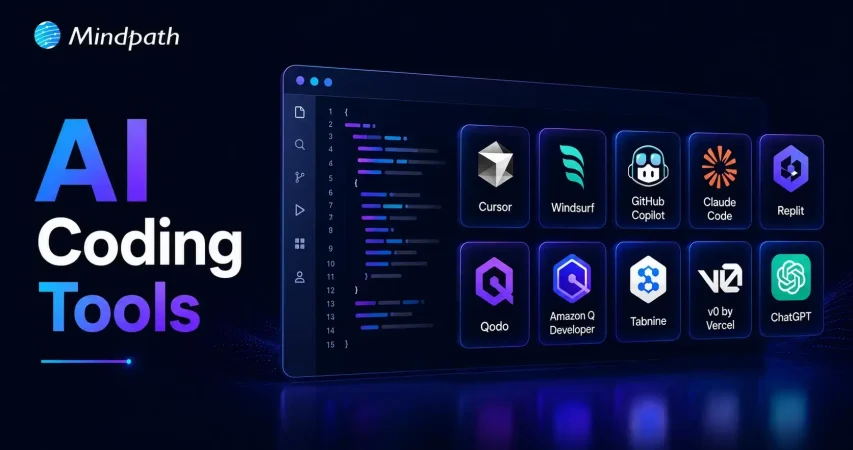
What Are the Best AI Coding Tools in 2026?

Choosing the right AI coding assistant depends on your team’s workflows, security needs, and project complexity. The best AI coding agents support coding, testing, debugging, and collaboration without disrupting existing development practices.

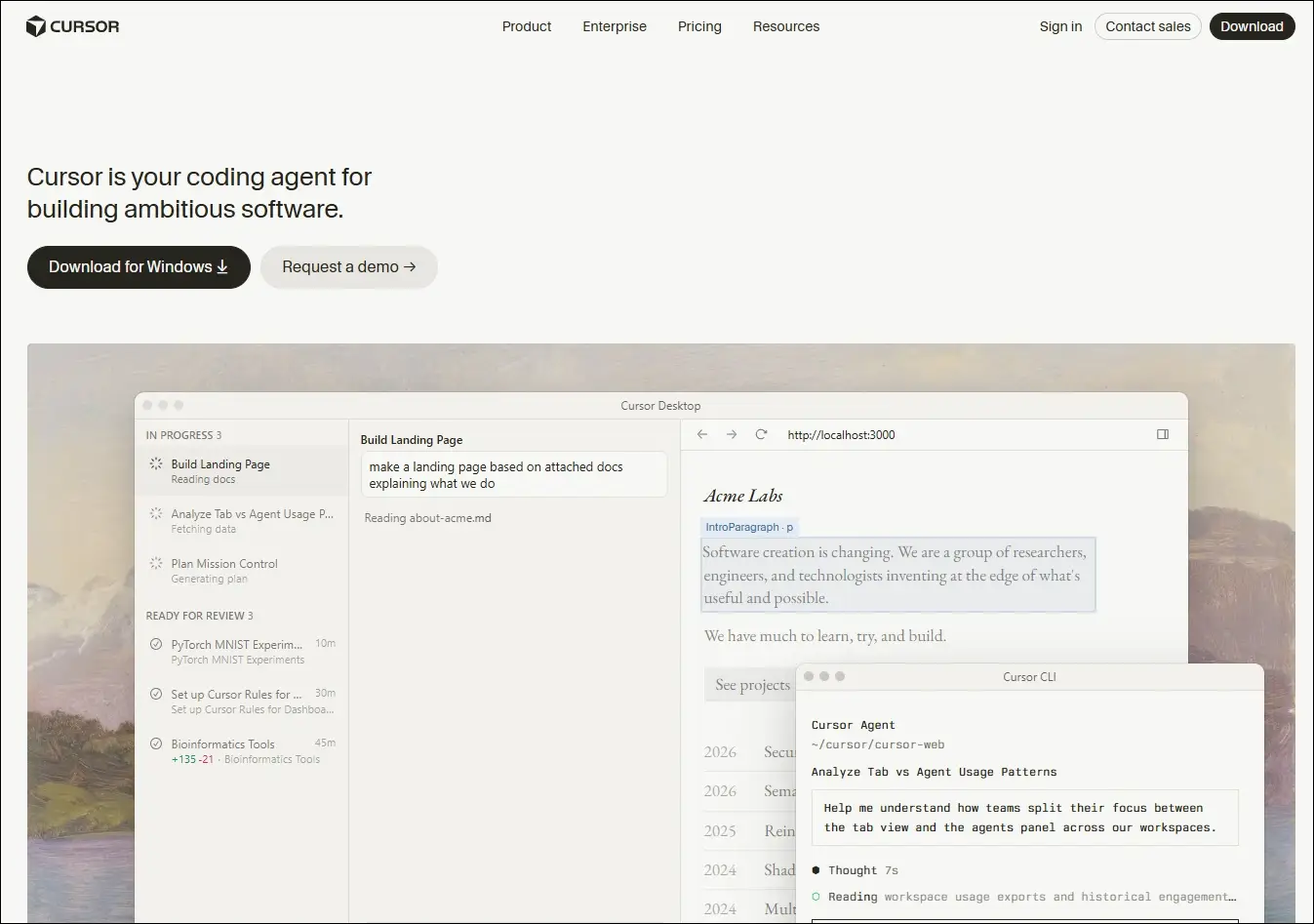
1. Cursor

An AI-native code editor that embeds intelligent assistance directly into your development workflow, helping you write, edit, and ship code faster.

Ideal for:

  • Developers and engineering teams: Ship features faster across large, complex codebases
  • Beginners and designers: Turn ideas and mockups into working code with AI guidance

Core Capabilities:

  • Multi-file composer: Edits all relevant files in one go.
  • Agent mode: Autonomously plans, edits, and tests changes.
  • Tab autocomplete: Predicts and suggests full code blocks instantly.
  • Project rules: Enforce your conventions across every session.
  • Visual context: Turns UI screenshots into working interface code.
  • Live docs and web: Pulls in real-time framework and security references.

2. Windsurf

An AI-powered development environment that combines code generation, editing, planning, and debugging into a unified workflow through its Cascade AI agent.

Ideal for:

  • Software developers: Build, refactor, and debug applications using AI-assisted workflows.
  • Engineering teams: Collaborate on larger projects with AI support across multiple files.

Core Capabilities:

  • Cascade AI agent: Plans, edits, and executes coding tasks across multiple files.
  • Multi-file editing: Updates related files together while maintaining project context.
  • Terminal integration: Runs commands and understands terminal output within the workflow.
  • Codebase awareness: Uses the entire project as context for more relevant suggestions.
  • Context-aware chat: Answers development questions based on the active codebase.
  • Integrated debugging: Helps identify issues and suggest fixes during development.

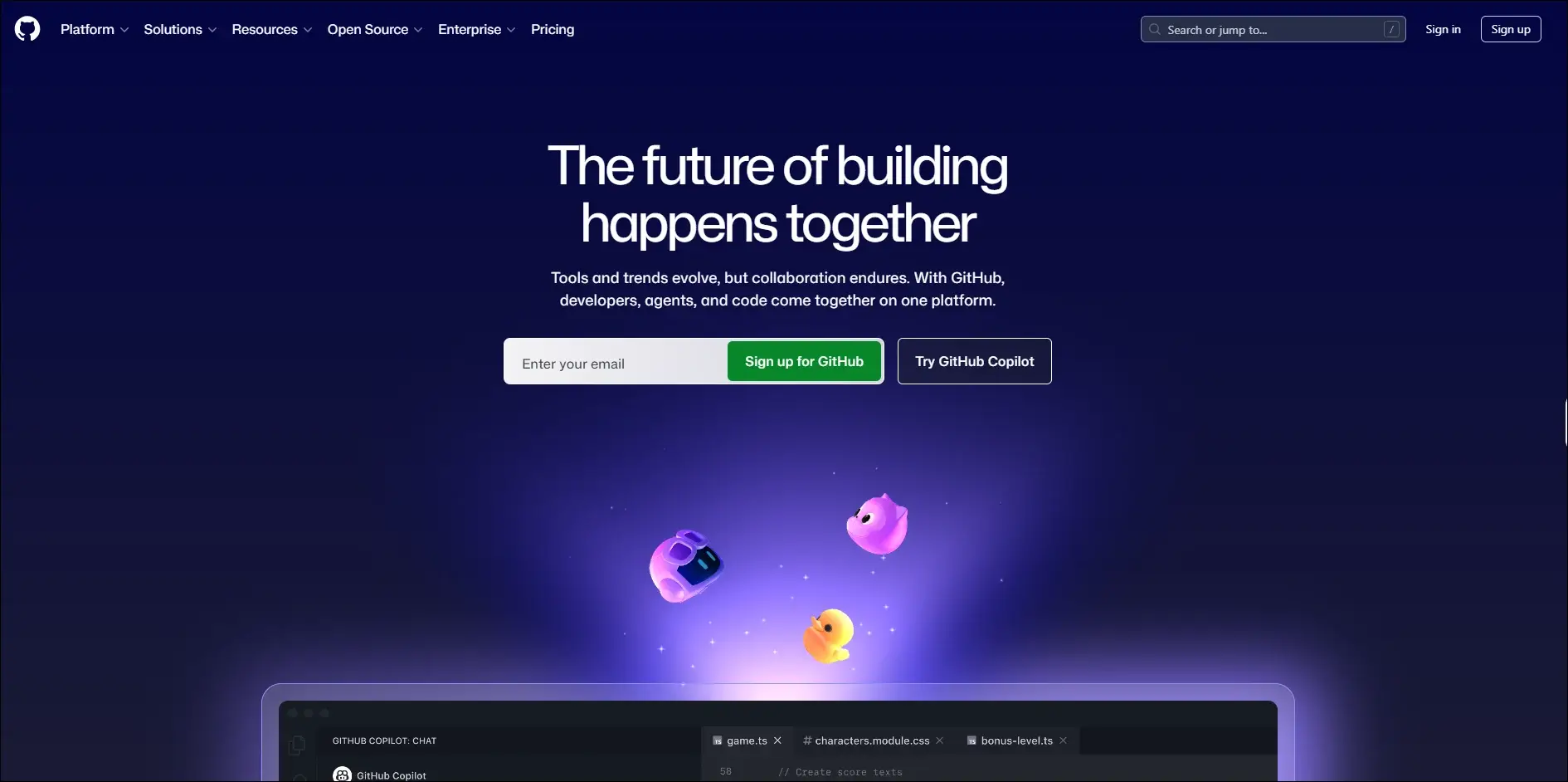
3. GitHub Copilot

An AI coding assistant that provides real-time code suggestions, explanations, and development support directly within supported IDEs.

Ideal for:

  • Developers: Write code faster with intelligent autocomplete and code generation.
  • Software teams: Improve productivity through AI-assisted coding and documentation.

Core Capabilities:

  • Inline code completion: Suggests code as you type in supported editors.
  • Copilot Chat: Answers coding questions and explains code within the IDE.
  • Code generation: Creates functions, classes, and boilerplate from prompts.
  • Code explanations: Explains unfamiliar or existing code in natural language.
  • Test generation: Assists with creating unit tests for application code.
  • Pull request support: Helps summarize and review code changes.

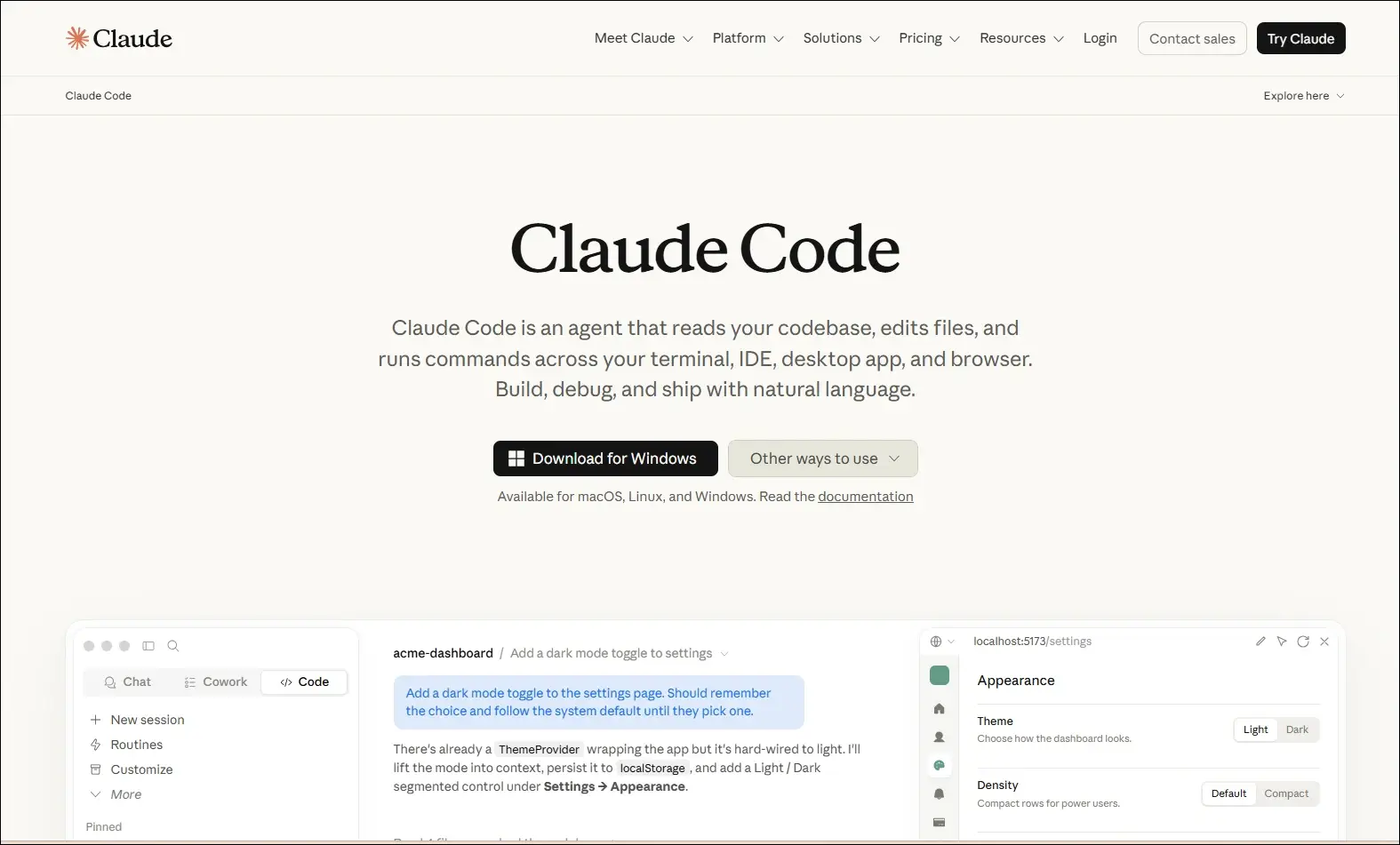
4. Claude Code

A command-line AI coding assistant that helps developers understand, modify, and maintain software projects using natural language instructions.
Ideal for:

  • Backend developers: Work with large codebases directly from the terminal.
  • Engineering teams: Review, refactor, and maintain complex applications more efficiently.

Core Capabilities:

  • Terminal-based workflow: Operates directly from the command line.
  • Codebase understanding: Analyzes repositories to answer development questions.
  • Code editing: Modifies files based on natural language requests.
  • Git integration: Helps review changes and work with Git repositories.
  • Debugging assistance: Identifies issues and suggests possible fixes.
  • Test support: Helps create and update tests while making code changes.

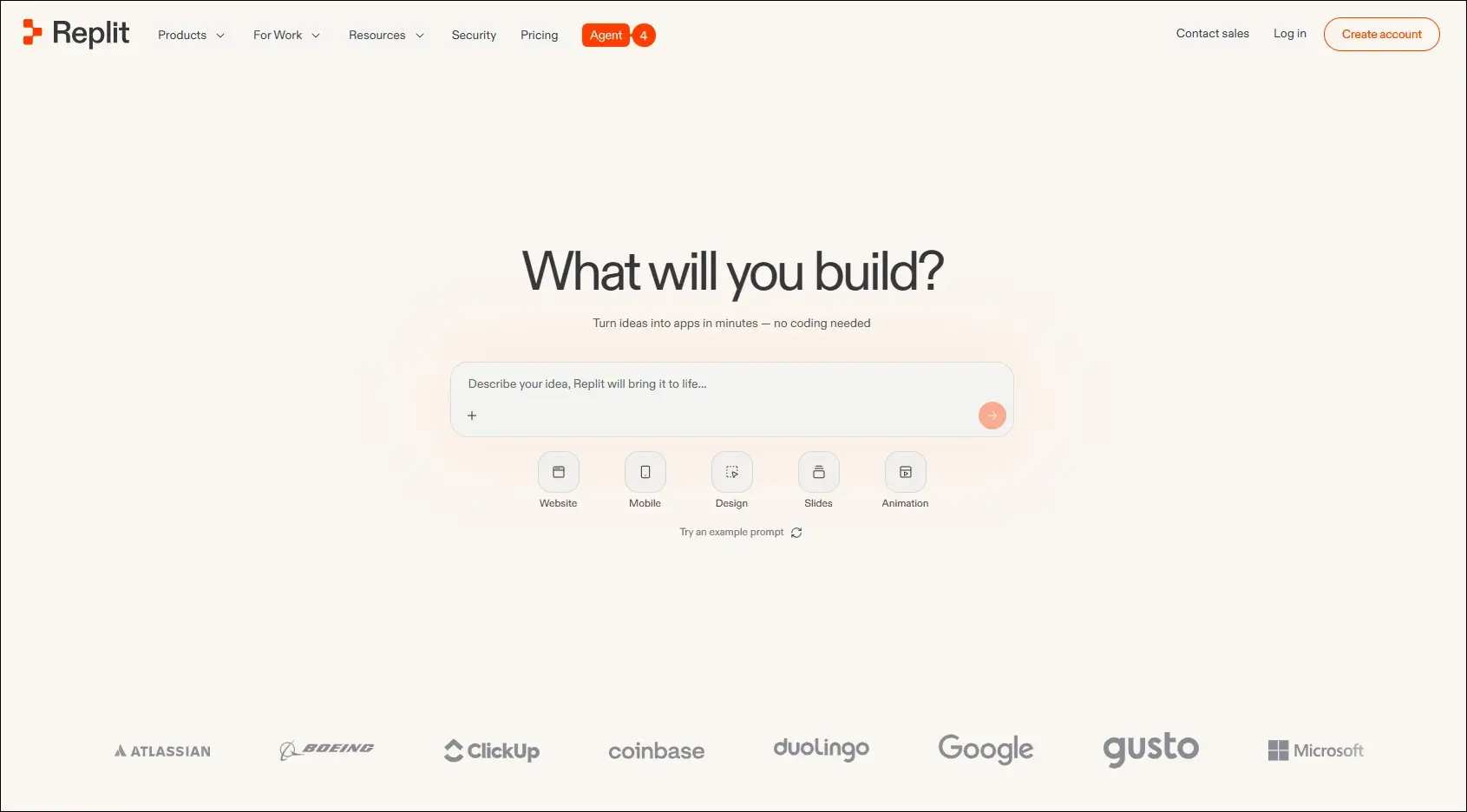
5. Replit

A browser-based development platform that combines coding, AI assistance, collaboration, and deployment in one environment.

Ideal for:

  • Developers: Build and deploy applications without local setup.
  • Students and startups: Quickly prototype and launch software projects.

Core Capabilities:

  • Browser-based IDE: Develop applications entirely in the cloud.
  • AI coding assistant: Generates, explains, and edits code from prompts.
  • Real-time collaboration: Multiple users can work in the same project.
  • Instant deployment: Publish applications directly from the platform.
  • Multi-language support: Develop projects using numerous programming languages.
  • Integrated hosting: Run and manage applications from one workspace.

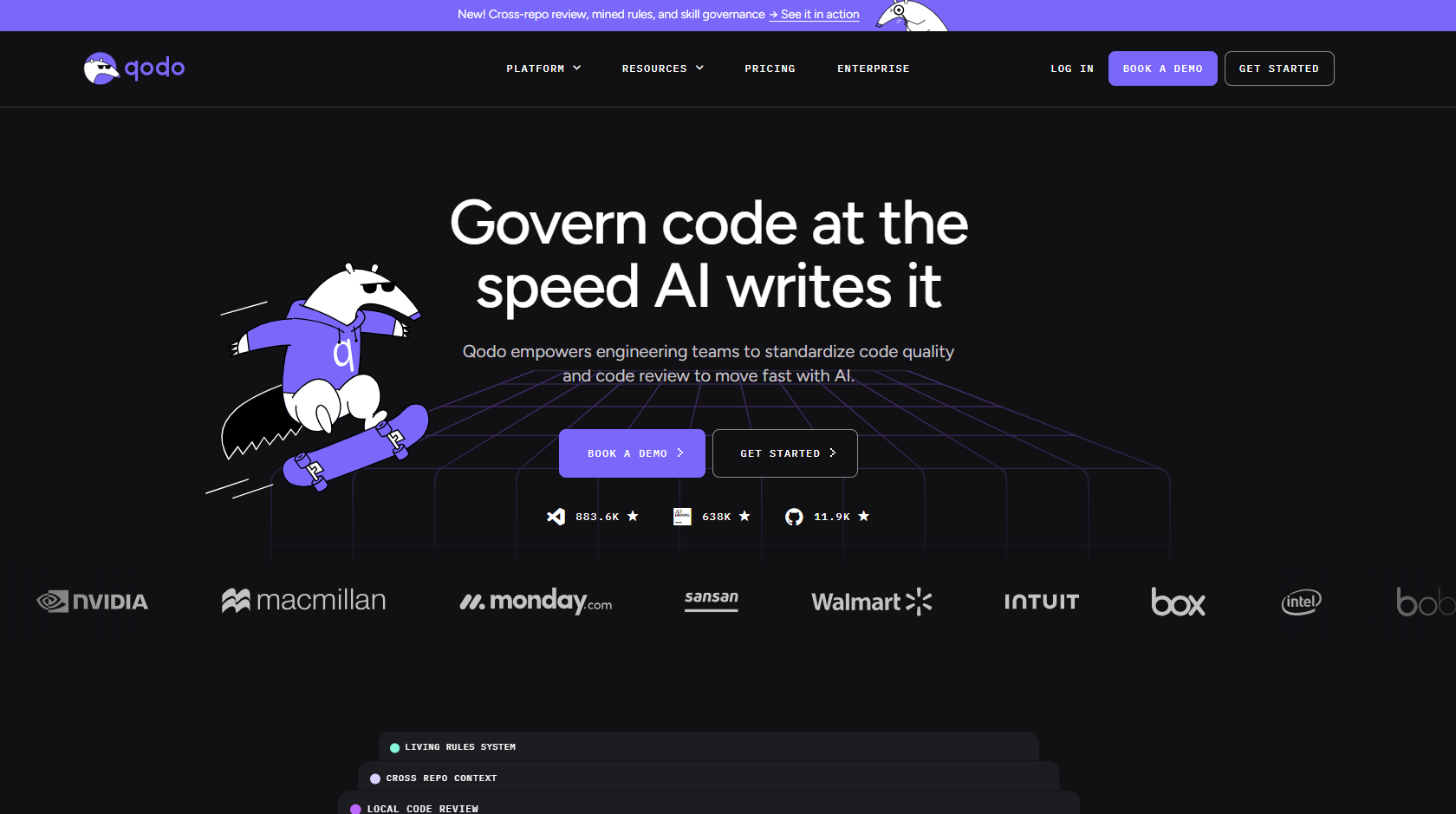
6. Qodo

An AI-powered code quality platform focused on testing, reviewing, and improving software reliability throughout development.

Ideal for:

  • Software developers: Improve code quality with AI-assisted testing and reviews.
  • Engineering teams: Maintain reliable codebases through automated quality checks.

Core Capabilities:

  • AI code reviews: Reviews pull requests and suggests improvements.
  • Test generation: Creates unit tests for existing code.
  • Code analysis: Identifies potential issues and quality concerns.
  • IDE integration: Works alongside developers during coding.
  • Pull request assistance: Helps review and validate code changes.
  • Repository awareness: Uses project context to improve recommendations.

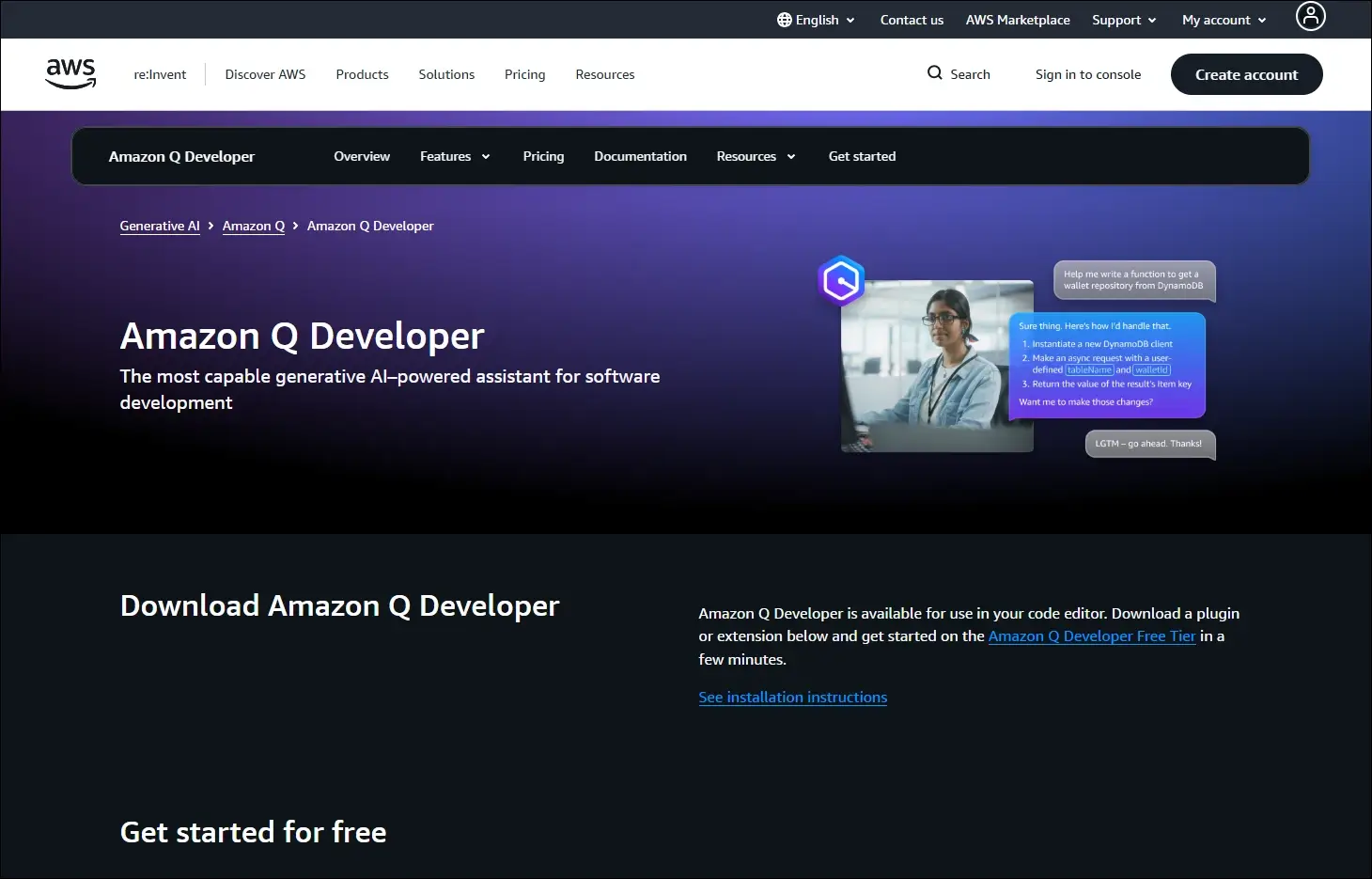
7. Amazon Q Developer

An AI assistant for software development that helps developers build, modernize, and operate applications, especially within AWS environments.

Ideal for:

  • AWS developers: Build and maintain cloud applications more efficiently.
  • Enterprise teams: Modernize applications and automate development tasks.

Core Capabilities:

  • Code generation: Creates code from natural language prompts.
  • AWS expertise: Assists with AWS services and cloud development.
  • Code transformation: Helps modernize existing applications.
  • Security scanning: Detects security issues in application code.
  • IDE integration: Provides AI assistance inside supported development tools.
  • Documentation support: Generates explanations and technical documentation.

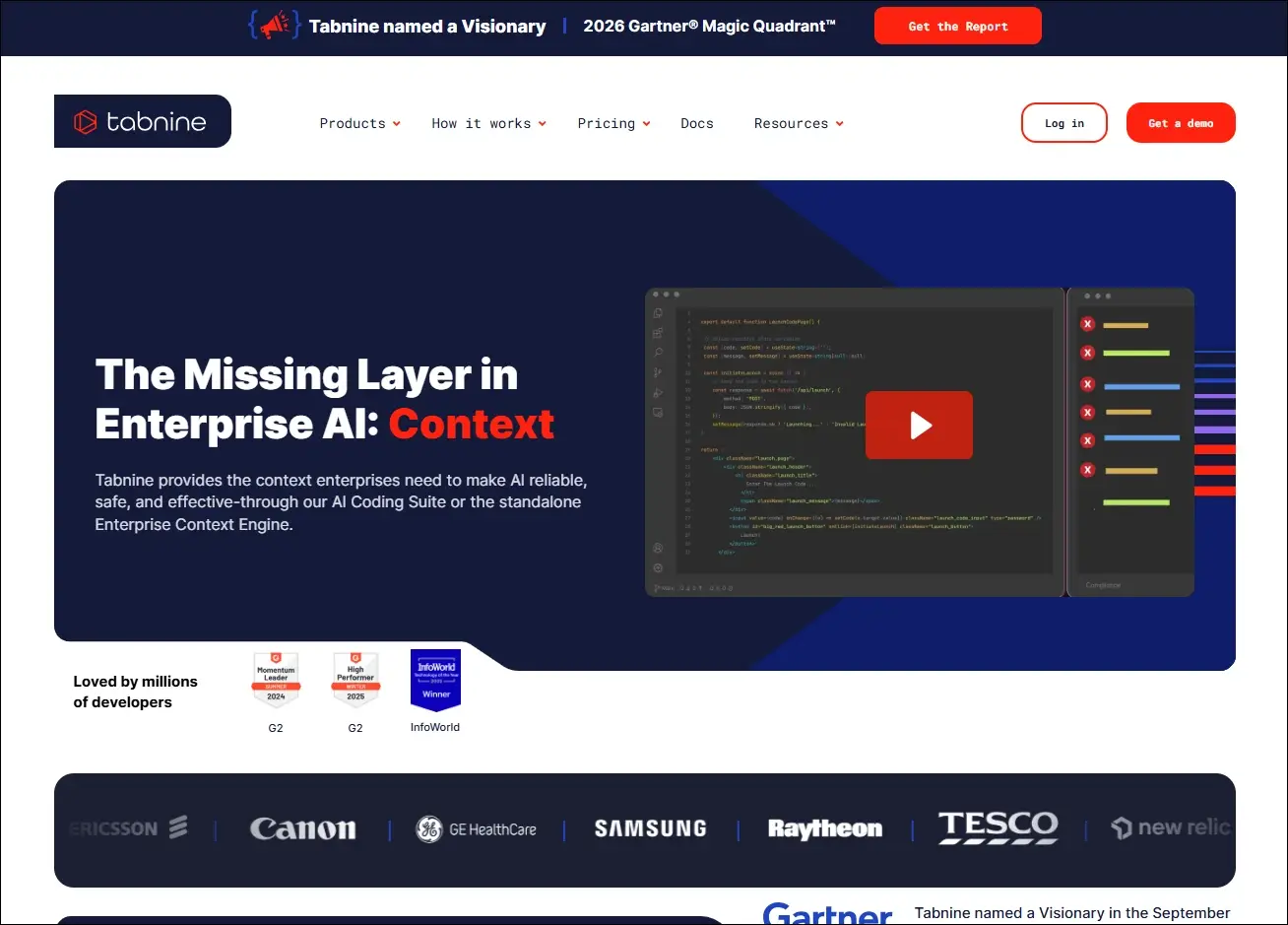
8. Tabnine

An AI coding assistant that delivers private, context-aware code completions with options for secure enterprise deployment.

Ideal for:

  • Professional developers: Speed up coding with personalized AI suggestions.
  • Security-focused organizations: Use AI coding assistance with private deployment options.

Core Capabilities:

  • AI code completion: Suggests context-aware code as developers type.
  • Private deployment: Supports self-hosted enterprise environments.
  • Team customization: Learns from organization-specific code patterns.
  • IDE compatibility: Integrates with popular development environments.
  • Natural language generation: Generates code from written instructions.
  • Privacy controls: Offers configuration options for enterprise security needs.

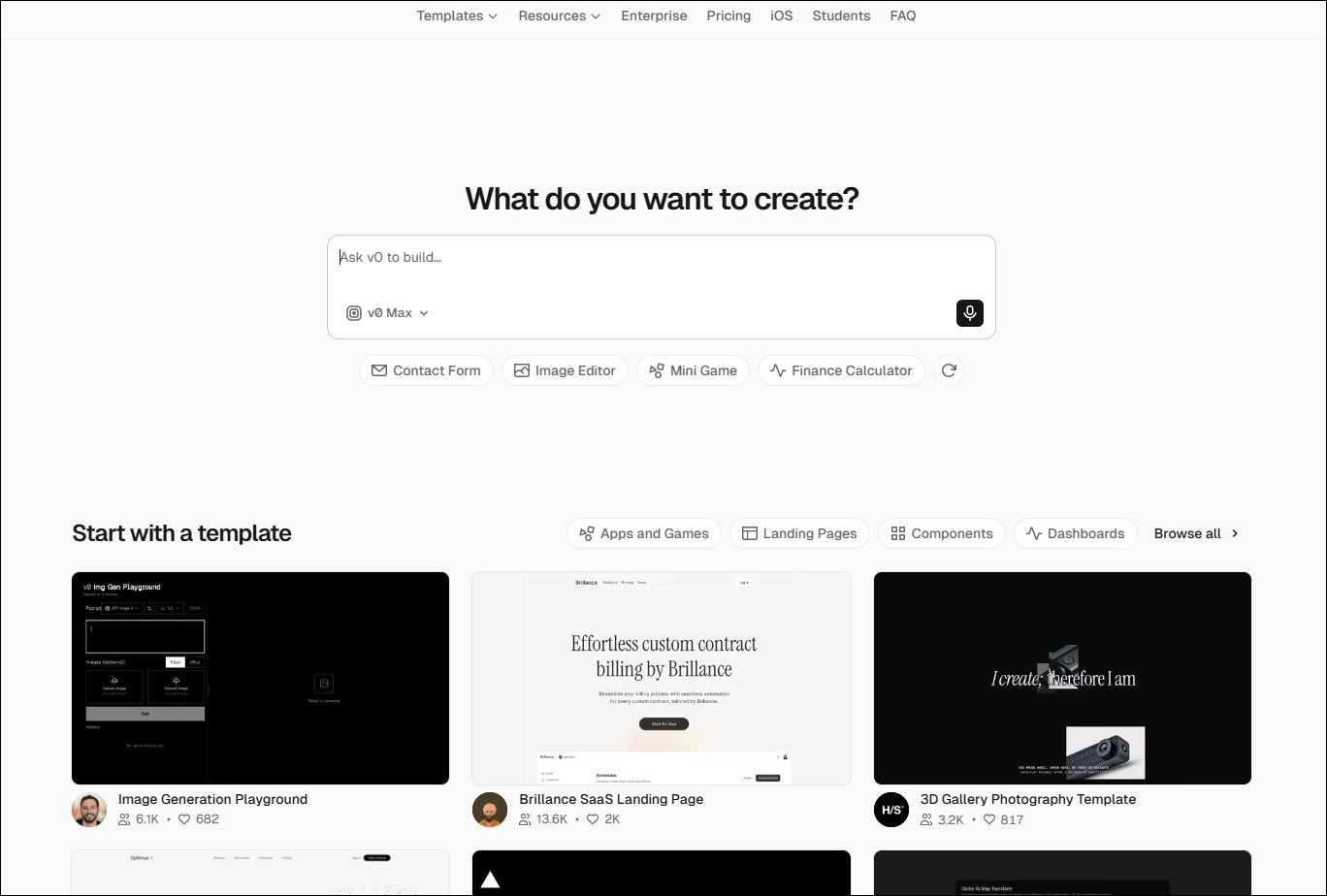
9. v0 by Vercel

An AI-powered interface generation tool that creates React-based user interfaces from natural language prompts.

Ideal for:

  • Frontend developers: Generate UI components more quickly.
  • Product designers: Turn interface ideas into working frontend code.

Core Capabilities:

  • UI generation: Creates React components from text prompts.
  • Design iteration: Refines interfaces through conversational editing.
  • Framework support: Generates components compatible with modern frontend frameworks.
  • Responsive layouts: Produce mobile-friendly interface structures.
  • Code export: Allows generated code to be used in existing projects.
  • Component customization: Updates layouts and styling through prompts.

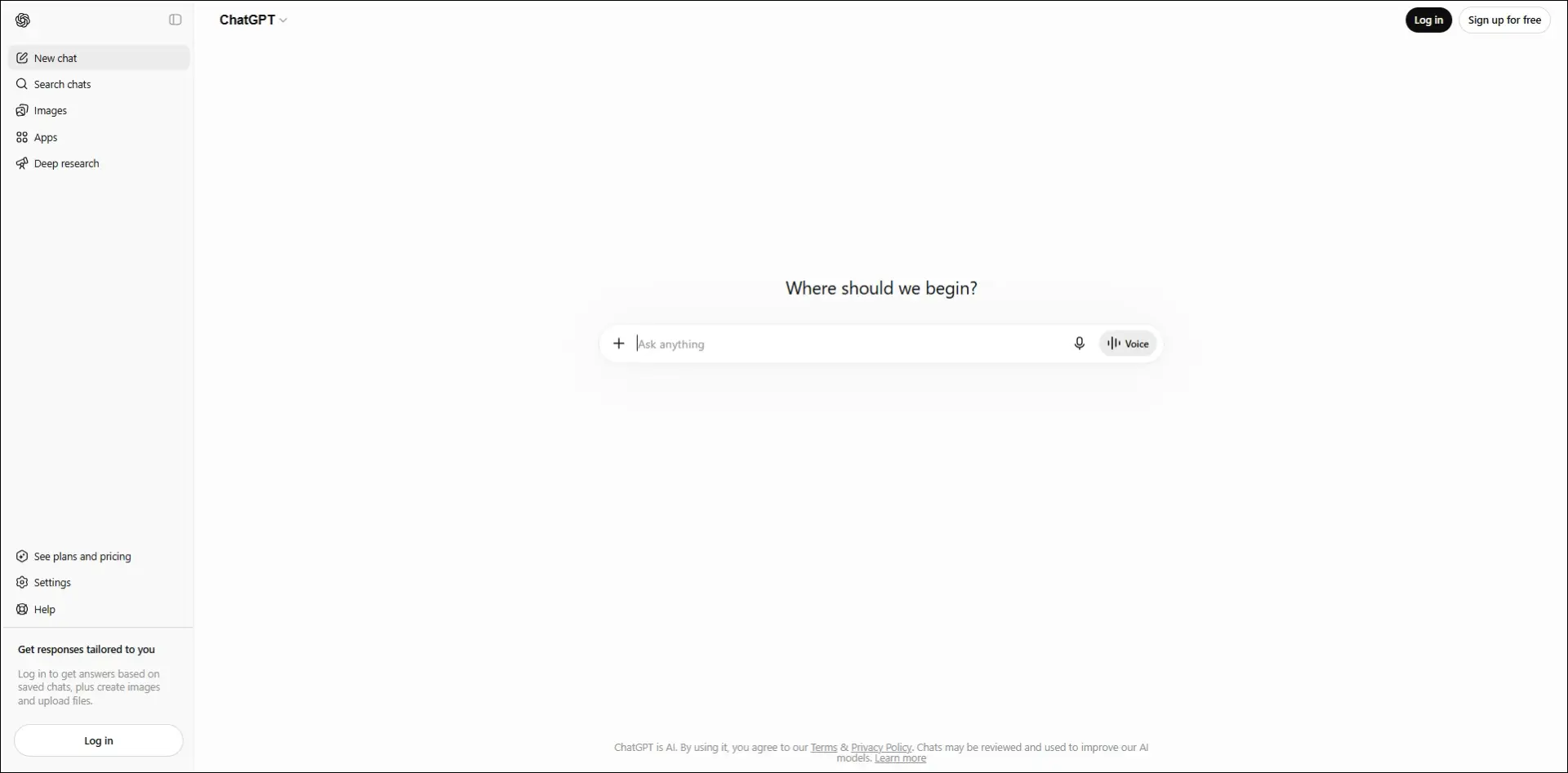
10. ChatGPT

An AI assistant that helps developers with coding, debugging, technical explanations, planning, and software design across multiple programming languages.
Ideal for:

  • Developers: Solve coding problems, debug issues, and learn new technologies.
  • Software teams: Brainstorm architectures, generate documentation, and improve development workflows.

Core Capabilities:

  • Code generation: Writes code from natural language instructions.
  • Debugging support: Identifies errors and suggests possible fixes.
  • Code explanation: Explains code, algorithms, and technical concepts.
  • Documentation creation: Generates technical documentation and comments.
  • Architecture planning: Assists with system design and software planning.
  • Multi-language support: Supports a wide range of programming languages and frameworks.

Look at the table below to get a clear understanding of the best AI coding agents: 

AI Coding Tool  Primary Focus  Best For  Core Strength  What Makes It Different  Development Environment 
Cursor  AI-first code editing  Full-stack developers  Multi-file AI editing  Built as an AI-native editor  Desktop IDE 
Windsurf  Autonomous AI development  Large engineering teams  Cascade AI agent  Plans and executes coding tasks  Desktop IDE 
GitHub Copilot  AI pair programming  Everyday software development  Inline code completion  Deep GitHub integration  IDE extensions 
Claude Code  Terminal-based coding  Backend & DevOps teams  Repository-wide reasoning  Works directly from the CLI  Command line 
Replit  Cloud app development  Students & startups  Build and deploy in browser  No local setup required  Browser-based IDE 
Qodo  Code quality & testing  Engineering teams  AI code reviews  Focuses on testing over code generation  IDE & Git repositories 
Amazon Q Developer  AWS development  Cloud engineers  AWS-aware coding assistance  Built specifically for AWS workflows  AWS & IDEs 
Tabnine  Secure code completion  Enterprise organizations  Private AI suggestions  Self-hosted deployment available  IDE extensions 
v0 by Vercel  Frontend UI generation  Frontend developers  Prompt-to-React components  Creates production-ready UI code  Browser 
ChatGPT  General AI coding assistant  Developers of all levels  Coding, debugging & planning  Broad programming knowledge across languages  Web, desktop & IDE integrations 

How to Integrate AI Into Development Workflow?

Businesses can introduce AI into development workflows in a structured way to improve productivity without compromising code quality or control.

1. Choose Tools That Fit Your Workflow

Select AI coding tools that work smoothly with your IDE, repositories, and development processes. Use different tools for coding, planning, testing, and documentation when required.

2. Divide Work Into Clear Tasks

Give AI small, specific tasks instead of asking it to build entire applications. Clear instructions and relevant context help teams receive more accurate results.

3. Use AI Across Development Stages

Apply best AI coding agents during planning, coding, testing, documentation, and code reviews. This approach helps teams improve consistency and reduce delays across the development lifecycle.

4. Keep Developers in Control

Developers should review, test, and validate every AI-generated output before deployment. Teams must also protect sensitive data and follow security rules when using AI tools.

Ready to Strengthen Your Development Process With AI?

AI coding tools can improve development speed, testing, code quality, and team productivity when businesses implement them with a clear strategy. The right AI development service helps organizations adopt secure, scalable solutions that support their existing systems, workflows, and long-term software goals.

Mindpath helps businesses plan, build, and integrate AI-powered solutions for modern software development. Our experienced team understands your requirements, identifies practical opportunities, and develops solutions that deliver measurable value. Contact Mindpath today to discuss your AI development needs and explore the right approach for your business.

Frequently Asked Questions

Businesses can track development time, code review speed, defect rates, testing coverage, and deployment frequency. Teams should compare these metrics before and after adoption to understand whether the tool delivers meaningful value.
Teams should review data retention policies, access controls, model training practices, and deployment options. They should also prevent developers from sharing source code, credentials, customer data, or sensitive business information with unapproved tools.
Yes, AI tools can help teams understand older code, identify dependencies, create documentation, and suggest modernization opportunities. Developers should still validate recommendations carefully because legacy systems often include undocumented logic and technical constraints.
Teams should use code reviews, automated testing, security scanning, and clear coding standards for every AI-generated change. Human developers must verify functionality, performance, and security before merging code into production branches.
The right approach depends on the team’s needs, technology stack, security requirements, and workflow maturity. Many businesses use one primary coding assistant and add specialized tools for testing, documentation, cloud development, or code reviews.

Support Is One Click Away

Featured Posts

Related Post

Mobile app development tools

In today’s rapid technological environment, businesses and developers are always trying to find new ways to create apps that engage users and run efficiently. This is why understanding what is mobile application development is essential. In short, mobile application development is the creation of software applications that run on mobile devices, such as smartphones and tablets, involving both creativity and technical skill. Selecting the best mobile app development tools can greatly enhance speed, quality, and innovation. The right tools will make coding, design, testing, and deployment easier for teams of people. It fosters the idea developed into a real app more quickly and effectively.

Investigation into the mobile app development ecosystem demonstrates a rapid and reliable delivery of apps to users. Tools shape the entire process, from user interface design to backend integration. This indicates that choices of tools are critical to success. The right set of tools maximizes people’s efficiency while conserving time, minimizing mistakes, and encouraging collaboration on projects. This provides support for more modern amenities. In this blog, we will highlight some of the best mobile development tools that are leading the industry today. So, keep reading further!

With advanced knowledge and expertise, Mindpath offers mobile app development services that are designed to deliver high-performing and user-centric apps, also ensure that your mobile product stands out in performance and design.

What is a Mobile App Development Tool?

A mobile app development tool is designed to simplify the process of creating mobile applications. It offers developers tools such as integrated development environments, templates, and code-free solutions to make the app-building process faster and easier. These also enable API integration, data syncing, and analytics in the app creation process, while still aiming to build robust and user-friendly apps.

By employing mobile app development tools, developers can operate in a visual environment with hardware reliability and flow design. They also simplify the backend of features such as push notifications and cloud services. App development becomes equitable, faster, organized, and with fewer errors leading developers to be able to innovate and enhance quality.

Want to build a mobile app but don’t know which technology to use for better execution? Learn from the mobile app development technologies blog to understand what suits best for your business.

Top 10 Mobile App Development Tools

Selecting the appropriate mobile app development tools is essential for developing performant and conveniently accessible applications. The right development tool simplifies coding and design, enhances collaboration, and increases testing and deployment features. It helps developers bring their ideas to reality more effectively. Here is a list of some of the best mobile app development tools:

1. React Native

React Native is one of the best mobile application development frameworks for producing high-quality applications across platforms. It lets developers apply their existing expertise in JavaScript and React framework to develop native-like interactions for iOS, Android, and other platforms. The cross-platform features of React Native let developers build applications with a higher degree of speed, efficiency, and consistency while maintaining performance.

2. Ionic

Ionic is another notable cross-platform mobile app development tool that allows developers to create applications for iOS, Android, and the web, all using standard web technologies, such as HTML, CSS, and JavaScript. It offers a vast set of UI components that have been pre-designed to help you build engaging and visually enhancing applications. It allows developers to enhance their engagement in the applications while maintaining a consistent level of speed and efficiency for multi-platform development.

3. Xamarin

Xamarin is a powerful mobile app development software that provides developers the ability to build Android, iOS, and Windows apps using a single C# codebase. It integrates nicely with Microsoft Visual Studio, allowing developers to build apps more quickly and efficiently. Xamarin allows the development of high-performance apps that will feel and appear native-like while multiplexing and simplifying maintenance.

4. Flutter

Flutter is a widely used development framework by Google that enables developers to build native applications for iOS, Android, the web, and even desktop, all from a single codebase. Thanks to its large offering of fully customizable widgets, developing visually attractive, highly responsive applications is easy. Its cross-platform capability allows teams to develop applications rapidly while continuing to provide a level of consistency across devices.

5. Xcode

Xcode is a full-fledged development environment focused on developing applications on Apple devices (iOS, macOS, iPadOS, watchOS, tvOS). It is an integrated development environment (IDE) that has a structured interface, designed to create, debug, and manage a significant project effectively. Additionally, it provides support for a number of languages, enabling developers to produce the high quality of Apple’s native applications.

6. Swift

Swift is regarded as one of the top tools for mobile application development, specifically for creating apps on iOS, macOS, and watchOS. Its speed, security, and user-friendliness enable developers to build high-performance native applications easily and swiftly. Modern syntax and capabilities make Swift the preferred programming language for application development work on Apple.

7. Kotlin Multiplatform

Kotlin Multiplatform is considered one of the best tools in mobile app development because it allows developers to share code across platforms but still maintain native performance. That is, it allows you to build apps for Android, iOS, and more using a single codebase and reusing your business logic, while still using the native user interface libraries. With support from Google and a growing community, Kotlin Multiplatform is an excellent option for cross-platform mobile app development.

8. Firebase

Firebase is one of the top mobile application development tools. It supplies developers with a complete backend platform for constructing mobile applications and continually enhancing, updating, or developing for future use. It also provides high-level services such as, real-time databases, authentication, analytics, and cloud messaging to make managing a mobile app much easier. Firebase allows developers to solely focus on the front end of the mobile app. Developers use Firebase when they want a fully functioning backend infrastructure that allows for the mobile app to run smoothly.

9. Apache Cordova

Apache Cordova is a mobile app development tool that is popular among developers because it provides the framework to create cross-platform applications using standard web technologies (HTML, CSS, and JavaScript). It makes it easy to develop applications for an entire app by interfacing with native device features through a variety of plugins. Cordova supports faster development and an easy maintenance process while delivering applications that run effectively and efficiently across multiple platforms.

10. Titanium SDK

Titanium SDK is a widely used mobile application development tool framework that affords developers the ability to create native applications for iOS and Android using a single codebase in JavaScript. It also provides access to native device features and enables teams to test simultaneously across platforms. Titanium SDK helps teams iterate faster at development without sacrificing performance or consistency of mobile applications.

Curious how mobile apps can leverage AI to transform your business and stay ahead in 2025? Explore our blog on Mobile App Development Trends to discover how these innovations can enhance user experiences.

Ready to Choose the Right Mobile App Development Tool?

Selecting the right mobile app development tools can make a significant difference in creating high-quality, efficient, and engaging applications. The tools highlighted in this blog help streamline coding, design, testing, and deployment, enabling developers to deliver reliable and innovative apps faster. Choosing the right framework ensures better performance, consistency, and a smoother development process.

At Mindpath, we offer professional mobile app development services that help businesses turn their ideas into fully functional applications. Their team uses modern tools and frameworks to deliver scalable, secure, and high-performing apps for iOS, Android, and cross-platform projects. Mindpath focuses on quality, efficiency, and user experience, ensuring that your app stands out in today’s competitive market.

Hire Dedicated Developers

Growing a start-up can be thrilling, but every technical choice made carries a lot of responsibility for your company’s future. You need to hire dedicated developers who will be able to transform your ideas into reality. When you look for developers, you are looking for someone with dedication, dependability, and shared intention.

At this point in time, there is usually a lot of pressure and excitement. You want your developers to be able to work together as a team and complete their tasks smoothly and efficiently. You want to set an example of how to maintain a good pace in this process by establishing expectations about pace, important tasks, and accountability.

When the momentum is strong, the hiring mindset gets more and more refined and purposeful. You actually look for clarity, consistency, and long-term alignment. Stable developers make your rapid plans more viable. On the other hand, bad choices can waste your time and confuse your team. Having a well-defined hiring approach saves you from that kind of trouble. It makes it easier to take good decisions and execute your plans without hitches. In this article, we will explain the steps that will give you confidence and guidance in hiring the right developers.

Want to hire dedicated developers who can bring your startup ideas to life efficiently and reliably? Mindpath provides expert developers and custom solutions that help startups build scalable and high-performing web applications.

Why Do Companies Need to Hire Dedicated Developers?

The companies that opt for dedicated teams benefit from their ability to provide consistent focus and measurable results. When you hire dedicated developers who work on a single project, the efficiency and effectiveness of the development team increase. Developers also bring an entirely different approach to the project based on their expertise. They create quality code that is free from errors, thus improving the quality and decreasing the time to market. In addition, dedicated teams are typically less expensive than managing a full-in-house team.

This method enables businesses to be adaptable and grow over time. Firms are able to hire developers according to the requirements of the project. Also, they have the freedom to extend their workforce without any waiting time or interruption. Skilled developers bring down the chances of unsuccessful outcomes by efficient organizing. Experienced developers also provide updates and support after the launch of a new product. Therefore, businesses continue to have direct control over their business goals and outcomes.

Key Responsibilities of a Dedicated Developer

1. A committed programmer assumes full ownership of the product. They deal with frontend and backend and mobile requirements with great ownership and coherency.

2. They create the MVP within a short time to gauge ideas in the market. This assists startups to learn quickly and adapt without wasting time.

3. They develop the product to expand alongside the business. They take care of updates, corrections and long-term support as well.

4. They introduce expertise that startups usually do not have in-house. That is the reason why most startups prefer to hire dedicated developers at an early stage.

5. They are knowledgeable about the startup vision, culture, and roadmap. This orientation maintains development towards actual business objectives.

6. Startups hire remote developers as part of the core team that works in the same direction. This guarantees quickness, efficiency, and good cooperation.

Planning to build and launch your product efficiently? Explore how creating an MVP for startups helps validate ideas faster and ensures you hire the right developers for early-stage success.

Key Steps to Hire Dedicated Developers for Your Startup

Recruiting appropriate technical talent determines the manner in which a startup is formed and developed. These are the major steps to hire dedicated developers for your startup in a clear-cut and controlled manner.

hire dedicated developer for your startup

1. Define Your Development Needs

Be clear about the tasks, responsibilities, and objectives of the developer position. Choose the technical infrastructure, level of experience, and the soft skills. Share these requirements to get the right candidates that would fit into your startup vision and culture. This will guarantee that you get the perfect match prior to the hiring process.

2. Create an Attractive Job Listing

Prepare a precise and brief job advertisement specifying the job, the requirements, and company benefits. Exhibit growth prospects and culture. Advertise in job boards, social media and professional networks to access competent candidates. A good listing attracts and enhances the quality of response.

3. Screen Resumes Efficiently

Filter through applications to identify those candidates who meet your requirements. Check technical skills, experience and applicable education. Find the transferable skills where necessary. Filter out applicants to proceed to the next step. This can save time and concentrate on the best talent.

4. Conduct Initial Interviews

Screen shortlisted candidates on the phone or via video call. Evaluate cultural fit, motivation, and communication skills. Question regarding experience and problem-solving. Present your business, objectives, and culture. This assists the two parties in assessing their compatibility prior to proceeding.

5. Test Technical Skills

Give coding challenges or relevant technical tasks. Evaluate skills based on your project needs. Ensure tests reflect real-world tasks they will handle. Review results carefully to confirm the candidate can deliver high-quality work. This step ensures practical readiness.

6. Make an Offer and Onboard

Share a clear job offer with salary, benefits, and start date. Upon acceptance, offer adequate on-boarding and support to ensure that they settle as soon as possible. Cultivate learning and development to create long-term engagement. This assists startups to successfully hire dedicated developers and assimilate them seamlessly.

Need to scale your development team quickly without long-term commitments? Explore our staff augmentation guide to learn how startups can add skilled developers on demand while staying flexible and cost-effective.

Ready to Hire Dedicated Developers in UK for Your Startup?

How well you hire the right tech candidate will help you to decide your startup’s future. If you stick to the proper procedure, you can effectively hire committed developers without wasting time. This will allow you to quickly develop and launch products, produce high-quality work, and build for long-term success. Defining what you are looking for, reviewing candidates, and assessing competencies helps minimize risks associated with the hiring process. Using this method will provide your company with a more effective development process and consequently generate superior business results.

Mindpath is your option to get the best solutions if you want to hire dedicated web developers for your startup. Our teams are committed to delivering bespoke web development services that are focused, fast, and of high quality. We are a perfect fit with your objectives as we keep on supporting and updating you. By selecting Mindpath, we guarantee your projects will be carried out efficiently, and with high technical standards.

AI in mobile app development

Artificial intelligence is rapidly transforming from a buzzword to a necessity for businesses in all industries. You must have noticed the impact of AI in mobile app development with examples of voice assistants like Google Assistant and Siri. Why is artificial intelligence useful for mobile app development? Mobile app developers can use AI to capitalize on a broad range of capabilities, including smart automation and better efficiency.

AI is no longer just about science fiction as businesses leverage it for different operations. The adoption of AI for developing mobile apps creates a new perspective on how companies pursue growth. Artificial intelligence not only simplifies the work of developers but also ensures seamless experiences for users. An overview of the benefits of AI in developing mobile apps can help you understand its significance. 

Using AI in mobile applications can be beneficial, but many businesses struggle to implement it. Mindpath’s mobile app development services will deliver full-proof planning and execution, ensuring innovation and efficiency in every project.

Understanding the Fundamentals of AI in Mobile App Development

Artificial intelligence changed many traditional assumptions about it once the world witnessed real-world use cases in everyday lives. AI can empower machines to think, learn, adapt and take decisions like humans by training on huge datasets. The scope for improving app development with AI revolves around the potential implications of different AI technologies. With the help of AI technologies like machine learning, computer vision and natural language processing, developers can enhance mobile apps.

You can create smarter and more intuitive mobile apps with artificial intelligence. Mobile apps with AI can use predefined instructions to analyze data and make intelligent decisions, thereby delivering exactly what users want. The best thing is that mobile apps can achieve all this without human intervention. 

The utility of different technologies in mobile apps can help you understand how AI revolutionizes mobile app development. AI mobile apps can leverage machine learning to learn from user interactions and improve their services according to user expectations. 

Developers can capitalize on the benefits of AI in mobile apps to deliver a broad range of functionalities to users. For instance, natural language processing can help chatbots in mobile apps understand user queries and deliver natural responses. AI mobile applications deliver more than just automation as you can rely on artificial intelligence to create next-gen apps that can adapt to the future. 

How Have Developers Used AI for Mobile Apps?

The distinct functionalities of AI technologies for mobile app development reveal crucial insights about growing popularity of AI-powered mobile apps. You can come across many new AI features in mobile applications used by millions worldwide. The functionalities of artificial intelligence in modern mobile apps can help you understand why AI-powered mobile apps are a necessity now.

1. Chatbots and Virtual Assistants

You must have seen or used chatbots on many mobile apps that make intelligent conversations with users. Chatbots and virtual assistants use AI for customer service without the involvement of humans. For instance, healthcare apps can rely on AI chatbots to provide accurate medical diagnosis on the basis of symptoms. Voice assistants like Siri and Alexa can interact with users and help them with different tasks, like searching information and setting reminders. 

2. Personalization of User Experiences

Developers have discovered that AI can play a major role in personalizing user experiences according to each user’s preferences. The use of AI tools for mobile app development ensures that artificial intelligence can analyze user behavior, past interactions and preferences to find personalized content and recommendations. As a result, your mobile app can be more engaging for users by delivering the relevant services. Netflix is one of the biggest examples of using AI for personalizing user experiences as it recommends content on the basis of your watch history.

3. Facial Recognition

Computer vision is one of the formidable AI technologies that have gained recognition in mobile app development workflows. An overview of new mobile app development trends reveals how facial recognition has become a necessity in modern apps. Developers can use computer vision in their mobile apps to recognize faces and patterns. AI-powered mobile apps can leverage facial recognition to offer better security. The best example of using AI for facial recognition in mobile apps is Instagram, which offers AR filters with computer vision.

4. Power of AI Automation

Developers cannot think about using artificial intelligence for developing mobile apps without incorporating automation. As a matter of fact, automation is the biggest strength of AI that helps in streamlining repetitive tasks. With AI taking care of manually intensive tasks, mobile apps can offer better efficiency and productive user experiences. You can notice the best example of AI automation in mobile apps in Gmail, which automatically classifies emails into different categories.

Want to streamline your operations and build smarter workflows using the latest tools? Explore our blog on mobile app development tools for a better understanding.

Why Should Developers Trust AI for Mobile App Development?

Artificial intelligence contributes to diverse aspects of mobile app development and offers numerous benefits. Businesses can rely on AI mobile app development experts to capitalize on these advantages and create cutting-edge apps. An overview of the advantages of AI in developing mobile apps can help you understand why AI-powered mobile apps are gaining traction.

1. Seamless Automation in Mobile Apps

Automation is one of the biggest advantages you can get from using artificial intelligence to create mobile apps. Your mobile app works on many background tasks, including data entry and content moderation, while delivering what the users want. Artificial intelligence can do the heavy lifting for your mobile apps by automating these tasks, thereby achieving better efficiency. At the same time, users can also get faster access to the app’s functionalities and services.

2. Creating Custom Experiences for Each User

Custom user experiences are the next big thing in mobile app development as user behavior trends favor personalization. Every mobile app user needs services and content personalized according to their behavior and preferences. The utility of AI in application development primarily revolves around creating apps that can adapt to each user and their needs. Artificial intelligence can empower your mobile app to provide personalized content and product recommendations to users.  

3. Smarter Decision Making

Mobile apps are not autonomous agents who can take decisions independently on behalf of customers. AI in decision-making can empower mobile apps with the capability to analyze patterns and detect trends or anomalies. The growing popularity of AI app ideas depends significantly on how artificial intelligence provides actionable insights. Mobile apps can use the insights to optimize strategies for customer engagement and pricing with the ability to make better decisions. 

4. Breaking the Language Barriers

Artificial intelligence also contributes significantly to expanding the global reach of mobile apps. Language is one of the biggest obstacles for the expansion of mobile apps in international markets. However, a reliable AI app development company can help you overcome these barriers as AI technology offers real-time language translation features in mobile apps. Artificial intelligence in mobile apps will emerge as a prominent trend to make mobile apps usable across all countries.

5. Enhanced Accessibility and Inclusivity

AI breaks the language barrier and also makes your mobile apps more accessible to different users. Users with disabilities can capitalize on voice recognition features to access all the functionalities in a mobile app. For instance, visually challenged users can access different features on your mobile app with speech-to-text typing and voice-controlled navigation. Artificial intelligence ensures that literally everyone can become a user of your mobile apps.

6. Improvements in Operational Efficiency

Artificial intelligence also helps in enhancing the operational efficiency of your mobile apps. You can rely on AI for boosting app performance with efficient resource allocation, performance monitoring and predictive maintenance tasks. It plays a crucial role in reducing downtime, optimizing backend processes and ensuring smooth functionality of your app. 

Most of the guides on how to develop an AI mobile app also emphasize how AI can optimize app performance. Artificial intelligence can help in optimizing battery consumption, reducing unnecessary background processes and managing memory usage. The enhanced operational efficiency translates directly into a more responsive and faster user experience.

Want to build high-performance digital products and stay updated on the latest mobile app development technologies shaping modern businesses? Check out our guide on mobile app development technologies to explore the best tools and frameworks for creating scalable, future-ready applications.

What are the Challenges of Adopting AI for Mobile App Development?

The benefits of AI for developing mobile apps create a strong case for developers to embrace artificial intelligence. However, developing efficient and powerful mobile apps with AI brings some formidable challenges. First of all, the development costs will be higher as developers will need expensive AI tools. Developers will also have to think about issues with data quality and privacy. On top of it, mobile processing power is limited and using AI can lead to problems with performance and battery life.

Final Thoughts

The uses of AI in mobile app development will introduce a new perspective on mobile app user experiences. Artificial intelligence not only contributes to automation but also enhances scalability and performance of mobile apps in different scenarios. You can notice how AI makes mobile apps more accessible to users by removing language barriers and introducing facial recognition and speech-to-text typing features.

Mindpath is your trusted destination for mobile app development services with the AI advantage. We have been creating mobile apps for clients from different industry verticals with the assurance of efficiency and enhanced productivity. You can rely on our experts to develop mobile apps that reflect your brand identity and achieve excellence on all benchmarks. Consult with our experts and find the best services for AI-powered mobile app development now.