Home

AI in Hyperpersonalization: Transforming Customer Experiences with Intelligent Personalization

AI in Hyperpersonalization: Transforming Customer Experiences with Intelligent Personalization

Join our Newsletter!

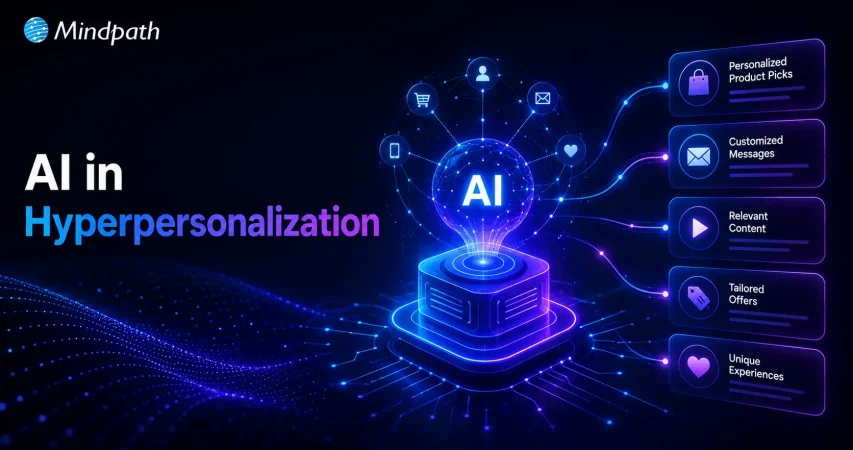
AI in Hyperpersonalization

Have you ever noticed how some brands seem to know exactly what you need, sometimes before you do? Imagine opening a shopping app and seeing recommendations that feel almost handpicked just for you. This level of personalization is no coincidence—it’s powered by AI and is known as hyperpersonalization. But how exactly does AI make this happen? And what does it mean for the future of customer experiences? Let’s dive into how AI is redefining what it means to truly know your customer.

Looking for a trusted technology partner to grow your business? At Mindpath, we offer customized IT solutions that drive innovation, efficiency, and growth.

What is Hyperpersonalization?

Hyper-personalization leverages Artificial Intelligence and real-time data to provide highly personalized experiences, showcasing items and information that are specific to each customer’s tastes. By analyzing individual purchasing behaviors, prior purchases, and browsing habits, AI allows companies to give suggestions that are tailored to each customer’s distinct interests and preferences.

This high degree of personalization enables organizations to go beyond generic ideas, resulting in a more seamless and engaging client experience. It’s an effective strategy that improves convenience and strengthens brand loyalty by making each customer feel understood and cherished. Hyper-personalization allows marketers to constantly offer relevant, customized information that engages with each client on a personal level.

The Role of AI in Hyperpersonalization

1. Smarter Product Recommendations

AI’s ability to comprehend user preferences and behaviors is crucial in revolutionizing the way product suggestions are generated. AI can forecast what you will be interested in next based on data such as previous purchases, browsing history, and even time spent on certain things. This goes beyond mere ideas; it tailors each recommendation to your own preferences and needs.

For example, if you’ve been looking for shoes, AI can recommend a pair that matches your style or even forecast the type of shoes you’d like based on recent searches or seasonal patterns. These recommendations sometimes appear to be “reading your mind,” displaying goods you never considered, but once you see them, they feel like a great fit. This degree of personalization improves the whole buying experience. You spend less time looking for what you want because the AI finds it for you, making each interaction seem more relevant and easier. With hyperpersonalization, AI guarantees that the goods you view are constantly relevant to your tastes, improving your entire shopping experience.

2. Friendlier Chatbots

AI-powered chatbots have gone a long way towards providing more lifelike, human-like conversations. Instead of robotic, one-size-fits-all replies, these chatbots can now tailor their tone, vocabulary, and behavior to the context of the interaction and the user’s specific demands. They employ powerful AI algorithms to comprehend not just what you’re saying, but also the emotions and meaning behind it.

These AI chatbots can also personalize replies by recalling prior encounters, recognizing your preferences, and offering relevant solutions. Whether you need help with a product, troubleshooting, or completing a purchase, the chatbot customizes its replies to your individual needs, exactly like a real agent would. AI chatbots boost customer service by making conversations feel more personal and human, resulting in a more engaging and fulfilling experience for customers, allowing businesses to provide 24/7 help without losing quality or empathy.

3. Better Campaign Strategies

AI-powered solutions have transformed the way businesses approach marketing campaigns, allowing them to analyze massive volumes of data and forecast campaign outcomes more accurately. These technologies look at customer behavior, market trends, and previous campaign performance to spot patterns that might not be visible. Understanding these trends allows AI to assist businesses fine-tune their strategy, ensuring they are targeting the appropriate audience with the right message at the right time.

Furthermore, AI can enhance processes by automating repetitive operations like segmenting audiences, providing personalized content, and managing digital marketing. This automation minimizes human work and improves marketing teams’ efficiency, allowing them to focus on higher-level strategy and creativity.  AI analyzing data in real time makes marketing campaigns more fluid and responsive. Brands can swiftly alter campaigns based on performance analytics, increasing their ability to remain relevant and adapt to changing client requirements. This increased efficiency not only enhances campaign efficiency, but also enables a more personalized marketing strategy, offering bespoke content and experiences that engage with specific customers.

4. Tailored Marketing Materials

AI allows organizations to go beyond basic marketing messages by providing highly personalized content that addresses individual tastes and behaviors. AI can generate marketing materials that are specifically tailored to you by analyzing data such as your previous purchases, browsing habits, social media activity, and even real-time elements such as location or current trends.

Furthermore, AI can adapt the tone, structure, and timing of the material to the individual’s preferences. It can provide a product recommendation at the ideal time, such as when you’re planning a trip or getting ready for a vacation, ensuring that the offer feels timely and relevant. By combining various data points and external variables, AI enables companies to generate targeted, relevant marketing that improves the customer experience and drives stronger connections with their audience.

AI Development Services at Mindpath

Mindpath specializes in AI development services that help organizations grow and prosper by leveraging smart technologies. Our AI solutions are intended to increase efficiency, improve customer experiences, and make more informed business decisions. We develop specialized AI systems that can analyze vast volumes of data, forecast future trends, and automate repetitive operations, allowing your processes to run quicker and more accurately.
Our AI services may be customized to meet your specific company needs, from creating pleasant chatbots to providing personalized product suggestions. Whether you want to optimize operations or engage customers with intelligent, automated solutions, Mindpath has the AI technologies you need. Our team collaborates closely with you to guarantee that the AI technology we build helps you succeed and stay ahead.

Final Thoughts!

AI is truly transforming the way businesses connect with their customers, creating a future where experiences are not only personalized but also highly intuitive. Through smarter product recommendations, friendlier chatbots, optimized campaign strategies, and tailored marketing materials, AI is helping brands build stronger, more meaningful relationships with their audiences. At Mindpath, we are dedicated to bringing these advancements to life with our custom AI development services, ensuring that your business stays ahead of the curve and delivers exceptional, personalized experiences. By harnessing the power of AI, you can enhance customer engagement, streamline operations, and create more impactful marketing strategies that drive long-term success.

Frequently Asked Questions

Support Is One Click Away

Featured Posts

Related Post

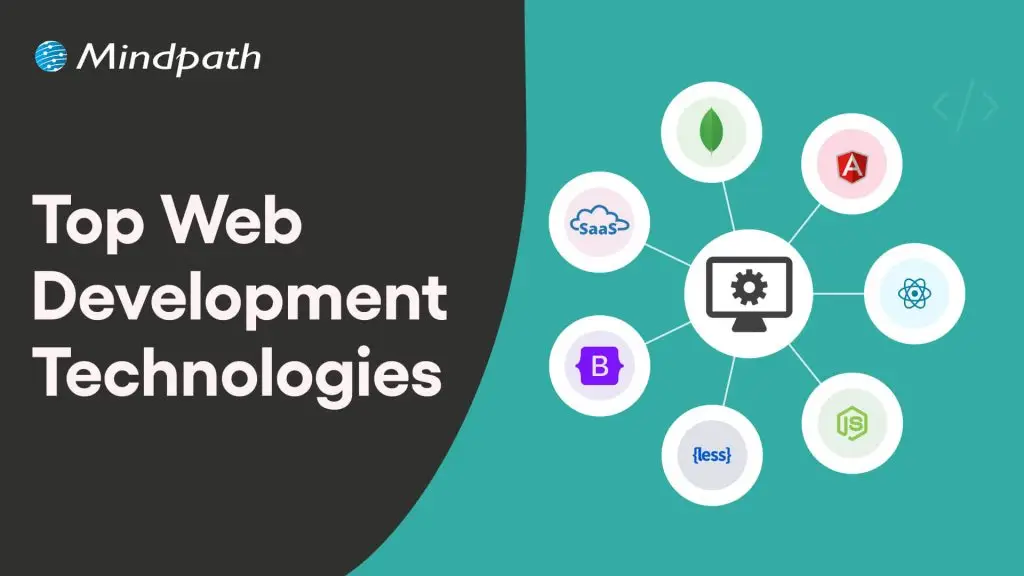
Web development technologies

If you think that web development is all about building a website, you are wrong! Web development is more about creating a scalable, intelligent digital experience that can help businesses convert visitors into loyal customers. In 2026, new web development technologies are changing how web apps and websites are developed and scaled, unlocking more engagement, efficiency, and growth potential. 

Whether you are an enterprise or a startup, here are the top website development technologies that would play an important role in your business growth in 2026. 

Looking to unlock new possibilities by integrating the latest web development technologies into your business? Partnering with Mindpath Web development services will offer you professional expert guidance on how to implement these technologies for your business growth.

What are Web Technologies?

Before exploring the latest web development technologies, let’s understand what it means. Web technologies are the tools, protocols, languages, and frameworks used to build, run, and maintain websites and web apps. This includes front-end technologies like HTML, CSS, and JavaScript that shape what users see and interact with, back-end technologies like Python, PHP, and databases that power the server side, and protocols like HTTP/HTTPS that let browsers and servers exchange data. Beyond this, the ecosystem also covers Web APIs, full-stack frameworks, and performance optimization tools, among others.

Leveraging the right set of web development tools and technologies is crucial to creating a fast, scalable, and secure website that can support business growth.

Major Technological Trends to Consider in 2026

A number of overarching web development trends are significantly shaping the process of web development. These are: 

1. Technologies and web development practices that focus on efficiency and speed will be important.

2. Accessible, engaging, and intuitive interfaces are necessary to retain users and drive conversions.

3. Businesses are looking for solutions that can grow with them, easily accommodating expanding features and increasing traffic. 

4. Customizing experiences for users through machine learning and AI will become a necessity for businesses. 

5. Businesses would focus more on sustainable web development practices. 

With these key trends in mind, let’s explore the vital web development technologies that every business should consider in 2026. 

Need solutions tailored to your business requirements? Explore more about custom web application to see how personalized apps improve performance and engagement.

Key Web Development Technologies List

Staying updated with the latest web development technologies is crucial for crafting websites and web apps that are flexible, future-ready, and fast. Here is a list of pivotal technologies shaping the process of web development. 

1. Machine Learning and Artificial Intelligence

While creating the top web technologies list, it would be wrong to avoid machine learning and AI in web development. AI-powered tools are automating various web development processes, like coding and testing. Besides, these tools also help streamline content generation and boost user personalization. 

On the other hand, Machine Learning models and libraries such as Scikit-learn, TensorFlow.js, and PyTorch help make a website capable of real-time analytics and more adaptive. As a result, businesses can now make intelligent/informed decisions. 

2. Headless CMS Architecture

Headless separates the front-end from the back-end. This allows developers to utilize modern programming languages, tools, and frameworks to develop customized websites and apps that perform smoothly across different platforms. 

With the help of tools such as GraphQL and WordPress REST API, WordPress’s capabilities can be combined with advanced front-end technologies such as Next.js, Vue, and React. 

3. Progressive Web Apps

Progressive Web Apps or PWAs combine mobile and web experiences, enabling seamless performance, push notifications, and offline access to enhance user engagement as well as retention. PWAs can be installed from the browsers; users don’t need to use app stores for this. Furthermore, these apps utilize HTTPS or TLS for data exchange to keep data secure. 

4. Jamstack

Jamstack combines JavaScript, APIs, and Markup together, allowing developers to separate front-end and back-end. This web development architecture ensures quick load times, improved SEO, robust CDN distribution, and higher security. This can be used for content-heavy websites, service booking platforms, or landing pages. 

5. Edge Computing and Serverless Platforms

Serverless platforms such as Oracle Cloud Functions, AWS Lambda, and Microsoft Azure allow the creation and deployment of web solutions without managing infrastructure. While using these platforms, developers just need to focus on writing code, and the cloud service providers will handle tasks like server provisioning, maintenance, scaling, etc. 

Edge computing helps bring processing near to the sources, significantly reducing latency and cost while improving privacy, security, and other features for businesses. 

6. HTMX

It allows developers to create dynamic web interfaces utilizing HTML attributes, lowering the use of heavy JavaScript frameworks. HTMX simplifies the development process and makes web apps offer faster performance. It can be an excellent option while developing form-heavy web apps, admin dashboards, and internal CRMs. 

7. WebAssembly

WebAssembly, or Wasm, allows browsers to run high-performance code like Rust and C++ at high speed. This means heavy or complex computations, such as video editing, gaming, cryptography, and 3D rendering, can now be done on the web. It is an ideal option for interactive learning platforms and simulation tools. 

8. Motion UI

Using motion UI frameworks, it is possible to animate interfaces. Businesses can boost user engagement through smart navigation cues, dynamic transitions, polished visual effects, and more. In short, motion UI elevates the intuitiveness and appeal of your websites and web applications.  

Want to build faster and dynamic websites? Check out our ReactJS Web Development Guide to learn how ReactJS powers modern web apps.

Most Popular Web Development Frameworks For 2026

Here is a table of the most popular web development frameworks businesses must adopt for a successful web development process. 

Front-end Technologies (List)

Framework Key Features Ideal For
Tailwind CSS  Rapid prototyping and utility-first Landing page and modern UI
React Virtual DOM, and reusable components Interactive dashboards, SPAs
Vue.js Flexibility, reactive components, and lightweight Small to medium-sized web applications
Next.js React-based, SSR, API integration, and routing Scalable and SEO-friendly platforms
Svelte Compact code, fast, and no virtual DOM Lightweight web applications
Framer Motion, and Animation Dynamic and engaging UI
Vite A huge plugin system, TypeScript support, and CSS processing Small to large web applications

Back-end Technologies (List)

Frameworks Key Features Ideal For
Laravel MVC, PHP, and elegant syntax  APIs, CMS, and e-Commerce
Node.js JS on server, and non-blocking I/O Real-time web apps and APIs
Express.js  Minimalist Node.js, performant, and clean Microservices and APIs
Supabase Open-source, REST API, branching, and custom domain Data-driven and scalable web applications
Ruby on Rails Convention over Configuration, active record, dynamic data magic, and scaffolding Web platforms and MVPs
Go Scalable, fast, and concurrency APIs and microservices
Spring Boot Java-based, auto-configuration, command line interface, and externalized configuration Large-scale and enterprise-grade web apps

Want to boost your website’s speed and scalability? Learn about web performance with Node.js to see how it powers web applications.

Why Businesses Should Embrace New Web Development Technologies?

Modern web development plays a vital role in shaping the way businesses interact with their customers. It can influence market share, conversion rates, operational efficiency, and engagement. However, some significant advantages of using new technologies in web development are: 

1. PWAs, motion design, and voice UIs can make the digital experience for users more memorable. 

2. APIs and the use of low-code platforms mean businesses can launch new products and features quicker than ever. 

3. Fast-loading web architectures like Jamstack or AMP and semantic code lead to improved visibility, increasing the reach.

4. Blockchain and serverless platforms make it easier to handle global users as well as business compliance. 

To witness these benefits, businesses should have a solid plan regarding the adoption of these web development technologies. Check out the section below to know more. 

Planning a web app as part of your technology strategy? Check out our web app development roadmap blog to understand each stage for building scalable and efficient applications.

How to Adopt These New Web Development Technologies?

If you are considering using these new web development technologies, then here are some tips to keep in mind to make the process hassle-free.

1. Ensure that the technology you want to use can support your business growth.

2. Choose one that offers enough documentation, resources as well as community support. 

3. Check whether the new technology will work well with your existing tools. 

4. Verify whether it meets data protection and compliance needs. 

5. Ensure that the new tool can help boost speed, UX, UI, and accessibility. 

6. While choosing between proprietary and open-source technologies, consider the cost factor and capabilities of both technologies. 

Want your web applications to be user-friendly and engaging? Read our UI/UX Design Trends blog to learn design practices that enhance usability and retention.

Creating a Course for Digital Dominance

Well, it is quite clear that businesses in 2026 must consider web development not just as a functional need, but as a crucial element for growth and innovation. With the help of the web development technologies list outlined above, businesses will be able to position themselves to engage with their customers effectively, innovate, and streamline their processes while supporting substantial growth. 

This is where Mindpath comes in. With a team of experienced and certified developers and a successful track record in creating dynamic and responsive websites, Mindpath empowers organizations through its web development services to translate their visions into digital reality. Besides, we leverage cutting-edge web development technologies. We understand the latest web development trends and can help you make informed technological decisions so that you can maintain your digital dominance. 

If scaling your digital presence and attaining measurable growth is your goal, Mindpath brings a perfect combination of skills, innovation, collaboration, and strategy to convert your vision into results. Begin your journey to a successful digital transformation in this evolving digital landscape with us! 

Frequently Asked Questions

Frontend and Backend

Creating a strong business application depends on an important understanding of how you connect the frontend and backend to develop a consistent experience for the user. Picture a user on a platform that is fast, responsive, and intuitive. At every click, scroll, and keyboard input, there are systems running in the background to simulate that experience, all while interacting with a framework and keeping the user interface interesting. Technology, in turn, must be aligned with user experience and growth expectations to ensure a platform operates without flaws while keeping users satisfied.

As businesses grow, the proportion of back-end and front-end becomes more important than ever. The front-end dictates the manner in which users experience your platform, while the back-end powers the processes that allow everything to run smoothly. Ensuring that the two work closely together enhances performance, increases efficiencies, and guarantees a consistent user experience. This blog outlines the ways that both frontend and backend can be used to build a scalable business application.

Ready to build an application that provides your business with a unique and secure digital presence from front end to back end? Mindpath offers expert full-stack development services to help you design and develop scalable web application.

What are Backend and Frontend?

The frontend is the client-side layer of an application, everything a user sees and directly interacts with, including page layouts, buttons, text, and graphics. It runs in the user’s browser or app and is responsible for visual presentation, navigation, and responsiveness across screen sizes. Frontend developers use technologies such as HTML, CSS, or JavaScript, and frameworks such as React, Angular, or Vue.js to create interactive designs and usability of the platform.

The backend is the server-side infrastructure that powers the frontend. It processes user requests, runs business logic, manages server security, and stores or retrieves data from databases. Whenever a user submits a form, logs in, or makes a purchase, the frontend sends a request to the backend, which handles it and returns the appropriate response. Backend developers use programming languages such as Python, Java, PHP, Node.js, and Ruby, along with databases such as PostgreSQL, MySQL, or MongoDB, which store user accounts, posts, product catalogs, and other persistent data. The backend layer ensures that the application functions reliably and efficiently, delivering the information the frontend needs.

How Frontend and Backend Work Together for Building Scalable Applications?

The front-end and back-end collaborate appropriately to manage both user actions and the appropriate background processes that will occur. This collaboration will promote the applications’ responsiveness and scalable properties for more users and maintain the performance expected by the user.

1. API Communication

One of the main methods by which the frontend and backend cooperate is through APIs such as REST or GraphQL. The backend thus offers the frontend certain endpoints from which it can get data or to which it can send data.

The frontend on its part, performs HTTP requests like GET, POST, and PUT to communicate with these endpoints. Such a division provides a possibility for different teams to develop the UI and business logic separately and thus more efficiently.

2. Microservices Structure

In order to handle the complexity of huge applications, an option is to split the backend into several small units referred to as microservices. Each microservice is responsible for one specific area of the application, for example, payments, user accounts, or products.

The front-end and back-end interact with each other through APIs for every service, thus being able to work on different parts at the same time. This organizational pattern allows applications to become scalable and the process of development to be more efficient.

3. Asynchronous Communication

The frontend and backend have the ability to interact asynchronously, which contributes to a better performance. In a situation where a user makes a request that takes a long time, the front end is able to give an immediate response to the user.

The backend is handling the request silently and when it is done, it sends a message to the frontend. This method is free from the problem of users having to wait for a long time and their experience is thus made better.

4. Efficient Data Handling

The data that is being transferred from the frontend to the backend and vice versa must be of the highest standard in terms of speed and efficiency. The backend is to send only the necessary data to the frontend, thus lessening the network or bandwidth usage.

One of the ways through which it is possible to load large datasets of records into small pieces is pagination. The use of JSON or some other lightweight formats is the way to shorten the response times.

5. Independent Scaling

Apps work better when the frontend and backend are allowed to scale separately as per their requirements. In such a case, the front-end servers will be able to deal with the increased traffic without inhibiting the backend services.

On the other hand, the backend can scale its database or processing power as per its needs without any intervention from the frontend. It is, therefore, a great way to ensure that performance remains steady, even at times of user activity spikes.

Ready to leverage frontend and backend roles to build scalable applications? Discover how full-stack development works together to unlock growth potential.

6. Secure Interaction

Front-end and back-end security are the basis of their cooperation. The frontend securely sends user credentials and handles authentication requests. The backend, on the other hand, is the one that verifies credentials, keeps sessions safe, and stops attacks such as SQL injection and XSS. Therefore, both sides must be in sync to keep data and users safe.

7. Centralized Data Management

Centralized state management keeps data consistent between frontend and backend. The frontend keeps API responses in a state that is shared by all components and thus accessible to them. This makes redundant API calls impossible, and all application parts having the same information and show it. Centralized data refresh the application faster and make it easier to update.

8. Performance Optimization

On the performance side, the frontend and backend teams are exerting a joint effort. Frontend developers minimize the sizes of assets, introduce lazy loading, and apply client-side caching. Backend developers optimize database queries and set up server-side caching for quicker API responses. Frequent coordination keeps the application fast and responsive.

9. Load Balancing

Load balancers are instrumental in making the frontend and backend capable of handling increased traffic efficiently. To users, the frontend with the help of the load balancer offers a single-entry point, thus giving the impression of an application that is seamless.

The backend, through the load balancer, is able to spread the incoming requests to different servers, thus sending the traffic to those servers which are the healthiest. This step not only avoids the overload of the servers but also keeps the performance at a good level and, hence, the application is able to handle sudden spikes in the number of users without crashing.

10. Centralized Logging and Monitoring

Frontends and backends through a centralized logging system can immensely improve their performance. Frontend logs are able to capture the situations of pages that take a long time to load, API calls that fail, or UI errors.

Backend logs monitor server health, API response time, and database queries. By uniting these logs, developers get the opportunity to quickly locate the problems, understand their source, and have a chance to optimize the application in terms of both reliability and speed.

Want to make sure that your applications are not only functional but also secure, compliant, and trustworthy for your users? Discover our blog on application security best practices to explore essential techniques for protecting your software and building trust.

Looking to Build Scalable Business Applications?

Understanding the role of frontend and backend is essential for building scalable, efficient, and user-friendly business applications. When the front-end and back-end work together seamlessly, applications run smoothly, respond quickly, and deliver a consistent experience. Focusing on clear communication, performance optimization, and security, ensure that your platform meets both user expectations and business growth needs effectively.

At Mindpath, we offer professional full-stack development services that ensure your application performs reliably and scales efficiently. Our team focuses on the role of frontend and backend, creating intuitive user interfaces supported by powerful backend processes. By combining technical expertise and best practices, we help businesses deliver high-quality applications that are fast, secure, and easy to manage.

Frequently Asked Questions

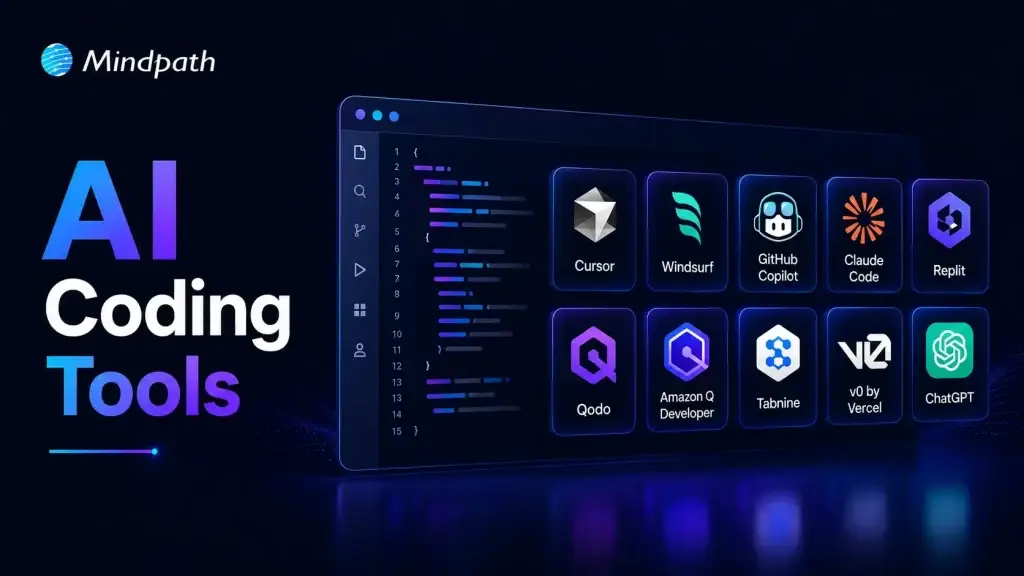
ai coding tools

Software teams now face growing pressure to deliver reliable applications within shorter development cycles. AI coding tools help developers write code, solve issues, test features, and manage repetitive tasks. They support faster decisions while allowing teams to focus on complex product requirements and customer expectations.

Key Takeaways

  • 01
    AI coding tools speed development by handling repetitive coding and testing tasks.  
  • 02
    Context-aware assistants improve code suggestions across files, repositories, and workflows.  
  • 03
    AI supports earlier detection of security, performance, and logic issues.  
  • 04
    Businesses should match AI tools with security needs and workflows.  
  • 05
    Human review ensures AI-generated code remains accurate, secure, and reliable.  

Choosing the best AI coding tools requires more than comparing autocomplete features or popular platforms. Teams must assess code quality, security, workflow compatibility, and development goals before adopting them. The right solution can improve productivity while keeping developers responsible for every important decision. In this blog, we will focus on best AI coding tools. So, let’s keep reading further in detail!

Ready to transform your AI ideas into real business outcomes? At MindPath, we offer AI Development Services that help you develop and deploy custom AI applications.

What are AI Coding Tools?

AI coding tools are software applications powered by artificial intelligence, often built on large language models. They help developers write, edit, debug, and test code more efficiently. These tools understand prompts and programming context, which reduces manual effort and improves overall development speed while maintaining structured and readable code output.

These tools change the developer role from writing every line of code manually to guiding and reviewing AI generated suggestions. They improve productivity by handling repetitive tasks and accelerating development workflows. Both beginners and experienced programmers use them to build applications faster while maintaining control over logic, structure, and final output.

Core Capabilities at a Glance

  • Code Generation: Creates functions, scripts, and interfaces from clear instructions.
  • Inline Auto-Completion: Predicts code and suggests relevant next lines instantly.
  • Refactoring and Optimization: Improves code structure, performance, readability, and maintainability.
  • Debugging and Explaining: Finds errors, suggests fixes, and explains complex code logic.
  • Security Scanning: Detects vulnerabilities and compliance concerns before deployment.

How Do AI Coding Assistants Work?

AI coding tools for enterprise use language models to understand code and developer requests. They support faster development while fitting into established engineering workflows.

1. Training and Architecture

AI coding assistants learn from large code datasets using transformer-based language models. They understand programming syntax, logic, common patterns, and code translation across languages.

2. Context Gathering

The tool analyzes open files, selected code, project structure, and diagnostic messages. Advanced tools can also use approved documentation, project wikis, and relevant technical resources.

3. IDE Integration

AI assistants connect with code editors through extensions and development protocols. They provide inline suggestions and chat support for coding, debugging, and code explanations.

4. Advanced Agentic Execution

Modern AI coding tools can plan tasks and complete multiple development actions. They can create files, run tests, fix errors, and improve legacy code with developer oversight.

What Benefits Do Businesses Gain from AI Coding Tools?

AI code generation services help businesses improve development efficiency across everyday engineering tasks. They support faster delivery, better quality control, and stronger use of technical resources.

1. Stronger Code Quality

AI helps developers detect security risks, performance issues, and logic gaps early. Teams can address these concerns before they affect production applications.

2. Better Use of Development Resources

AI handles repetitive coding patterns and reduces time spent on manual tasks. Businesses can lower operational effort and allow teams to focus on higher-value projects.

3. Faster Team Onboarding

AI explains complex code and supports developers working with legacy applications. New team members can understand project structures and contribute more quickly.

4. More Efficient Testing

AI automates unit testing and supports smoother CI/CD workflows across development pipelines. It helps teams identify issues earlier and reduce deployment-related mistakes.

5. Quicker Software Delivery

AI generates boilerplate code, scripts, and common functions within seconds. Developers can review and customize the output instead of writing every component manually.

What are the Best AI Coding Tools in 2026?

Choosing the right AI coding assistant depends on your team’s workflows, security needs, and project complexity. The best AI coding agents support coding, testing, debugging, and collaboration without disrupting existing development practices.

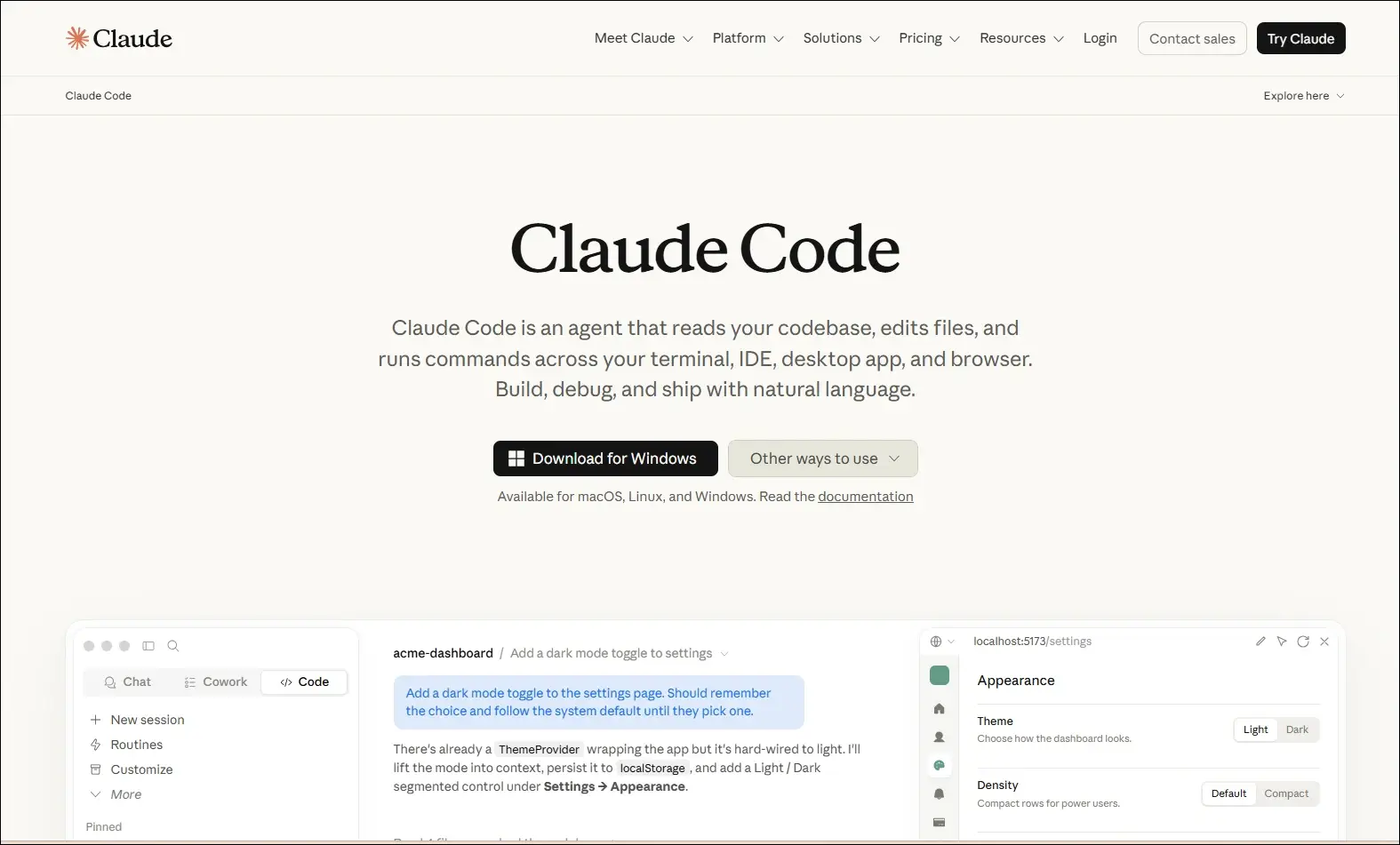
1. Claude Code

A command-line AI coding assistant that helps developers understand, modify, and maintain software projects using natural language instructions.

claude code

Ideal for:

  • Backend developers: Work with large codebases directly from the terminal.
  • Engineering teams: Review, refactor, and maintain complex applications more efficiently.

Core Capabilities:

  • Terminal-based workflow: Operates directly from the command line.
  • Codebase understanding: Analyzes repositories to answer development questions.
  • Code editing: Modifies files based on natural language requests.
  • Git integration: Helps review changes and work with Git repositories.
  • Debugging assistance: Identifies issues and suggests possible fixes.
  • Test support: Helps create and update tests while making code changes.

2. ChatGPT

An AI assistant that helps developers with coding, debugging, technical explanations, planning, and software design across multiple programming languages.

Chatgpt

Ideal for:

  • Developers: Solve coding problems, debug issues, and learn new technologies.
  • Software teams: Brainstorm architectures, generate documentation, and improve development workflows.

Core Capabilities:

  • Code generation: Writes code from natural language instructions.
  • Debugging support: Identifies errors and suggests possible fixes.
  • Code explanation: Explains code, algorithms, and technical concepts.
  • Documentation creation: Generates technical documentation and comments.
  • Architecture planning: Assists with system design and software planning.
  • Multi-language support: Supports a wide range of programming languages and frameworks.

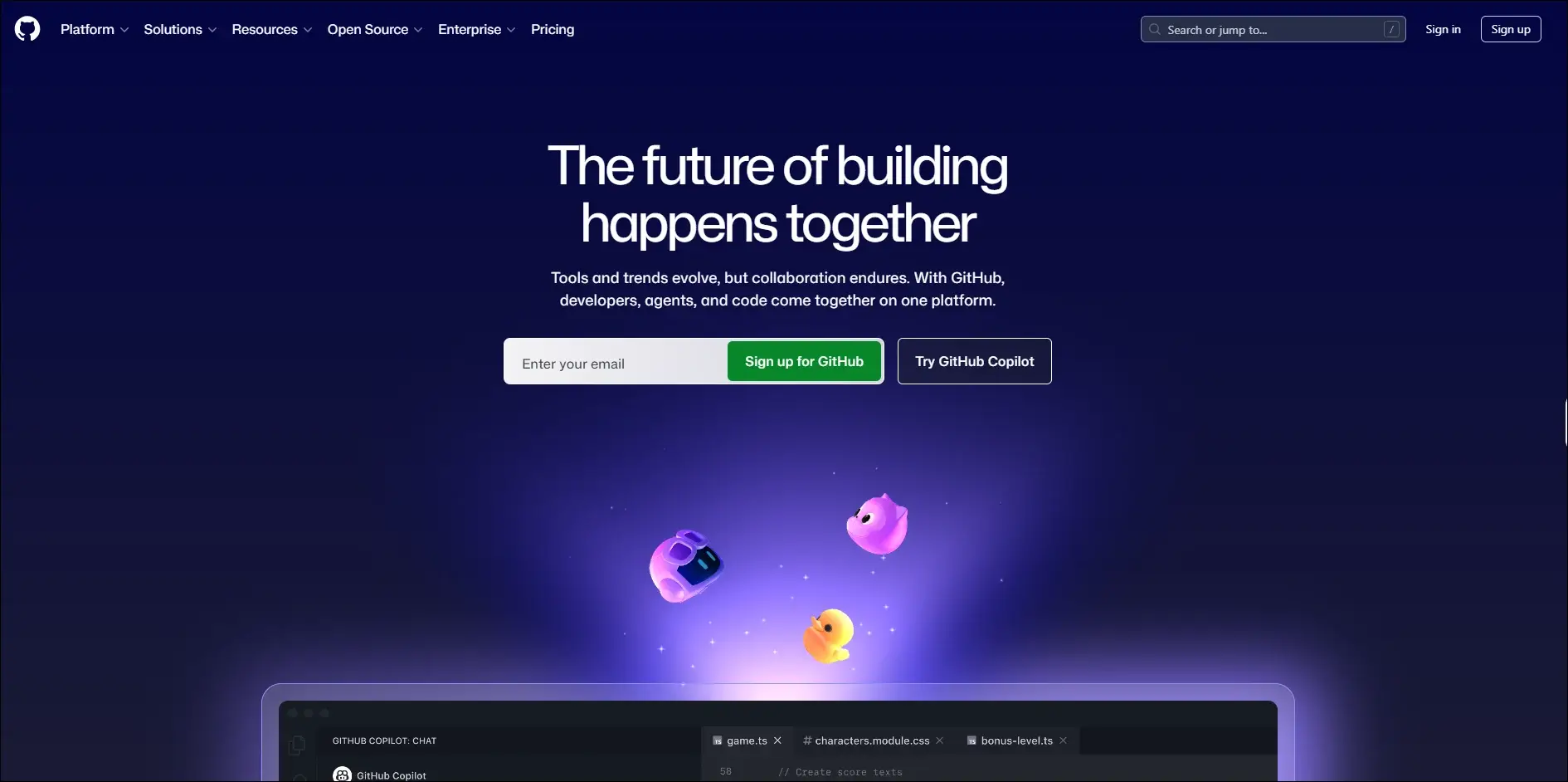
3. GitHub Copilot

An AI coding assistant that provides real-time code suggestions, explanations, and development support directly within supported IDEs.

GitHub Copilot

Ideal for:

  • Developers: Write code faster with intelligent autocomplete and code generation.
  • Software teams: Improve productivity through AI-assisted coding and documentation.

Core Capabilities:

  • Inline code completion: Suggests code as you type in supported editors.
  • Copilot Chat: Answers coding questions and explains code within the IDE.
  • Code generation: Creates functions, classes, and boilerplate from prompts.
  • Code explanations: Explains unfamiliar or existing code in natural language.
  • Test generation: Assists with creating unit tests for application code.
  • Pull request support: Helps summarize and review code changes.

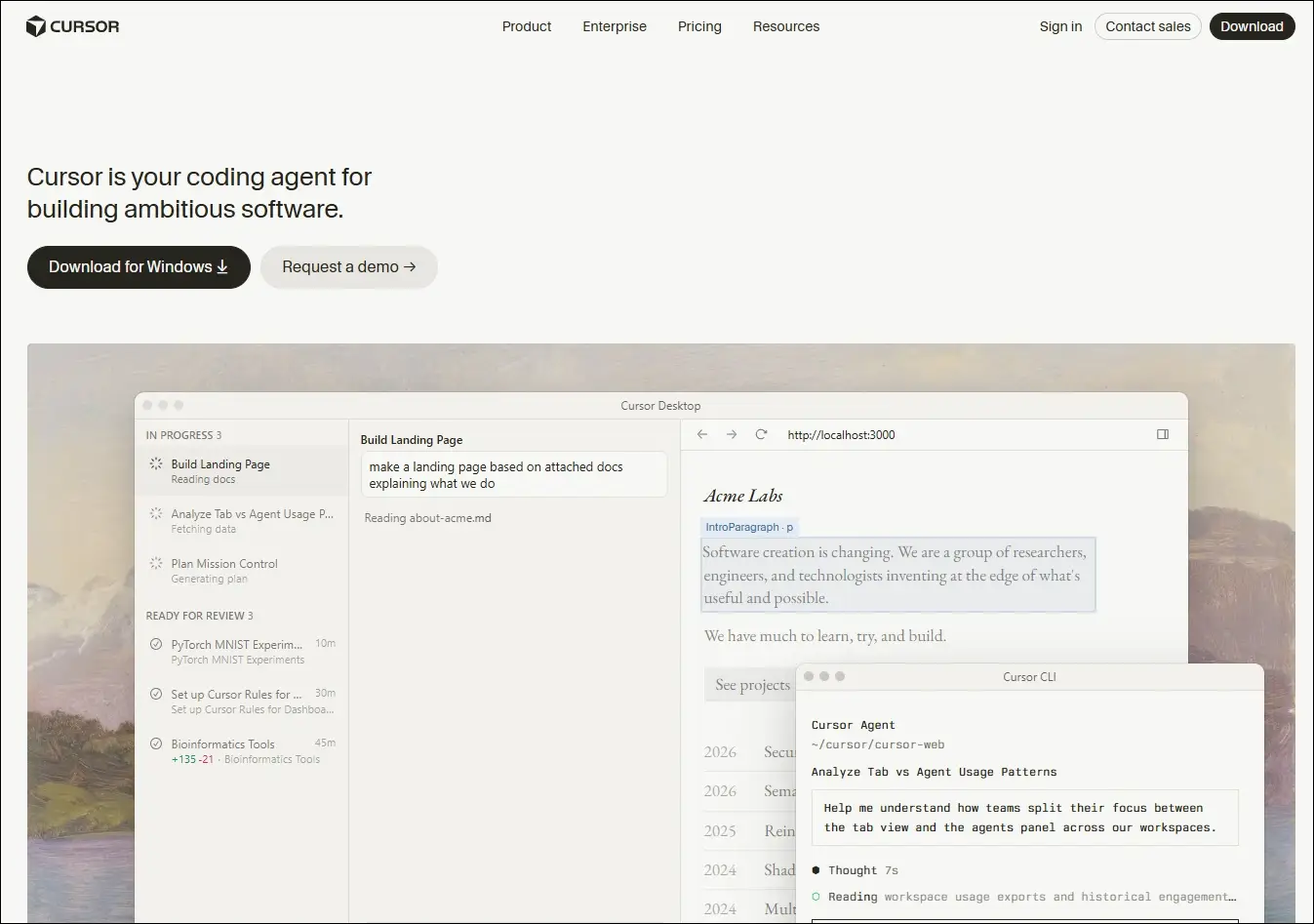
4. Cursor

An AI-native code editor that embeds intelligent assistance directly into your development workflow, helping you write, edit, and ship code faster.

Cursor

Ideal for:

  • Developers and engineering teams: Ship features faster across large, complex codebases
  • Beginners and designers: Turn ideas and mockups into working code with AI guidance

Core Capabilities:

  • Multi-file composer: Edits all relevant files in one go.
  • Agent mode: Autonomously plans, edits, and tests changes.
  • Tab autocomplete: Predicts and suggests full code blocks instantly.
  • Project rules: Enforce your conventions across every session.
  • Visual context: Turns UI screenshots into working interface code.
  • Live docs and web: Pulls in real-time framework and security references.

5. Windsurf

An AI-powered development environment that combines code generation, editing, planning, and debugging into a unified workflow through its Cascade AI agent.

Windsurf

Ideal for:

  • Software developers: Build, refactor, and debug applications using AI-assisted workflows.
  • Engineering teams: Collaborate on larger projects with AI support across multiple files.

Core Capabilities:

  • Cascade AI agent: Plans, edits, and executes coding tasks across multiple files.
  • Multi-file editing: Updates related files together while maintaining project context.
  • Terminal integration: Runs commands and understands terminal output within the workflow.
  • Codebase awareness: Uses the entire project as context for more relevant suggestions.
  • Context-aware chat: Answers development questions based on the active codebase.
  • Integrated debugging: Helps identify issues and suggest fixes during development.

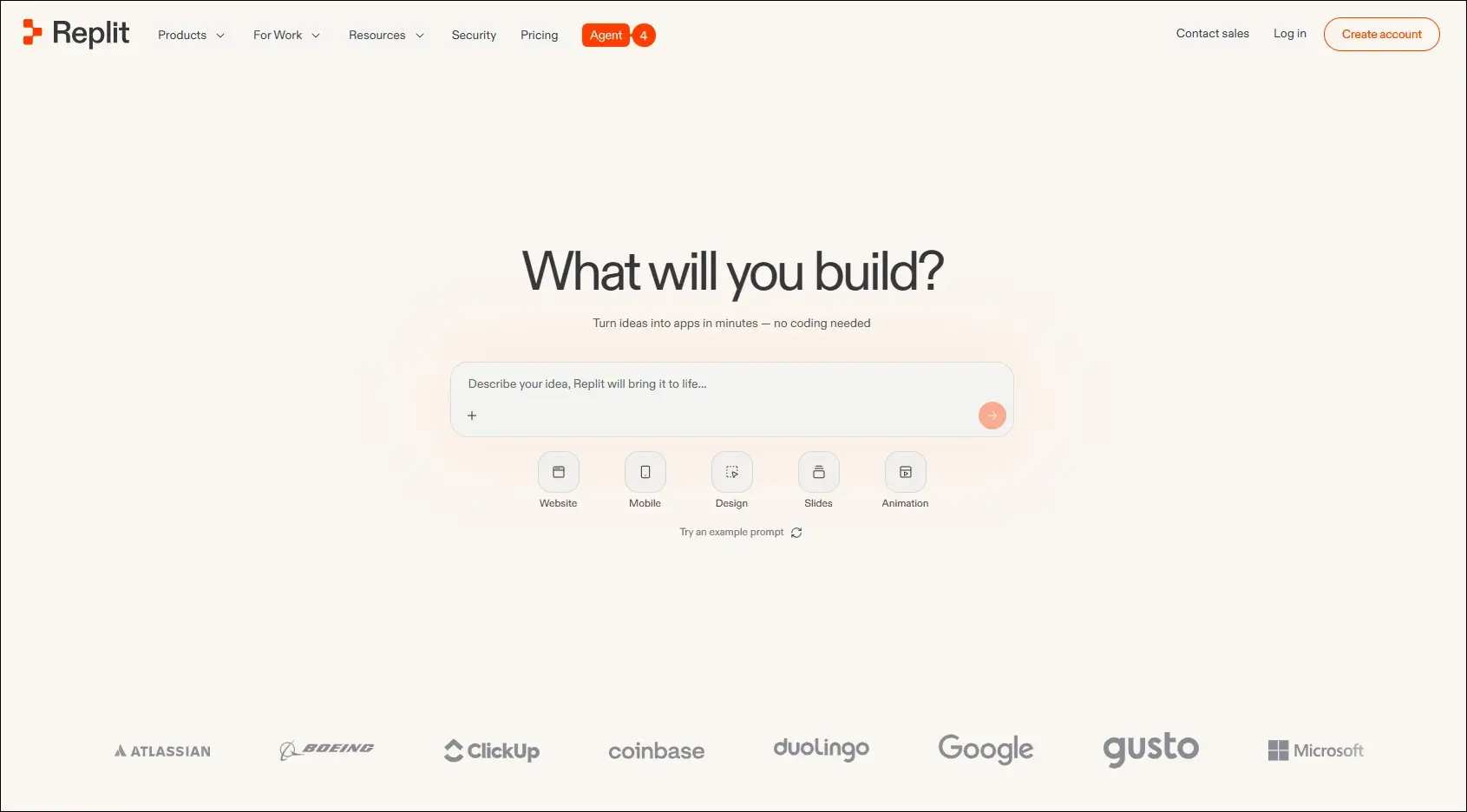
6. Replit

A browser-based development platform that combines coding, AI assistance, collaboration, and deployment in one environment.

Replit

Ideal for:

  • Developers: Build and deploy applications without local setup.
  • Students and startups: Quickly prototype and launch software projects.

Core Capabilities:

  • Browser-based IDE: Develop applications entirely in the cloud.
  • AI coding assistant: Generates, explains, and edits code from prompts.
  • Real-time collaboration: Multiple users can work in the same project.
  • Instant deployment: Publish applications directly from the platform.
  • Multi-language support: Develop projects using numerous programming languages.
  • Integrated hosting: Run and manage applications from one workspace.

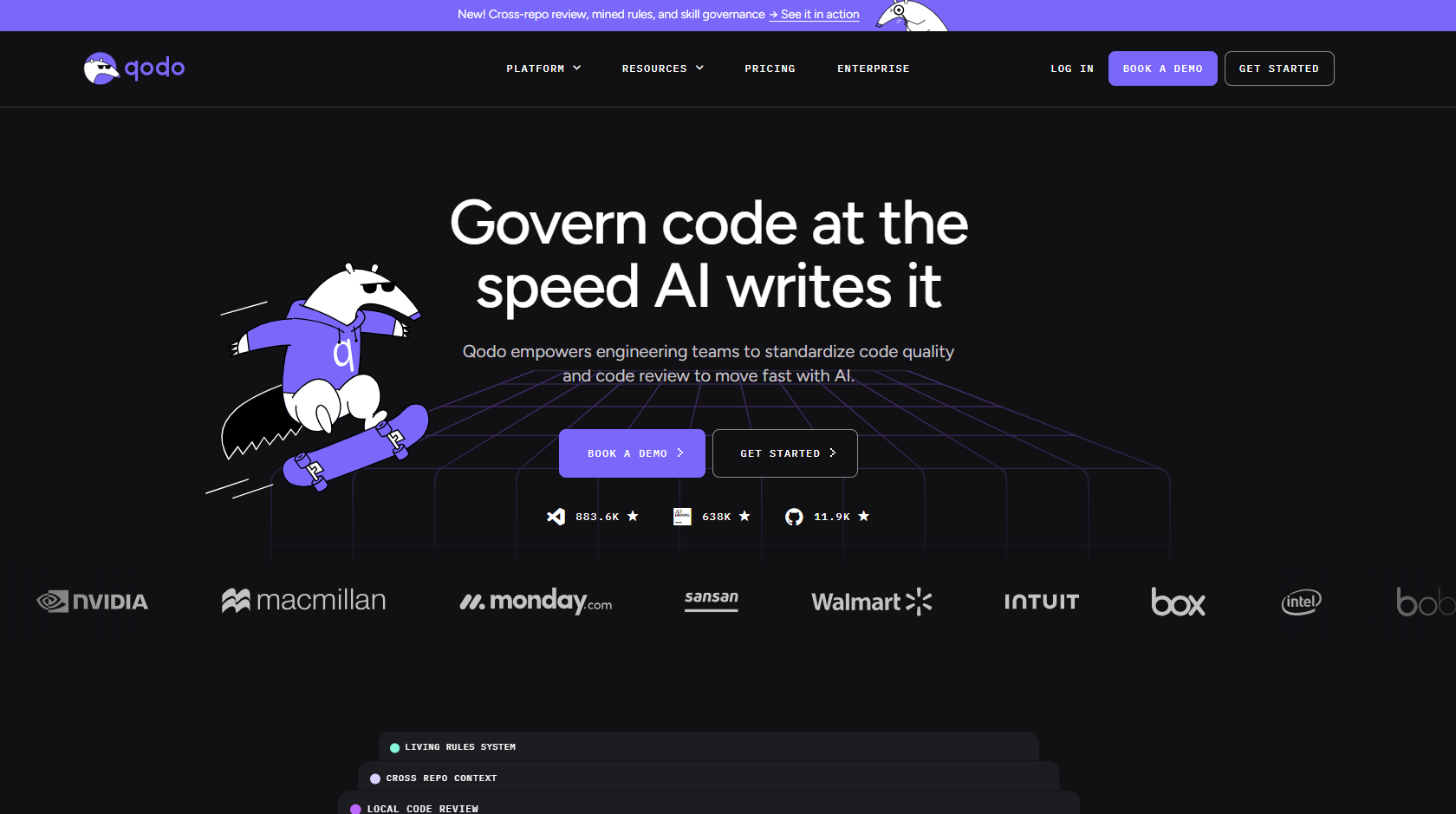
7. Qodo

An AI-powered code quality platform focused on testing, reviewing, and improving software reliability throughout development.

qodo

Ideal for:

  • Software developers: Improve code quality with AI-assisted testing and reviews.
  • Engineering teams: Maintain reliable codebases through automated quality checks.

Core Capabilities:

  • AI code reviews: Reviews pull requests and suggests improvements.
  • Test generation: Creates unit tests for existing code.
  • Code analysis: Identifies potential issues and quality concerns.
  • IDE integration: Works alongside developers during coding.
  • Pull request assistance: Helps review and validate code changes.
  • Repository awareness: Uses project context to improve recommendations.

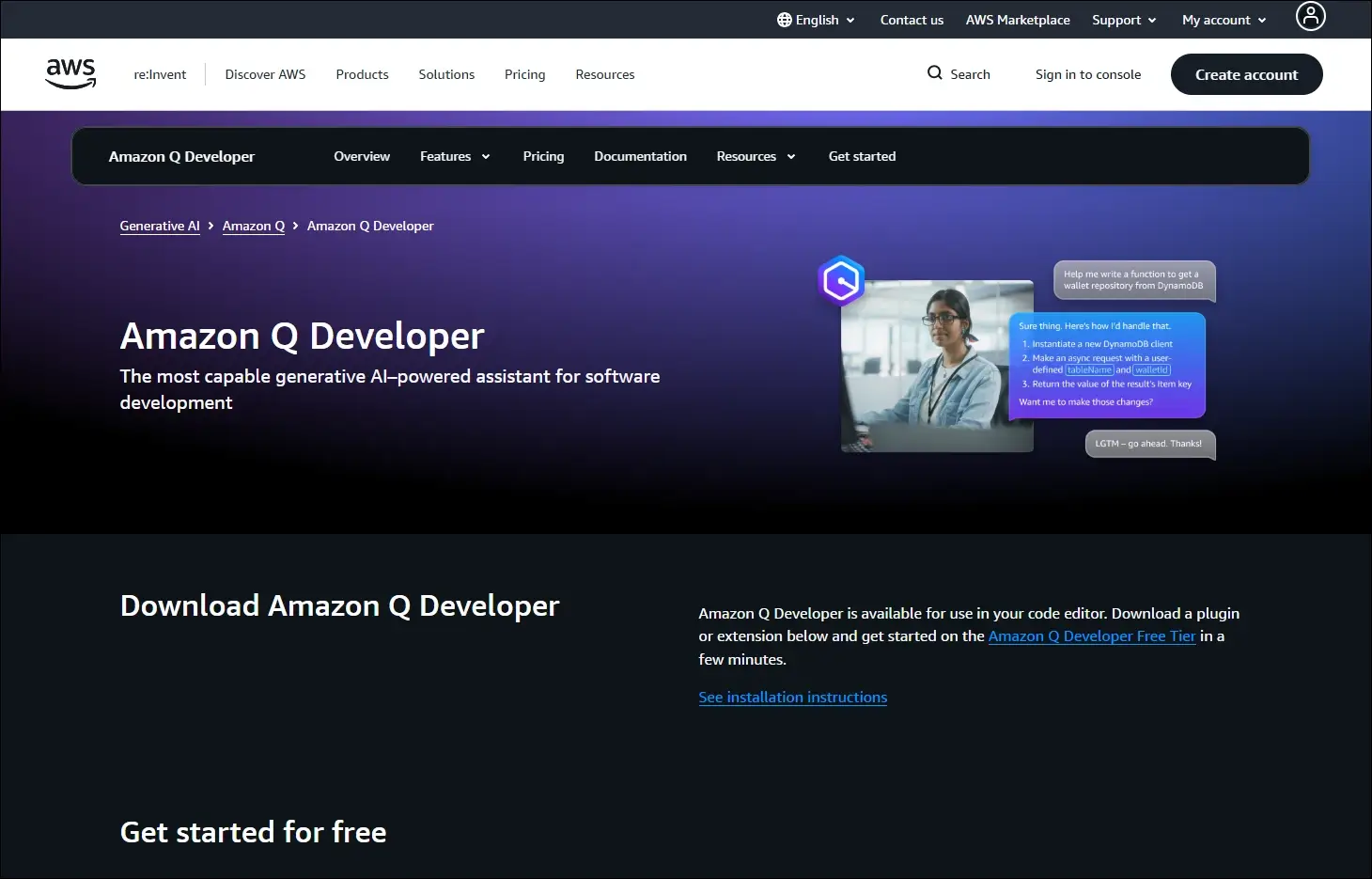
8. Amazon Q Developer

An AI assistant for software development that helps developers build, modernize, and operate applications, especially within AWS environments.

Amazon Q Developer

Ideal for:

  • AWS developers: Build and maintain cloud applications more efficiently.
  • Enterprise teams: Modernize applications and automate development tasks.

Core Capabilities:

  • Code generation: Creates code from natural language prompts.
  • AWS expertise: Assists with AWS services and cloud development.
  • Code transformation: Helps modernize existing applications.
  • Security scanning: Detects security issues in application code.
  • IDE integration: Provides AI assistance inside supported development tools.
  • Documentation support: Generates explanations and technical documentation.

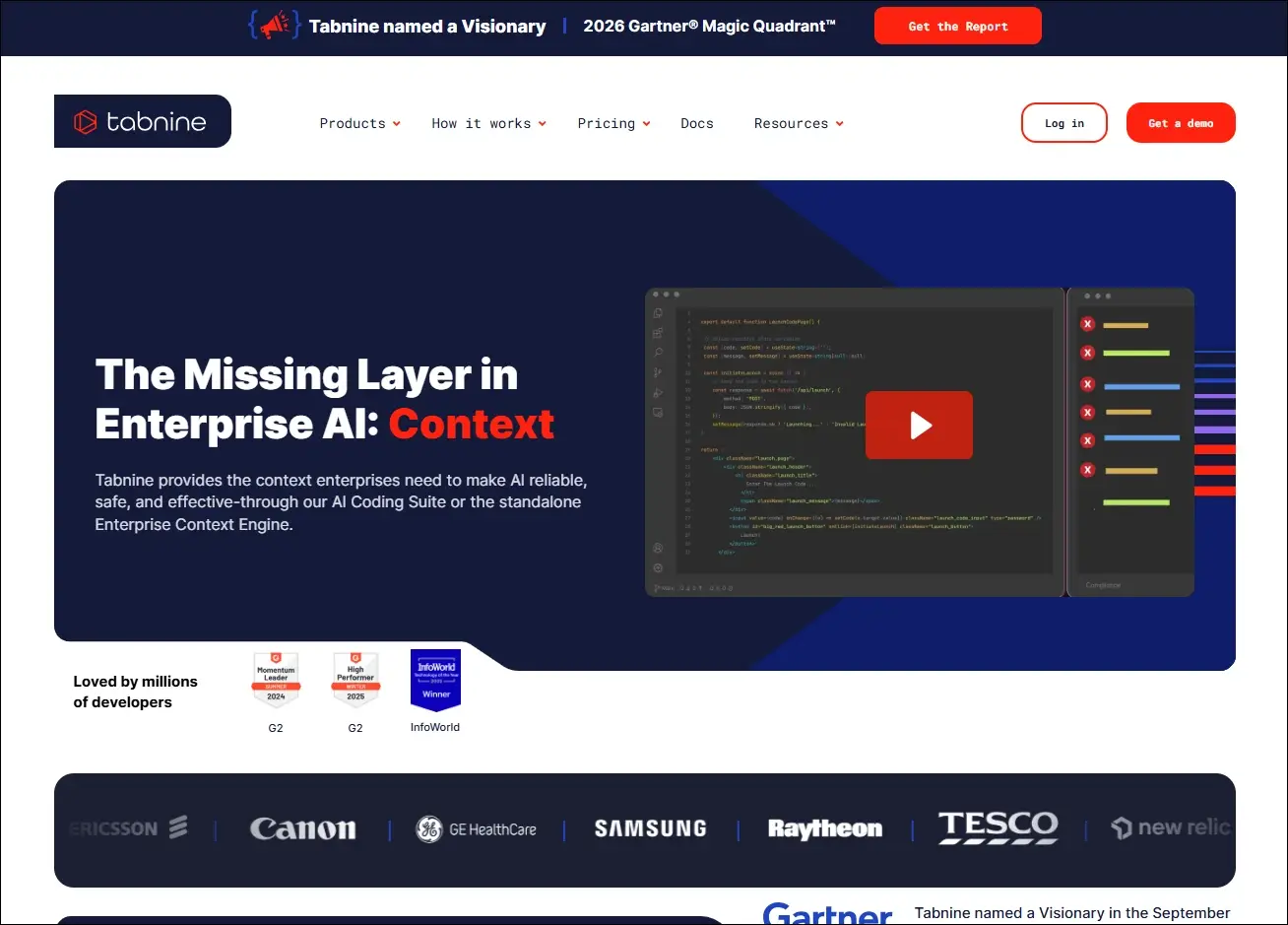
9. Tabnine

An AI coding assistant that delivers private, context-aware code completions with options for secure enterprise deployment.

Tabnine

Ideal for:

  • Professional developers: Speed up coding with personalized AI suggestions.
  • Security-focused organizations: Use AI coding assistance with private deployment options.

Core Capabilities:

  • AI code completion: Suggests context-aware code as developers type.
  • Private deployment: Supports self-hosted enterprise environments.
  • Team customization: Learns from organization-specific code patterns.
  • IDE compatibility: Integrates with popular development environments.
  • Natural language generation: Generates code from written instructions.
  • Privacy controls: Offers configuration options for enterprise security needs.

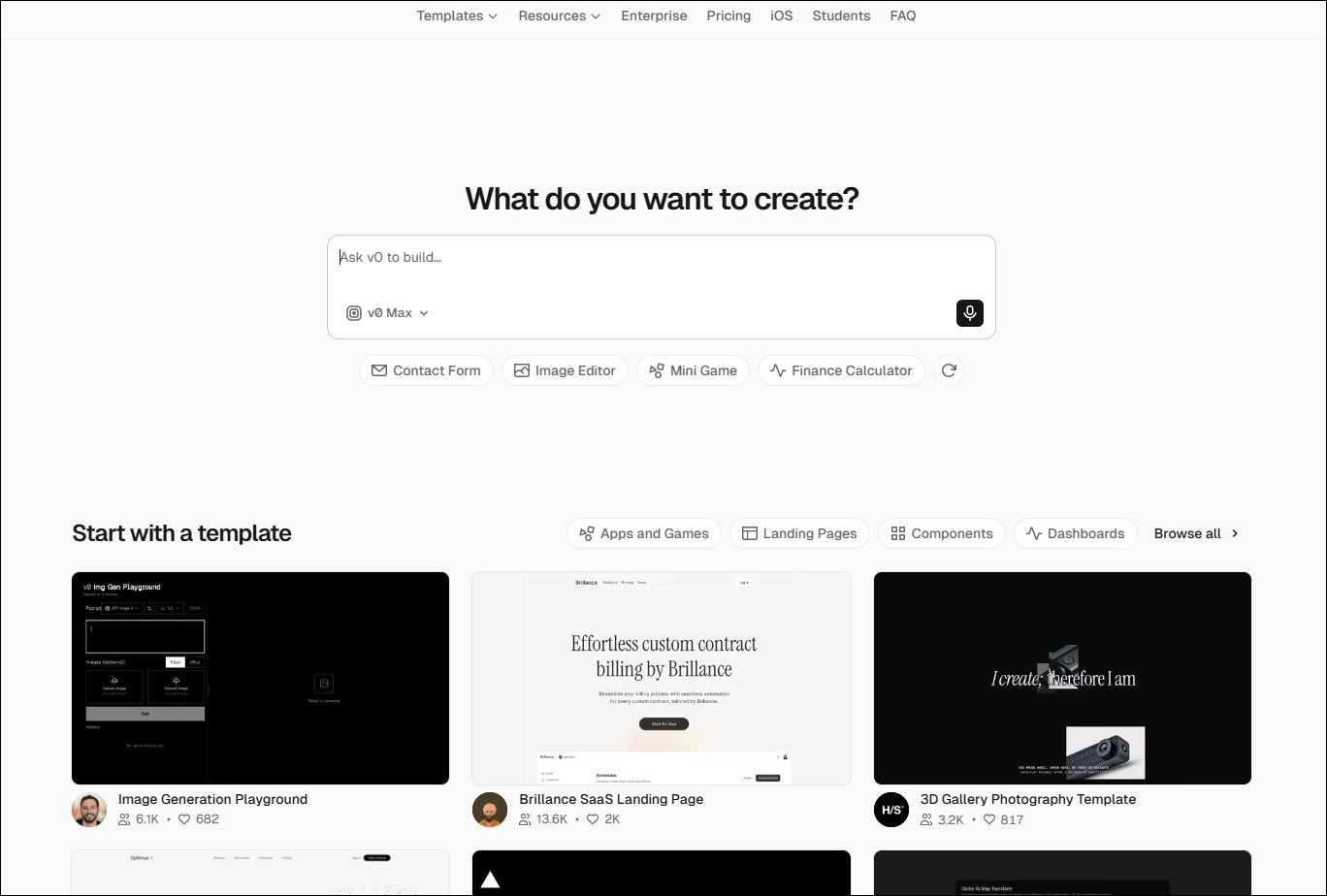
10. v0 by Vercel

An AI-powered interface generation tool that creates React-based user interfaces from natural language prompts.

Ideal for:

  • Frontend developers: Generate UI components more quickly.
  • Product designers: Turn interface ideas into working frontend code.

Core Capabilities:

  • UI generation: Creates React components from text prompts.
  • Design iteration: Refines interfaces through conversational editing.
  • Framework support: Generates components compatible with modern frontend frameworks.
  • Responsive layouts: Produce mobile-friendly interface structures.
  • Code export: Allows generated code to be used in existing projects.
  • Component customization: Updates layouts and styling through prompts.


Look at the table below to get a clear understanding of the best AI coding agents: 

AI Coding Tool  Primary Focus  Best For  Core Strength  What Makes It Different  Development Environment 
Cursor  AI-first code editing  Full-stack developers  Multi-file AI editing  Built as an AI-native editor  Desktop IDE 
Windsurf  Autonomous AI development  Large engineering teams  Cascade AI agent  Plans and executes coding tasks  Desktop IDE 
GitHub Copilot  AI pair programming  Everyday software development  Inline code completion  Deep GitHub integration  IDE extensions 
Claude Code  Terminal-based coding  Backend & DevOps teams  Repository-wide reasoning  Works directly from the CLI  Command line 
Replit  Cloud app development  Students & startups  Build and deploy in browser  No local setup required  Browser-based IDE 
Qodo  Code quality & testing  Engineering teams  AI code reviews  Focuses on testing over code generation  IDE & Git repositories 
Amazon Q Developer  AWS development  Cloud engineers  AWS-aware coding assistance  Built specifically for AWS workflows  AWS & IDEs 
Tabnine  Secure code completion  Enterprise organizations  Private AI suggestions  Self-hosted deployment available  IDE extensions 
v0 by Vercel  Frontend UI generation  Frontend developers  Prompt-to-React components  Creates production-ready UI code  Browser 
ChatGPT  General AI coding assistant  Developers of all levels  Coding, debugging & planning  Broad programming knowledge across languages  Web, desktop & IDE integrations 

How to Integrate AI Into Development Workflow?

Businesses can introduce AI into development workflows in a structured way to improve productivity without compromising code quality or control.

1. Choose Tools That Fit Your Workflow

Select AI coding tools that work smoothly with your IDE, repositories, and development processes. Use different tools for coding, planning, testing, and documentation when required.

2. Divide Work Into Clear Tasks

Give AI small, specific tasks instead of asking it to build entire applications. Clear instructions and relevant context help teams receive more accurate results.

3. Use AI Across Development Stages

Apply best AI coding agents during planning, coding, testing, documentation, and code reviews. This approach helps teams improve consistency and reduce delays across the development lifecycle.

4. Keep Developers in Control

Developers should review, test, and validate every AI-generated output before deployment. Teams must also protect sensitive data and follow security rules when using AI tools.

Ready to Strengthen Your Development Process With AI?

AI coding tools can improve development speed, testing, code quality, and team productivity when businesses implement them with a clear strategy. The right AI development service helps organizations adopt secure, scalable solutions that support their existing systems, workflows, and long-term software goals.

Mindpath helps businesses plan, build, and integrate AI-powered solutions for modern software development. Our experienced team understands your requirements, identifies practical opportunities, and develops solutions that deliver measurable value. Contact Mindpath today to discuss your AI development needs and explore the right approach for your business.